

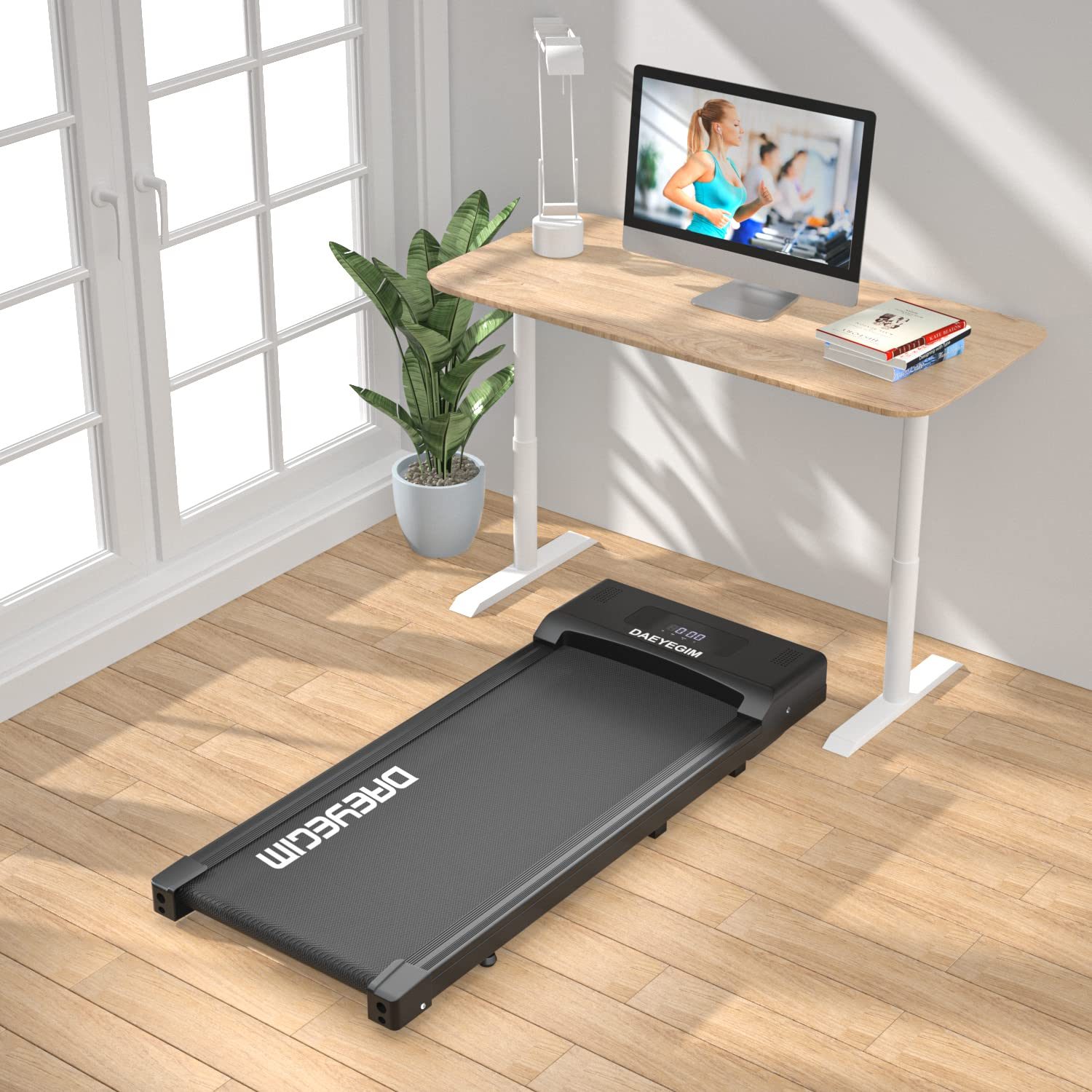
Aploda.com – An under desk treadmill can indeed overheat during long working sessions if it is pushed beyond its motor duty cycle or if its ventilation paths are obstructed by carpets and dust. While most modern units are designed for extended use, exceeding their continuous horsepower rating often leads to thermal shutdown or permanent motor damage.
Understanding the Mechanics of Overheating
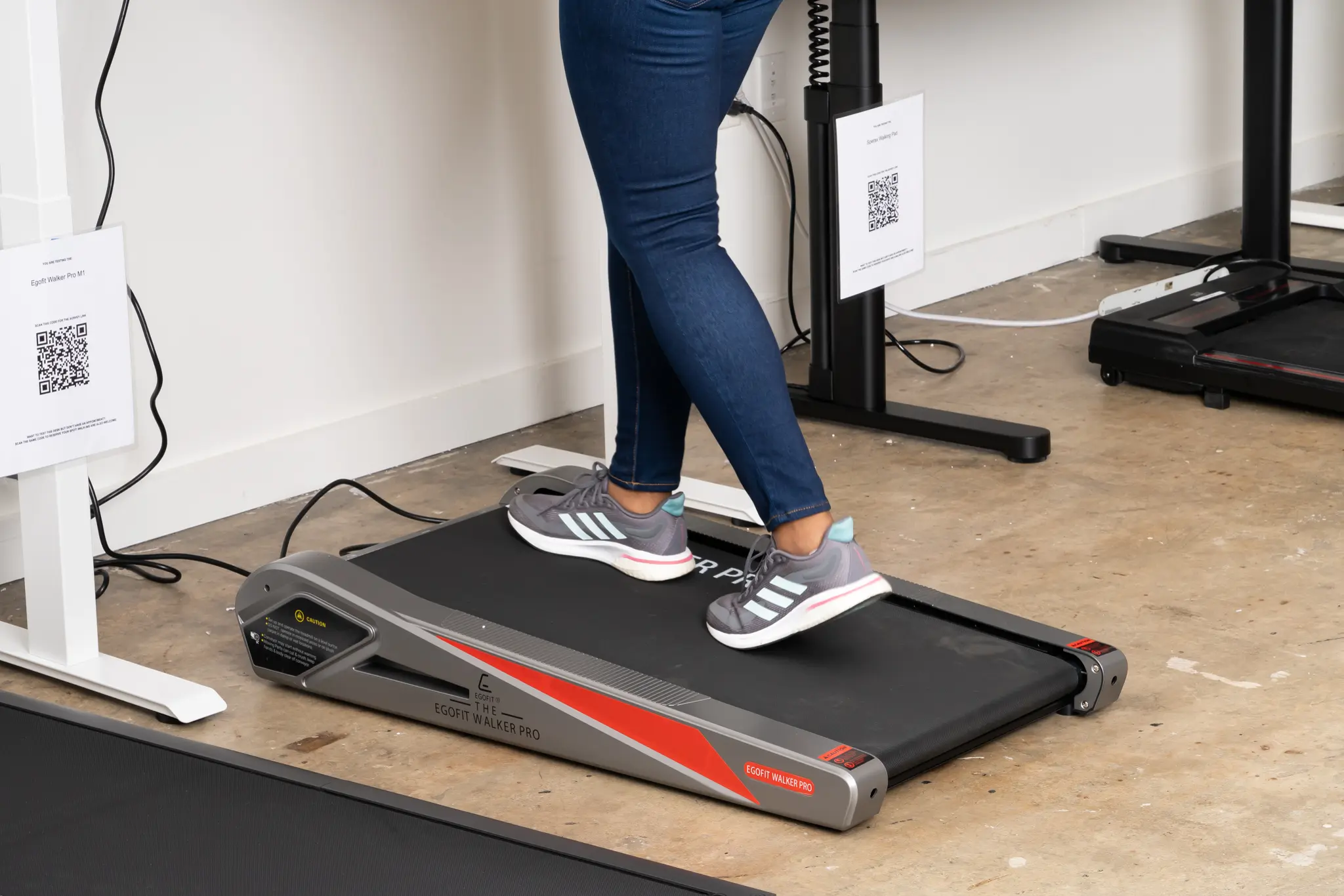
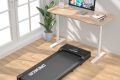
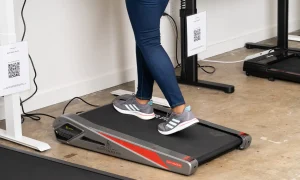
📷 Photo by nytimes.com
Under desk treadmills are typically categorized as “walking pads,” which are built with smaller, less robust motors compared to full-sized gym treadmills. These motors are designed for low-speed, constant-torque activities. However, they rely heavily on airflow to dissipate the heat generated by the friction of the belt against the deck and the electrical resistance within the motor coils.
When you run these machines for several hours without a break, the internal temperature rises steadily. If the ambient temperature of your office is high, or if the unit is placed on a thick carpet that blocks the intake vents located underneath the motor cover, the heat has nowhere to go. This creates a thermal trap that can trigger internal safety sensors, causing the machine to stop abruptly to prevent a fire hazard or motor burnout.
Factors That Influence Thermal Performance
Several variables contribute to how quickly your treadmill might reach a critical temperature threshold. The most significant factor is the weight capacity. If a user is near or at the maximum weight limit, the motor must exert significantly more force to move the belt. This increased load draws more current, which directly translates into higher heat production.
Another common mistake is neglecting belt maintenance. A dry, unlubricated belt creates excessive friction between the walking surface and the deck. This friction acts like a brake, forcing the motor to work harder than necessary. Regular lubrication is not just about a smooth walk; it is a vital cooling strategy for the entire machine.
Comparison of Usage Intensity
The following table outlines how different usage patterns affect the internal temperature and longevity of a standard under desk treadmill.
| Usage Intensity | Motor Stress Level | Risk of Overheating | Recommended Maintenance |
|---|---|---|---|
| Light (1-2 hours/day) | Low | Negligible | Monthly lubrication |
| Moderate (3-5 hours/day) | Medium | Low (if ventilated) | Bi-weekly lubrication |
| Heavy (6+ hours/day) | High | High | Weekly inspection/lubrication |
Steps to Prevent Overheating During Work Sessions
To ensure your treadmill lasts for years rather than months, you should implement a routine that manages thermal output. Follow these steps to keep your machine running cool:
- Place the treadmill on a flat, hard surface or a dedicated low-pile equipment mat to ensure the bottom motor vents have at least two inches of clearance from the floor.
- Apply a high-quality silicone-based lubricant under the belt every 30 to 50 hours of use to reduce friction-induced heat.
- Implement a “cool-down” cycle by turning the machine off for 15 minutes after every two hours of continuous operation, even if the manual suggests longer run times.
- Periodically vacuum the area around the motor housing to prevent dust and carpet fibers from clogging the internal intake vents.
- Monitor the motor cover temperature by hand; if it feels excessively hot to the touch, stop the machine immediately and let it cool before resuming.
Risks of Ignoring Thermal Warnings
If you ignore the signs of an overheating motor, the consequences often go beyond a simple temporary shutdown. Continued operation while the motor is struggling leads to the degradation of the motor’s internal insulation. Once this insulation fails, the motor may suffer a short circuit, leading to a complete mechanical failure that is rarely covered by standard warranties.
Furthermore, overheating can warp the plastic components surrounding the motor. Because these machines are often built with lightweight materials to remain portable, they are particularly susceptible to heat deformation. If the housing warps, it may begin to rub against the internal flywheel, creating a cycle of increasing friction and heat that eventually destroys the unit.
Common Signs of an Impending Shutdown
Your treadmill will usually give you warning signs before it enters a thermal shutdown. Pay close attention to a burning smell, which is the most immediate indicator that the lubricant is drying out or the motor is overheating. You might also notice the belt stuttering or hesitating under your feet as the motor loses torque. If the treadmill displays an error code on the console, consult your manual immediately; these codes are usually specific to thermal protection circuits.
Frequently Asked Questions
Q: Does the speed setting affect the risk of overheating?
A: Yes, higher speeds require more power and generate more heat. While walking at 1.0 mph is generally safe for long periods, running at 3.0 mph or higher for hours will significantly increase the internal temperature and the likelihood of a thermal shutdown.
Q: Can I use a cooling fan to keep the treadmill motor cool?
A: While an external fan directed at the motor housing might provide slight relief, it is not a substitute for proper maintenance and ventilation. The primary heat source is internal friction, which must be managed through lubrication and adherence to duty cycle limits.
Q: Is it safe to leave the treadmill plugged in 24/7?
A: It is generally recommended to unplug the treadmill or use a surge-protected power strip with an on/off switch when not in use. This protects the sensitive electronics from power spikes and prevents the standby transformer from generating unnecessary heat while you are away from your desk.
By treating your under desk treadmill as a piece of mechanical equipment rather than a static piece of furniture, you can significantly extend its lifespan. Prioritize airflow, maintain the belt, and respect the motor’s limitations to ensure your active working setup remains productive and safe.
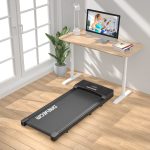
📷 Photo by snapklik.com