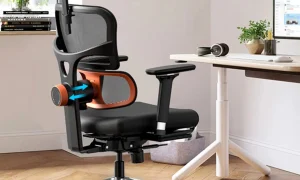





Aploda.com – Ergonomic office chair armrest adjustments, categorized as 2D, 3D, and 4D, define the range of motion available to customize support for your forearms and shoulders, directly impacting your posture and comfort during long work sessions. Choosing the right configuration depends on your specific desk setup, body type, and the amount of time you spend performing repetitive tasks like typing or using a mouse.
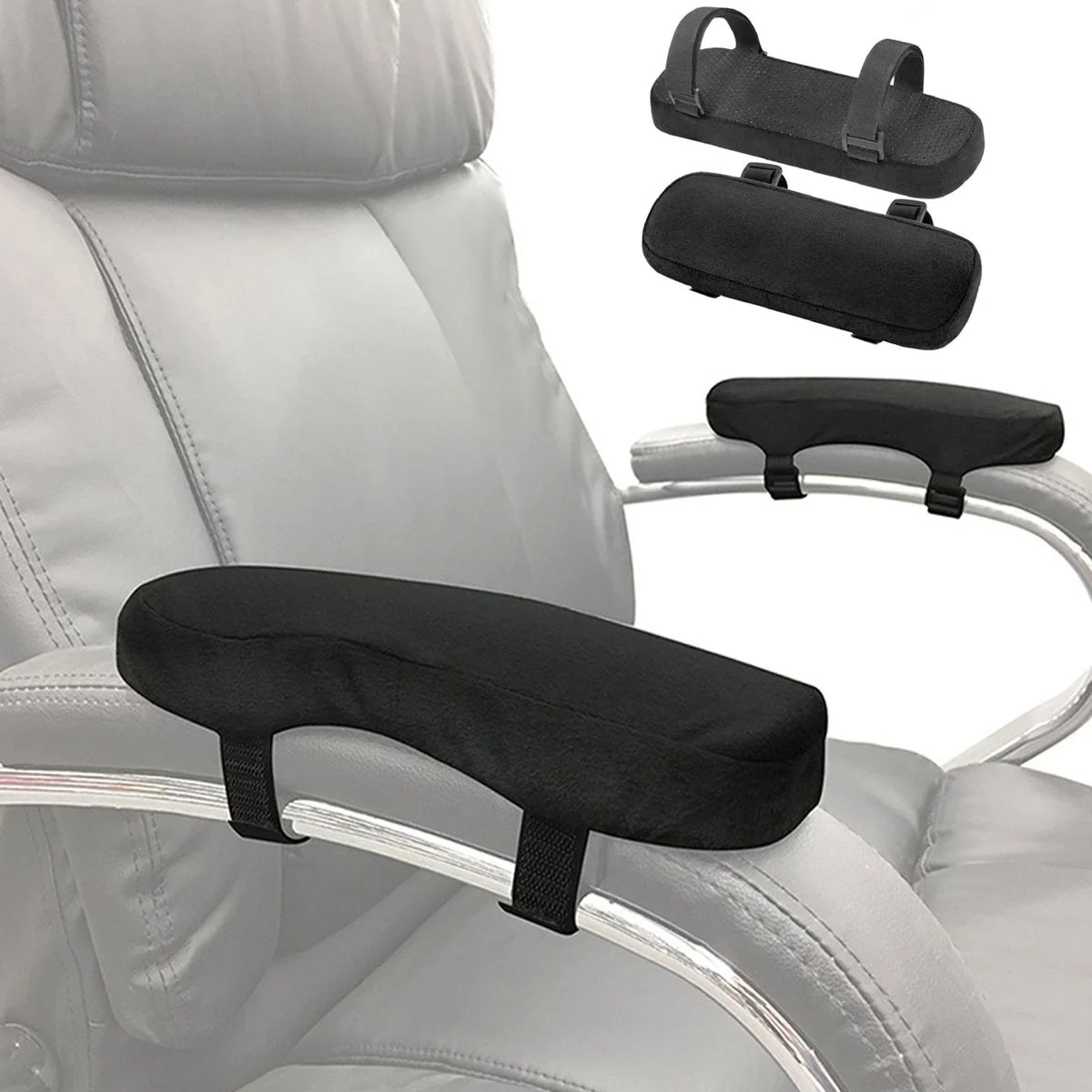
📷 Photo by walmart.com
Understanding the Core Purpose of Armrests
Armrests are not merely places to rest your elbows; they are vital components of an ergonomic workstation designed to offload weight from your shoulders and neck. When armrests are set to the correct height and position, they prevent the muscles in your upper back and trapezius from becoming over-strained. Without this support, your arms hang unsupported, leading to shoulder fatigue, slouching, and potential long-term musculoskeletal issues.
Adjustability is the key to achieving this support. Because every individual has a different torso length, shoulder width, and desk height, fixed armrests often fail to provide the necessary alignment. This is where the 2D, 3D, and 4D classifications come into play, offering varying degrees of freedom to tailor the chair to your anatomy.
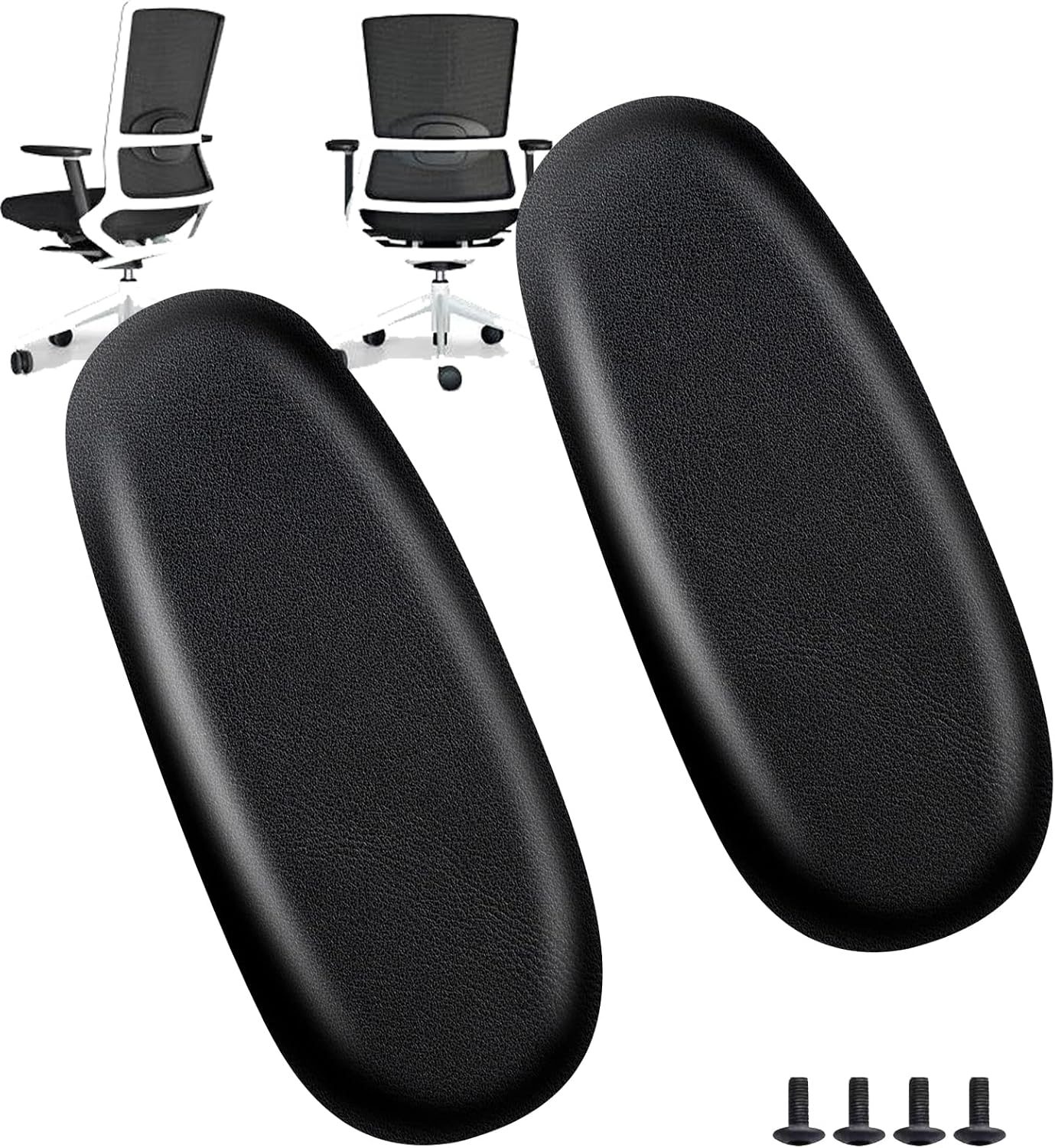
📷 Photo by storage.googleapis.com
Breaking Down the Dimensions: 2D vs 3D vs 4D
The “D” in these classifications stands for “dimensional,” referring to the number of directions in which the armrest can be adjusted. Understanding these differences is crucial before investing in a high-end office chair.
2D Armrests: These typically offer height adjustment and width adjustment. They allow you to move the armrest up and down to match your desk height and slide them inward or outward to align with your shoulder width. This is the baseline for basic ergonomic support and is sufficient for most standard office tasks.
3D Armrests: These include everything in 2D models plus an additional range of motion, usually depth (sliding forward and backward) or pivot (rotating the armrest pad). This is particularly beneficial for users who use a keyboard tray or need to move closer to their desk without the armrests colliding with the edge of the desk surface.
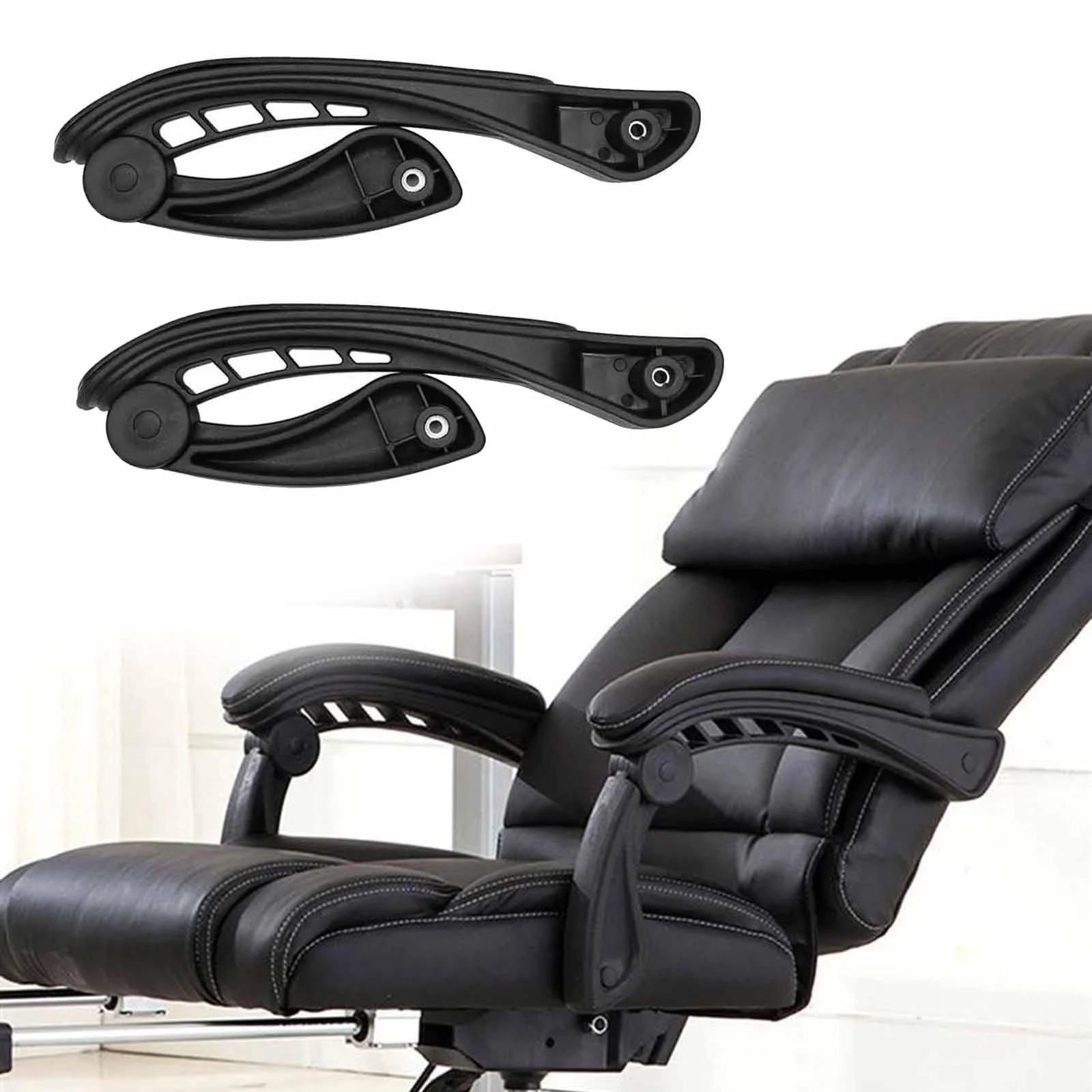
4D Armrests: The gold standard for adjustability, 4D armrests offer height, width, depth, and pivot (swivel) capabilities. This allows for total customization, enabling the user to angle the armrests inward for focused typing or outward for relaxed reclining. They provide the highest level of personalization for complex workstation setups.
Comparison Table: Armrest Feature Matrix
| Feature | 2D Armrest | 3D Armrest | 4D Armrest |
|---|---|---|---|
| Height Adjustment | Yes | Yes | Yes |
| Width Adjustment | Yes | Yes | Yes |
| Depth Adjustment | No | Yes | Yes |
| Pivot/Swivel | No | No | Yes |
| Best For | Budget setups | General office use | Professional/Gaming |
Practical Steps to Adjust Your Armrests
Many users have adjustable armrests but never actually configure them correctly, rendering the feature useless. Follow these steps to optimize your setup for maximum ergonomic benefit:
- Sit upright with your hips pushed all the way to the back of the chair seat.
- Relax your shoulders and drop them down, ensuring they are not hunched toward your ears.
- Bend your elbows at a 90-degree angle, keeping your forearms parallel to the floor.
- Adjust the armrest height so that the pads just barely touch your elbows; your arms should feel supported, but your shoulders should not be pushed upward.
- If you have depth or pivot adjustments, move the armrests forward or inward until they support your forearms while you are in your natural typing position.
Common Mistakes and Ergonomic Risks
The most common mistake is setting armrests too high, which forces the shoulders into a permanent shrug. This position restricts blood flow and creates tension in the neck and upper trapezius muscles. Conversely, setting them too low forces the user to lean to one side or hunch forward, leading to spinal misalignment and lower back pain.
Another frequent error is ignoring the width adjustment. If the armrests are too wide, you will naturally splay your elbows outward to reach them, creating strain on the rotator cuff. If they are too narrow, you will feel cramped and unable to maintain a neutral posture. Always aim for your forearms to be in line with your elbows, creating a comfortable “box” around your keyboard and mouse area.
Why Pivot Matters for Modern Work
The pivot function found in 4D armrests is often overlooked but essential for those who switch between different tasks. When typing, rotating the armrests slightly inward can provide better support for your wrists and reduce the need for excessive wrist extension. When using a mouse or navigating a trackpad, you might prefer to rotate them back to a neutral position to maintain a natural flow of movement. This micro-adjustment capability is a game-changer for reducing carpal tunnel symptoms and repetitive strain injuries (RSI).
Frequently Asked Questions
Q: Is 4D always better than 2D?
A: Not necessarily. While 4D offers more flexibility, it also introduces more moving parts that may wear out over time. If you have a static desk setup and a consistent working posture, 2D or 3D armrests are often perfectly adequate and more durable.
Q: Can I replace my current armrests with 4D ones?
A: Generally, no. Armrests are usually proprietary to the specific chair frame and mounting mechanism. Unless the manufacturer sells a specific upgrade kit for your exact model, you cannot easily swap out a 2D mechanism for a 4D one.
Q: What should I do if my armrests hit my desk?
A: This is a common issue with tall armrests. If you have 3D or 4D armrests, slide them backward or lower them slightly. If they are fixed, you may need to adjust your chair height or consider moving to a desk with a keyboard tray to allow the chair to slide under the desk surface without obstruction.
Final Thoughts on Ergonomic Investment
Investing in the right armrest configuration is an investment in your long-term health. While the cost difference between 2D and 4D models might seem significant, the cost of treating chronic shoulder, neck, or wrist pain far outweighs the initial price of a premium chair. Evaluate your daily workflow, consider how often you move, and prioritize adjustability to ensure your workstation supports your body rather than working against it.
📷 Photo by walmart.com