


Aploda.com – A balance board for a standing desk improves core strength by engaging stabilizer muscles through constant micro-adjustments, which helps counteract the sedentary nature of traditional office work.
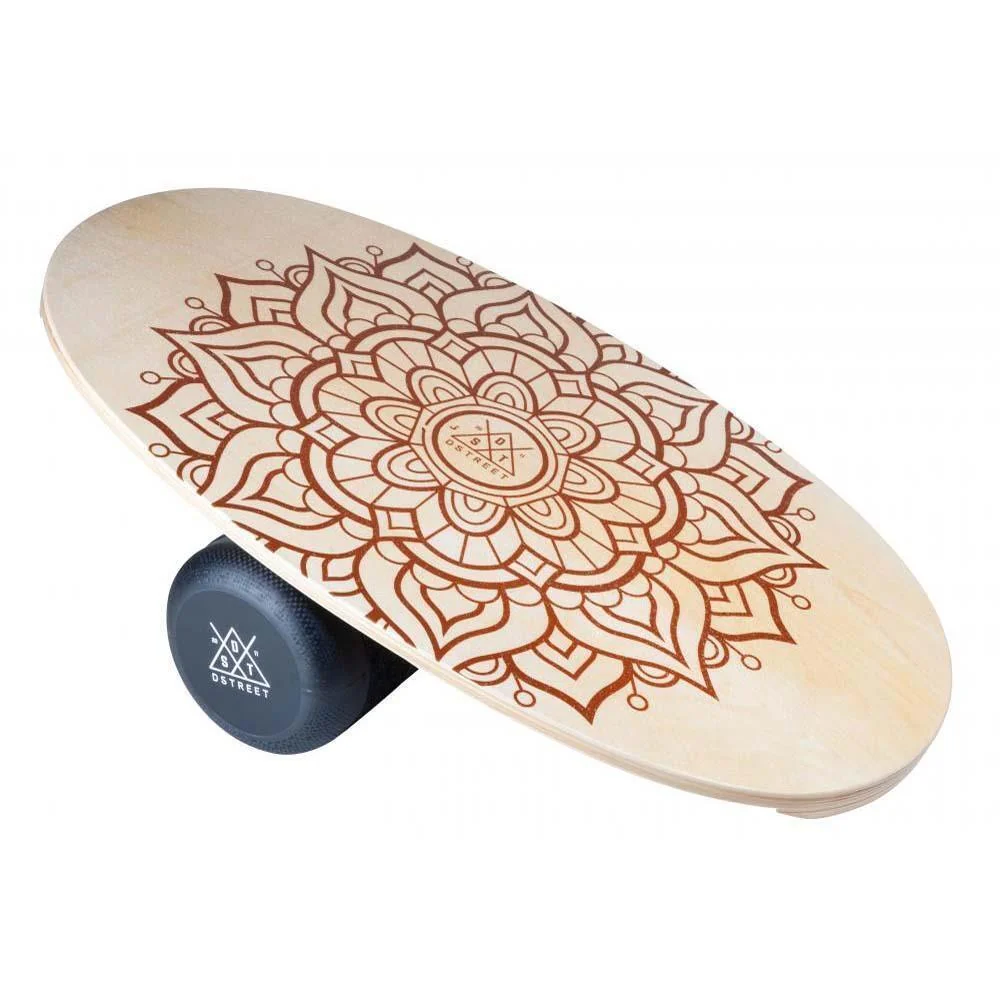
Standing desks have revolutionized the modern workspace, but simply standing still for eight hours can lead to its own set of physical issues, such as joint fatigue and poor posture. Integrating a balance board into your standing routine transforms a static position into an active, dynamic movement session. By introducing instability, the board forces your body to recruit deep core muscles—the transverse abdominis, obliques, and multifidus—to maintain equilibrium.
The Mechanics of Core Engagement
When you stand on a flat, stable floor, your body settles into a comfortable but often slumped posture. You likely lock your knees and shift weight onto one hip, which places unnecessary strain on your lumbar spine. A balance board removes this stability. Even subtle movements required to stay upright activate the neuromuscular pathways that traditional crunches often miss.
The engagement is not about a high-intensity workout but rather a constant, low-level activation of the “inner corset” of your core. This is known as isometric stabilization. By keeping these muscles firing throughout the day, you improve your balance, enhance your spinal alignment, and reduce the likelihood of lower back pain caused by prolonged static standing.
Benefits Beyond Core Strength
Beyond the abdominal benefits, using a balance board during work hours offers several physiological advantages. It promotes blood flow to the lower extremities, which is often restricted when standing motionless. This increased circulation helps mitigate the pooling of blood in the legs and reduces the feeling of heaviness or swelling after a long day.
Furthermore, the cognitive benefits are notable. The act of balancing requires focus and proprioception—the body’s ability to sense its position in space. This engagement can serve as a mental “reset,” helping to break the monotony of deep work and potentially increasing alertness. When your body is active, your brain remains more engaged.
Comparing Standing Options
Choosing the right tool for active standing depends on your experience level and workspace setup. The following table outlines different types of balance equipment suitable for office use.
| Equipment Type | Stability Level | Primary Focus | Recommended Use |
|---|---|---|---|
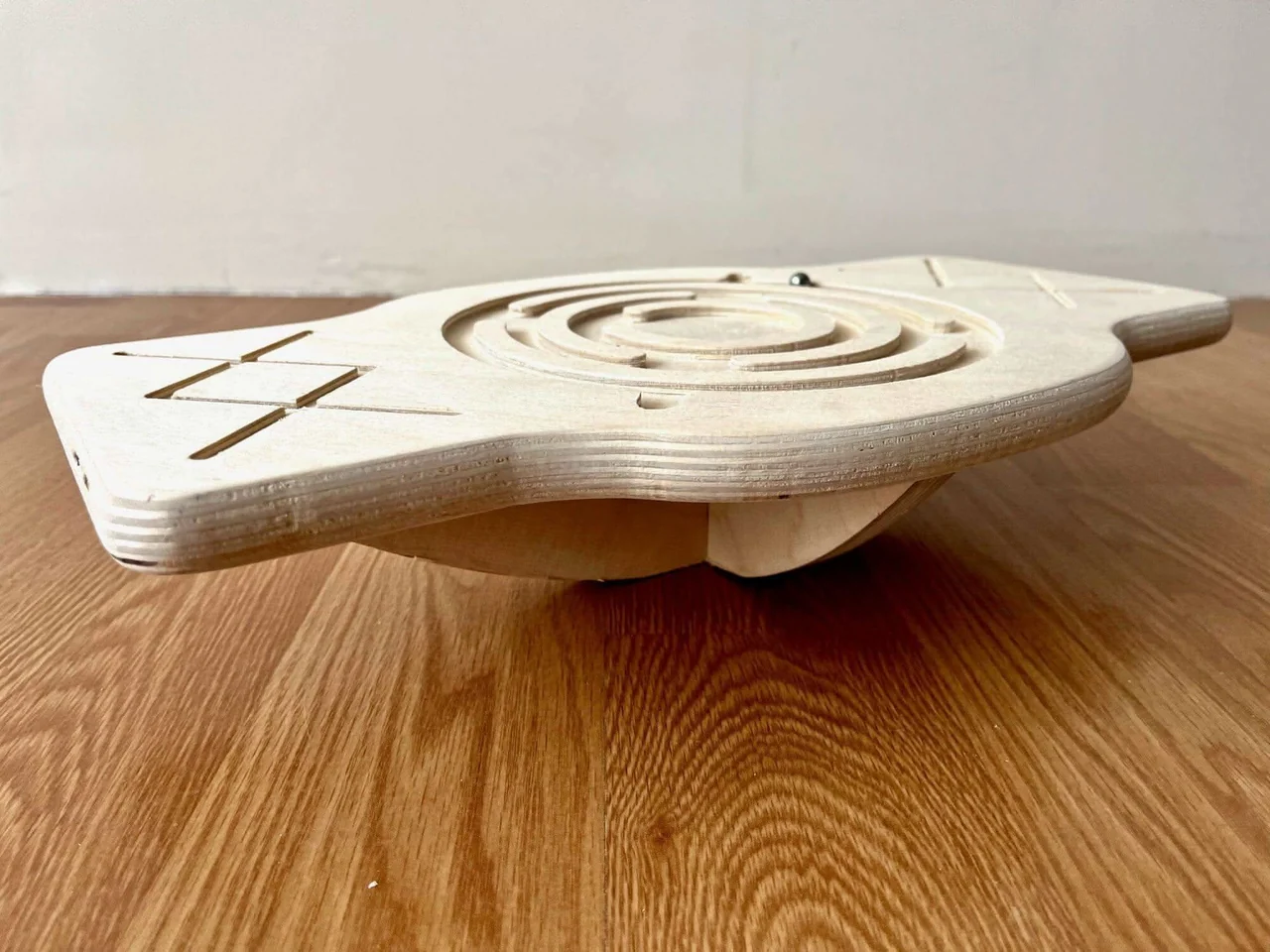
| Wobble Board | Low to Medium | Ankle and Core | Beginners |
| Rocker Board | High | Posture and Alignment | Long-term usage |
| Balance Mat | Very High | Joint Comfort | Sensitive feet/knees |
| Balance Cushion | Medium | Deep Core Activation | Variable intensity |
How to Integrate a Balance Board Safely
Starting too aggressively can lead to muscle fatigue or foot strain. Follow these steps to integrate a balance board into your workday without disrupting your productivity.
- Begin with short intervals of 10 to 15 minutes, two to three times per day, rather than using it for your entire shift.
- Ensure your desk height is adjusted correctly; standing on a board adds several inches to your height, so raise your monitor to keep your line of sight neutral.
- Wear supportive, flat-soled shoes or work barefoot if your office environment allows, as this improves proprioceptive feedback.
- Focus on maintaining a neutral spine; avoid bracing your core so tightly that you cannot breathe comfortably.
- Listen to your body; if you feel calf tightness or lower back discomfort, switch back to a standard standing mat or sit down.
Common Mistakes to Avoid
One of the most frequent errors users make is over-exertion. Because the core engagement is subtle, you may not feel the fatigue until you step off the board. If you find your form collapsing or your knees starting to cave inward, it is a sign that your stabilizer muscles are fatigued. Take a break.
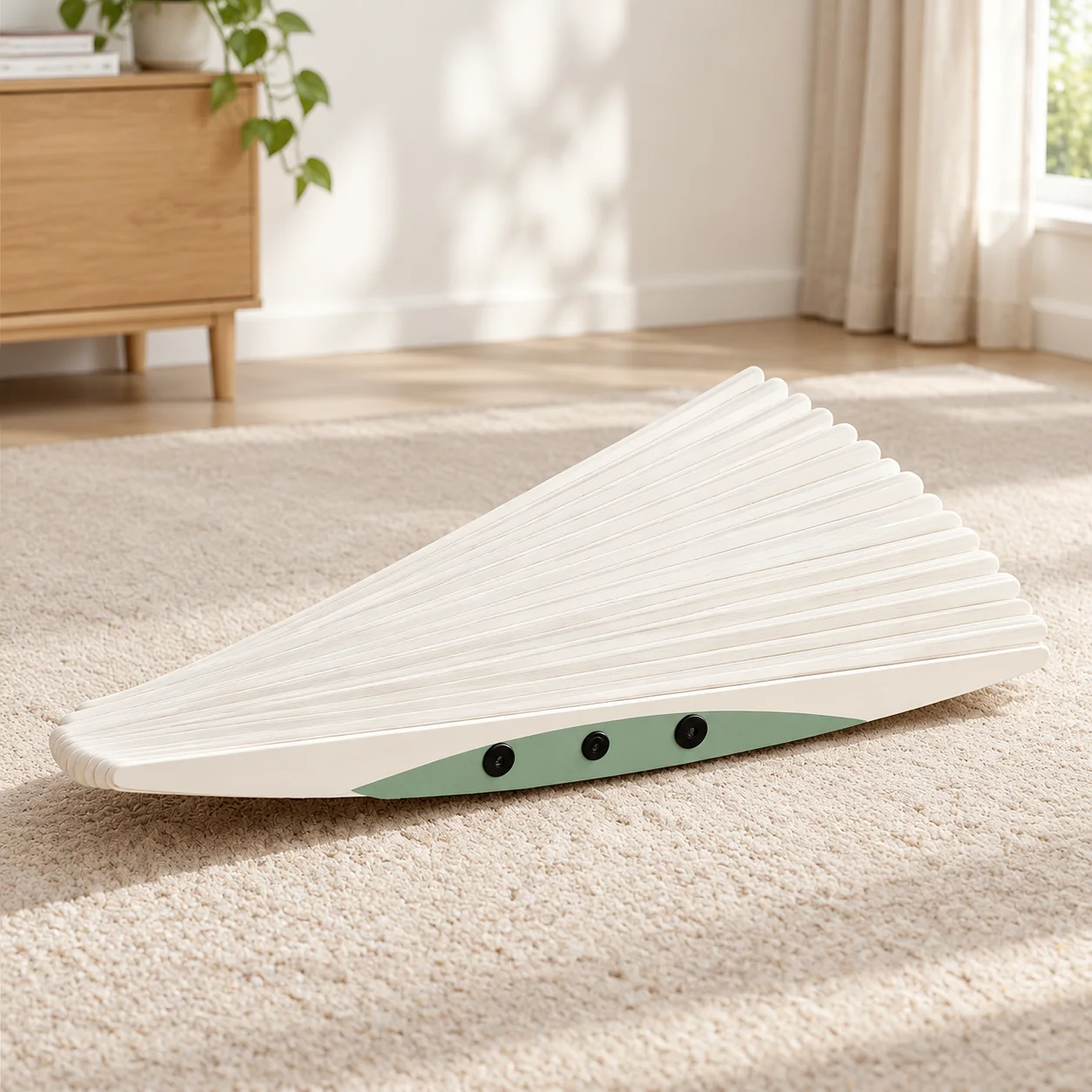
Another common mistake is neglecting the non-slip surface. Always use a balance board on a high-quality anti-fatigue mat or a carpeted surface. Using a hard plastic board on a slick hardwood floor can lead to sudden slips, posing a risk to both you and your office equipment.
📷 Photo by walmart.com
Risks and Considerations
While the benefits are significant, it is not for everyone. Individuals with a history of ankle sprains, vestibular (inner ear) disorders, or chronic foot conditions should consult a physical therapist before adding a balance board to their daily routine. If you experience dizziness or sharp pain, discontinue use immediately.
Remember that the goal of a standing desk is to encourage movement variety, not to replace the gym. The balance board is a tool to supplement your health, but it should not be the only source of exercise in your day. Combine this with regular walking breaks and stretching to ensure a comprehensive approach to office wellness.
Q: Can I use a balance board for the entire 8-hour workday?
A: It is generally not recommended. Even with a balance board, the best posture is the “next” posture. Rotate between sitting, standing on a flat surface, and using the board to avoid over-fatigue.
📷 Photo by kidodido.com
Q: Will using a balance board help me lose weight?
A: While active standing burns more calories than sitting, a balance board is primarily a tool for posture, balance, and core activation rather than a weight-loss device. It should be part of a broader healthy lifestyle.
Q: Do I need a special mat for my balance board?
A: Using a high-quality anti-fatigue mat underneath the board can provide extra grip and cushioning for your feet, making it much more comfortable for extended sessions.

📷 Photo by etsy.com
Incorporating a balance board is a simple yet effective way to turn your workstation into an active environment. By challenging your core and improving your proprioception, you are not just working; you are actively building a more resilient body throughout the day.
📷 Photo by maskura.co.uk