



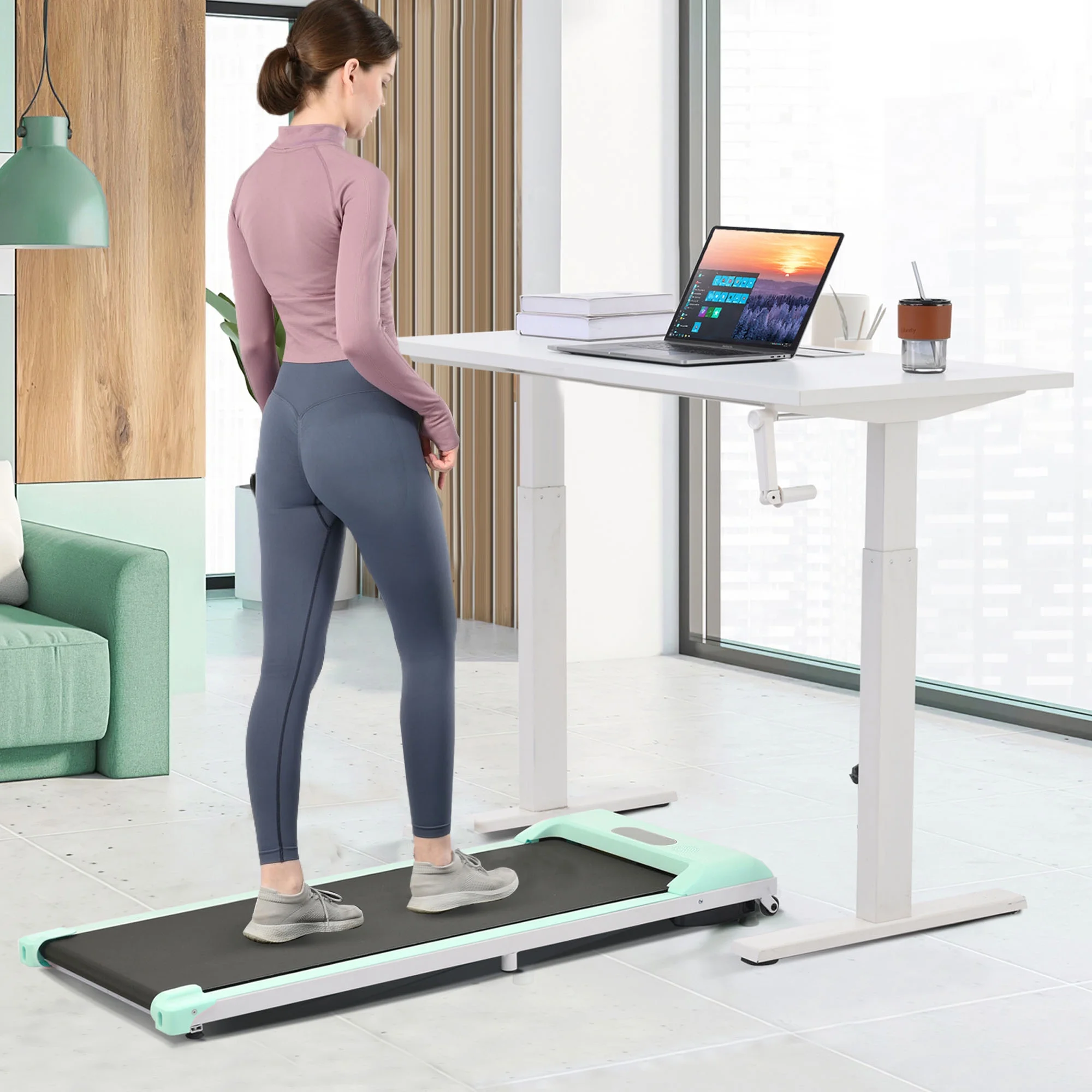
Aploda.com – The best under desk treadmill for home office workspaces is the LifeSpan TR1200-DT3, chosen for its industrial-grade motor, quiet operation, and low-profile design that integrates seamlessly with standing desks. Selecting the right model requires balancing motor durability, deck height, and noise reduction features to ensure productivity remains uninterrupted during work hours.
Understanding the Value of Under Desk Treadmills
Sedentary work habits are a primary cause of chronic back pain, reduced circulation, and metabolic slowdown. An under desk treadmill transforms a static workstation into an active environment, allowing users to achieve thousands of steps without sacrificing their ability to type, attend meetings, or manage projects. Unlike traditional bulky treadmills, these devices are engineered specifically for low-speed walking, typically capping out at 4 miles per hour to ensure safety while multitasking.
Key Selection Criteria for Your Workspace
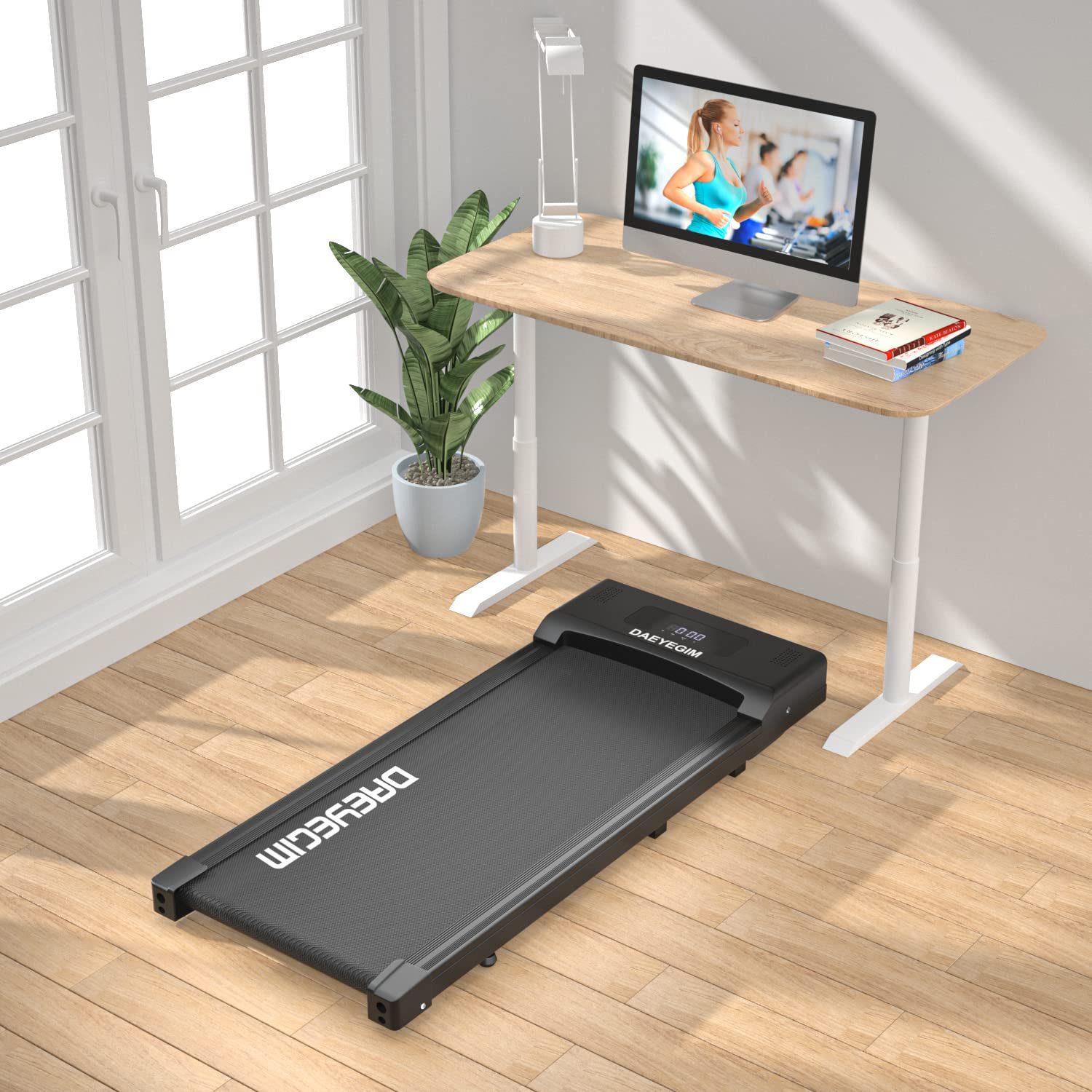
Before investing in a walking pad, you must evaluate the technical constraints of your office space. Motor power is often overlooked; a continuous-duty motor is essential for long-term reliability. If you plan to walk for more than two hours a day, avoid models with “peak-duty” motors, as they are prone to overheating and premature failure under sustained load.
Noise level is another critical factor. If you frequently join video calls, a treadmill that rattles or produces a high-pitched whine will become a major distraction. Look for models with reinforced steel frames and shock-absorbing belts that dampen the sound of footfalls. Furthermore, consider the deck height; if your desk is not height-adjustable, the added elevation of the treadmill can force an uncomfortable typing posture, leading to wrist strain.
Comparison of Leading Walking Pad Models
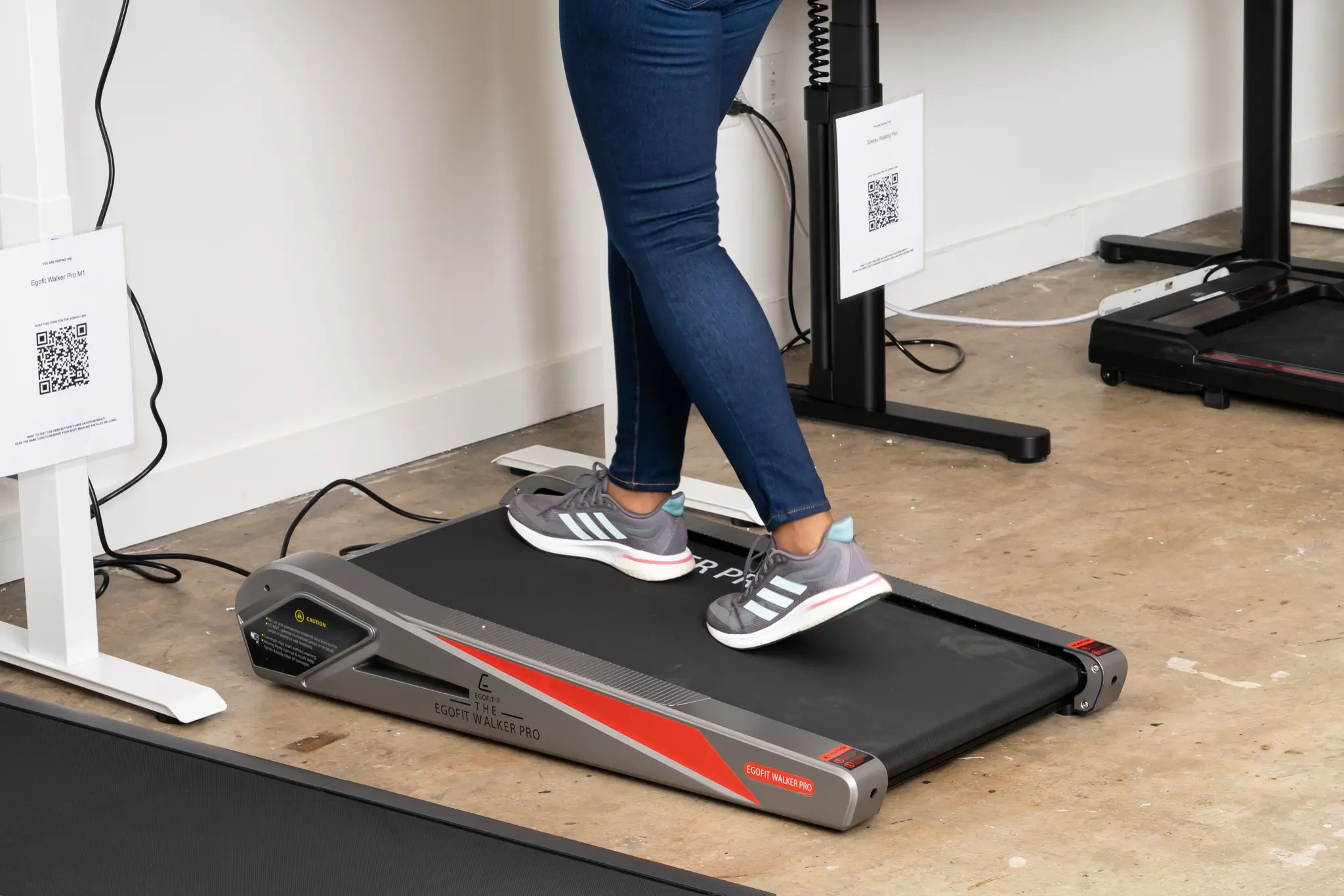
| Model Name | Max Speed | Motor Type | Weight Capacity |
|---|---|---|---|
| LifeSpan TR1200-DT3 | 4.0 MPH | 2.25 HP Continuous | 350 lbs |
| WalkingPad C2 | 3.7 MPH | Brushless Motor | 220 lbs |
| UREVO 3-in-1 | 3.8 MPH | 1.5 HP Motor | 265 lbs |
Practical Integration Steps
Integrating a treadmill into your workflow is not just about placement; it is about building a sustainable habit. Follow these steps to ensure your transition to an active workspace is successful and injury-free:
- Clear the floor space beneath your desk and ensure there is enough clearance behind you to step off safely if you lose your balance.
- Start with a “walking budget,” beginning with only 15 to 20 minutes per session to allow your feet and lower back to adjust to the new movement pattern.
- Wear supportive, dedicated walking shoes rather than socks or slippers to provide the necessary arch support and prevent plantar fasciitis.
- Set your treadmill speed to a “natural” pace, typically between 1.0 and 1.5 MPH, which is slow enough to allow for precise typing and mouse control.
- Schedule your walking sessions during tasks that do not require intense focus, such as clearing emails, listening to webinars, or attending passive meetings.
Common Mistakes to Avoid
Many users make the mistake of trying to walk at too high a speed, which causes them to bob up and down, making it impossible to focus on the screen. Another common error is neglecting maintenance. Just like a full-sized treadmill, an under desk unit requires regular lubrication. Friction between the belt and the deck creates heat and resistance, which will eventually burn out the motor if the belt is not properly lubricated every few months.
Additionally, do not ignore the importance of cable management. Loose power cords trailing across your office floor are a major tripping hazard. Use cable sleeves or clips to secure the power supply to your desk leg, keeping the walking area clear and organized.
The Impact on Long-Term Health
Using a treadmill desk is not about burning massive amounts of calories; it is about breaking the cycle of inactivity. By maintaining a gentle pace throughout the day, you improve blood flow, which helps deliver oxygen to the brain, potentially boosting your cognitive clarity and energy levels. Many users report a significant reduction in the “afternoon slump” that often follows a heavy lunch at a sedentary desk.
However, listen to your body. If you experience knee pain or persistent fatigue, increase your rest periods. The goal is consistency, not intensity. Over time, you will find that walking becomes a subconscious part of your workflow, much like typing or drinking coffee.
Frequently Asked Questions
Q: Will an under desk treadmill interfere with my video calls?
A: Most high-quality models are quiet enough that they are not picked up by standard microphones, provided you keep your pace at a slow, steady walk. Using a noise-canceling headset is recommended to ensure your voice remains crisp and clear.
Q: Can I use these treadmills on carpet?
A: While you can place them on carpet, it is highly recommended to use a dedicated equipment mat underneath. This prevents carpet fibers from getting sucked into the motor and provides a more stable, level surface for the treadmill to operate on.
Q: How do I handle the elevation change while working?
A: If your desk height is fixed, you may need to attach a keyboard tray or adjust your monitor height to compensate for the extra 4 to 6 inches of height the treadmill adds. Ideally, use a height-adjustable standing desk to dial in the perfect ergonomic alignment.
Final Considerations for Your Purchase
When finalizing your choice, look for features like a safety clip, which automatically shuts down the machine if you move too far back, and a wireless remote for easy speed adjustment. Check the warranty terms specifically regarding the motor and the frame. A company that stands behind its motor with a multi-year warranty is usually a sign of a reliable, high-quality product that will survive the rigors of daily home office use.