


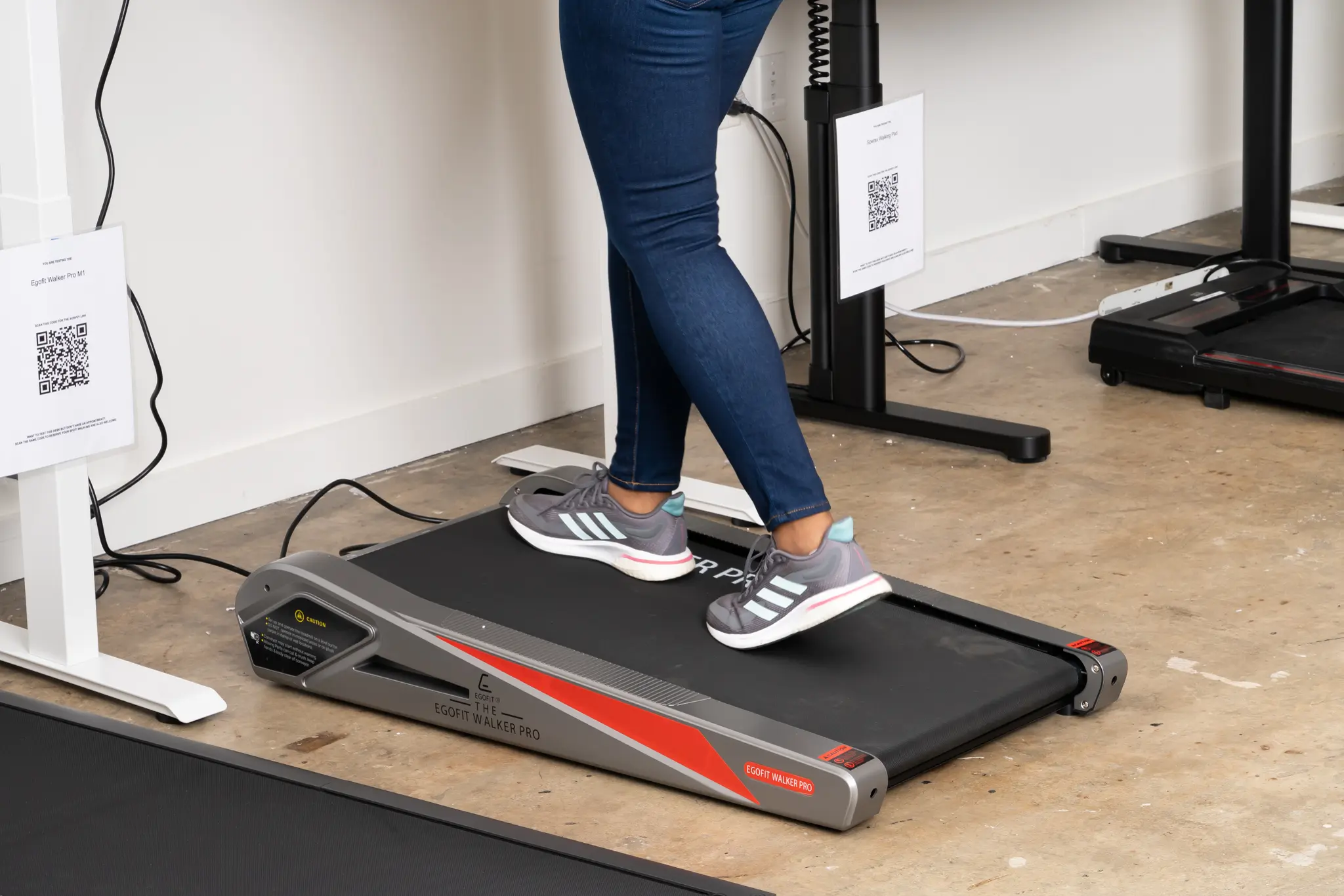
Aploda.com – Under desk treadmill shock absorption is critical for preventing chronic knee joint stress, as high-impact force on hard office flooring without adequate cushioning leads to cartilage degradation and inflammation over time. Selecting a treadmill with specialized deck suspension or integrated rubber dampening layers is the most effective way to safeguard your long-term mobility while working.
The Mechanics of Joint Stress in Office Environments
Walking is a low-impact exercise, but it becomes high-stress when performed on concrete or thin industrial carpet found in most office buildings. When you walk on an unyielding surface, the ground reaction force travels directly through your heels and ankles, reverberating into your knee joints. Without a shock-absorption mechanism, your knees act as the primary suspension system, absorbing every ounce of that impact.
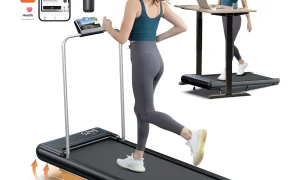
Over an eight-hour workday, even a slow walking pace accumulates thousands of steps. If your treadmill deck is rigid, the cumulative micro-trauma can lead to conditions like patellofemoral pain syndrome or premature wear of the meniscus. Most budget-friendly under desk treadmills lack sufficient deck thickness, making the addition of external shock absorption or choosing a premium model with built-in suspension essential.
Key Features of High-Performance Shock Absorption
When evaluating treadmill specifications, look for deck materials that offer energy return rather than simple hardness. High-quality models often utilize multi-layered deck structures consisting of a phenolic resin surface, a middle cushioning layer, and a lower support frame. This sandwich design effectively dissipates shock before it reaches your legs.
| Feature Type | Impact on Knee Health | Effectiveness Level |
|---|---|---|
| Standard Rigid Deck | High stress; direct joint impact | Low |
| Silicone Rubber Dampeners | Reduces vibration and initial impact | Medium |
| Multi-Layer Suspension Deck | Absorbs energy; provides rebound | High |
| External Anti-Fatigue Mat | Adds secondary cushioning layer | Medium-High |
Practical Steps to Optimize Your Setup for Knee Protection
Achieving a pain-free walking workstation requires more than just buying a treadmill; it requires a systematic approach to your environment. Follow these steps to ensure your setup is optimized for joint longevity.
- Assess your flooring hardness by placing a level on the ground; if you are on concrete, you must add an extra layer of protection regardless of the treadmill model.
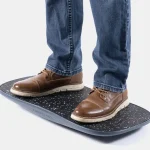
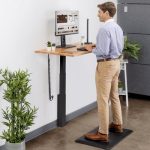
- Install a high-density, closed-cell foam anti-fatigue mat underneath your treadmill frame to provide an additional layer of shock dissipation between the machine and the floor.
- Check your footwear; use dedicated walking shoes with high-arch support and thick, cushioned midsoles rather than flat-soled sneakers or office shoes.
- Adjust your walking speed to a comfortable pace where you are not slamming your heels down, which helps maintain a natural, fluid gait that puts less pressure on the patella.
- Incorporate regular breaks; even with excellent shock absorption, standing or walking for four consecutive hours is counterproductive. Follow a 50-minute walk and 10-minute sit rotation.
Common Pitfalls and Mistakes
One of the most frequent mistakes users make is ignoring the “bottoming out” phenomenon. This occurs when a treadmill deck is too thin for the user’s body weight, causing the deck to touch the frame during each step. If you weigh over 180 pounds, ensure your treadmill is rated for a user weight at least 50 pounds higher than your actual weight to ensure the suspension system functions correctly.
Another error is the assumption that any treadmill is better than sitting. While movement is superior to sedentary behavior, poor form combined with a non-cushioned surface creates a unique set of risks. If you experience clicking, grinding, or sharp pain in your knees after a walking session, it is a clear indicator that the impact absorption is insufficient for your specific physiology.
The Importance of Gait and Posture
Your walking posture at the desk is just as important as the equipment. Many users tend to hunch over their keyboards while walking, which shifts the center of gravity forward and places excessive load on the knee joints. Maintain an upright spine with your gaze focused on the center of your monitor. This alignment ensures that the force of your step is distributed evenly through your entire leg, rather than concentrating on the knee joint.
Pay attention to your stride length. Taking unnaturally long strides while walking on a treadmill often leads to heel striking, which sends a shockwave up the leg. Keep your steps shorter and more frequent. This “cadence-focused” walking style is much gentler on the joints and is the standard practice for professional athletes and physical therapists when recommending low-impact walking routines.
Frequently Asked Questions
Q: Can I use an anti-fatigue mat on top of a low-profile treadmill?
A: No, you should never place a mat on top of the treadmill belt, as this creates a tripping hazard and interferes with the belt’s friction. Always place the mat underneath the treadmill frame.
Q: How do I know if my treadmill has enough shock absorption?
A: If you feel a distinct “jarring” sensation in your ankles or knees after five minutes of walking, the deck is likely too rigid. A quality treadmill should feel slightly springy, not like walking on a sidewalk.
Q: Does walking speed affect knee joint stress?
A: Yes, higher speeds increase the force of impact. For under-desk use, stick to a “slow walk” pace of 1.0 to 2.0 mph to minimize repetitive impact stress while still gaining the health benefits of movement.
By prioritizing shock absorption, you transform your treadmill from a source of potential injury into a sustainable tool for health. Regularly inspect your treadmill deck for signs of wear and ensure your footwear is replaced every 300 to 500 miles to keep the cushioning effective. Protecting your knees today ensures you can continue to integrate movement into your workday for years to come.
📷 Photo by nytimes.com