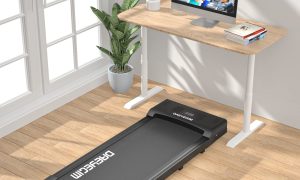
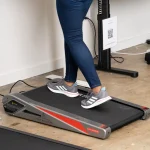


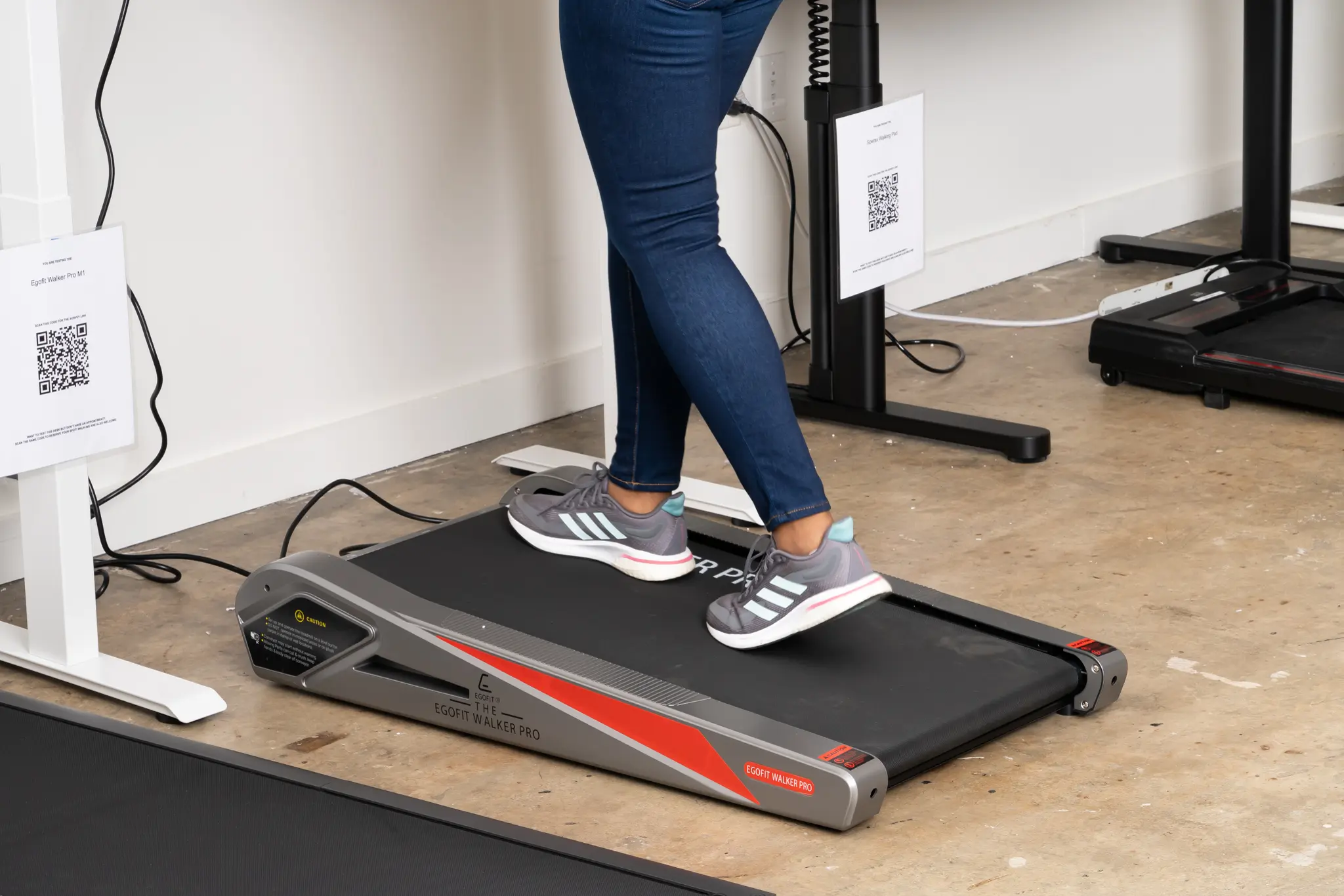
Aploda.com – Incline walking on an under-desk treadmill can strain the lower back if the treadmill’s speed and incline settings force an unnatural, hunched posture or if the user lacks the necessary core stability to support the spine during the gait cycle.
The rise of the “active office” has led many professionals to incorporate under-desk treadmills into their daily workflow. While walking is inherently better than sedentary sitting, the introduction of an incline feature changes the biomechanical demands placed on the human body. When you walk on an incline, your center of gravity shifts forward, which can place significant pressure on the lumbar spine if not managed correctly.
The Biomechanics of Incline Walking at a Desk
When you walk on a flat surface, your body maintains a relatively neutral alignment. However, increasing the incline forces the body to lean forward to maintain balance. In a traditional gym setting, you might lean into the treadmill, but at a desk, your focus is split between walking and typing. This distraction often leads to “treadmill slouch,” where the shoulders round forward and the lower back arches excessively to compensate for the incline.
This prolonged arching, known as lumbar hyperextension, puts undue stress on the facet joints of the lower back. Over time, the muscles in the lower back (the erector spinae) become overworked as they try to stabilize the torso against the pull of gravity created by the incline. If you are also multitasking, your core muscles—which should be protecting your spine—often disengage, leaving the lumbar discs to bear the brunt of the movement.
Common Mistakes That Lead to Back Pain
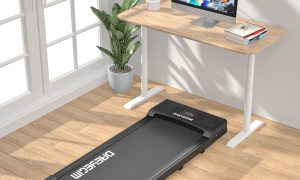
Many users treat an under-desk treadmill as a passive activity, failing to adjust their workstation ergonomics to accommodate the incline. One of the most common errors is having the desk height set incorrectly. If your desk is too low, you are forced to hunch over your keyboard while walking uphill, which effectively doubles the strain on your lower back. Another mistake is using an incline level that is too aggressive for your current fitness level, causing a breakdown in your gait pattern.
How to Safely Integrate Incline Walking
To minimize the risk of lower back strain while using an under-desk treadmill, follow these practical steps to ensure proper form and workstation setup.
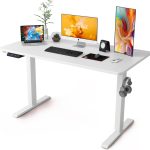
- Assess your desk height: Ensure your elbows are at a 90-degree angle while typing, even when the treadmill is inclined. You may need to raise your desk surface to account for the extra height the incline creates.
- Start with a gentle slope: Begin with a 1% to 2% incline. Do not immediately jump to high settings, as your lower back muscles require time to adapt to the new workload.
- Engage your core: Consciously tighten your abdominal muscles while walking. This creates a “corset” effect that supports the lumbar spine and prevents the back from arching.
- Monitor your fatigue levels: If you notice your posture collapsing or your lower back beginning to ache, flatten the treadmill immediately. Never walk through sharp or shooting pain.
- Incorporate breaks: Do not walk continuously for hours. Use the 20-20-20 rule—every 20 minutes, take a 20-second break to stand perfectly still or stretch your hip flexors, which often tighten during incline walking and pull on the lower back.
Comparison of Walking Styles and Impact
| Walking Style | Primary Muscle Focus | Lower Back Risk Level | Recommended Duration |
|---|---|---|---|
| Flat Walking (0%) | Hamstrings/Calves | Low | Up to 120 minutes |
| Mild Incline (1-3%) | Glutes/Lower Back | Moderate | 30-60 minutes |
| Steep Incline (5%+) | Glutes/Core/Spine | High | 15-30 minutes only |
The Role of Hip Flexors in Back Health
A frequently overlooked cause of lower back pain during incline walking is tight hip flexors. Because you are sitting for parts of the day and then walking on an incline, your hip flexors become chronically shortened. When these muscles are tight, they pull the pelvis forward into an anterior tilt. This tilt forces the lower back to arch even more when you walk uphill, creating a cycle of pain that originates in the hips but manifests in the lumbar region.
To combat this, it is essential to perform dynamic stretches before starting your walk. Lunges and gentle torso rotations can help loosen the hip flexors and prepare the spine for the movement. If you find that your back pain persists despite these adjustments, it is a clear signal that your body is not currently conditioned for incline walking at a workstation.
Frequently Asked Questions
Q: Can I prevent back pain by wearing specific footwear?
A: Yes, wearing shoes with adequate arch support and cushioning is vital. Walking on an incline without proper footwear increases the impact on your joints and forces your lower back to compensate for poor shock absorption in your feet.
Q: Is it better to walk at a higher speed or a higher incline?
A: For under-desk use, a lower speed combined with a very mild incline is generally safer. Higher speeds often lead to an unstable gait when you are trying to type or focus, which increases the likelihood of awkward movements that strain the back.
Q: Should I use a standing desk mat while using the treadmill?
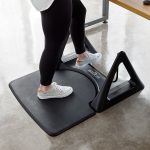
A: Most under-desk treadmills provide the necessary cushioning. However, if your treadmill has a very thin belt, adding a thin, anti-fatigue mat underneath the treadmill frame (if space allows) can help reduce the overall impact on your spine.
Ultimately, the goal of using an under-desk treadmill is to improve health, not to cause injury. Listen to your body’s signals. If you feel a dull ache in your lower back, it is not “good pain”—it is a warning that your musculoskeletal system is struggling to maintain the position you have set. Adjust the incline, check your desk height, and prioritize core stability to turn your workspace into a truly productive and pain-free environment.
Read also: Anti-Fatigue Mat Sizing: How Thick Should a Standing Desk Mat Be?
📷 Photo by nytimes.com