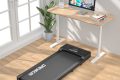
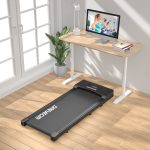


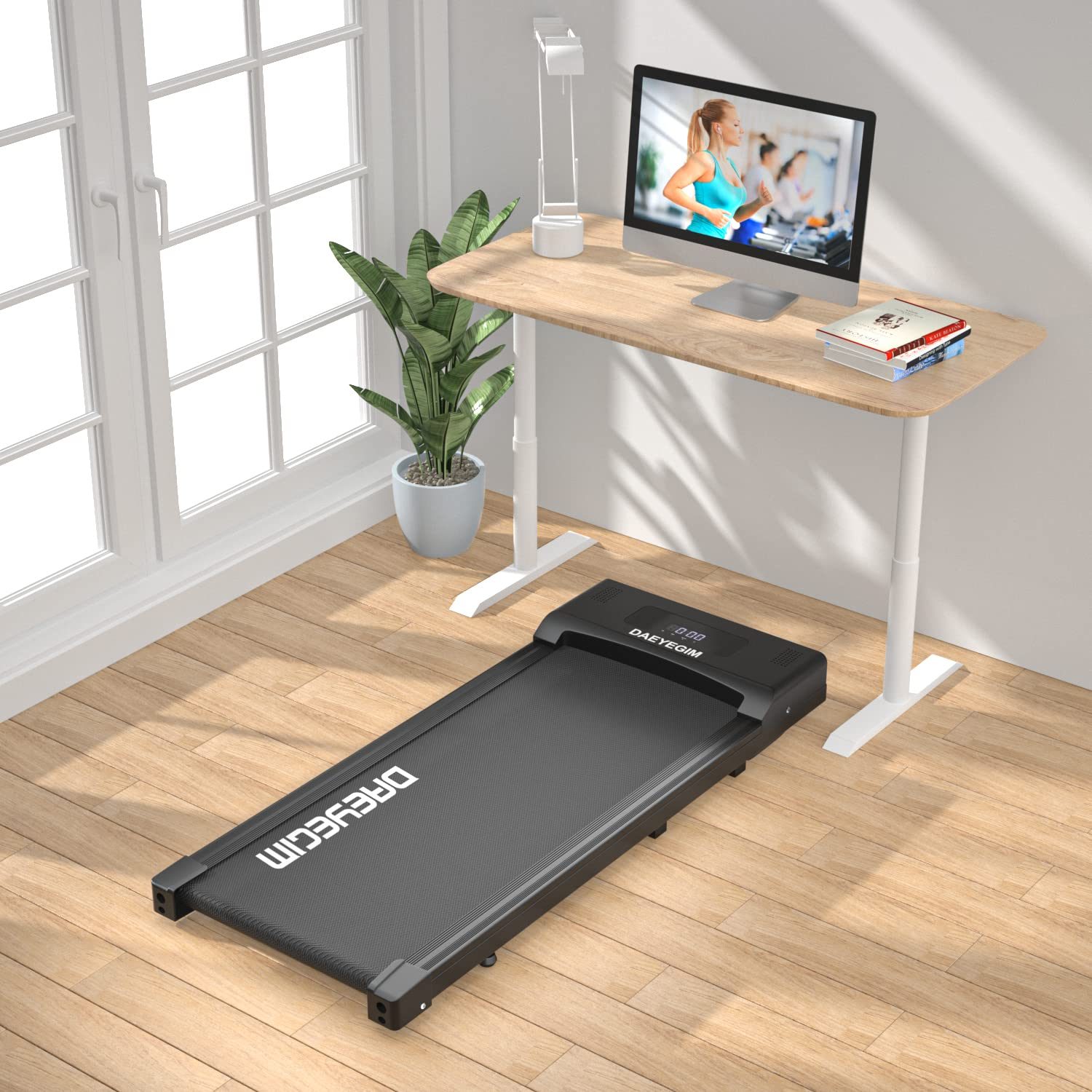
Aploda.com – The optimal under-desk treadmill speed for maintaining cognitive focus and productivity typically ranges between 1.0 and 2.0 miles per hour (mph), as this pace is slow enough to avoid physical exertion while still keeping the metabolism active. Finding the specific sweet spot depends on your task complexity, as higher speeds often distract from deep analytical work.
Understanding the Cognitive-Movement Balance
The primary goal of using an under-desk treadmill is to combat sedentary behavior without sacrificing professional output. When you move too slowly, you may feel sluggish, but if you walk too fast, your body diverts blood flow and neural resources toward motor coordination and balance. This trade-off is often referred to as the dual-task interference effect.
For most office workers, the goal is to reach a state of “active rest.” At a speed of 1.5 mph, the body is engaged in a steady, rhythmic motion that promotes blood flow to the brain, which can actually enhance creative thinking and alertness. However, when moving into the 2.5 mph territory, your breathing rate increases, and your focus on the keyboard or screen often suffers.
The Impact of Task Complexity on Walking Speed
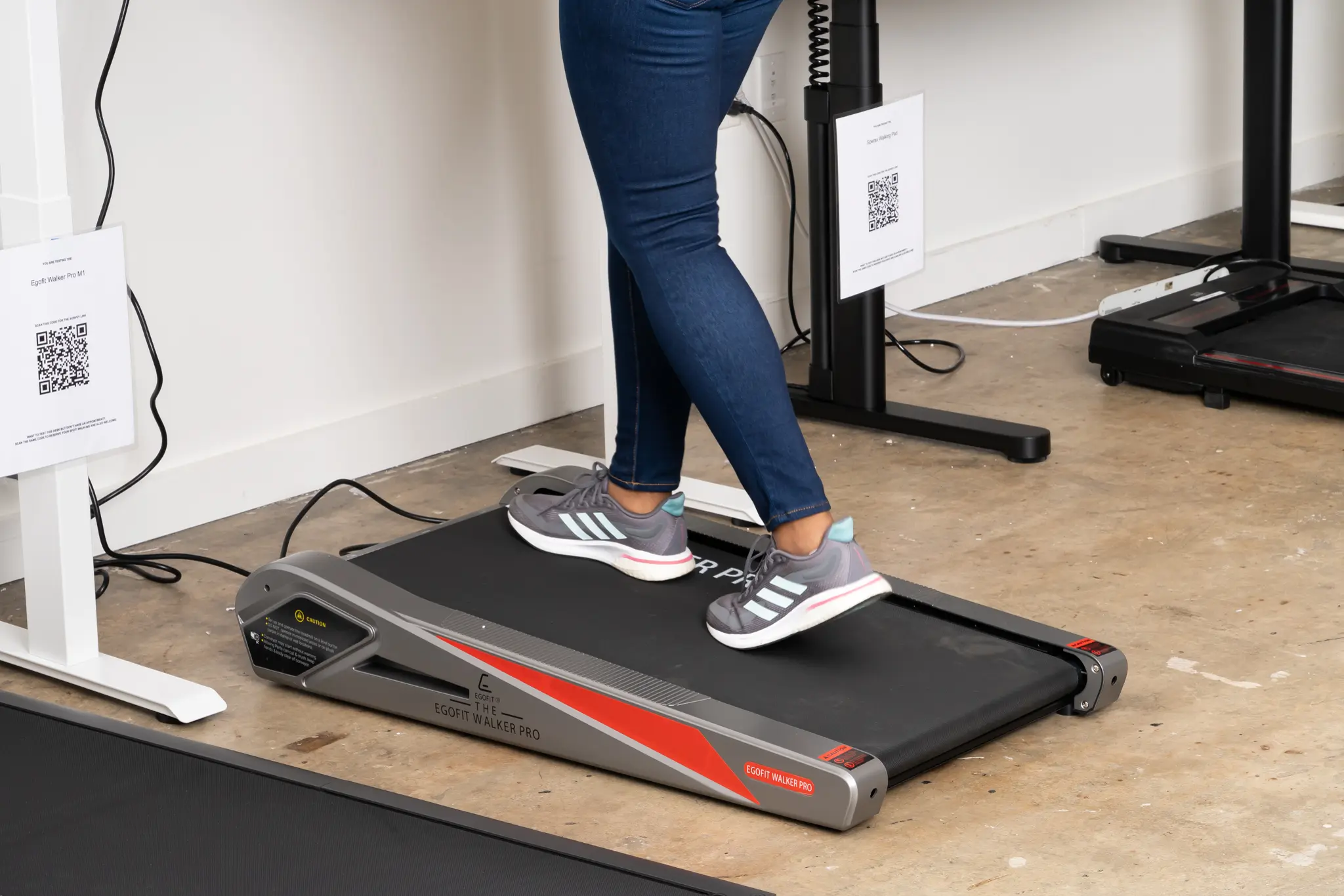
Not all office tasks are created equal. You must adjust your walking speed based on the cognitive load required by your current project. High-intensity tasks, such as complex data analysis, coding, or writing a technical report, generally require a lower walking speed to ensure your brain has enough “bandwidth” to focus on the work.
📷 Photo by nytimes.com
Conversely, tasks that are more passive—such as attending a virtual meeting where you are listening, clearing out emails, or reviewing documents—allow for a slightly faster pace. Understanding these thresholds is critical to maintaining a sustainable habit without feeling fatigued by the end of the day.
Recommended Speed Settings by Task Type
| Task Intensity | Recommended Speed (mph) | Cognitive Impact |
|---|---|---|
| Deep Work (Writing/Coding) | 0.8 – 1.2 | Minimal distraction; maintains flow state. |
| General Admin/Email | 1.3 – 1.8 | Balanced; keeps metabolism up without effort. |
| Passive Listening/Calls | 1.9 – 2.5 | Higher exertion; good for non-keyboard tasks. |
How to Find Your Personal Sweet Spot
Finding the perfect speed is a process of trial and error. You want to avoid the “huffing and puffing” stage, as that is a clear indicator that you are exercising rather than working. Follow these steps to calibrate your treadmill settings for your specific workday needs.
- Start your workday at a very slow pace of 0.5 mph to warm up your muscles and joints without requiring any mental focus.
- Increase the speed by 0.2 mph every five minutes until you reach a point where you notice your typing rhythm begins to stumble or your breathing becomes audible.
- Once you hit that threshold, decrease the speed by 0.3 mph. This is your “maximum focus speed.”
- Document this speed and test it for two hours. If you feel tired or mentally drained before the end of the two hours, reduce the speed by an additional 0.2 mph.
Common Mistakes to Avoid
A frequent error among new treadmill desk users is trying to hit a step count goal at the expense of their work quality. It is better to walk at 1.0 mph for four hours than to walk at 3.0 mph for thirty minutes while making errors in your spreadsheets. Remember, the desk treadmill is a tool for longevity and health, not a replacement for your gym workout.
Another mistake is failing to wear the right footwear. Even at 1.5 mph, walking on a hard surface for extended periods can cause foot fatigue if you are wearing dress shoes or thin-soled sneakers. Invest in a pair of supportive walking shoes specifically for your office setup to prevent plantar fasciitis and lower back strain.
Managing Physical Fatigue and Form
Even at the perfect speed, posture matters significantly. Many people hunch over their desks when they start walking, which leads to neck strain and poor ergonomics. Ensure your monitor is at eye level so that your gaze remains forward rather than downward toward your keyboard.
If you find yourself drifting toward the back of the treadmill or holding onto the desk for support, your speed is likely too high. Your gait should be natural and unforced. If you are struggling to keep a steady pace, try incorporating intermittent walking sessions instead of trying to walk for the entire duration of your shift.
FAQ: Optimizing Your Treadmill Experience
Q: Can I burn a significant amount of calories while working at a slow speed?
A: Yes, even at a slow pace of 1.2 mph, you are burning significantly more calories than sitting. The benefit is cumulative; walking for three hours at a slow speed is far more effective for weight management and metabolic health than a single high-intensity sprint.
Q: Will my productivity drop if I use a treadmill desk?
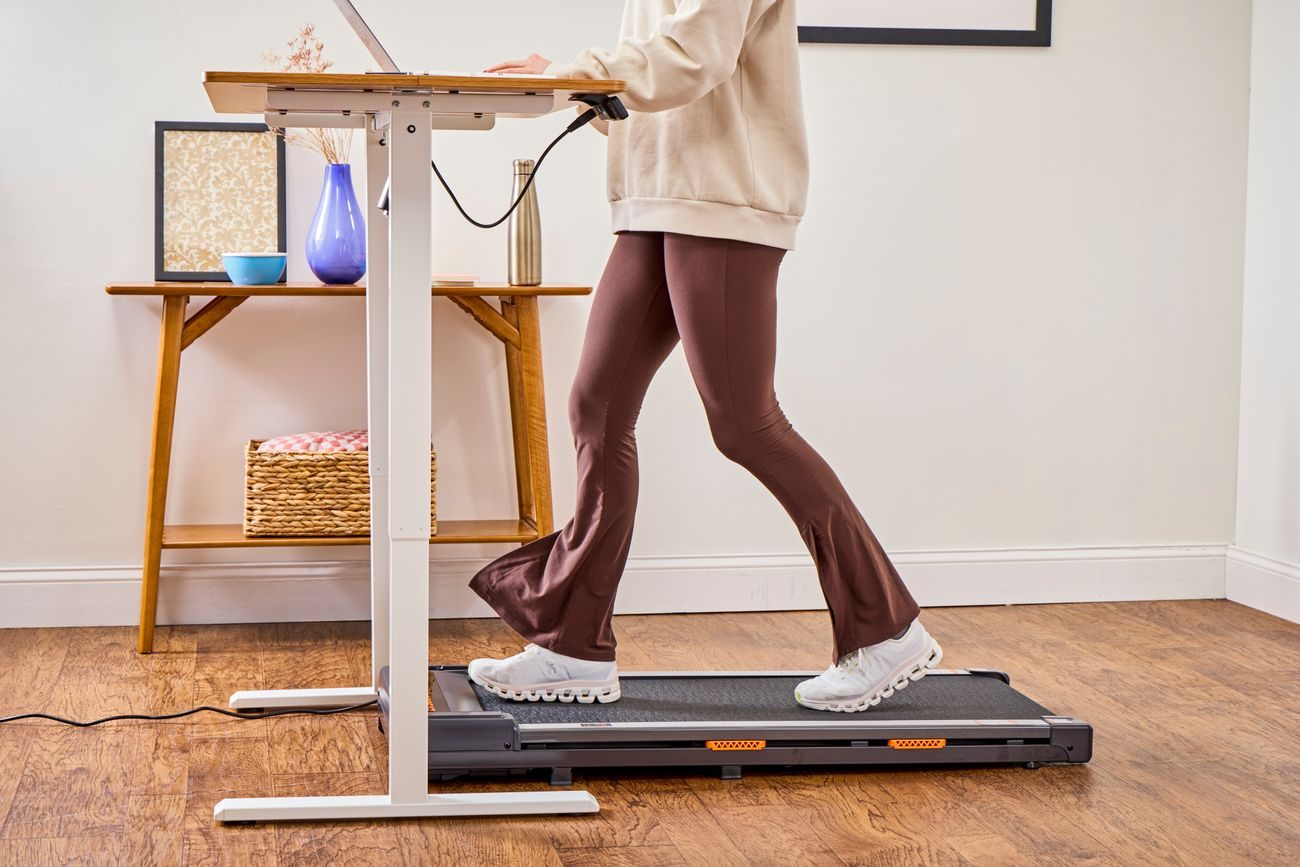
A: Most users report an initial dip in typing speed for the first 3 to 5 days. Once your brain adapts to the sensation of walking while working, your productivity usually returns to baseline or even improves due to increased alertness and blood circulation.
📷 Photo by verywellfit.com
📷 Photo by saga.gamblingexposed.org
Q: Should I walk for the entire eight hours of my shift?
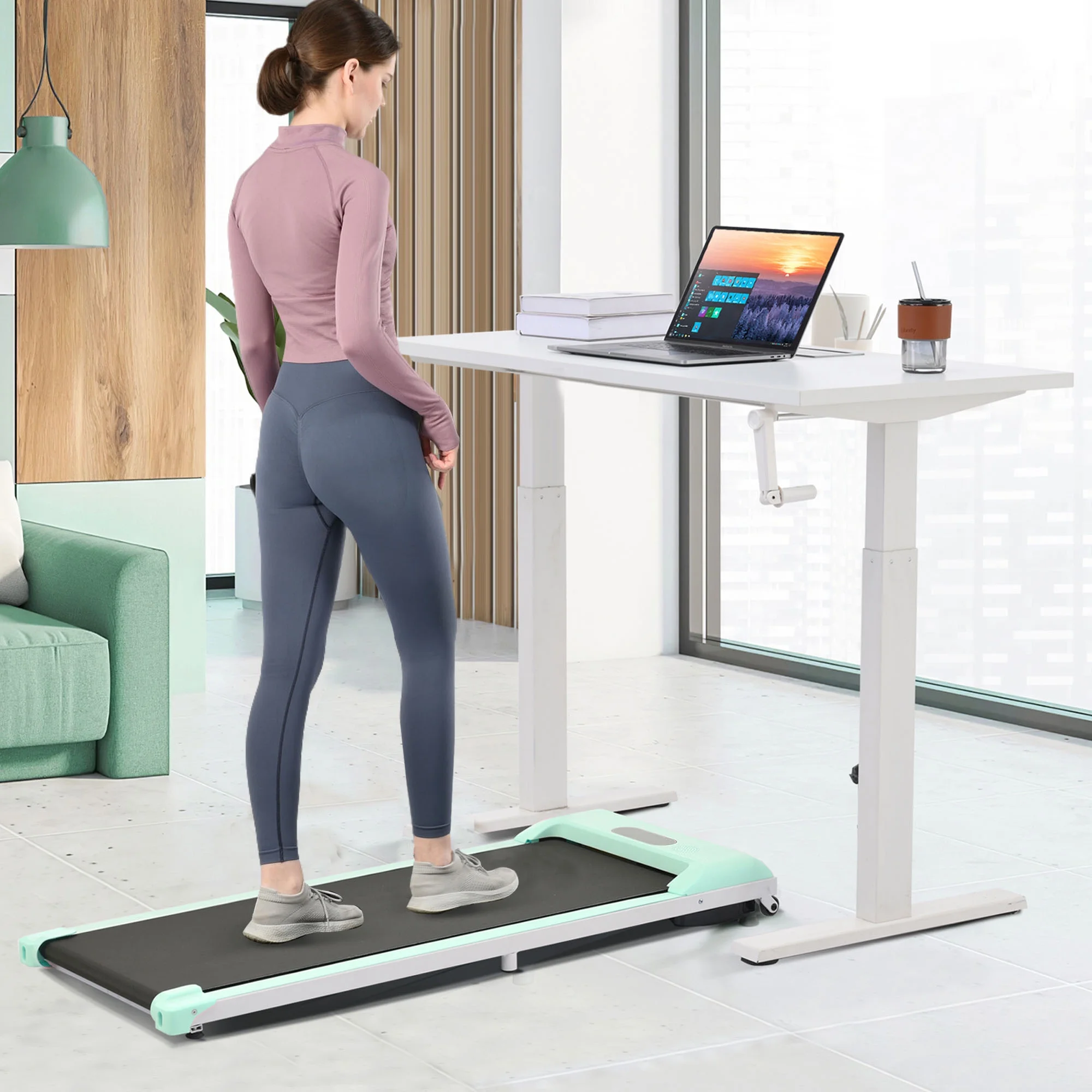
A: It is generally not recommended to walk for your entire shift. Aim for 30 to 60-minute intervals of walking, followed by 30 minutes of standing or sitting, to prevent muscle fatigue and maintain long-term physical comfort.
By treating your under-desk treadmill as a supplement to your workflow rather than an athletic challenge, you can successfully integrate movement into your day. Focus on the consistency of your pace rather than the intensity, and your body—and your career—will reap the long-term rewards.
Read also: Gas Spring vs Scissor Mechanism in Standing Desk Converters
📷 Photo by snapklik.com