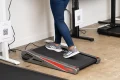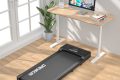
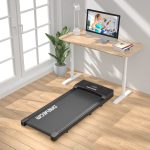


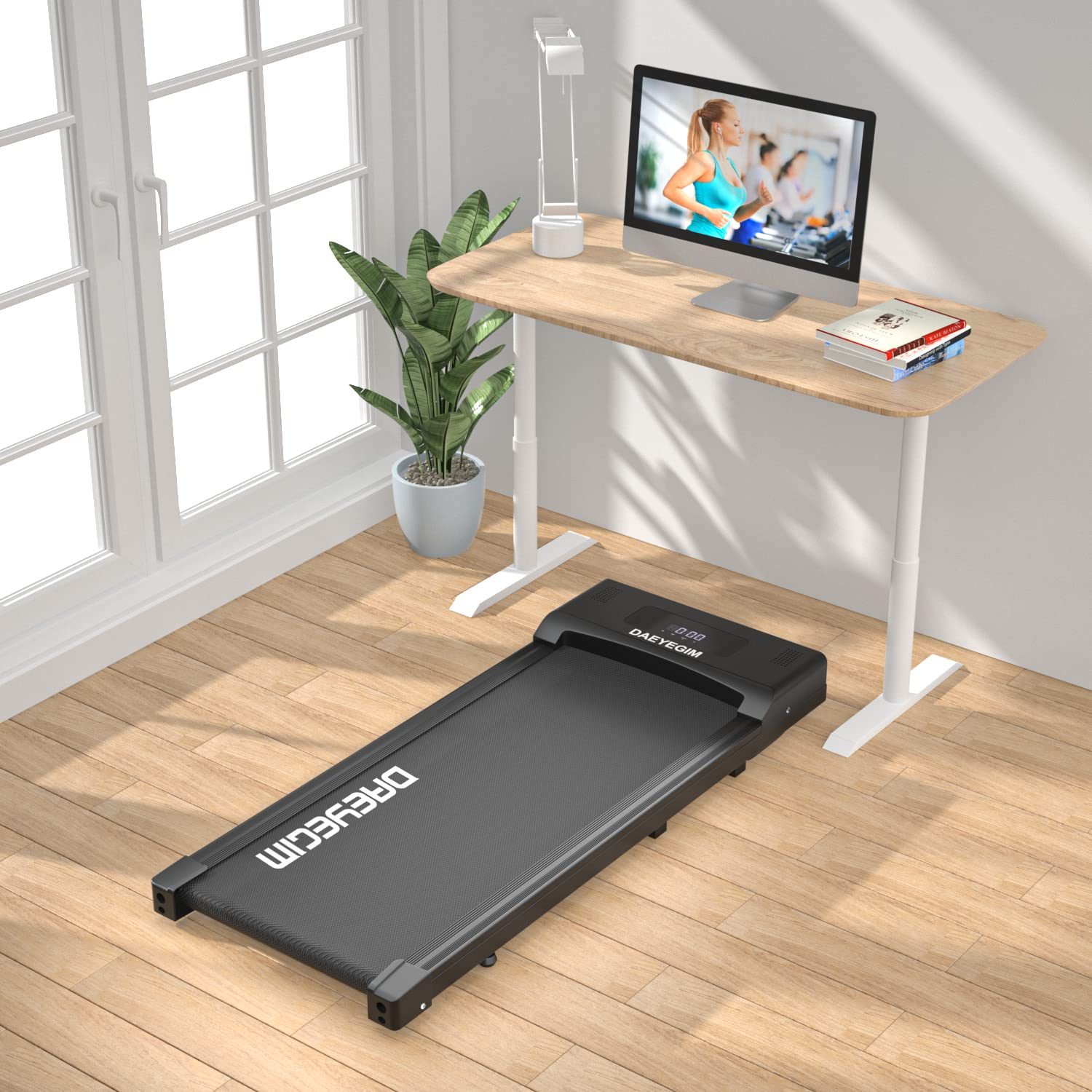
Aploda.com – The maximum speed of 4 MPH for an under-desk treadmill is generally too fast for productive work, as most users find a walking pace of 1.5 to 2.5 MPH to be the sweet spot for typing and concentration. Exceeding 3 MPH typically introduces enough physical exertion and vertical movement to compromise fine motor skills and focus.
The Reality of Walking While Working
When manufacturers market under-desk treadmills with a top speed of 4 MPH, they are often catering to the “jogging” potential of the device rather than its primary intended use. While 4 MPH is a brisk walking pace or a light jog, it is rarely sustainable in an office environment. To maintain a professional workflow, your body needs to remain relatively stable.
At 4 MPH, your gait becomes significantly more pronounced. You will experience more bounce, your breathing rate will increase, and your focus will naturally shift from your screen to your physical effort. For most desk-based tasks, this level of intensity is counterproductive. The true utility of these machines lies in low-intensity movement that keeps your blood flowing without triggering a “workout” state that requires a shower afterward.
Comparing Walking Speeds and Workplace Productivity
Understanding the impact of speed on your ability to work is crucial for setting up your home office. The following table breaks down how different speeds affect your physiological state and task compatibility.
| Speed (MPH) | Intensity Level | Best Use Case | Productivity Impact |
|---|---|---|---|
| 1.0 – 1.5 | Casual Stroll | Reading, meetings, phone calls | Minimal impact on focus |
| 1.6 – 2.5 | Productive Walk | Typing, emails, light design | Optimal for sustained tasks |
| 2.6 – 3.5 | Power Walking | Brainstorming, non-typing tasks | High potential for errors |
| 3.6 – 4.0+ | Light Jog | Exercise only | Impossible to work effectively |
Why 4 MPH is Often Misleading
Marketing departments often emphasize high top speeds to make their products seem more versatile. However, you should not base your purchasing decision on whether a treadmill reaches 4 MPH. Most users find that they rarely venture above 2.5 MPH during a typical workday. If you find yourself needing to go faster, you are likely transitioning into a workout session, which requires a different setup, including a proper athletic desk and a break from your professional responsibilities.
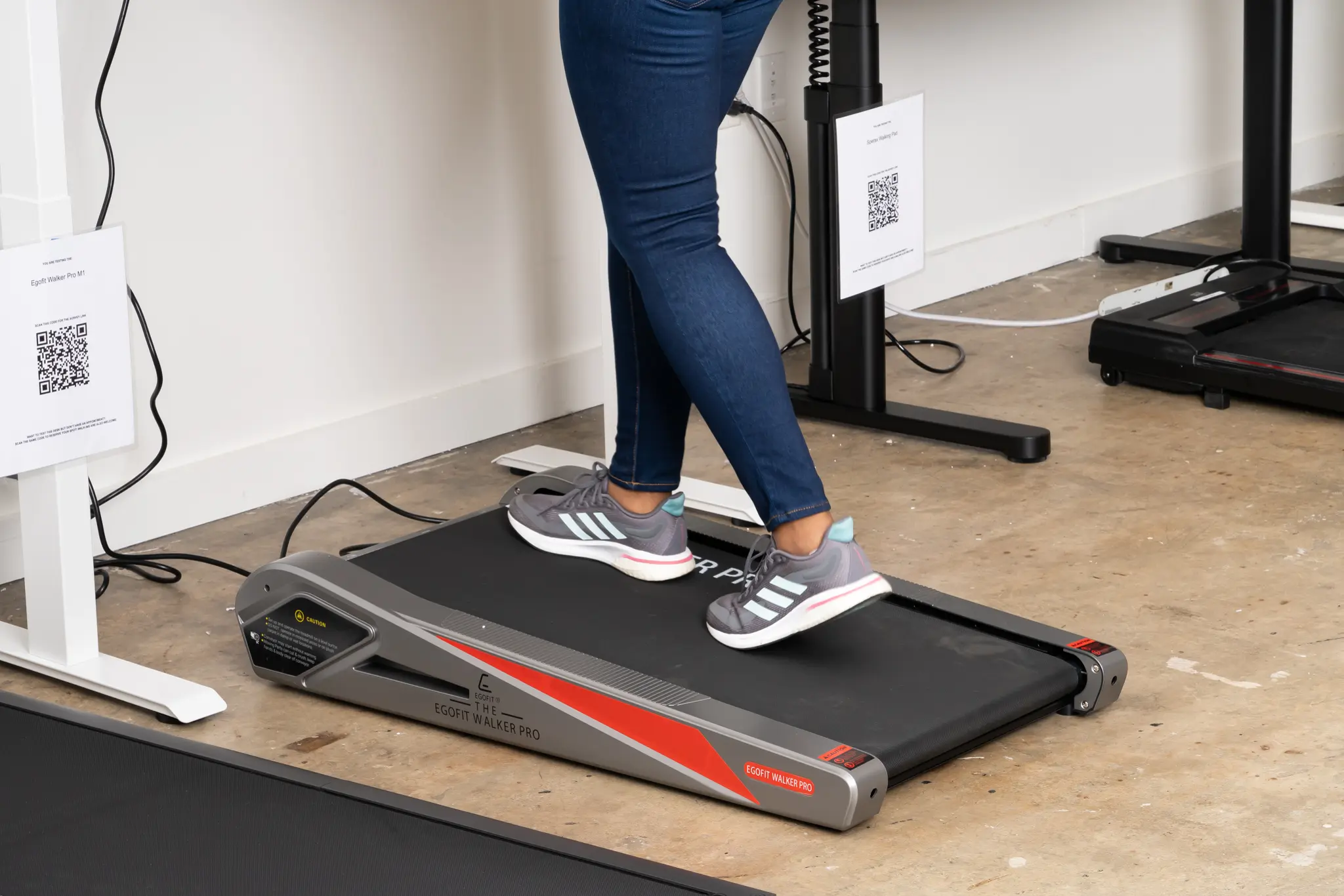
📷 Photo by nytimes.com
Furthermore, many under-desk treadmills lack the heavy-duty motors and stabilization required for sustained 4 MPH usage. Running or power walking at this speed on a slim, portable unit can lead to premature belt wear, motor strain, and increased noise levels that may distract you or others in your environment.
Steps to Find Your Optimal Walking Speed
Finding your “productivity speed” is a process of trial and error. Follow these steps to calibrate your treadmill settings for your specific work tasks:
- Start at 1.0 MPH while sitting to get accustomed to the sensation of the belt moving beneath your feet.
- Gradually increase the speed by 0.2 MPH increments while attempting to type a simple email or draft a document.
- Identify the “tipping point” where your hand stability or concentration begins to decline; this is your maximum effective work speed.
- Set your treadmill to 0.5 MPH below that tipping point to ensure you can maintain your pace for an hour or more without fatigue.
- Create a preset or remember this specific speed number so you can return to it instantly during future work blocks.
Common Mistakes When Using Under-Desk Treadmills
One of the most common errors is trying to “multitask” by walking too fast. Many users believe that faster walking equals more calorie burn and, therefore, more health benefits. While this is true in a gym setting, it is a fallacy in the office. If you are walking so fast that you cannot type accurately, you will likely stop using the treadmill altogether because it makes your work harder, leading to frustration and burnout.
Another mistake is neglecting your footwear. Walking at even 2 MPH for several hours puts significant stress on your joints if you are wearing thin-soled dress shoes or casual sneakers. Invest in high-quality walking shoes with proper arch support to prevent foot pain and plantar fasciitis, regardless of the speed you choose.
The Importance of Consistency Over Speed
Health benefits from walking desks come from consistency, not intensity. The goal is to avoid the physiological effects of sedentary behavior, such as sluggish metabolism and poor circulation. Moving at a leisurely 1.8 MPH for three hours is significantly more beneficial than walking at 4 MPH for twenty minutes and then sitting still for the rest of the day.
Focus on maintaining a pace that allows you to work comfortably for extended periods. If you feel the need to walk at 4 MPH, consider scheduling a dedicated 30-minute block specifically for exercise, away from your desk, where you can focus entirely on your fitness rather than your inbox.
Frequently Asked Questions
Q: Will walking at 2 MPH make me sweat during a meeting?
A: For most people, a steady pace of 2 MPH is a gentle movement that does not induce heavy perspiration, making it perfectly suitable for video calls or quiet work.
Q: Can I use an under-desk treadmill for running?
A: While some models technically allow for higher speeds, they are generally not designed for the impact of running, which can damage the motor and belt over time.
Q: Is it dangerous to type while walking?
A: It is not inherently dangerous, but it requires practice. Start slowly to ensure your balance and coordination are not compromised, and always keep the emergency stop clip accessible.
📷 Photo by snapklik.com