


Aploda.com – Incorporating balance board exercises into your standing desk routine alleviates hip tightness by engaging stabilizing muscles, correcting pelvic alignment, and preventing the static muscle fatigue caused by prolonged standing.
The Mechanics of Hip Tightness at Standing Desks
Standing desks are often touted as the ultimate solution to sedentary office life, yet they introduce their own set of physical challenges. Standing in one position for hours causes the hip flexors to remain in a shortened, contracted state. Over time, this leads to chronic tightness, lower back pain, and a restricted range of motion in the pelvis. When you stand still, your body tends to lock its joints, putting uneven pressure on the lumbar spine and the hip capsules.
A balance board introduces micro-movements that force the body to shift weight constantly. This dynamic instability prevents the hips from “locking” and encourages the activation of the glutes and core. By staying in motion, you ensure that the hip flexors are intermittently stretched and engaged, effectively breaking the cycle of stiffness that occurs during stationary work.
Benefits of Dynamic Standing
Unlike rigid floor mats, balance boards turn your workstation into an active environment. The primary advantage is neuromuscular activation. When the board tilts, your brain sends signals to the stabilizing muscles around the hips and ankles to correct your posture. This constant adjustment prevents the deep hip rotators from becoming hypertonic or excessively tight.
Furthermore, using a balance board improves circulation. When muscles contract and relax to maintain balance, they act as a pump for the lymphatic system and blood flow. This improved circulation helps clear metabolic waste products that build up in the hip region after hours of sedentary work, reducing the feeling of “heavy” or “locked” legs by the end of the day.
Recommended Balance Board Exercises
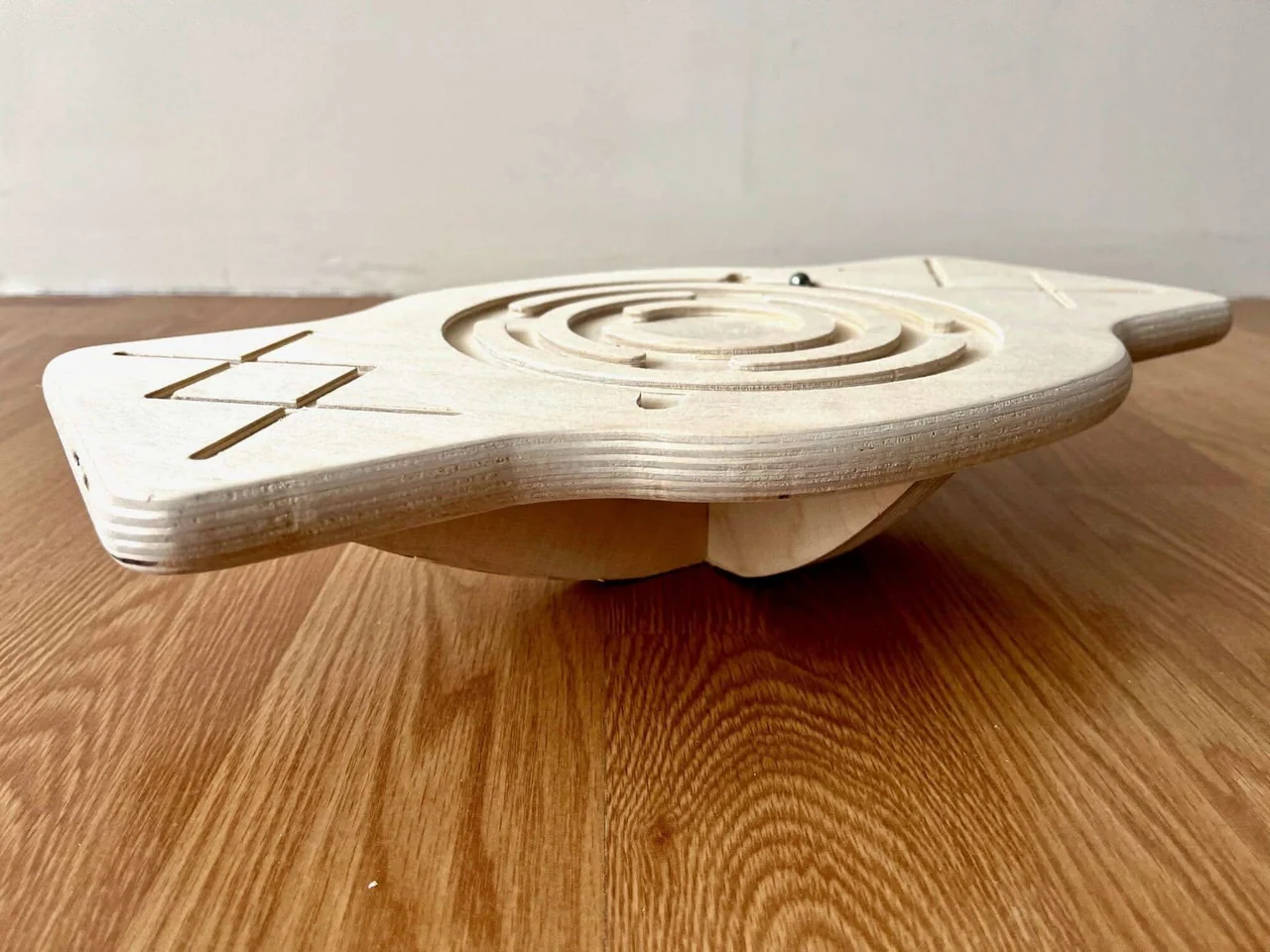
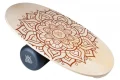
📷 Photo by kidodido.com
You do not need to perform complex gymnastics to see results. Simple, controlled movements integrated into your workflow are sufficient to maintain hip mobility.
- The Pelvic Tilt: Stand on the board with feet hip-width apart. Gently tuck your tailbone under, then release it back to a neutral position. Repeat this 10 times every hour to mobilize the lower back and hip joints.
- The Side-to-Side Shift: Slowly shift your weight from your left foot to your right foot, allowing the board to tilt slightly. Focus on feeling a gentle stretch in the inner thigh and hip of the leg you are moving away from.
- The Controlled Rotation: While maintaining a stable core, rotate your pelvis slightly from left to right. Keep the movement small and controlled; the goal is to loosen the deep hip rotators rather than perform a full-body twist.
- The Single-Leg Balance (Support Required): Place one hand on your desk for stability. Lift one foot slightly off the board and hold for 15 seconds. This forces the standing hip to work harder, strengthening the gluteus medius, which is essential for pelvic stability.
Comparison of Balance Board Types
| Board Type | Difficulty Level | Primary Benefit |
|---|---|---|
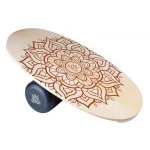
| Wobble Board | Beginner | Provides 360-degree tilt; excellent for general hip mobility. |
| Rocker Board | Intermediate | Tilts on one axis; ideal for forward-backward hip flexor motion. |
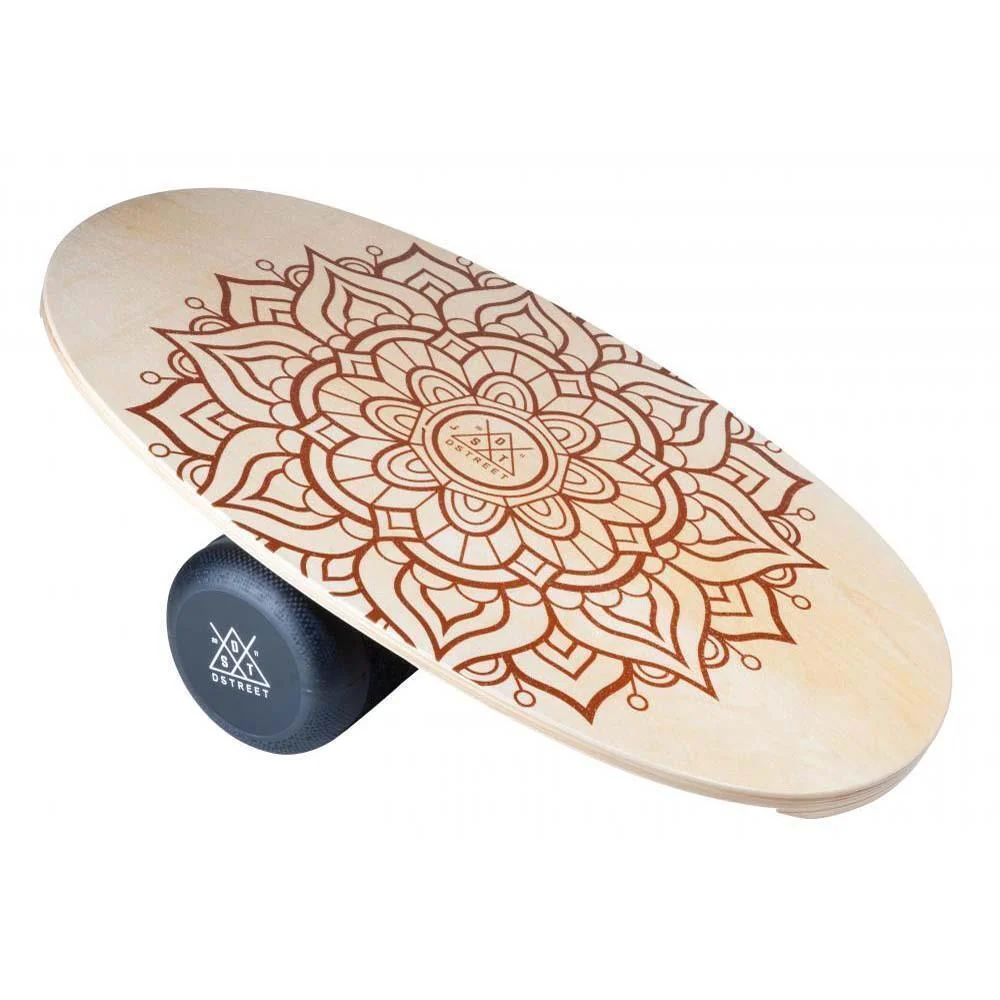
| Roller Board | Advanced | High instability; best for core engagement and deep stabilizer training. |
Common Mistakes to Avoid
One of the most frequent errors is over-exertion. Beginners often try to balance for too long or perform aggressive movements that cause fatigue. Remember that the goal is mobility, not a workout. If you feel muscle cramping or joint pain, step off the board immediately and return to a flat surface. Your body needs time to adapt to the new stimuli.
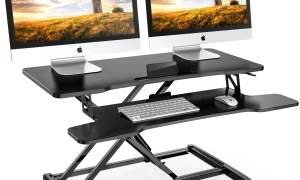
Another common mistake is neglecting desk height. If your desk is too high or too low, your posture will be compromised regardless of whether you are on a balance board. Ensure your elbows are at a 90-degree angle and your screen is at eye level. A balance board cannot compensate for poor ergonomic setup; it is a tool to complement a well-aligned workstation.
Integrating Into Your Workflow
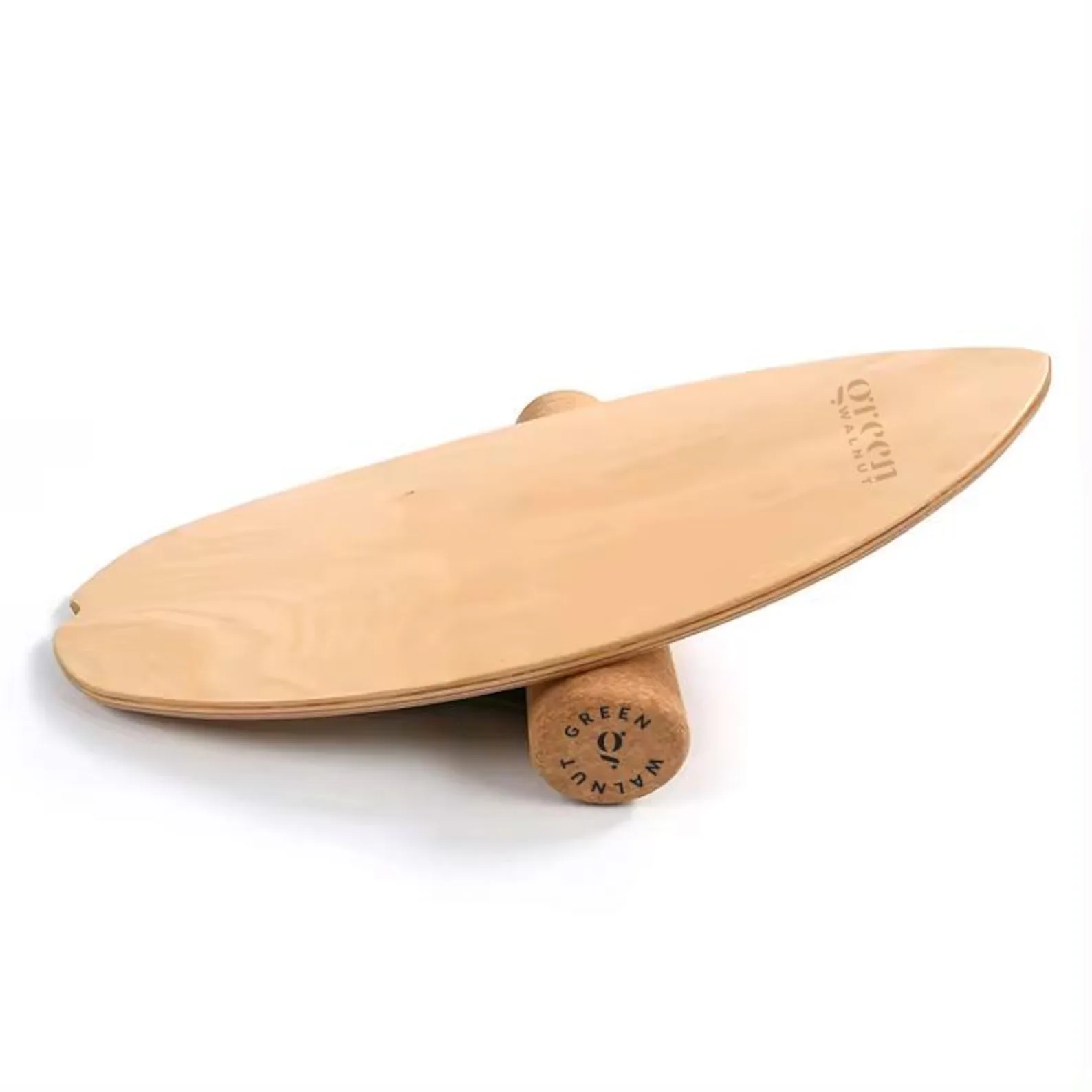
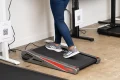
📷 Photo by etsy.com
Consistency is more important than duration. Instead of standing on the board for one hour straight, aim for 10 to 15-minute intervals throughout the day. This keeps your muscles fresh and prevents the fatigue that leads to poor posture. Listen to your body—if you notice your lower back starting to arch, it is a sign that your core is tired and it is time to switch to a flat floor for a while.
Finally, always wear supportive, flat-soled shoes when using a balance board. Running shoes with thick, squishy soles can actually decrease your stability and increase the risk of ankle rolls. A thin, firm sole allows for better proprioception and a more stable connection to the board surface.
Frequently Asked Questions
Q: How long should I stand on a balance board during the workday?
A: Aim for 10-15 minute intervals, 3-4 times a day. Avoid using it for your entire shift to prevent muscle fatigue.
Q: Will a balance board help with lower back pain as well as hip tightness?
A: Yes. By promoting pelvic alignment and engaging the core, balance boards reduce the strain placed on the lumbar spine, which is often a secondary symptom of tight hips.
Q: Is it safe to use a balance board while typing?
A: It is safe for light tasks, but avoid balancing during high-intensity tasks that require extreme concentration or precision, as the movement can be distracting.
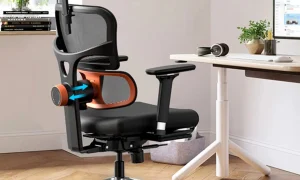
📷 Photo by maskura.co.uk