


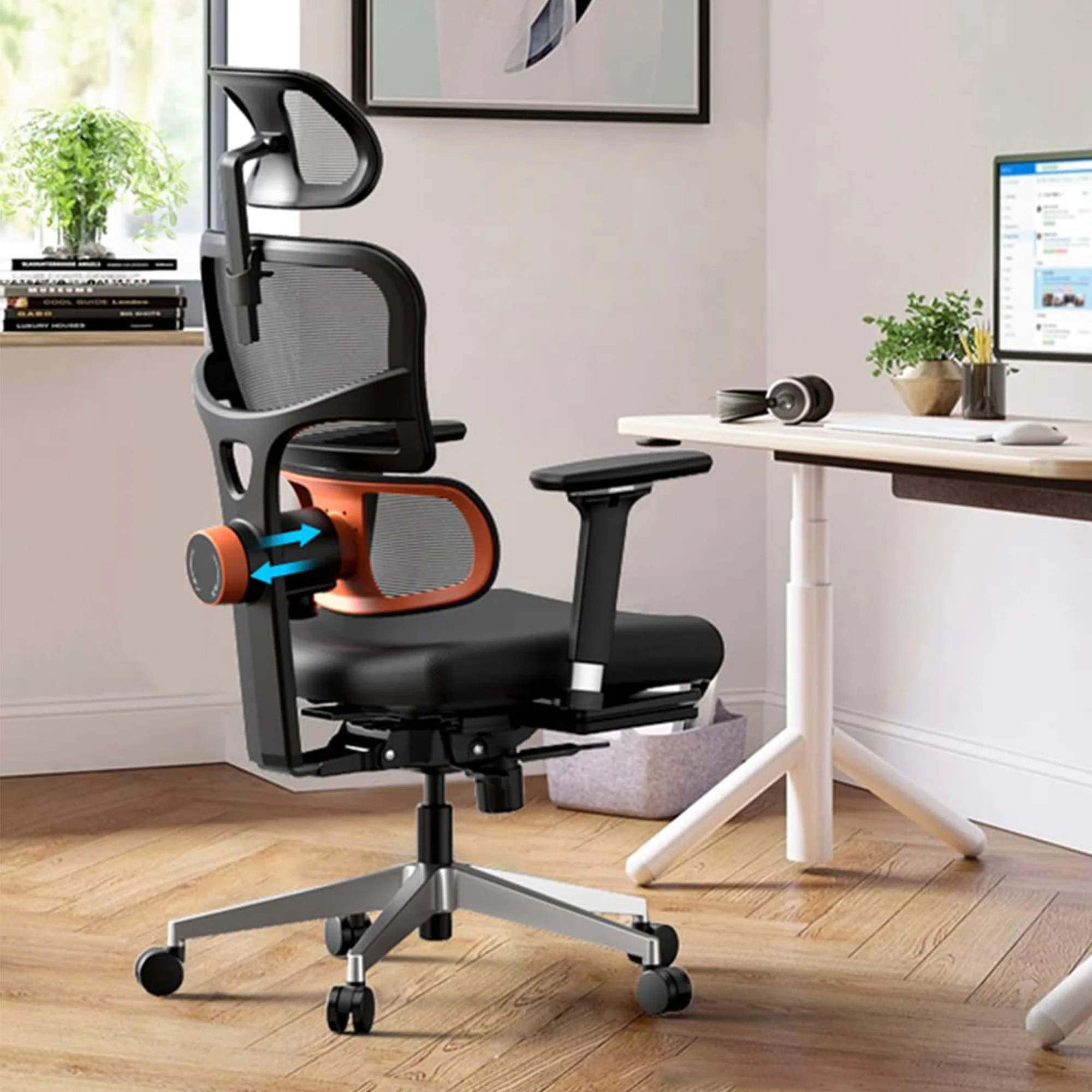
Aploda.com – Research in biomechanics suggests that an ergonomic office chair recline angle between 100 and 110 degrees is optimal for maintaining spinal health, as it significantly reduces intradiscal pressure compared to a rigid 90-degree upright posture. This slight recline promotes blood flow, eases lower back strain, and encourages a neutral spine alignment throughout the workday.
The Biomechanics of Sitting
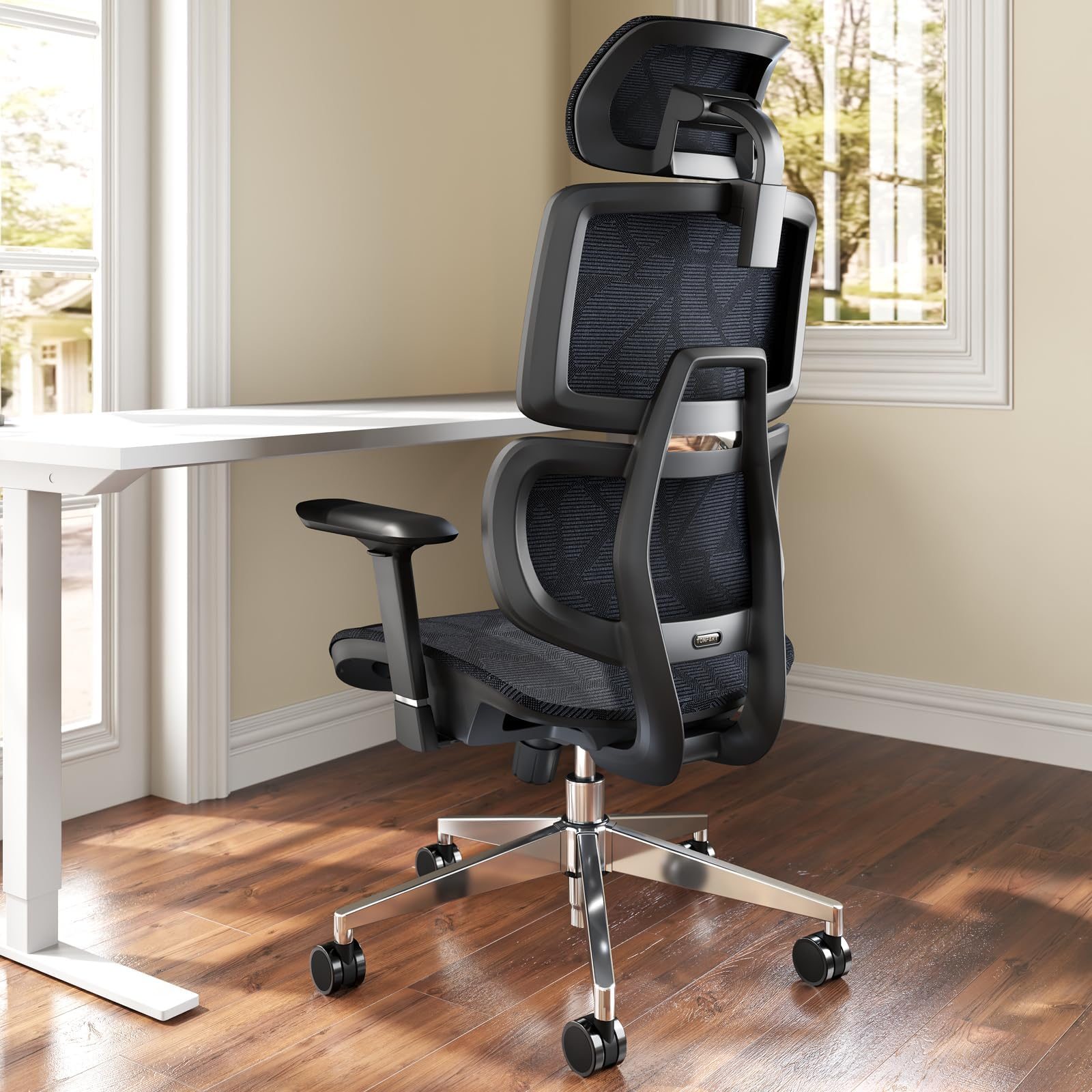
📷 Photo by storage.googleapis.com
For decades, the standard office advice was to sit bolt upright at a 90-degree angle. However, modern spinal research has debunked this as a myth that actually increases pressure on the lumbar discs. When you sit at a strict 90-degree angle, your hip flexors are tightened, and your pelvis tends to tilt backward, which flattens the natural inward curve of your lower back, known as lordosis.
By reclining slightly, you allow the backrest to support your weight, effectively shifting the load from your spinal discs to the structure of the chair. This position mimics a more relaxed, natural posture, similar to how the body rests when standing, but with the added support needed for prolonged focus. Clinical studies involving electromyography (EMG) have shown that muscle activity in the erector spinae—the muscles running along your spine—decreases significantly when the backrest is reclined beyond 100 degrees.
Comparing Seating Positions
Understanding the impact of seat angles on spinal health requires looking at how different positions affect the vertebrae. The following table highlights the impact of various seat angles on spinal health and comfort.
| Seat Angle | Spinal Impact | Recommended Use |
|---|---|---|
| 90 Degrees | High disc pressure, muscle fatigue | Not recommended for long-term work |
| 100–110 Degrees | Reduced lumbar strain, optimal blood flow | Standard daily office tasks |
| 120–135 Degrees | Minimal disc pressure, high relaxation | Reading, thinking, or mobile work |
Why 90 Degrees Is Often Counterproductive
The primary issue with the 90-degree rule is that it forces the body into a static position. Human beings are not designed to remain perfectly still for eight hours. When you are forced into a rigid posture, your muscles quickly fatigue, leading to slouching. Once you begin to slouch, you are no longer sitting at 90 degrees; you are collapsing, which places uneven pressure on the discs and can lead to long-term herniation risks.
A slight recline helps maintain the natural “S” curve of the spine. When you lean back, the chair’s lumbar support stays firmly pressed against your lower back. This constant contact prevents the pelvis from rotating backward, keeping your spine in its healthiest, most supported configuration.
How to Properly Adjust Your Chair
Adjusting your chair is not a “set it and forget it” task; it requires a systematic approach to ensure your specific body measurements are accommodated. Follow these steps to find your ideal ergonomic position.
- Start by sitting all the way back in the chair so your tailbone touches the backrest.
- Adjust the seat height so that your feet are flat on the floor and your knees are at a 90-degree angle.
- Unlock the recline tension mechanism and lean back until you feel the backrest supporting your spine comfortably between 100 and 110 degrees.
- Adjust the lumbar support depth or height until it fills the gap between your lower back and the chair.
- Ensure your elbows are resting at a 90-degree angle on the armrests to prevent shoulder tension while typing.
The Role of Dynamic Sitting
While 100 to 110 degrees is the “sweet spot” for active work, the most important ergonomic principle is “the best posture is the next posture.” Even the most perfectly adjusted chair will cause discomfort if you stay in one position for three hours straight. Your spine requires movement to pump nutrients into the intervertebral discs.
Modern ergonomic chairs often feature “synchro-tilt” mechanisms. This technology allows the seat and the backrest to recline at different ratios, usually 2:1. This means for every two degrees the backrest moves, the seat moves one degree. This movement keeps your hips open and your knees comfortable, even as you change your recline angle throughout the day to reach for a phone or lean forward to read a document.
Common Mistakes to Avoid
Many users make the mistake of setting their recline tension too loose, leading to a feeling of “falling backward.” This causes the user to subconsciously tense their abdominal muscles to maintain stability, which negates the benefits of reclining. Always adjust your tension knob so that the chair provides resistance that matches your body weight. Another common error is failing to use the lumbar support, which leaves the lower spine unsupported regardless of the angle you choose.
Frequently Asked Questions
Q: Is it okay to recline fully while working?
A: Reclining beyond 120 degrees is generally not recommended for active typing or mouse work, as it forces your neck to crane forward to see the monitor, which can cause cervical strain and headaches.
Q: Does a recline angle affect my eyesight?
A: Yes, if you recline too far, your focal point changes. You should adjust your monitor height and tilt whenever you change your chair’s recline angle to ensure your eyes remain level with the top third of the screen.
Q: How often should I change my recline angle?
A: Aim to adjust your posture or recline position at least every 30 to 45 minutes to prevent muscle stiffness and promote healthy spinal fluid circulation.
Ultimately, your chair should be a tool that supports your body’s natural need for alignment and movement. By moving away from the outdated 90-degree standard and embracing a slightly reclined, dynamic posture, you can mitigate the risks of chronic back pain and improve your overall comfort during long office hours.
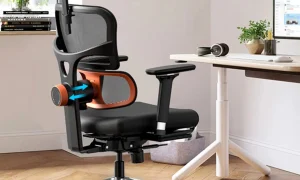
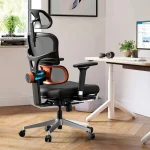
📷 Photo by eurekaergonomic.com