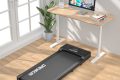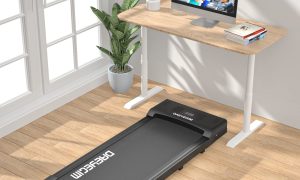
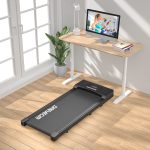



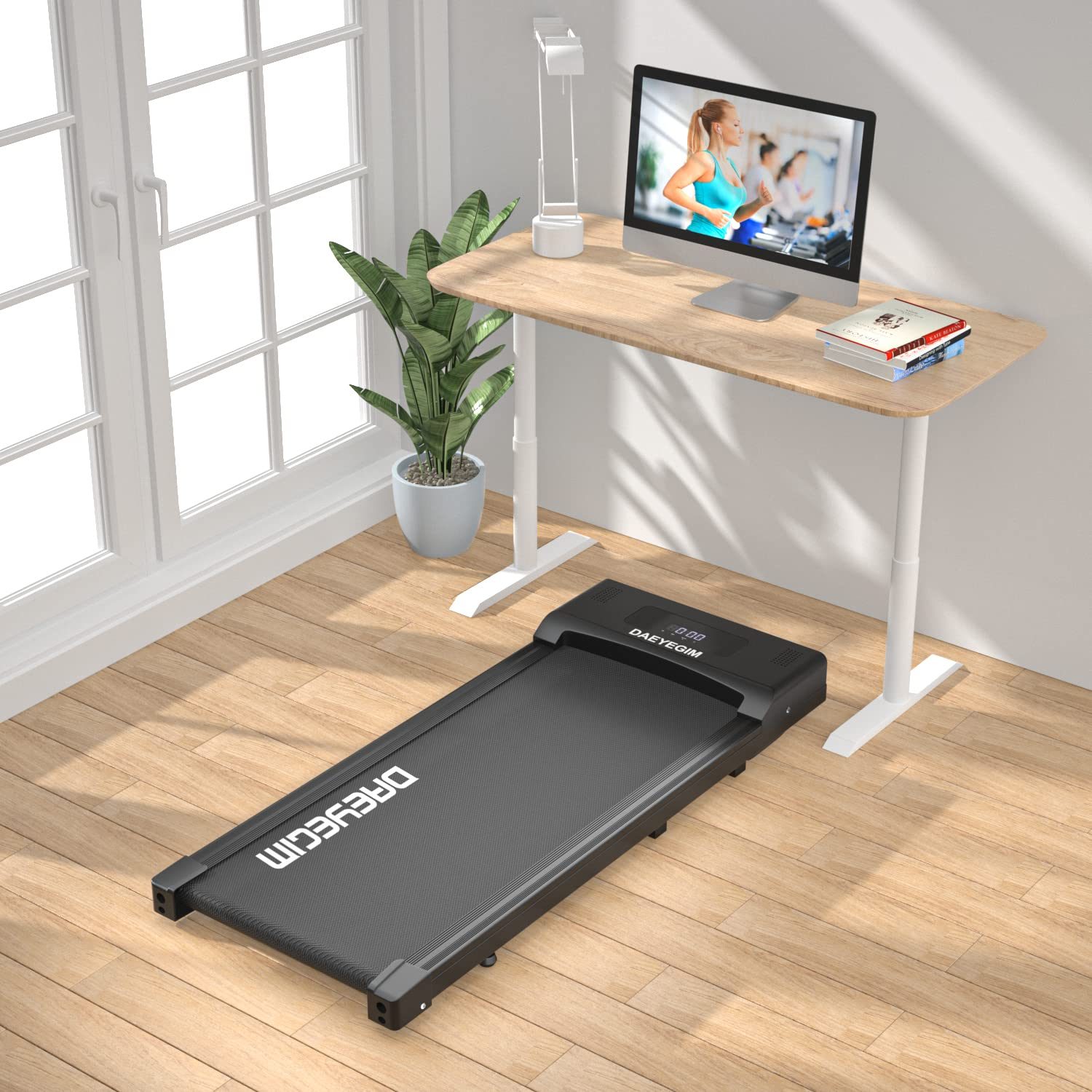
Aploda.com – Typing accurately while walking on an under-desk treadmill requires maintaining a stable upper body through proper desk height adjustment and utilizing a specialized typing technique that minimizes arm movement.
Walking while working is a transformative habit for sedentary professionals, but the physical motion of walking often interferes with fine motor skills. The primary challenge is the rhythmic oscillation of the body, which causes the hands to move relative to the keyboard. To maintain accuracy, you must decouple your upper body stability from your lower body movement.
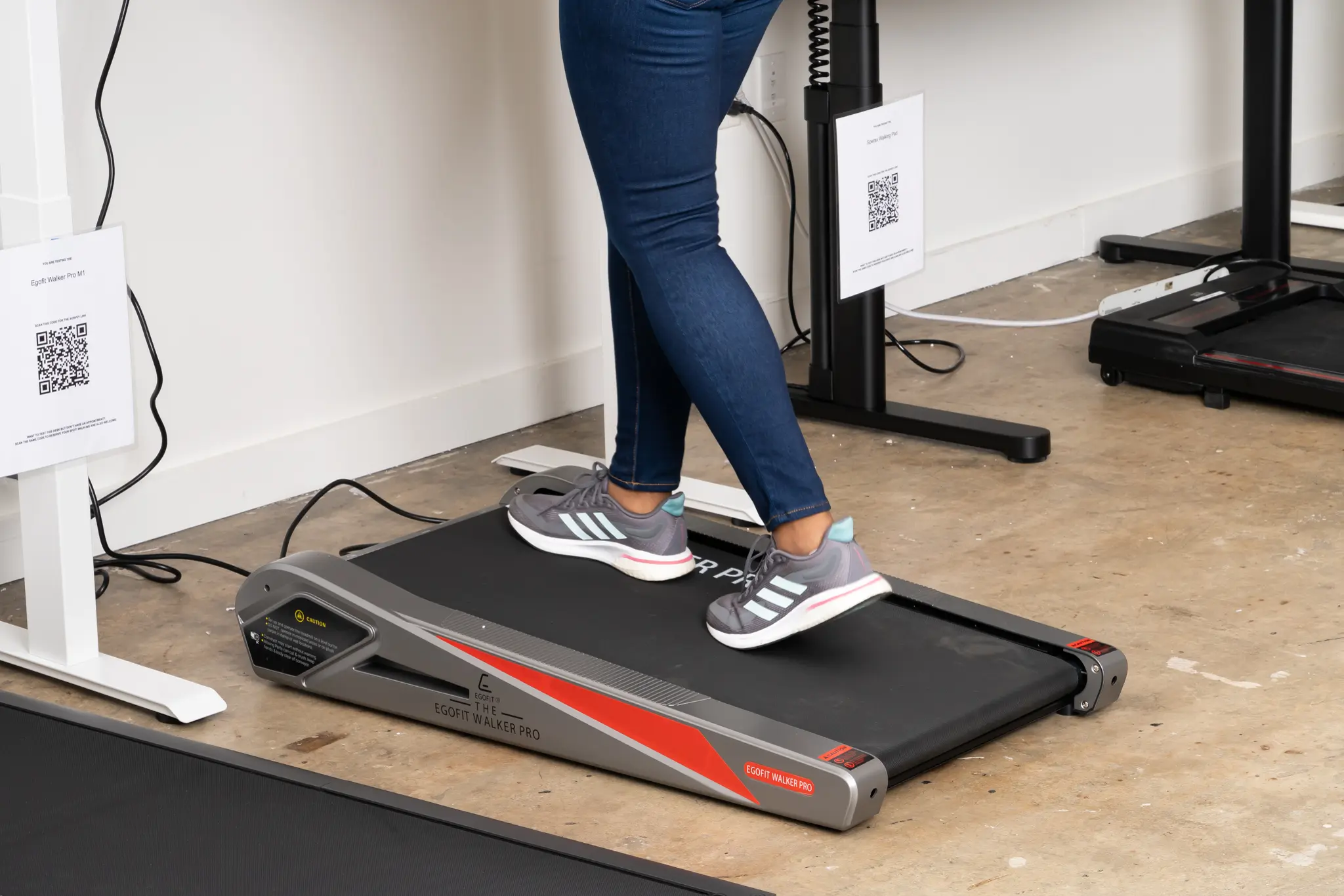
📷 Photo by nytimes.com
The Importance of Ergonomic Alignment
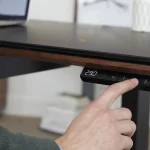
The most common reason for poor typing accuracy on a treadmill is an incorrectly positioned desk. If your desk is too low, you are forced to hunch over, which destabilizes your core and forces your shoulders into an unnatural position. If the desk is too high, your wrists will hover at an awkward angle, leading to fatigue and frequent typos.
Your elbows should be bent at an angle slightly greater than 90 degrees. This position allows your forearms to rest lightly on the desk surface, providing a pivot point that absorbs the rhythmic movement of your stride. By resting your forearms, you create a stable platform for your wrists, effectively isolating your fingers from the vertical motion of your hips and legs.
Technique Adjustments for Treadmill Walking
Walking speed plays a critical role in your ability to type. Most users find that a speed between 1.0 and 1.5 miles per hour is the “sweet spot” for productivity. At this pace, your center of gravity remains relatively constant, and your stride is smooth enough to prevent significant vertical bobbing.
When you start typing, adopt a “light touch” approach. Avoid slamming the keys; instead, use a soft, rhythmic keystroke that matches your walking cadence. If you find yourself making consistent errors, try to synchronize your keystrokes with the moment your feet are firmly planted on the treadmill belt. This timing minimizes the impact of your weight shift on your hand stability.
Equipment Considerations
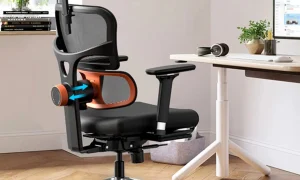
The hardware you use can significantly impact your typing performance. A mechanical keyboard with tactile feedback is often superior to a flat laptop keyboard because the physical click provides sensory confirmation that a key has been pressed. Furthermore, using a wrist rest can provide the necessary stability to keep your hands in the optimal typing zone.
| Feature | Recommended Setting for Treadmill | Reasoning |
|---|---|---|
| Walking Speed | 1.0 mph to 1.5 mph | Minimizes vertical torso movement |
| Desk Height | Elbows at 90-100 degrees | Provides forearm stability |
| Keyboard Type | Mechanical with tactile feedback | Reduces accidental double-key presses |
| Display Height | Eye level | Prevents neck strain and hunching |
Step-by-Step Guide to Mastering Treadmill Typing
- Calibrate your treadmill to a slow, steady walking pace (1.2 mph) and ensure your walking form is upright with a neutral spine.
- Adjust your desk height so your forearms are parallel to the floor, allowing your hands to rest naturally on the home row of the keyboard.
- Place a soft wrist rest in front of your keyboard to provide a stable anchor point for your palms.
- Practice typing simple phrases while walking to find your rhythm, focusing on a soft touch rather than speed.
- If you feel your accuracy slipping, pause your typing for a few seconds, reset your posture, and ensure your core is engaged.
- Gradually increase your speed only after you have mastered accuracy at lower intensities.
Common Mistakes to Avoid
One frequent error is attempting to walk too fast. High-intensity walking causes excessive torso rotation, which makes it nearly impossible to maintain a steady hand position. If you have a deadline that requires high-volume typing, it is always better to prioritize a slower walk over a faster one.
Another mistake is failing to engage the core. When you walk, your core muscles act as a stabilizer for your entire body. If your core is loose, your upper body will sway with every step, turning your arms into pendulums. By keeping your abdominal muscles lightly engaged, you create a rigid structure that keeps your keyboard steady despite your legs moving underneath you.
The Role of Breaks and Fatigue
Typing while walking is physically demanding in ways that sitting is not. Your body is constantly working to maintain balance, which can lead to premature fatigue. It is essential to recognize when your typing accuracy begins to drop—this is often an early sign of muscular fatigue in the shoulders or core.
Take short, frequent breaks. Step off the treadmill every 30 to 45 minutes to stretch your hip flexors and calves. This not only prevents injury but also resets your posture, allowing you to return to the treadmill with better form and higher typing accuracy.
Frequently Asked Questions
Q: Is it harmful to my wrists to type while walking?
A: It is not inherently harmful, provided your desk height is correct and your wrists are not resting on sharp edges. Always ensure your wrists are in a neutral, straight position to prevent strain.
Q: Should I use a standing desk mat on top of the treadmill?
A: Generally, no. Most under-desk treadmills are designed with a specific surface for walking. Adding a mat can create an uneven surface that increases the risk of tripping and makes it harder to maintain a stable typing posture.
Q: How long does it take to get used to typing while walking?
A: Most people require about one to two weeks of consistent, short practice sessions to adapt their motor skills to the movement of the treadmill.
Consistency is your best friend when learning this skill. Start with 15-minute intervals and observe how your accuracy changes as you become more comfortable with the motion. With time, the coordination between your legs and your fingers will become second nature, allowing you to maintain your productivity without sacrificing your health.
📷 Photo by snapklik.com