

Aploda.com – The primary difference between C-leg and T-leg electric standing desks lies in their structural stability and leg placement; C-leg frames offer superior knee clearance and open space, while T-leg frames provide increased lateral stability due to their centered base design.
Choosing the right desk frame is a foundational decision when setting up an ergonomic workspace. While both C-leg and T-leg designs are popular for electric height-adjustable desks, they serve slightly different user needs. Understanding these nuances helps you avoid common ergonomic pitfalls and ensures your workspace supports your productivity rather than hindering it.
Understanding the C-Leg Design
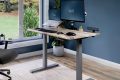
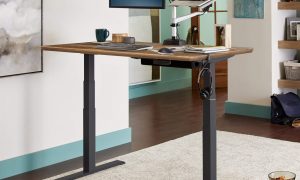
The C-leg frame features a design where the leg column is positioned toward the back of the desk, forming a shape resembling the letter “C.” This configuration is highly favored by users who prioritize an unobstructed workspace underneath the desk. Because the main support pillar is set back, there is significantly more room for your legs, a footrest, or a rolling filing cabinet.
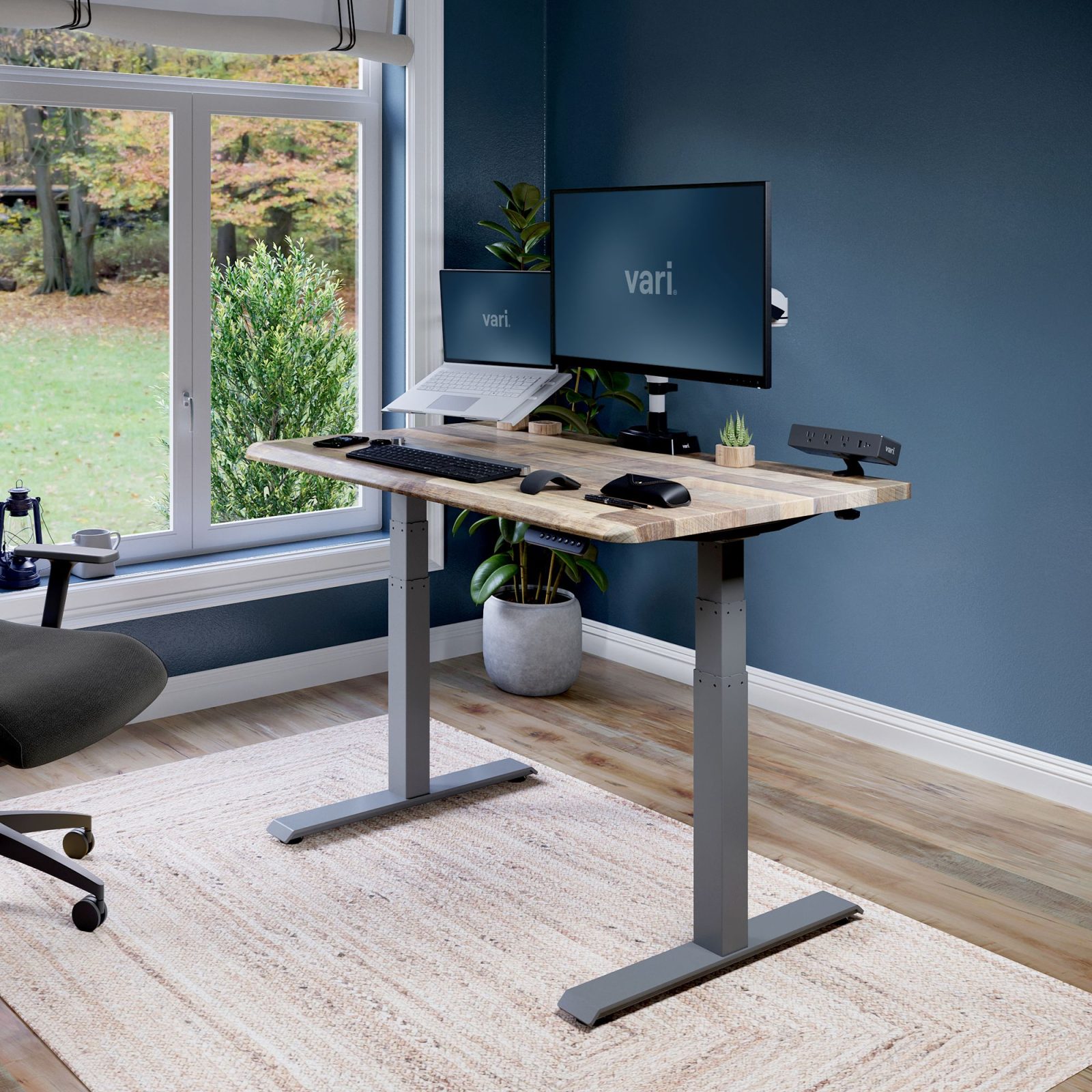
📷 Photo by vari.com
The primary advantage here is flexibility. If you like to cross your legs, stretch out, or frequently maneuver your chair around your desk, the C-leg design prevents you from bumping your knees against the support structure. However, because the weight of the desk is shifted toward the rear, these desks can sometimes feel slightly less stable at the highest height settings if they are not engineered with high-quality, heavy-duty steel.
The Case for T-Leg Frames
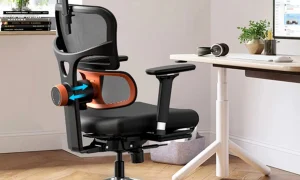
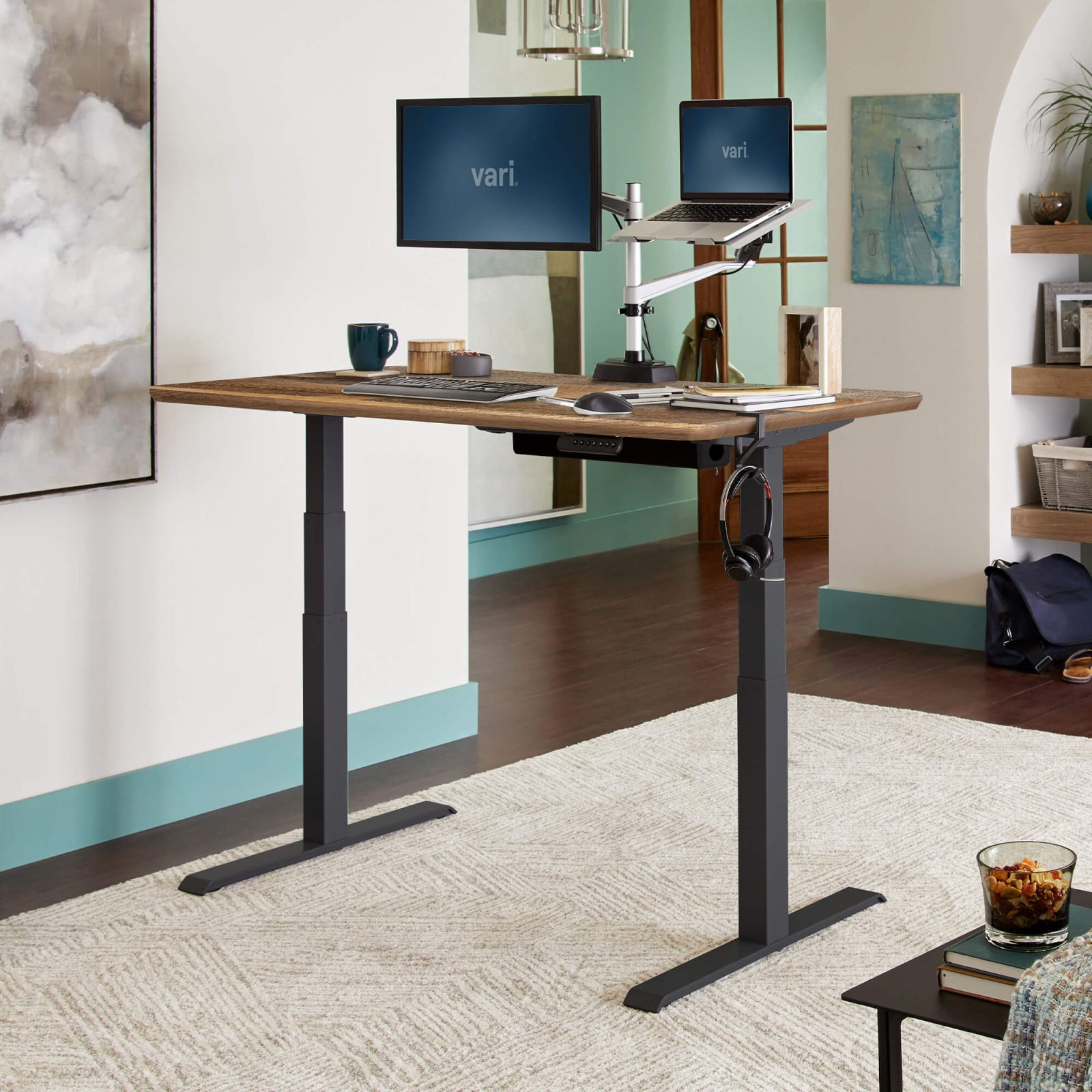
T-leg frames are designed with the support column positioned directly in the center of the foot base, creating a balanced “T” shape. This centered weight distribution is widely considered the gold standard for structural rigidity. By placing the leg in the middle, the desk is inherently more resistant to wobbling, especially when typing vigorously or leaning on the desk during long work sessions.
The trade-off for this enhanced stability is the potential for restricted legroom. If you tend to move your chair close to the desk or use accessories like a CPU holder or a large under-desk drawer, the T-leg structure might feel intrusive. For users who prioritize a rock-solid work surface over open under-desk space, the T-leg is typically the superior choice.
Comparative Analysis: C-Leg vs. T-Leg
| Feature | C-Leg Frame | T-Leg Frame |
|---|---|---|
| Legroom | Excellent (Open front) | Moderate (Potential obstruction) |
| Lateral Stability | Good | Superior |
| Best For | Small spaces/Active users | Heavy-duty/Precision tasks |
| Aesthetics | Minimalist/Floating look | Industrial/Balanced |
Common Pitfalls When Choosing a Desk Frame
One of the most frequent mistakes users make is ignoring the weight capacity of the frame. Regardless of whether you choose a C-leg or T-leg, verify that the motor system can handle your specific equipment. A heavy monitor arm, a dual-monitor setup, and a solid wood desktop can quickly exceed the limits of budget-tier frames, leading to motor strain and increased wobble.
Another overlooked factor is the foot length. A frame with short feet might look sleek, but it significantly compromises the desk’s stability, especially when extended to its maximum height. Always look for a frame that offers a foot depth proportionate to the depth of your desktop surface to ensure a stable footprint.
How to Properly Assemble Your Standing Desk Frame
To ensure maximum longevity and stability for your new desk, follow these essential assembly steps:
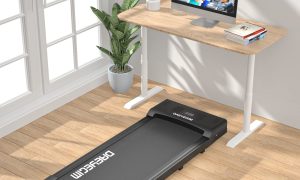
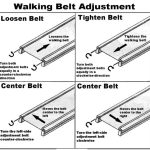
Read also: How to Center an Under Desk Treadmill Walking Belt Fast
- Clear a large, flat workspace and lay out all components, ensuring you have the correct screws for the leg columns and the crossbar assembly.
- Assemble the frame loosely at first; do not tighten any bolts completely until the entire frame is squared up to prevent misalignment.
- Once the frame is square, tighten all bolts in a cross-pattern to ensure even pressure distribution across the joints.
- Attach the feet to the columns, ensuring they are level; use the adjustable leveling glides on the bottom of the feet to compensate for uneven flooring.
- Perform a full-cycle test by raising the desk to its maximum height and lowering it to its minimum before mounting your desktop to verify motor smoothness.
Ergonomic Considerations and Risks
The choice between C-leg and T-leg designs also impacts your long-term ergonomic posture. A T-leg desk that forces you to sit at an awkward angle to avoid the center column can lead to shoulder strain and repetitive stress injuries. Conversely, a C-leg desk might be less stable if the frame quality is poor, leading to vibrations that can cause eye strain when viewing monitors.
If you suffer from back pain or require specific ergonomic setups, prioritize the design that allows you to maintain a neutral spine position. If you often use a keyboard tray, check the compatibility with your chosen frame. Some C-leg frames offer more mounting points for third-party keyboard trays, whereas T-leg frames may interfere with the sliding mechanism of such trays.
Frequently Asked Questions
Q: Will a C-leg desk wobble more than a T-leg desk?
A: Generally, yes. Because the T-leg design centers the weight over the foot, it is inherently more stable. However, a high-quality C-leg frame made with thick, reinforced steel will often outperform a cheap, thin-gauge T-leg frame.
Q: Can I use a T-leg desk if I have limited legroom?
A: You can, but it may feel cramped. If you have a small desk surface, the center pillar of a T-leg frame can interfere with your chair arms or your knees, making a C-leg design a much more comfortable choice for tight quarters.
Q: Does the leg design affect the desk’s weight capacity?
A: The leg design itself is less important than the motor and the column gauge. Both designs can handle heavy loads, but T-leg frames are traditionally preferred for heavy-duty setups because the weight is distributed more evenly across the floor contact points.
Ultimately, the decision rests on your specific work habits. If you value an airy, open workspace and move your legs often, the C-leg is an excellent investment. If you prioritize a rock-solid typing surface and do not mind a central column, the T-leg will provide the stability you need for years of reliable use.
📷 Photo by vari.com