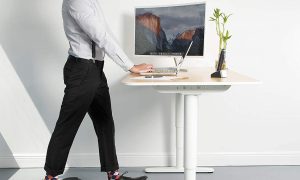
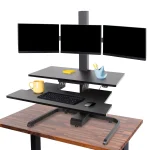


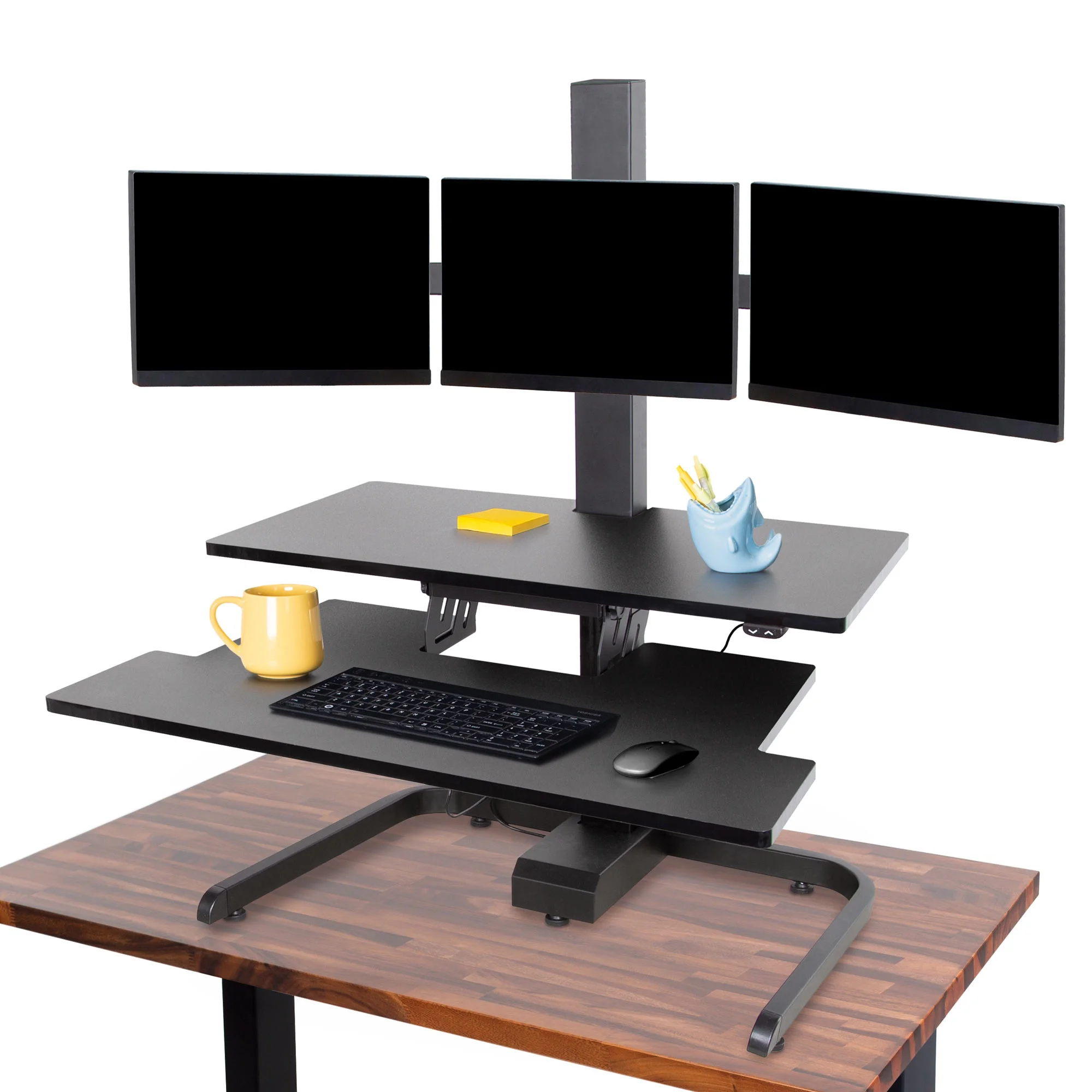
Aploda.com – The best standing desk converter for small desks and laptops is a compact, lightweight riser that offers a minimal footprint while providing height adjustability to support ergonomic transitions between sitting and standing. Choosing a model with a gas-spring mechanism or a simple lever-lock system ensures smooth operation without consuming your entire workspace.
Understanding the Constraints of Small Workspaces
When you have limited desk space, adding a heavy, bulky standing desk converter can feel counterproductive. A large, dual-monitor riser might overwhelm your surface, leaving no room for a notepad, coffee, or even your mouse. The goal for a small-desk setup is to find a unit that mimics the size of your laptop footprint or elevates it just enough to prevent neck strain without needing a full-scale motorized frame.
Most standard converters are designed for large cubicles. If you are working in a home office nook or a shared apartment space, you need something that is either portable, retractable, or ultra-slim. These units focus on vertical elevation rather than wide platforms, making them ideal for single-laptop users or tablet-based workflows.
Key Features to Look For in Compact Converters
Before purchasing, you must evaluate how the converter interacts with your existing desk surface. Stability is the biggest concern with smaller, lighter models. If the converter is too light, it may wobble when you type. Conversely, if it is too heavy, it might exceed the weight limit of your desk, especially if you are using a glass top or a thin particle-board surface.
Look for a model with a “Z-lift” or “X-lift” design that moves straight up and down. This prevents the converter from pushing your laptop toward you as you raise it, which is a common problem in narrow workspaces. Additionally, ensure the base has non-slip rubber padding to protect your desk surface from scratches.
| Feature | Compact Converter | Full-Size Converter |
|---|---|---|
| Footprint Size | Small (Under 20 inches) | Large (Over 30 inches) |
| Portability | High | Low |
| Weight Capacity | 10-15 lbs | 30+ lbs |
| Best For | Laptops & Tablets | Dual Monitors |
Steps to Optimize Your Small Desk Setup
Setting up your standing desk converter correctly is just as important as the model you choose. Follow these steps to ensure your ergonomic setup prevents injury rather than causing it:
- Measure your current desk surface depth to ensure the converter base fits comfortably without hanging over the edge.
- Clear all unnecessary items from your desk to create a clean, clutter-free workspace that allows the converter to sit flush.
- Place the converter in the center of your desk and ensure the locking mechanism is engaged on a flat, stable surface.
- Adjust the height so that the top of your laptop screen is at eye level, which prevents you from hunching over.
- Add an external keyboard and mouse on your desk surface, allowing your elbows to rest at a 90-degree angle while you type.
Common Mistakes to Avoid
One of the most frequent errors is failing to account for cable management. When you raise your converter, your laptop charging cable or USB hub wires may become taut or get disconnected. Use zip ties or adhesive clips to create a “slack loop” that provides enough length for the converter to reach its maximum height without pulling on your devices.
Another mistake is ignoring the keyboard height. Many users place their laptop directly on the converter, but this often makes the keyboard too high for comfortable typing. If you find your shoulders shrugging while you type, you are using the converter at the wrong height. Always use an external keyboard if the screen height requires the riser to be positioned above your natural elbow level.
Ergonomic Risks of Poor Standing Habits
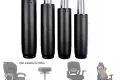
Read also: Ergonomic Office Chair Cylinder Replacement: How to Fix a Sinking Seat
Standing for too long can be just as harmful as sitting for too long. If you do not have a cushioned anti-fatigue mat, your legs and lower back may start to ache within thirty minutes. Start by standing for only 15 to 20 minutes per hour. If you feel pain in your feet, it is a clear sign that you need to return to a seated position or invest in better footwear.
Furthermore, ensure your screen is not too close. Even when standing, the standard rule of “an arm’s length away” still applies. If you find yourself leaning forward to read text, you are likely suffering from “screen squinting,” which leads to neck and shoulder tension regardless of your posture.
Frequently Asked Questions
Q: Can I use a heavy gaming laptop on a compact standing desk converter?
A: Yes, provided the converter’s weight capacity exceeds the weight of your laptop. Always check the manufacturer’s specifications, as exceeding the weight limit can cause the gas-spring mechanism to fail or the unit to tip over.
Q: Do I need an external keyboard if I use a standing desk converter?
A: It is highly recommended. Using an external keyboard allows you to position the screen at eye level while keeping your hands and wrists at a neutral height, which is essential for preventing repetitive strain injuries.
Q: How do I clean my standing desk converter?
A: Use a soft, microfiber cloth slightly dampened with water or a mild screen cleaner. Avoid harsh chemicals that can strip the finish or damage the tension springs. Ensure the unit is dry before placing your electronic devices back on the platform.
Final Considerations for Small Spaces
If you find that even the smallest converter takes up too much room, consider a wall-mounted laptop arm. These systems attach to the wall behind your desk, effectively clearing your entire surface area. While they require a more permanent installation, they offer the ultimate space-saving solution for cramped home offices. Regardless of your choice, prioritize adjustability and stability to ensure your long-term comfort and productivity.
📷 Photo by si350.org