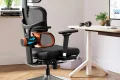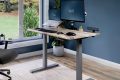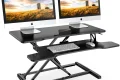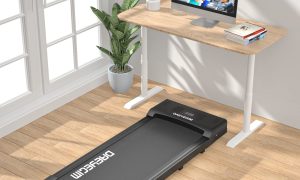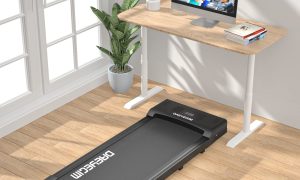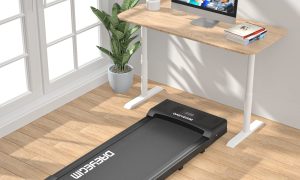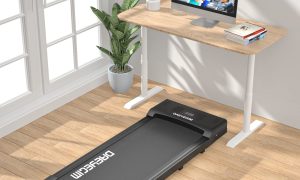
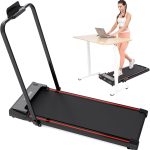
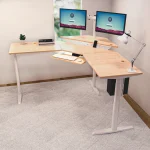
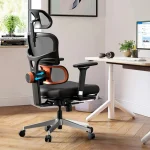
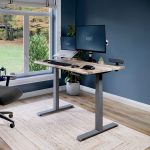


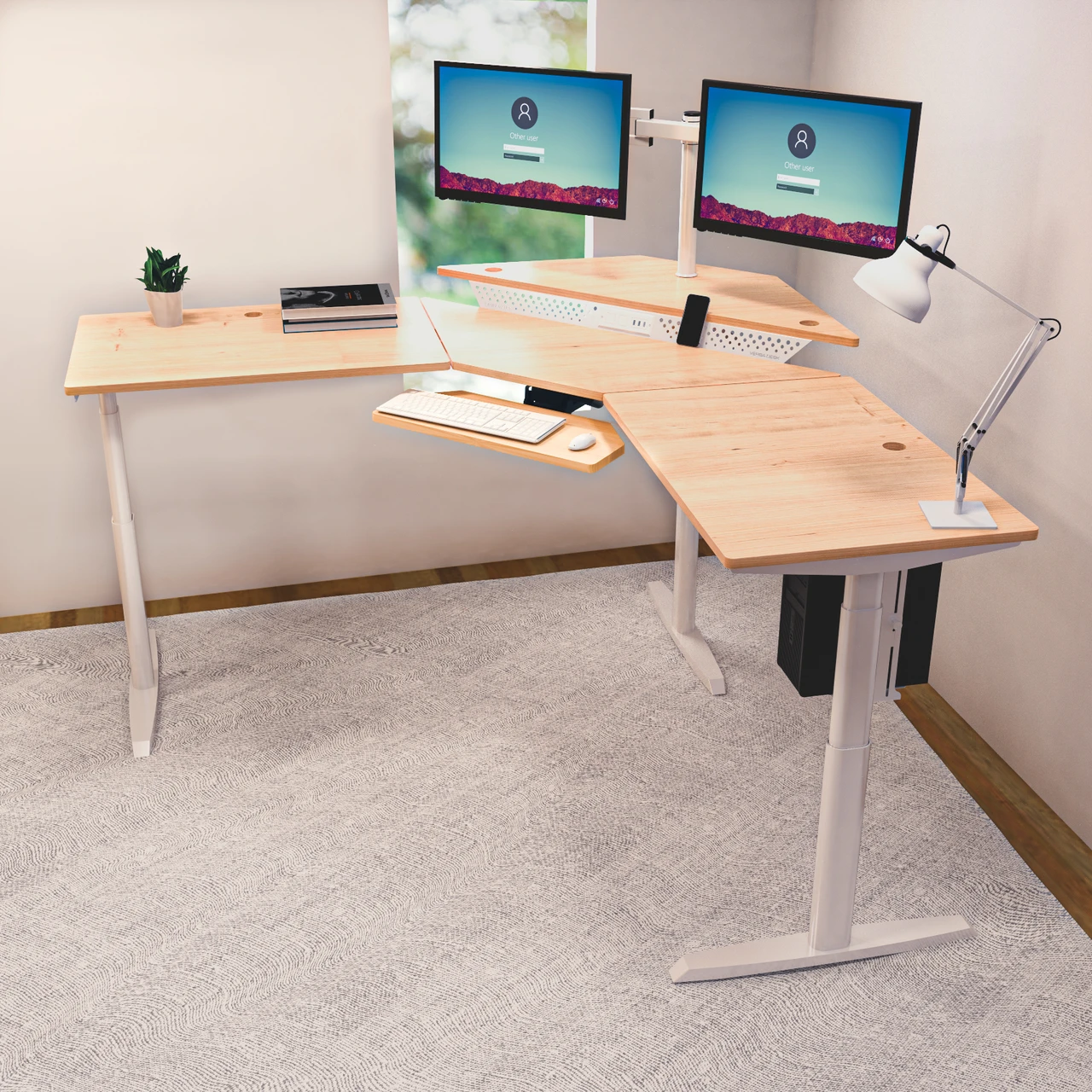
Aploda.com – A corner standing desk converter is a specialized ergonomic workstation accessory designed to fit into the wedge-shaped junction of L-shaped cubicles, allowing users to transition between sitting and standing while maximizing dead corner space. It effectively bridges the gap between limited surface area and the need for a healthy, movement-oriented office setup.
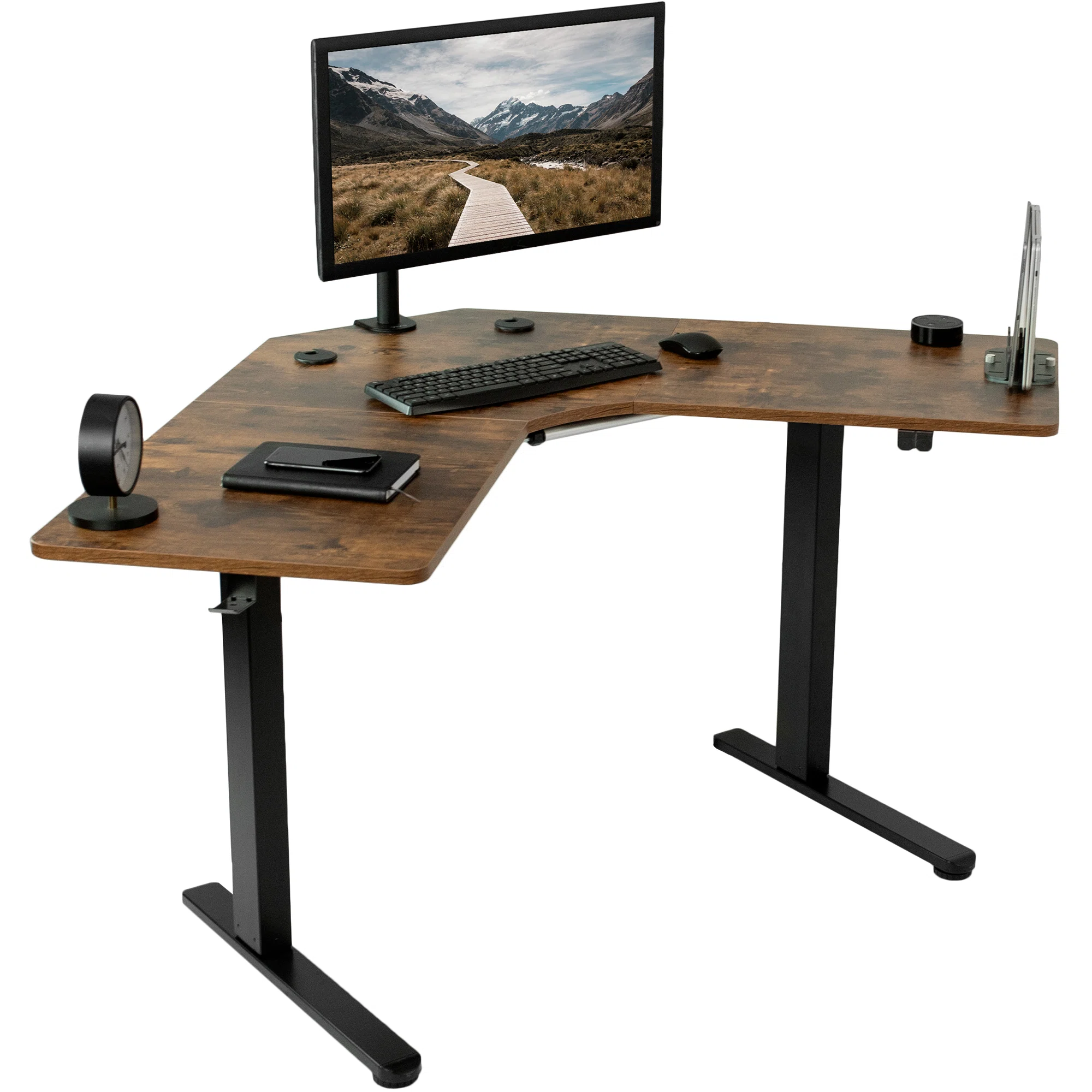
📷 Photo by wayfair.com
The Ergonomic Necessity of Corner Workstations
Many office workers are relegated to L-shaped cubicles, which are notorious for being space-inefficient if not managed correctly. While the corner is often treated as a “dead zone” for bulky monitors or tangled cables, it is actually the most stable part of the desk. Installing a converter here allows you to utilize the depth of the corner, which is typically deeper than the wings of the desk, providing a solid foundation for a heavy-duty lifting mechanism.
The primary advantage of using a corner-specific converter over a standard rectangular one is the shape of the tray. Standard converters often have sharp corners that overhang the desk’s edge or leave awkward gaps in an L-shaped configuration. A corner-specific unit features a triangular or “V” shaped base that nestles perfectly into the nook, ensuring that the keyboard tray aligns flush with the front edge of your desk wings.
Key Considerations Before You Buy
Before investing in a converter, you must measure the depth of your corner. Most corner desks have a diagonal width that varies significantly. If your converter is too wide, it will protrude into your workspace, creating an ergonomic hazard where you have to reach too far for your mouse. If it is too narrow, you lose valuable surface area for your monitor stand.
Another factor is the weight capacity. Because these units are often larger to accommodate the corner shape, they can become top-heavy when fully extended. Ensure the gas spring or electric mechanism is rated for your monitor setup, especially if you use a dual-monitor arm attached to the back of the converter.
| Feature | Standard Converter | Corner-Specific Converter |
|---|---|---|
| Footprint Shape | Rectangular | Triangular/V-Shaped |
| Surface Utilization | Requires long linear desk | Optimizes dead corner space |
| Stability | High on straight desks | High in corner nooks |
| Cable Management | Standard | Advanced (Corner clearance) |
How to Install Your Corner Standing Desk Converter
Read also: Ergonomic Office Chair Waterfall Seat Edge: How It Improves Leg Circulation
Installation can be tricky due to the weight of the equipment and the limited space in a cubicle. Follow these steps to ensure a safe and stable setup:
- Clear the entire desk surface, including cables and monitor stands, to create a blank canvas for the installation.
- Measure the internal corner angle; while most are 90 degrees, some office cubicles have rounded or irregular corners that may require a specific mounting bracket.
- Place the base of the converter into the corner, ensuring the keyboard tray is positioned at a height that allows your elbows to remain at a 90-degree angle while typing.
- Attach your monitor mount or place your screen on the top tier, ensuring the weight is centered over the support pillars.
- Route your power and data cables through the back of the unit, leaving enough slack for the unit to move from the lowest to the highest setting without tugging on the cords.
Common Mistakes to Avoid
One of the most frequent errors users make is ignoring cable slack. When you raise your desk, cables that were perfectly fine in the seated position can suddenly become taut, potentially pulling monitors off the desk or damaging the ports on your computer. Always use cable ties to create a “loop” of slack that expands as the desk rises.
Another common mistake is overloading the keyboard tray. These trays are designed for keyboards and mice, not for heavy textbooks or coffee mugs. Placing too much weight on the tray can cause the lifting mechanism to become jerky or, in extreme cases, cause the tray to tilt, leading to repetitive strain injuries in your wrists.
Risks and Maintenance
While standing desks promote health, they carry risks if used improperly. Standing for too long without movement can lead to venous pooling in the legs and lower back fatigue. Use the 20/8/2 rule: sit for 20 minutes, stand for 8 minutes, and move around for 2 minutes. This keeps your circulation active and prevents the static posture that leads to chronic pain.
Maintenance is straightforward but often overlooked. Every three months, wipe down the sliding tracks of the converter with a dry cloth and ensure there is no debris blocking the locking mechanism. If your unit is pneumatic, keep an eye on the tension; if it becomes difficult to raise, you may need to adjust the tension screw located near the gas spring housing.
Maximizing Your Cubicle Workflow
To truly benefit from a corner converter, treat the surrounding desk wings as auxiliary zones. Keep your primary task—your computer work—on the converter. Use the remaining L-shaped wings for physical documents, writing, or storage. This separation of “digital” and “analog” work helps maintain focus and reduces the clutter that often accumulates in cubicles.
If you find that your monitor is still too low even at the highest setting, do not stack books under the base. Instead, invest in a VESA-compatible monitor arm that attaches to the back of the converter. This adds height and allows you to tilt the screen to reduce glare, which is often a problem in office lighting environments.
Frequently Asked Questions
Q: Can I use a corner standing desk converter on a standard rectangular desk?
A: Yes, but it is not recommended. The triangular shape will leave awkward gaps on the sides, wasting desk surface that could have been used for other items.
Q: How do I know if my cubicle desk is strong enough to hold a converter?
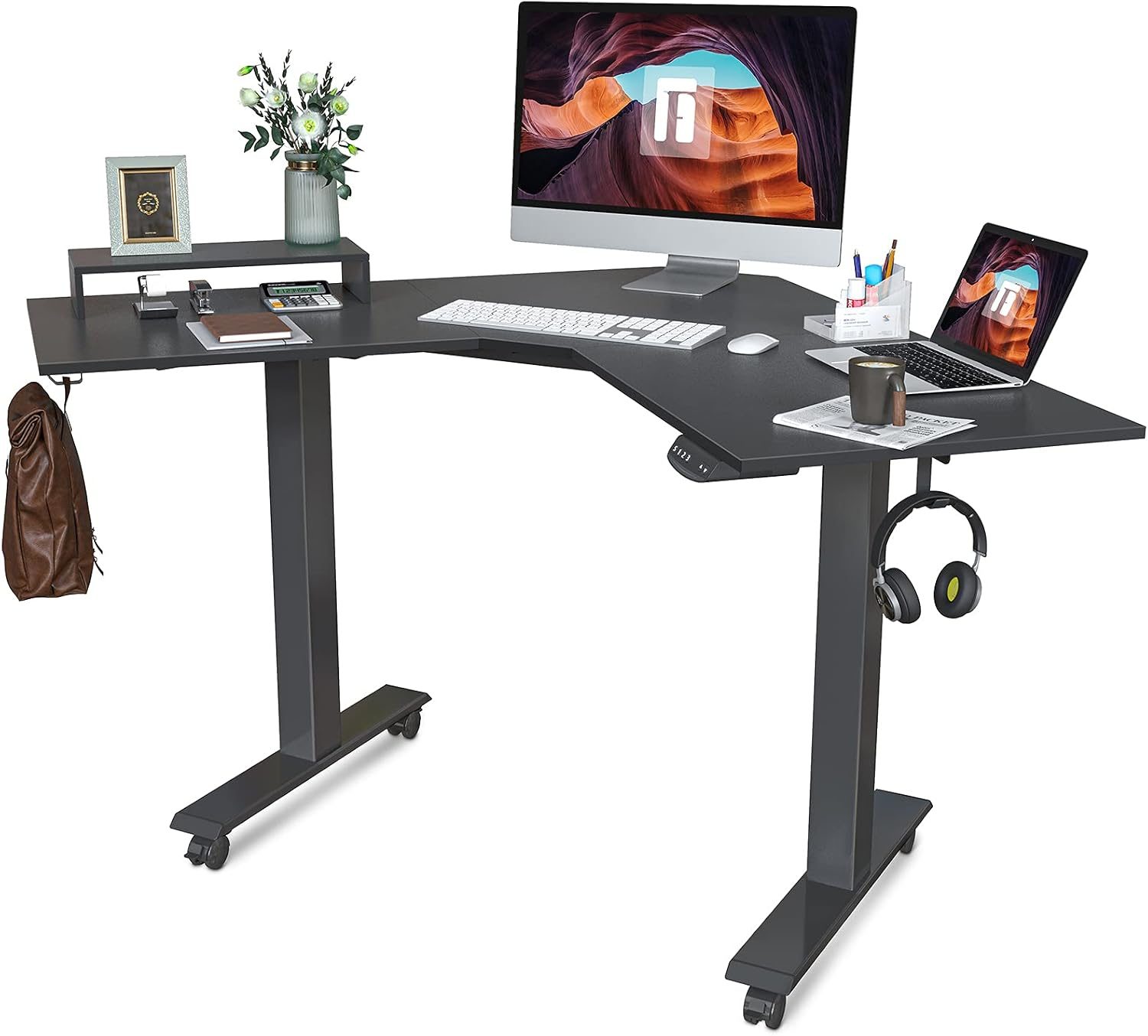
📷 Photo by simplypotter.com
A: Most commercial-grade cubicle desks are made of particleboard or laminate and can handle the weight of a converter. However, if your desk feels wobbly or shows signs of bowing, reinforce the underside with a metal plate before installing the unit.
Q: Is it better to have a pneumatic or electric converter?
A: Pneumatic (gas-spring) converters are easier to install and don’t require a power outlet, making them ideal for cubicles with limited electrical access. Electric units offer smoother height adjustment but require proximity to a wall socket.
📷 Photo by versatables.com