

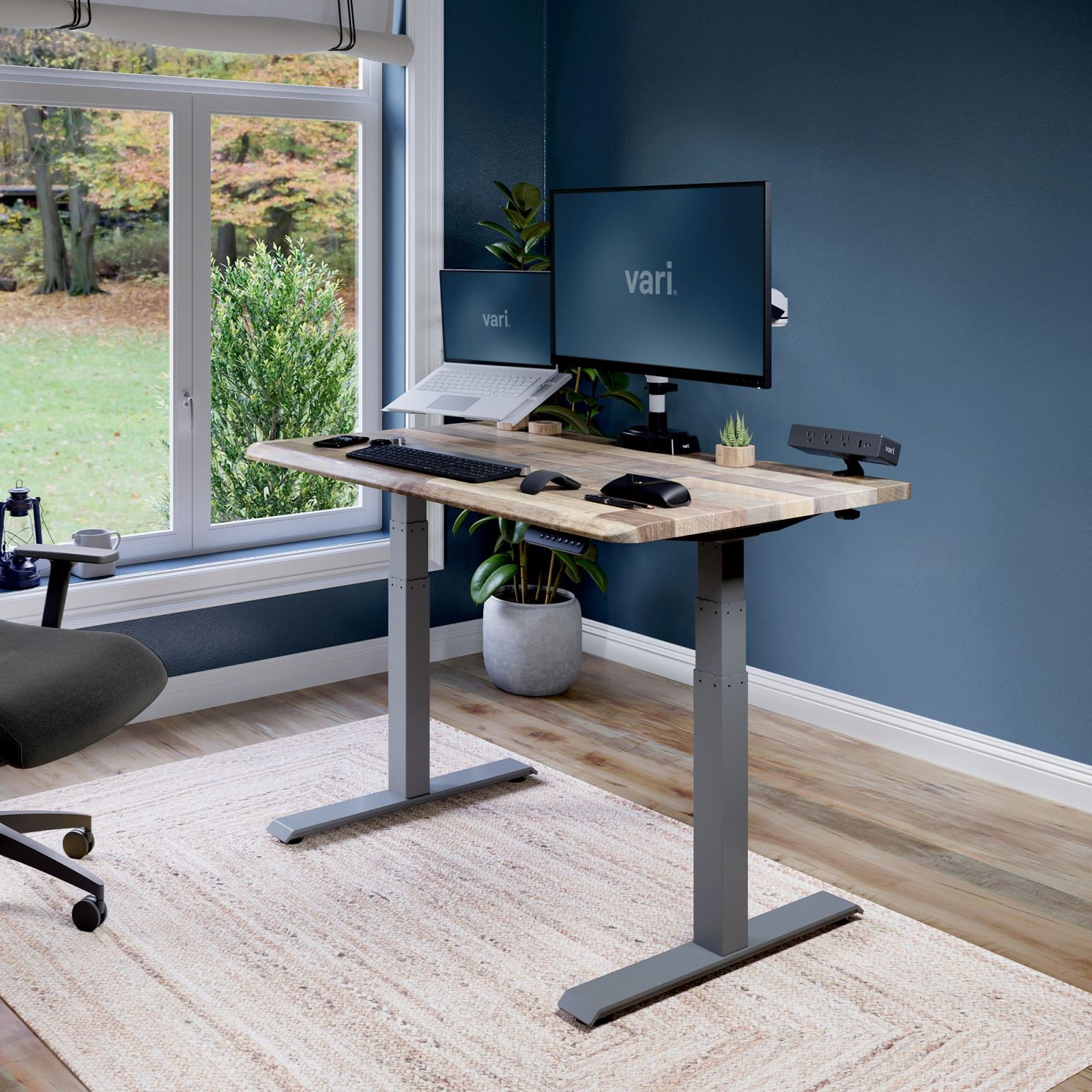
Aploda.com – Collision avoidance sensors in electric standing desks are essential safety mechanisms that automatically detect obstacles during height adjustments, preventing damage to furniture, equipment, or injury to users by stopping the motor immediately upon contact.
The rise of the ergonomic workspace has made electric standing desks a staple in modern offices. While these desks offer significant health benefits by allowing users to transition between sitting and standing, they introduce mechanical risks. Without proper safety protocols, the powerful motors found in these desks can exert enough force to crush objects or cause significant strain if a limb is caught in the mechanism. Collision avoidance technology acts as a silent guardian, ensuring that the convenience of an adjustable desk does not come at the cost of safety.
How Collision Avoidance Sensors Function
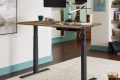
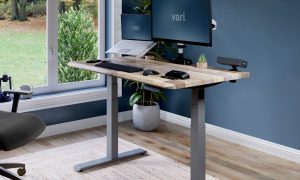
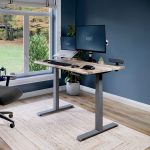
📷 Photo by vari.com
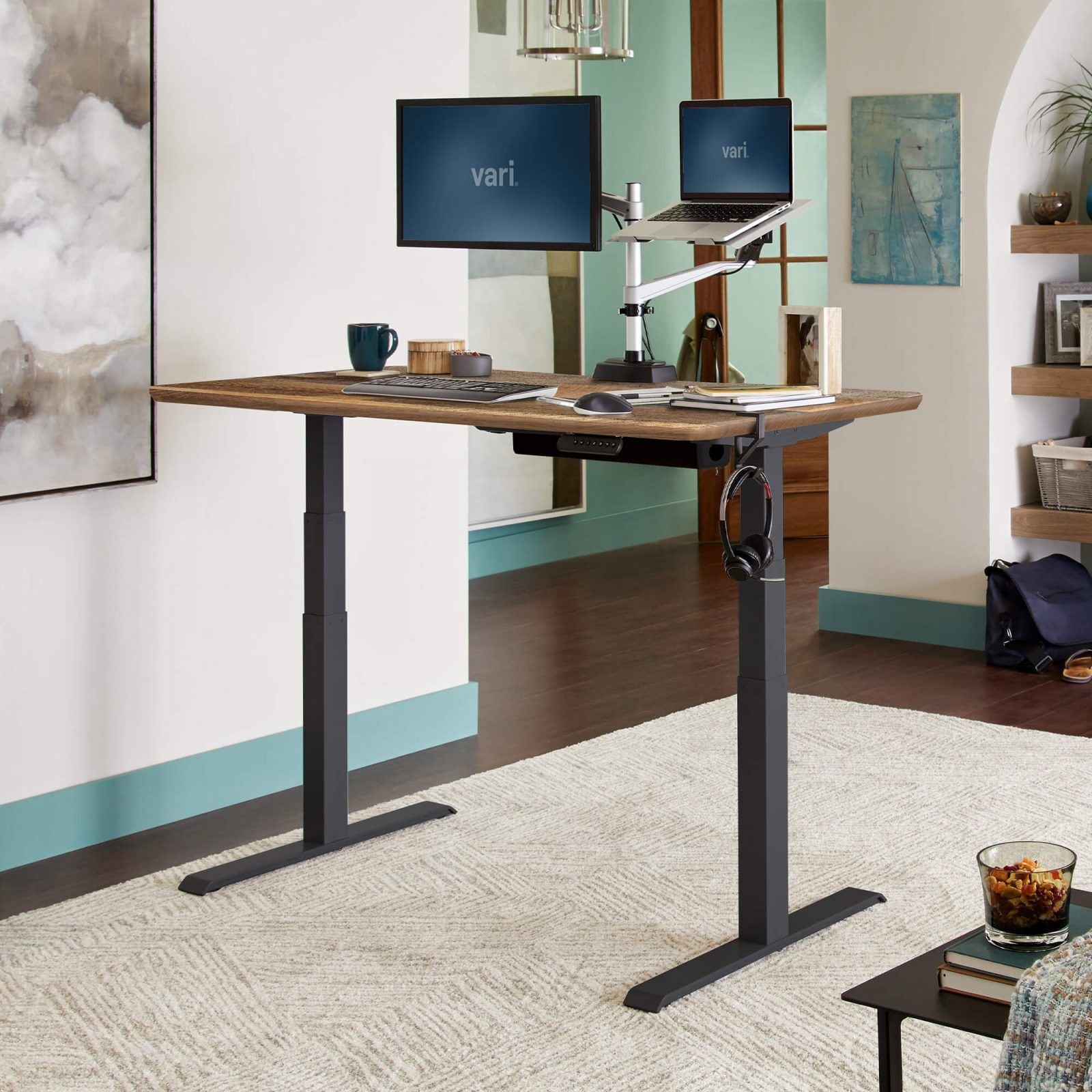
At the core of this technology is a sensitive detection system integrated into the desk’s control box and motor housing. When the desk is in motion, the system constantly monitors the current draw of the motor. If an object obstructs the desk’s path, the motor experiences a sudden spike in resistance, which manifests as an increase in electrical current. The sensor detects this anomaly within milliseconds, instantly triggering the motor to stop and, in many advanced models, reverse direction slightly to release pressure on the obstruction.
This process is highly sophisticated. It is designed to distinguish between the natural resistance of the desk’s own weight and the sudden, unnatural resistance caused by a collision. While early models were prone to false positives—stopping the desk if it felt a slight bump—modern sensors are calibrated with precision to ensure reliability without sacrificing sensitivity.
Common Risks Without Collision Detection
The most frequent danger involves items placed under the desk, such as filing cabinets, chairs, or trash bins. If a user triggers the “down” command without checking the area, the desk may crush the object, potentially damaging the desk frame’s structural integrity or destroying the item underneath. More critically, the risk to children and pets is significant. A small child playing under or near a desk may not have the reflexes to move away, and a heavy desktop descending with full motor force can result in serious entrapment injuries.
Comparing Standard and Advanced Safety Features
Read also: Under Desk Treadmill Noise Level: How Many Decibels for Quiet Zoom Calls?
| Feature | Standard Desk (No Sensor) | Desk with Collision Avoidance |
|---|---|---|
| Obstacle Detection | None | Automatic |
| Motor Response | Continues until limit | Stops/Reverses instantly |
| Safety for Children | High Risk | Low Risk |
| Equipment Protection | None | High |
Implementing Safe Desk Practices
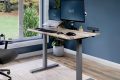
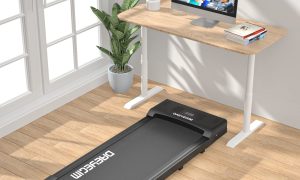
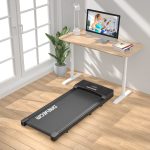
📷 Photo by walmart.com
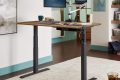
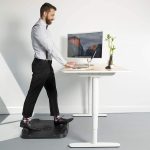
📷 Photo by vari.com
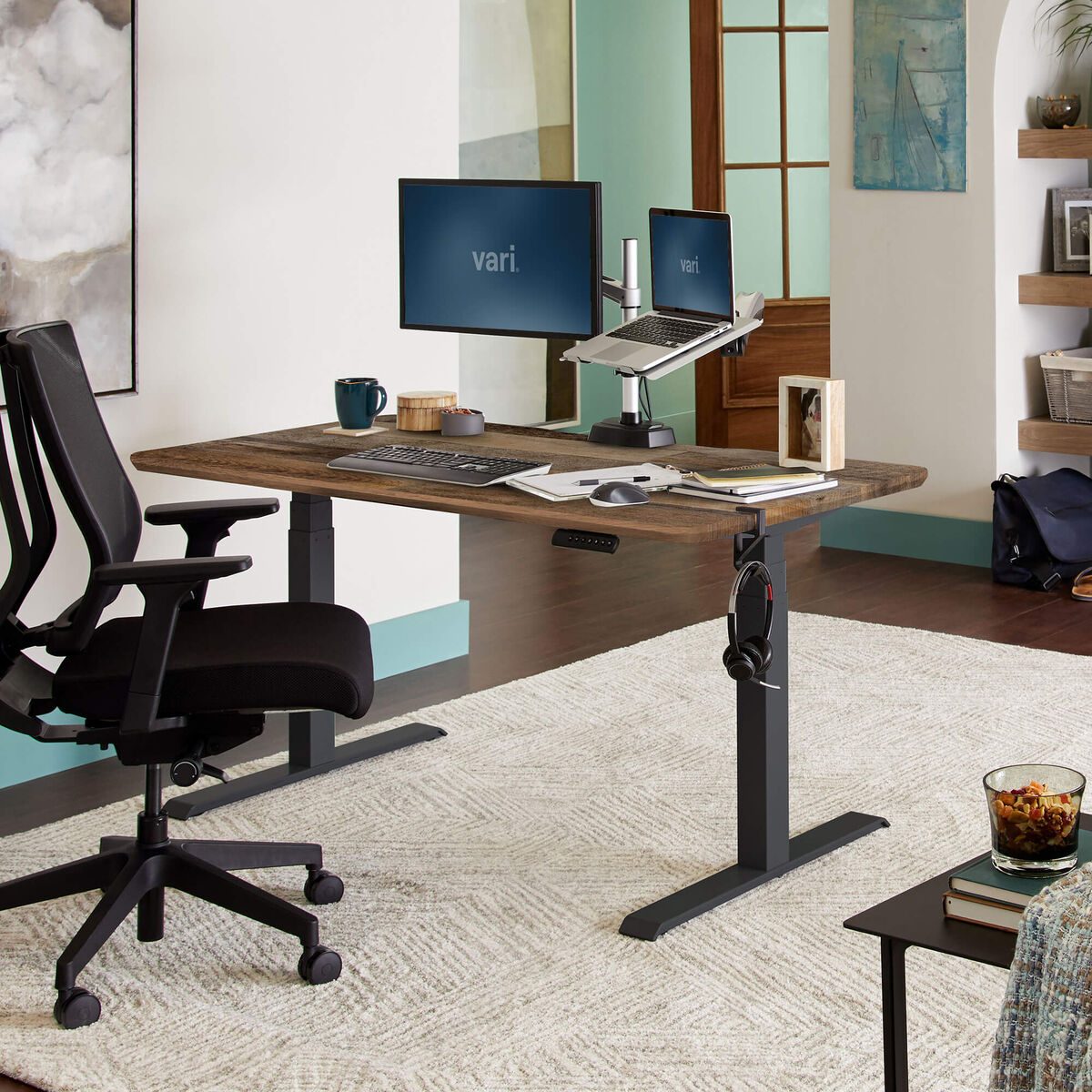
While technology provides a safety net, human behavior remains the primary defense against accidents. Integrating a desk with collision avoidance is the first step, but following a standardized safety protocol ensures maximum protection for your workspace.
- Clear the area underneath the desk completely before initiating any height change, especially when moving the desk to its lowest setting.
- Test your sensor periodically by placing a soft, non-fragile object like a cushion on the chair under the desk and lowering the surface until the sensor engages.
- Ensure all cables are managed using clips or sleeves to prevent them from getting snagged or pulled taut during height adjustments, which can sometimes trigger false collision alarms.
- Educate all household or office members about the desk’s movement, emphasizing that they should not lean on the desk or place items underneath while it is in motion.
Common Mistakes and Troubleshooting
One of the most common mistakes users make is overloading the desk. Exceeding the weight capacity can cause the motor to struggle, which the sensor might misinterpret as a collision. If your desk stops frequently without any visible obstruction, check your total load, including monitors, computer towers, and peripheral accessories. Always ensure your desk is leveled on the floor, as an uneven surface can cause the frame to twist during movement, placing uneven stress on the motors and triggering the safety stop unnecessarily.
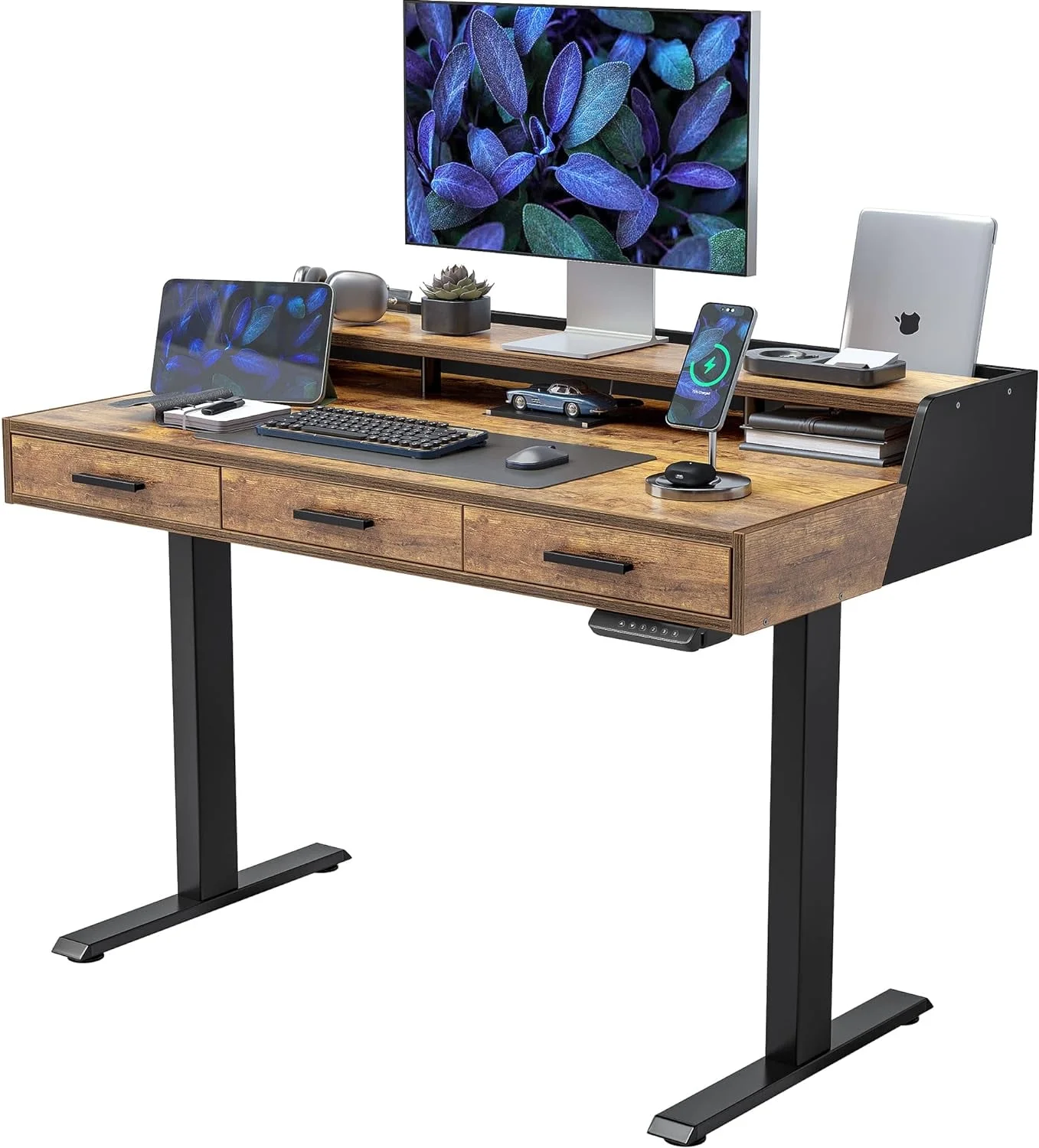
Another issue arises with desk accessories. Keyboard trays or under-desk drawers can sometimes interfere with the sensor’s sensitivity zone. If you have installed aftermarket attachments, ensure they are positioned so they do not protrude into the path of the desk frame’s moving parts.
The Long-Term Value of Safety Technology
Investing in a desk equipped with collision avoidance is not merely a luxury; it is a long-term investment in the longevity of your hardware and the safety of your environment. Mechanical failures in electric desks are often caused by the stress of “jamming” against obstacles. By preventing these physical conflicts, you reduce wear and tear on the internal gears and motor components, effectively extending the lifespan of your investment. Furthermore, the peace of mind gained from knowing the desk will not accidentally harm a pet or crush a expensive piece of equipment is invaluable.
Frequently Asked Questions
Q: Can I add a collision sensor to a desk that does not have one?
A: Generally, no. Collision avoidance is typically hard-wired into the desk’s control box and motor firmware. It is recommended to purchase a desk that includes this feature from the factory rather than attempting a DIY retrofit.
Q: Will the sensor stop the desk if I lean on it?
A: Most sensors are calibrated to ignore the weight of a person leaning on the desk, as that is considered a static load. However, if you exert sudden, downward force while the desk is moving, the sensor may trigger a stop as a safety precaution.
Q: How often should I check if the collision sensor is still working?
A: It is good practice to perform a quick test once every few months or whenever you move the desk to a new location to ensure the sensitivity calibration remains consistent with the desk’s current load.
Ultimately, as ergonomic setups become more complex, the integration of smart safety features like collision avoidance is non-negotiable. Whether you are setting up a home office or outfitting a corporate floor, prioritize desks that offer these protective layers. By combining advanced sensor technology with mindful usage habits, you create a workspace that is as safe as it is productive.
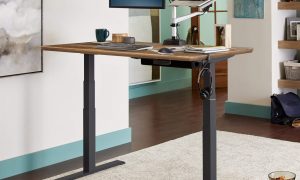
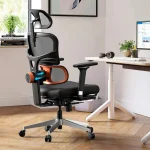
📷 Photo by vari.com