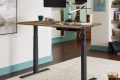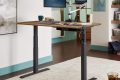



Aploda.com – An electric standing desk wobbles at maximum height primarily due to loose structural fasteners, uneven floor surfaces, or the inherent lack of lateral bracing in single-motor frame designs. You can effectively stabilize your workstation by tightening all hardware, utilizing leveling glides, or adding a crossbar reinforcement to increase structural rigidity.
Understanding the Mechanics of Wobble
The physics behind standing desk stability is straightforward: as the legs extend to their maximum height, the distance between the floor and the desktop increases, which significantly reduces the desk’s center of gravity and structural leverage. When you apply force to the desk—such as typing aggressively or leaning on it—the frame acts as a cantilever. If the joints are not perfectly rigid, this force translates into lateral movement, commonly known as the “wobble effect.”
Most entry-level electric desks use a two-leg design without a crossbar, which is the biggest culprit for instability. While these desks are convenient, they lack the structural triangulation needed to prevent side-to-side or front-to-back swaying when fully elevated. Understanding that your desk is not necessarily “broken” but rather operating at the physical limit of its design is the first step toward finding a solution.
Common Causes of Desk Instability
Before buying additional accessories, you must identify the source of the movement. Often, the issue is not the desk itself but the environment in which it is placed. Carpeted floors are a major contributor to instability because the soft padding beneath the carpet allows the desk feet to shift slightly with every movement. Even a few millimeters of sinkage in the carpet can lead to significant wobbling at the desktop level.
Another frequent cause is uneven floor surfaces. Even a slight slope in your flooring can cause one leg to bear more weight than the other, creating a pivot point. Furthermore, over time, the vibration from the electric motors and daily use can cause factory-tightened bolts to loosen. This creates microscopic gaps in the joints that multiply into noticeable shaking when the desk is at its highest position.
Step-by-Step Stabilization Guide
Follow these practical steps to troubleshoot and minimize the wobble in your standing desk setup:
- Check all hardware connections. Use an Allen key to tighten every bolt on the frame, specifically focusing on the joints connecting the legs to the feet and the legs to the desktop support brackets.
- Level the desk feet. Most desks come with adjustable leveling glides at the bottom of the feet. Rotate these clockwise or counter-clockwise until all four feet are firmly pressed against the floor with equal pressure.
- Assess the floor surface. If you are on carpet, place a solid piece of plywood or a high-density plastic floor mat under the desk to provide a rigid, flat foundation that prevents the legs from sinking.
- Distribute your weight. Ensure that your heavy equipment, such as your desktop tower or heavy monitors, is positioned toward the center of the desk rather than the edges to maintain a balanced load.
- Install a crossbar or side supports. If your desk frame is modular, check if the manufacturer offers an optional cross-support beam that connects the two legs, providing the necessary triangulation to eliminate lateral sway.
Comparison of Stabilization Methods
| Method | Effectiveness | Cost | Difficulty |
|---|---|---|---|
| Tightening Bolts | High | Free | Easy |
| Adjusting Leveling Glides | Medium | Free | Easy |
| Adding Hard Floor Mat | High | Low | Easy |
| Installing Crossbar | Very High | Medium | Moderate |
Advanced Tips for Maximum Stability
If you have tightened everything and your desk still wobbles, consider the positioning of your monitor. Monitor arms are excellent for ergonomics, but they can act as a lever. If your monitor arm is extended far out, any vibration in the desk is amplified at the screen. Keeping your monitor arm retracted or closer to the mounting base can reduce the “bobble” effect of the display.
Additionally, pay attention to the desk’s load capacity. If you are nearing the maximum weight limit of your desk’s motors, the structure will inherently become less stable. Try to offload non-essential heavy items to a nearby shelf or cabinet. Keeping the desk surface clutter-free also reduces the amount of movement transferred through the desktop when you are working.
When to Consider an Upgrade
Sometimes, the structural design of the desk simply cannot handle the height you require. If you are tall and require a desk height of 45 inches or more, a standard two-leg desk may never be 100% stable. In these cases, look for a “four-leg” standing desk or a heavy-duty frame with thicker steel columns. These frames are designed with a wider footprint and larger diameter columns, which significantly improve rigidity at high elevations.
Frequently Asked Questions
Q: Does the desk wobble more as the motors get older?
A: Yes, if the internal gear mechanisms or the sliding columns develop play over time due to wear, the desk will become less stable. Regular maintenance and keeping the columns clean can slow this process.
Q: Will placing the desk against a wall help?
A: Pushing the desk directly against a wall can prevent backward movement, but it may not stop side-to-side wobble. You can place a thin piece of high-density foam between the desk and the wall to dampen vibrations without damaging the paint.
Q: Is it normal for a standing desk to have a tiny bit of movement?
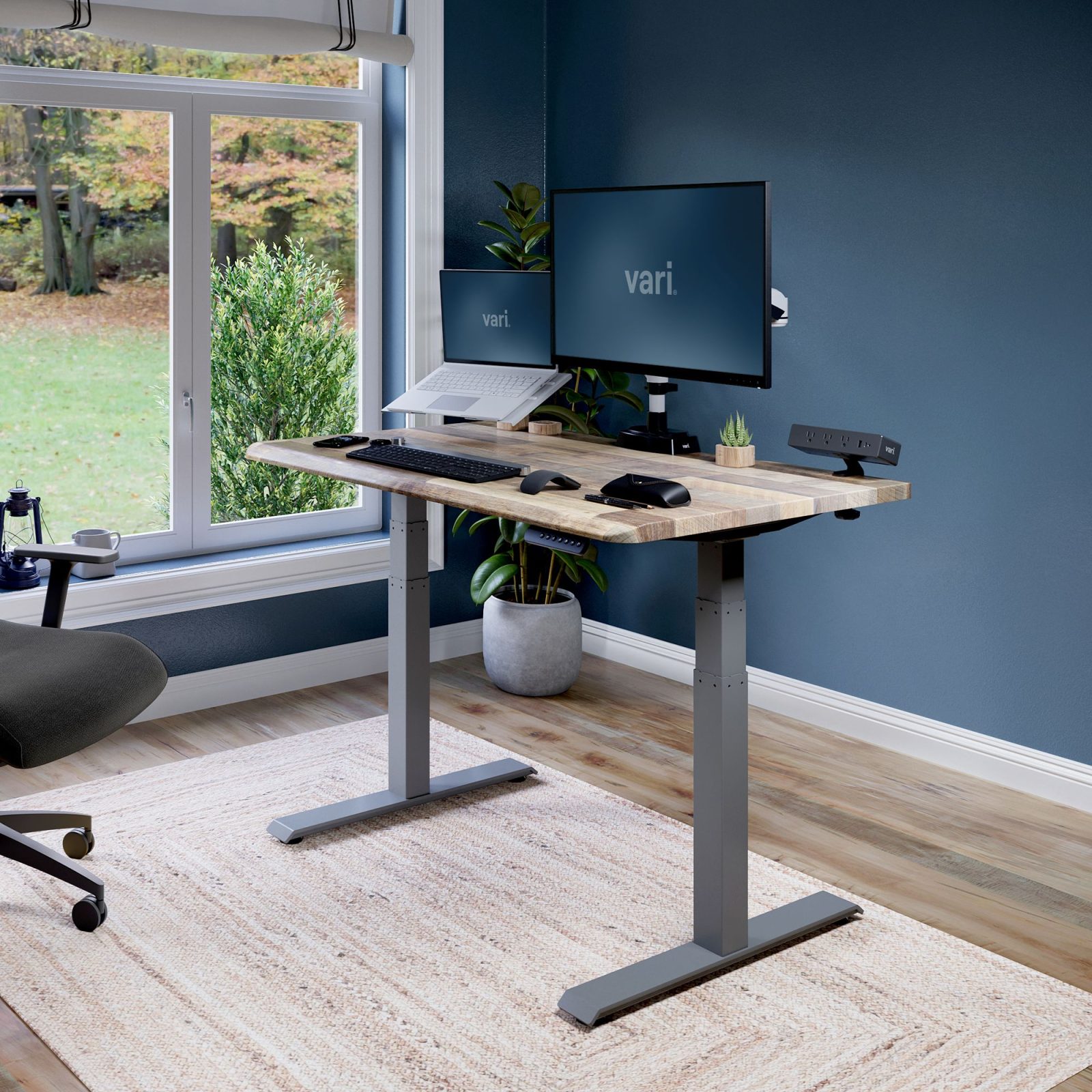
📷 Photo by vari.com
A: Yes, even high-end, expensive standing desks will have a negligible amount of movement when fully extended. Total rigidity is physically difficult to achieve when the desk is essentially resting on two vertical poles.
By systematically addressing the hardware, the floor surface, and the load distribution, you can transform a shaky workstation into a stable environment. Focus on the foundation first, as most stability issues are caused by uneven contact with the ground rather than a defect in the desk itself.
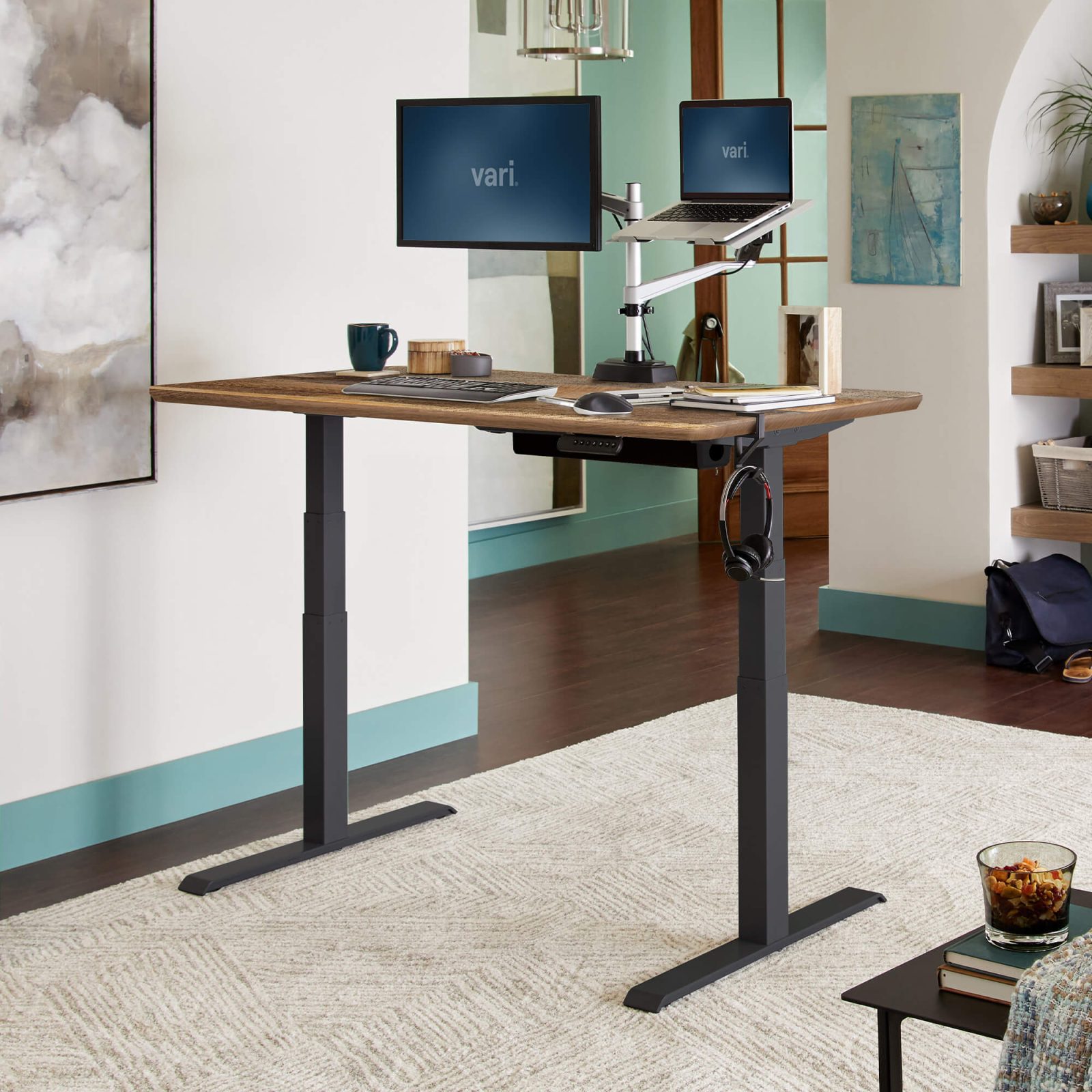
📷 Photo by vari.com