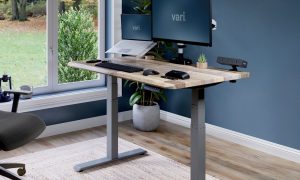




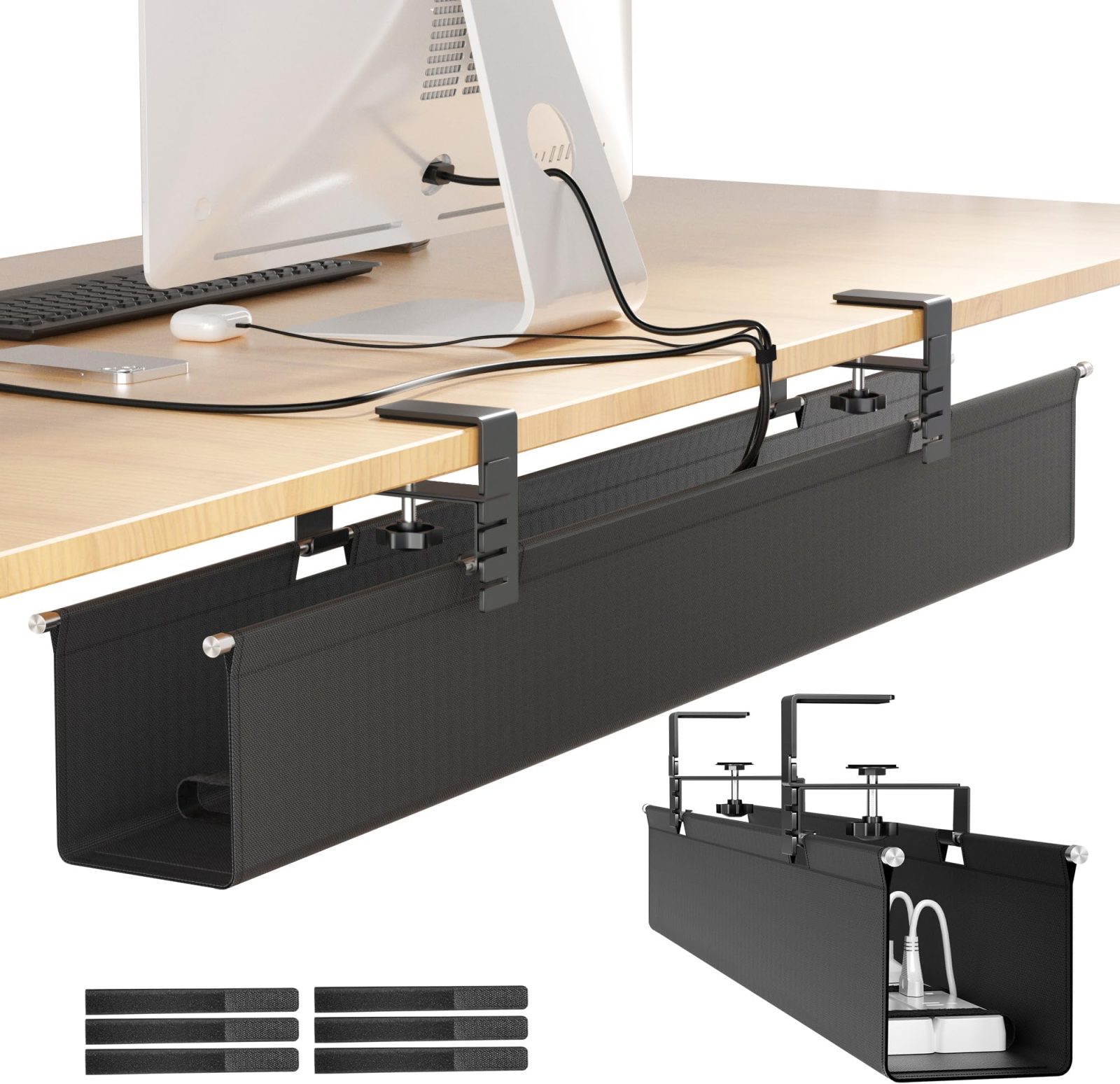
Aploda.com – Managing cables on a height-adjustable standing desk requires a system that utilizes flexible cable management sleeves and anchored attachment points to prevent wires from snagging or disconnecting during vertical movement. The key is to create a dedicated “umbilical cord” that moves in sync with the desk while maintaining enough slack to accommodate the full range of motion.
📷 Photo by amazon.com
The Unique Challenge of Moving Desks
Unlike a static desk, a standing desk is a dynamic environment. Every time you switch from sitting to standing, you are essentially putting your cable management system through a stress test. If your cables are pulled too tight, you risk damaging your ports, disconnecting peripherals, or even pulling expensive equipment off the desk surface. The primary goal of any cable management strategy for these desks is to ensure that the cables have a clear, protected path that moves with the frame, not against it.
Essential Tools for Cable Organization
Before you begin, you need to gather the right materials. Avoid heavy-duty plastic clips that might snap when the desk flexes or moves. Instead, focus on flexible, modular solutions that allow for easy adjustments. A well-organized desk setup relies on the following components:
| Tool | Purpose | Why it works for standing desks |
|---|---|---|
| Cable Sleeves | Bundling multiple wires | Provides a single, flexible pathway for all cords. |
| Adhesive J-Channels | Routing wires under the desk | Keeps cables tucked away while allowing for expansion. |
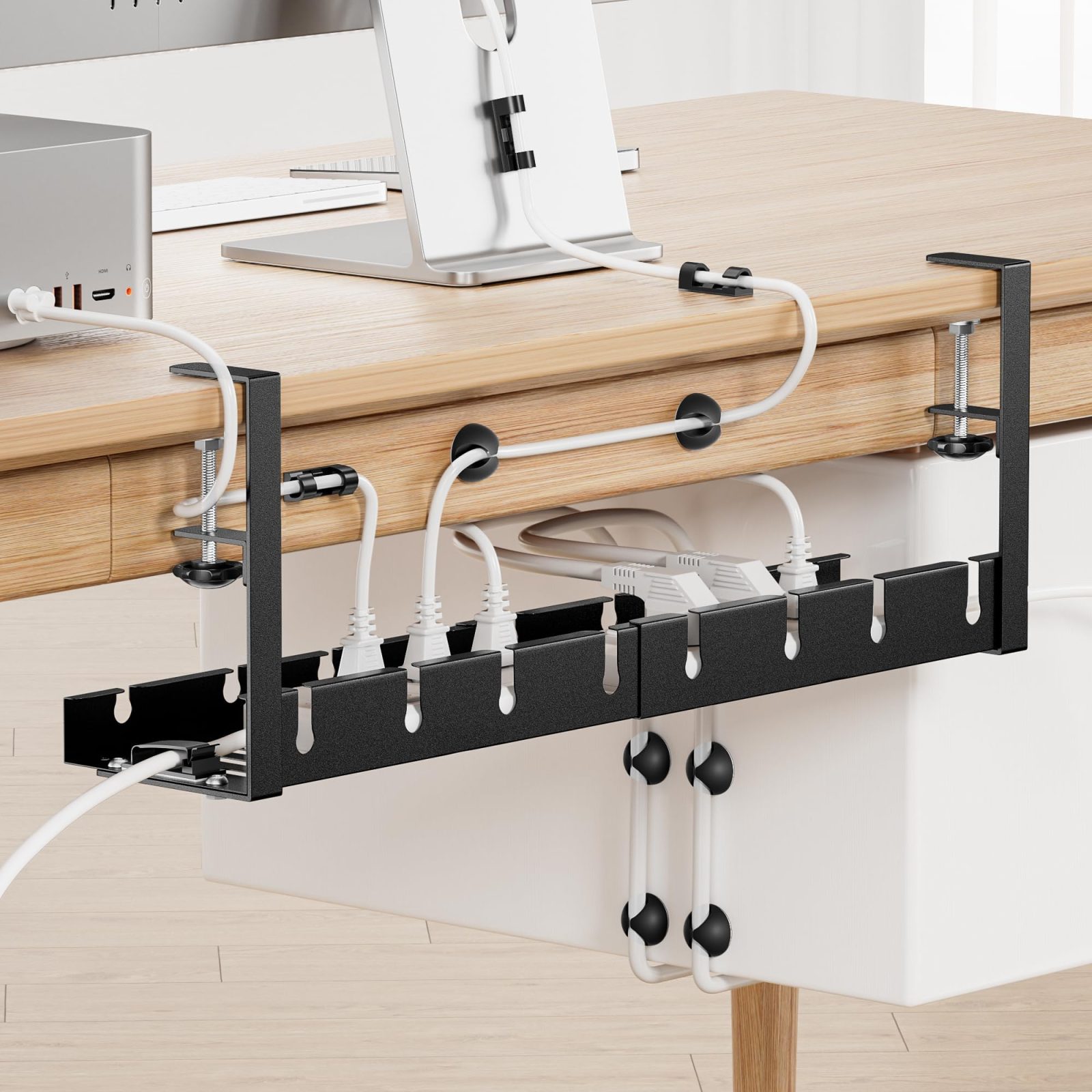
| Velcro Ties | Securing cables to the frame | Reusable and allows for slight movement without damage. |
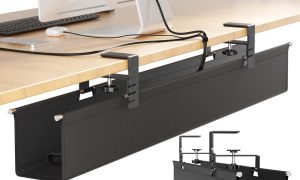
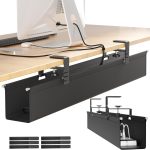
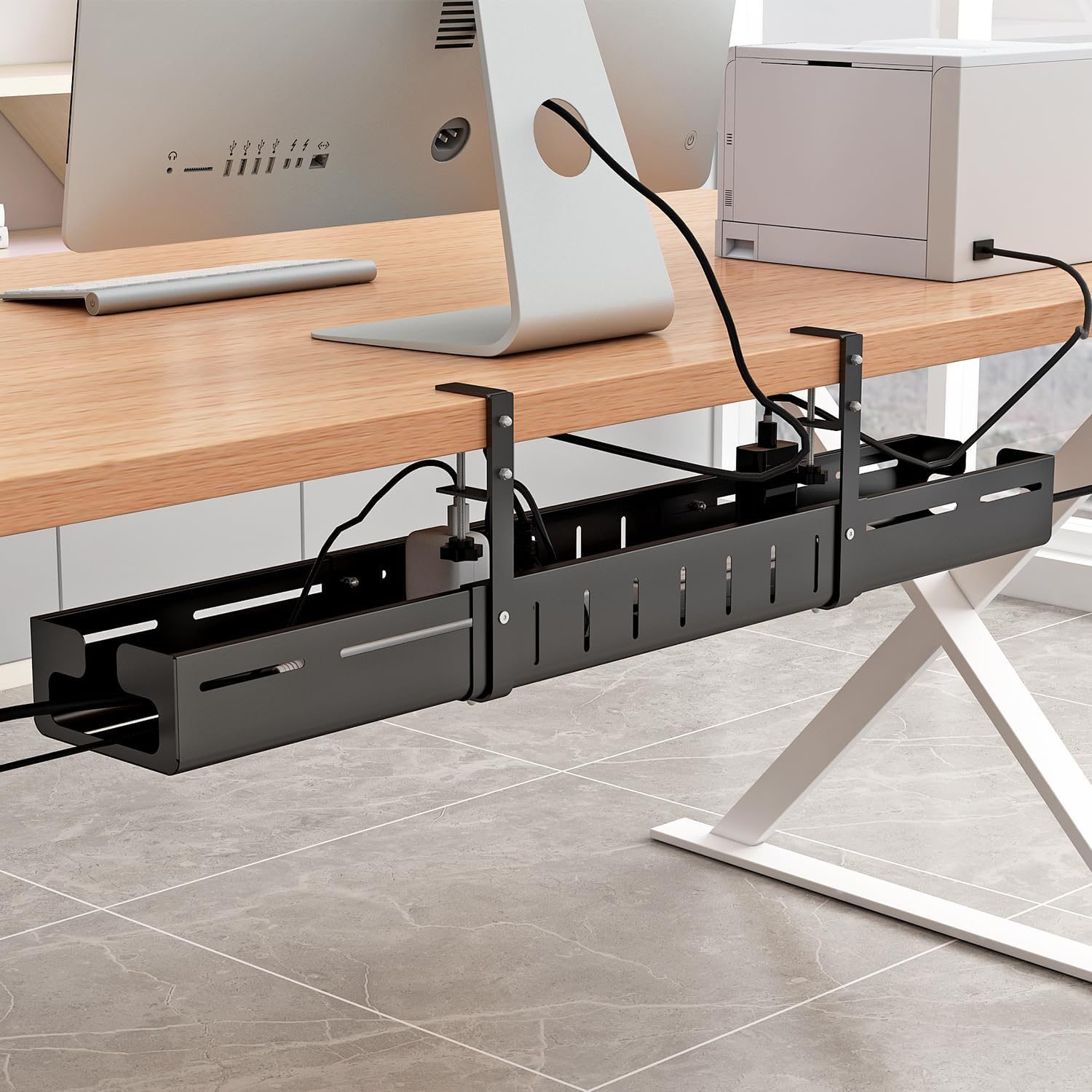
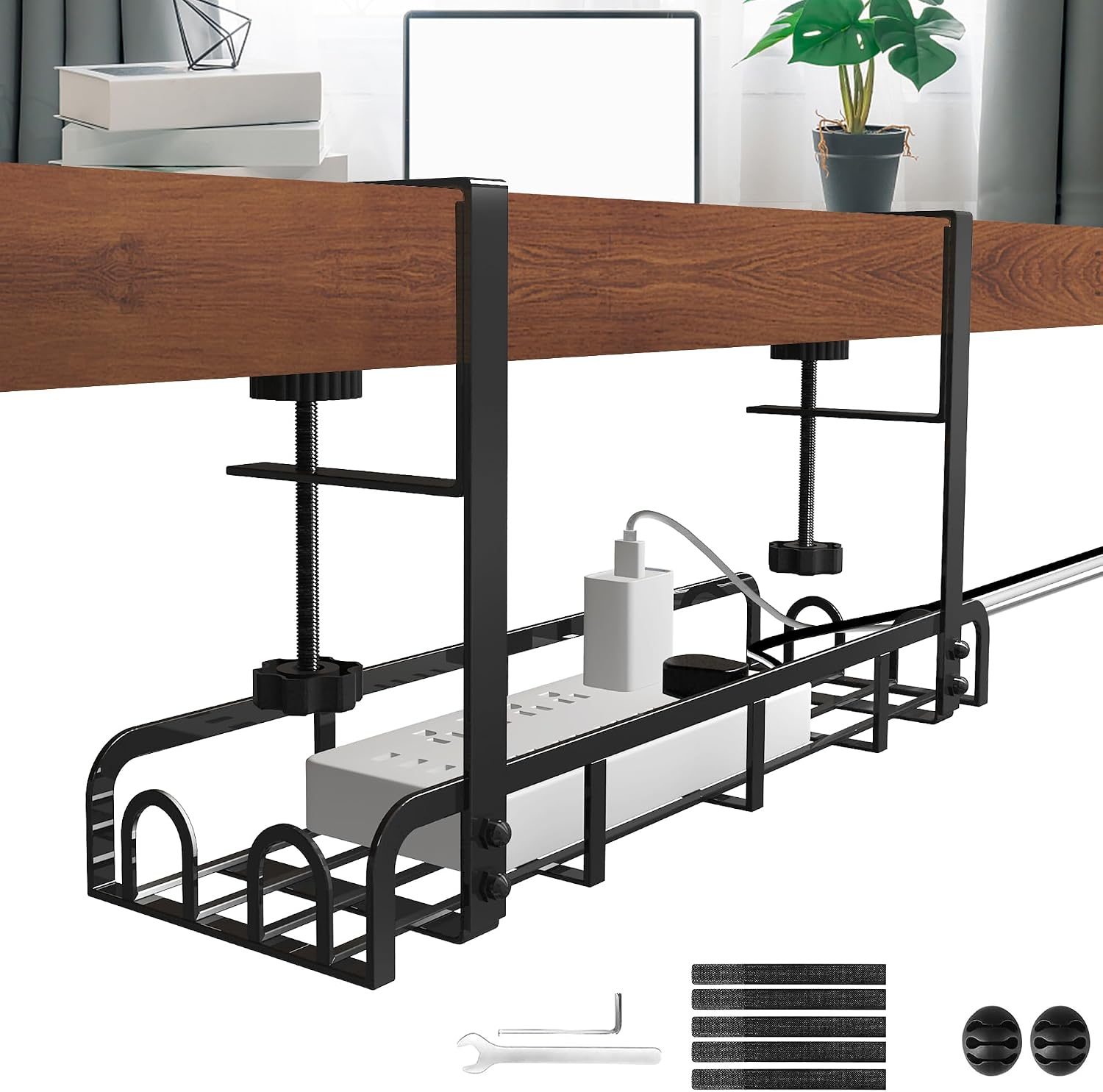
| Under-Desk Tray | Housing power bricks | Prevents heavy bricks from dangling and pulling on ports. |
Step-by-Step Installation Guide
Follow these steps to create a seamless, snag-free cable management system that moves with your desk.
- Clear the Surface and Test Height: Move your desk to its highest position. This is the “maximum stretch” point. By organizing your cables while the desk is fully extended, you ensure that you leave enough slack so nothing will ever be pulled taut during operation.
- Mount the Power Hub: Attach a power strip or a cable tray directly to the underside of the desk frame, not the wall. This ensures that the power source moves with the desk, meaning your devices only need short cables connected to this central hub.
- Create the Umbilical Cord: Gather all cables that need to go from the desk to the wall outlet (power cord, ethernet, monitor cables). Feed them into a flexible, expandable cable sleeve or a snake-style cable organizer.
- Secure the Path: Attach the top of the cable sleeve to the underside of the desk frame using a screw-in mount or a strong adhesive clip. This creates a single, unified “tail” that hangs down from the desk.
- Manage the Floor Slack: Use a weighted base or a flexible cable spine that sits on the floor. This prevents the “umbilical cord” from becoming a tripping hazard while ensuring it remains organized as the desk moves up and down.
Common Mistakes to Avoid
Read also: Under Desk Treadmill Walking Speed: What Is the Sweet Spot for Focus?
One of the most frequent errors users make is using zip ties for permanent cable management. Zip ties are rigid and do not allow for the minute movements required by a standing desk, often leading to pinched cables or snapped ties over time. Always opt for Velcro or reusable silicone ties, which offer a slight amount of “give.”
Another mistake is failing to account for the monitor arm. If you have a monitor arm attached to your desk, the cables running to your screen must have extra slack at the pivot points. If these are pulled too tight, adjusting your monitor’s position can cause the cables to disconnect from the monitor or the PC tower beneath the desk.
The Importance of Cable Length
You might be tempted to use the longest cables possible, thinking that extra length is safer. However, excessive cable length leads to “cable spaghetti” under your desk, which is not only unsightly but also makes it harder to identify which wire goes to which device. Measure the distance from your desk’s highest point to the wall outlet and add only about six to ten inches of slack. This balance ensures safety without creating a mess of excess wire.
Maintenance and Inspection
Even the best systems need a check-up. Every three to six months, lower your desk to its lowest position and then raise it to the maximum height. Watch the cable sleeve closely. If you see any cord pulling or notice that the sleeve is getting caught on the frame, adjust the tension. Regular inspection prevents long-term strain on your ports, which can lead to intermittent connectivity issues with your mouse, keyboard, or external displays.
Frequently Asked Questions
📷 Photo by amazon.com
Q: Can I use double-sided tape to secure cables to the desk?
📷 Photo by amazon.sa
A: While possible, standard double-sided tape often fails due to the vibration of the motor. Use 3M VHB tape or screw-in clips for a permanent, reliable hold that won’t give way when the desk moves.
Q: Should I use a cable spine or a sleeve?
A: Cable spines are better for a clean look and high-traffic areas, while sleeves are more flexible and easier to install. If your cables are thick and stiff, a spine is generally the safer choice to prevent kinks.
Q: How do I handle cables that are too short to reach the floor?
A: Never stretch a cable to its limit. If a cable is too short, buy a high-quality extension cord or a longer replacement cable. Straining a cable at its connection point will eventually damage the port on your expensive electronic devices.
Final Thoughts on Aesthetics and Function
Ultimately, the goal is to make the cable management feel invisible. When cables are properly bundled and anchored, the desk feels more like a piece of high-quality furniture rather than a complex workstation. By investing a little time in creating a synchronized path for your wires, you protect your equipment, improve your workflow, and enjoy a cleaner, more professional-looking workspace.
📷 Photo by amazon.ca