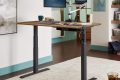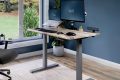



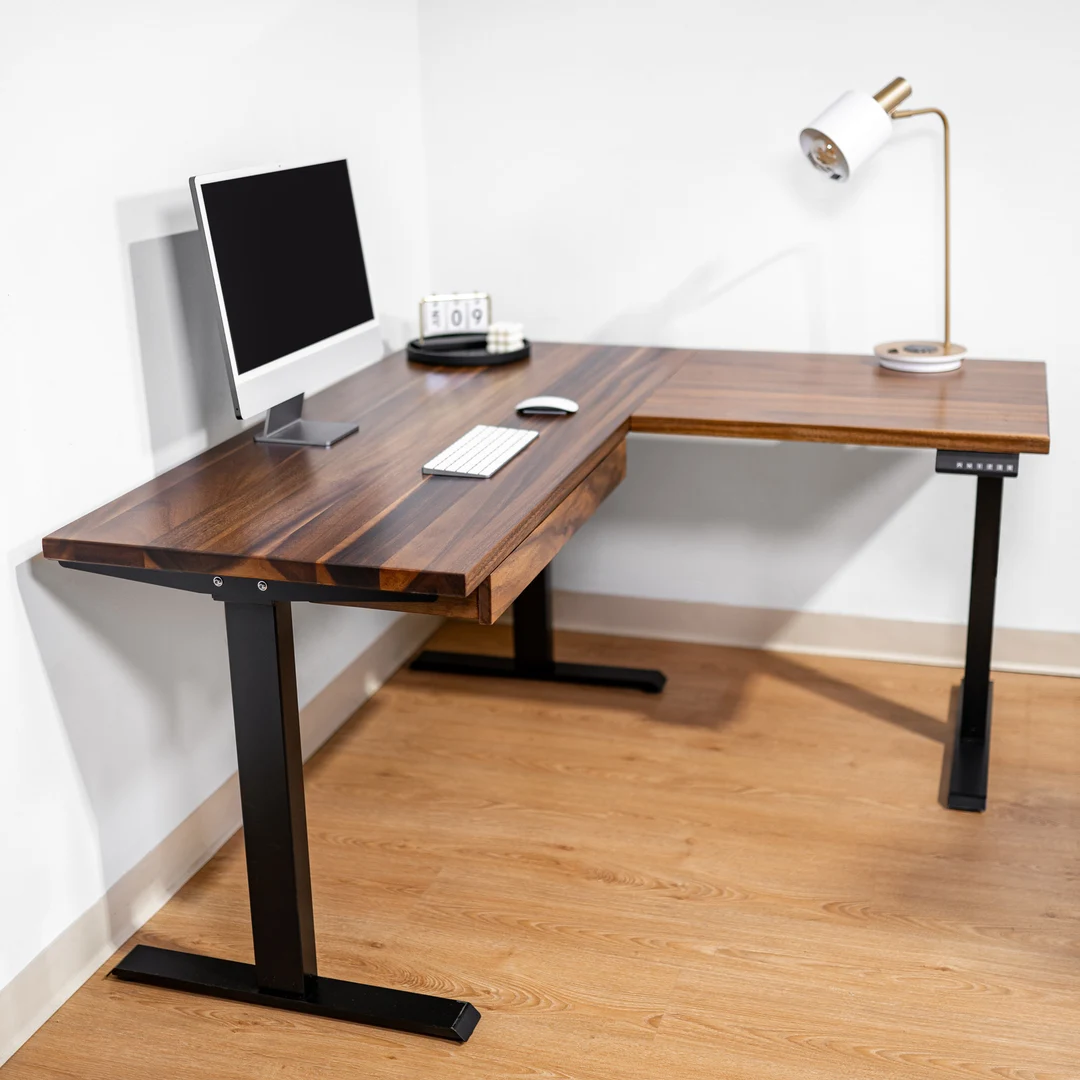
Aploda.com – A corner L-shaped electric standing desk maximizes your workspace efficiency by utilizing neglected room angles while providing seamless transitions between sitting and standing positions to boost focus and reduce physical fatigue.
The modern workspace has evolved beyond the traditional rectangular desk. As professionals spend more hours tethered to their computers, the need for ergonomic furniture that adapts to human movement has become critical. The L-shaped standing desk represents the pinnacle of workstation design, offering a vast surface area that keeps essential tools within arm’s reach while promoting better posture through vertical adjustability.
The Ergonomic Advantage of L-Shaped Standing Desks
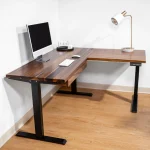
The primary benefit of an L-shaped standing desk is the creation of a dedicated “command center.” Unlike linear desks, the corner configuration allows you to partition your tasks. You can dedicate one wing to your primary computer work and the other to secondary tasks like writing, sketching, or managing physical documents. This physical separation helps mentally organize your workflow.
From an ergonomic perspective, the electric motor is the game-changer. It allows for micro-adjustments throughout the day. When you shift from sitting to standing, you are not just changing your posture; you are stimulating blood flow, reducing spinal compression, and preventing the sedentary “slump” that often occurs in the mid-afternoon. The corner design ensures that even when standing, you maintain a natural pivot point, keeping your equipment at the optimal distance from your eyes and hands.
Optimizing Your Layout for Maximum Productivity
To get the most out of your L-shaped setup, you must treat your workspace as a strategic asset. The goal is to minimize unnecessary movement while maximizing accessibility. Here is a breakdown of how to organize your desk surface effectively.
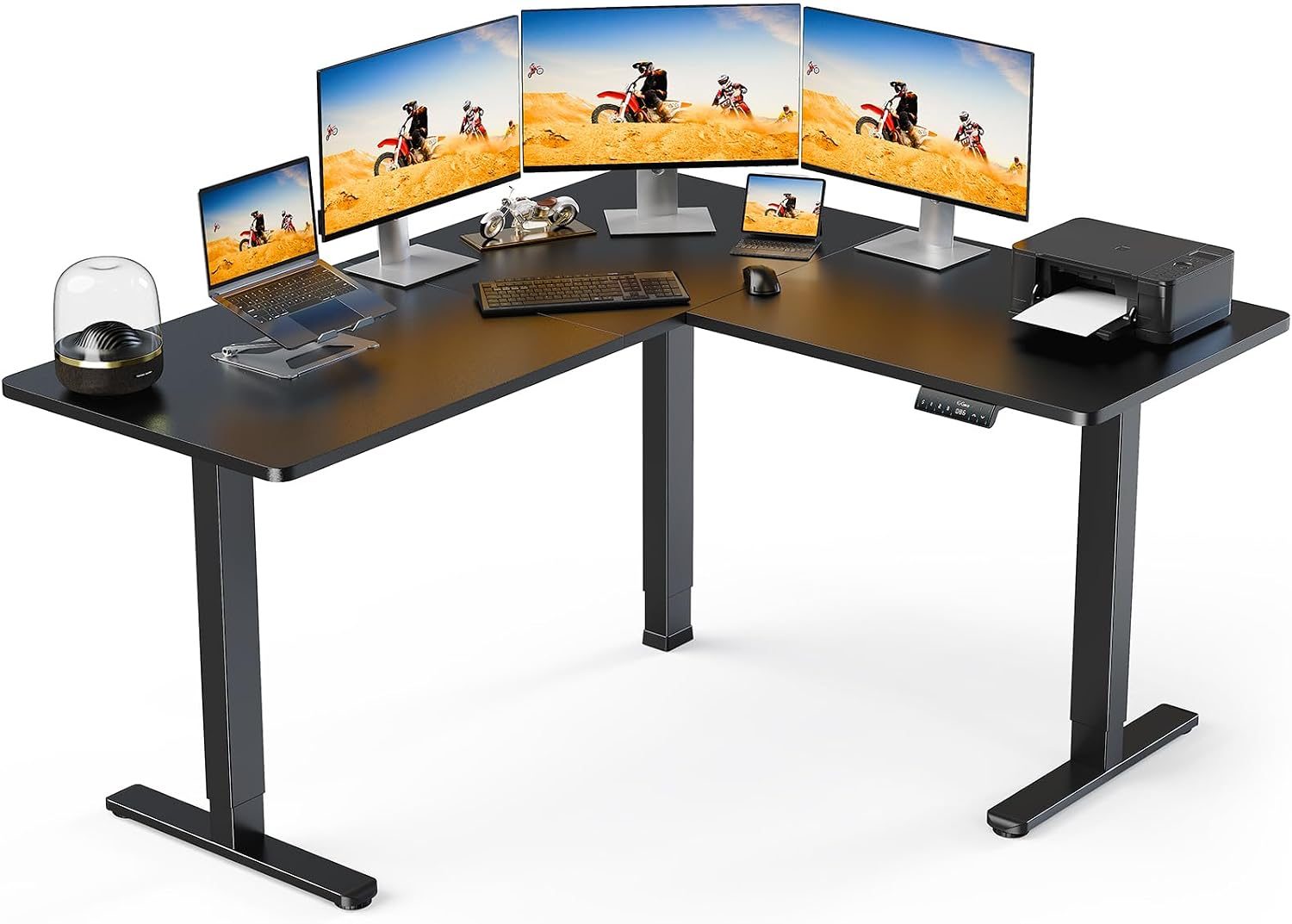
📷 Photo by amazon.com.au
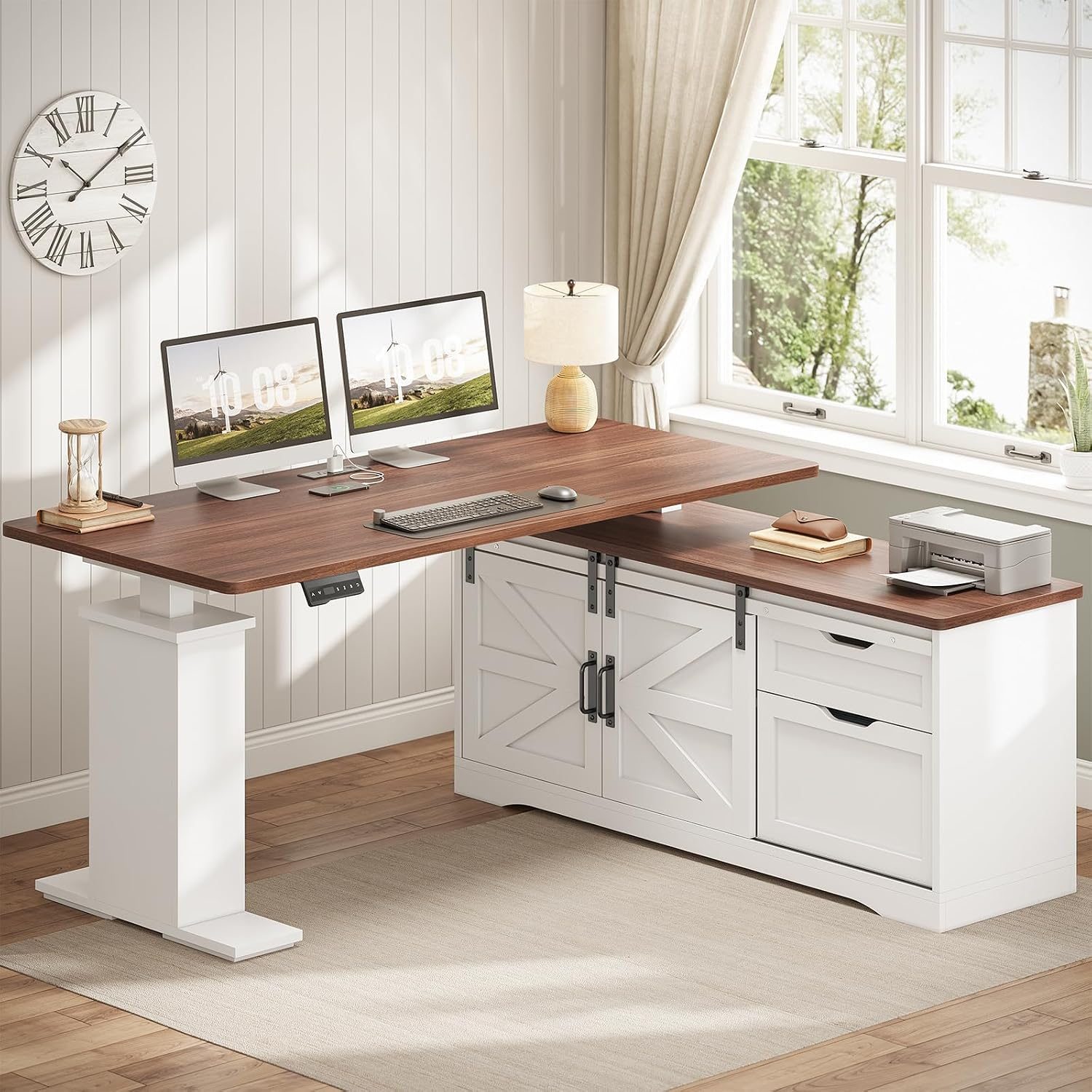
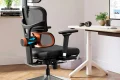
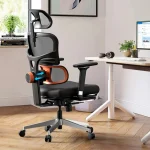
Read also: Headrest vs No Headrest: Do You Really Need One on an Ergonomic Chair?
📷 Photo by readtopten.com
| Zone | Purpose | Recommended Items |
|---|---|---|
| Primary Zone | Core Tasks | Monitor, Keyboard, Mouse |
| Secondary Zone | Support Tasks | Notebooks, Tablet, Documents |
| Peripheral Zone | Storage/Utility | Stationery, Desk Lamp, Phone Charger |
When setting up your desk, always prioritize your “reach zone.” Your keyboard and mouse should be positioned so that your elbows remain at a 90-degree angle, regardless of whether the desk is at sitting or standing height. By keeping your most frequently used items in the primary zone, you avoid repetitive reaching, which is a leading cause of shoulder and wrist strain.
Step-by-Step Guide to Configuring Your Standing Desk
Proper installation and configuration are essential for long-term comfort. Follow these steps to ensure your L-shaped desk works for you, rather than against you.
- Clear your corner space and assemble the desk frame according to the manufacturer’s instructions, ensuring the legs are on a level surface to prevent motor wobbling.
- Install the cable management tray underneath the desk to keep power cords and data cables organized, as these will move with the desk during height adjustments.
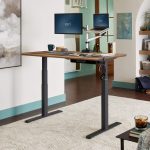
- Mount your monitor arms to the desk surface. Using monitor arms is critical for L-shaped desks, as it frees up valuable desk space and allows you to adjust the screen height independently of the desk surface.
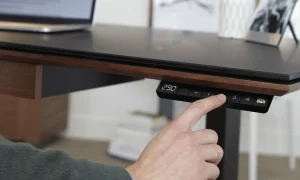
- Set your presets on the digital controller. Program one height for your preferred sitting position and another for standing, ensuring the standing height keeps your monitor at eye level.
- Position your chair and anti-fatigue mat. Your chair should be tucked away when standing, and your anti-fatigue mat should be placed permanently in the standing zone to provide cushioning for your feet and lower back.
Common Mistakes to Avoid
One of the most frequent errors users make is overcrowding the desk. Because L-shaped desks are large, it is tempting to fill every inch of surface area with gadgets, printers, and decorative items. This leads to visual clutter, which can significantly hinder concentration. Keep the surface clear of anything not required for your immediate tasks.
Another common mistake is neglecting cable length. When your desk moves up and down, cables that are too short will stretch and potentially disconnect or damage your ports. Always ensure your power strips are mounted to the underside of the desk itself, so they move in unison with the frame, and use extra-long cables for connections to wall outlets.
The Role of Peripheral Integration
Productivity is not just about the desk; it is about how the desk interacts with your environment. Lighting plays a massive role in how you perceive your workspace. In a corner setup, shadows can often be cast by your own body or by the walls. Use a clamp-on desk lamp that attaches to the edge of the L-shape to provide consistent, flicker-free light across your entire work surface.
Furthermore, consider the acoustics of your corner. Corners can sometimes become echo chambers or, conversely, feel like “dead air” zones. Adding a small rug under your feet or acoustic panels to the walls behind the desk can improve the sound quality of your video calls, making your professional presence clearer and more authoritative.
Frequently Asked Questions
Q: How often should I switch between sitting and standing?
A: A common rule of thumb is the 30-minute rule: sit for 30 minutes, then stand for 30 minutes. Listen to your body and adjust the frequency based on your comfort levels.
Q: Will an L-shaped standing desk wobble when extended to full height?
A: High-quality desks with dual or triple motor systems are generally stable. To minimize wobble, ensure your desk is perfectly level on the floor and avoid placing heavy, unbalanced equipment on one wing of the desk.
Q: Is it difficult to manage cables on an L-shaped desk?
A: It requires more planning than a simple rectangular desk, but using under-desk cable trays and Velcro ties makes it manageable. Always group cables by device and route them along the inner curve of the L-shape.
Investing in an L-shaped electric standing desk is a commitment to your long-term health and professional output. By carefully planning your layout and adhering to ergonomic best practices, you create an environment that supports your ambitions rather than limiting them. The transition to a dynamic workspace is an investment that pays dividends in energy, focus, and physical well-being.
📷 Photo by etsy.com