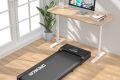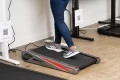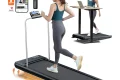



Aploda.com – The best under-desk treadmill with a handlebar is the Lifespan Fitness TR1200-DT3, as it combines a robust, whisper-quiet motor with a detachable, height-adjustable safety console that provides the stability necessary for extended walking sessions.
Integrating movement into a sedentary workday is one of the most effective ways to combat the negative health impacts of prolonged sitting. While standard under-desk treadmills are excellent for space-saving, many users find that the lack of support leads to poor posture or a feeling of instability. Models equipped with a handlebar or a dedicated console stand bridge the gap between a portable walking pad and a full-sized gym treadmill, allowing you to maintain balance while focusing on your professional tasks.
Why Choose a Treadmill with a Handlebar?
The primary benefit of a handlebar is physical security. When you are walking while typing, reading, or attending a virtual meeting, your center of gravity shifts. An integrated handlebar allows you to steady yourself without interrupting your workflow. Furthermore, these models often feature built-in controls on the rail, preventing the need to reach down to a floor-level remote control, which can be distracting and dangerous if you lose your footing.
Stability is particularly important for individuals recovering from injury or those who are new to walking while working. A handlebar provides a tactile reference point, helping you maintain a consistent gait and preventing the “drift” that often occurs on flat, rail-less pads. This consistency is vital for tracking your step count and calorie burn accurately.
Key Considerations Before You Buy
📷 Photo by verywellfit.com
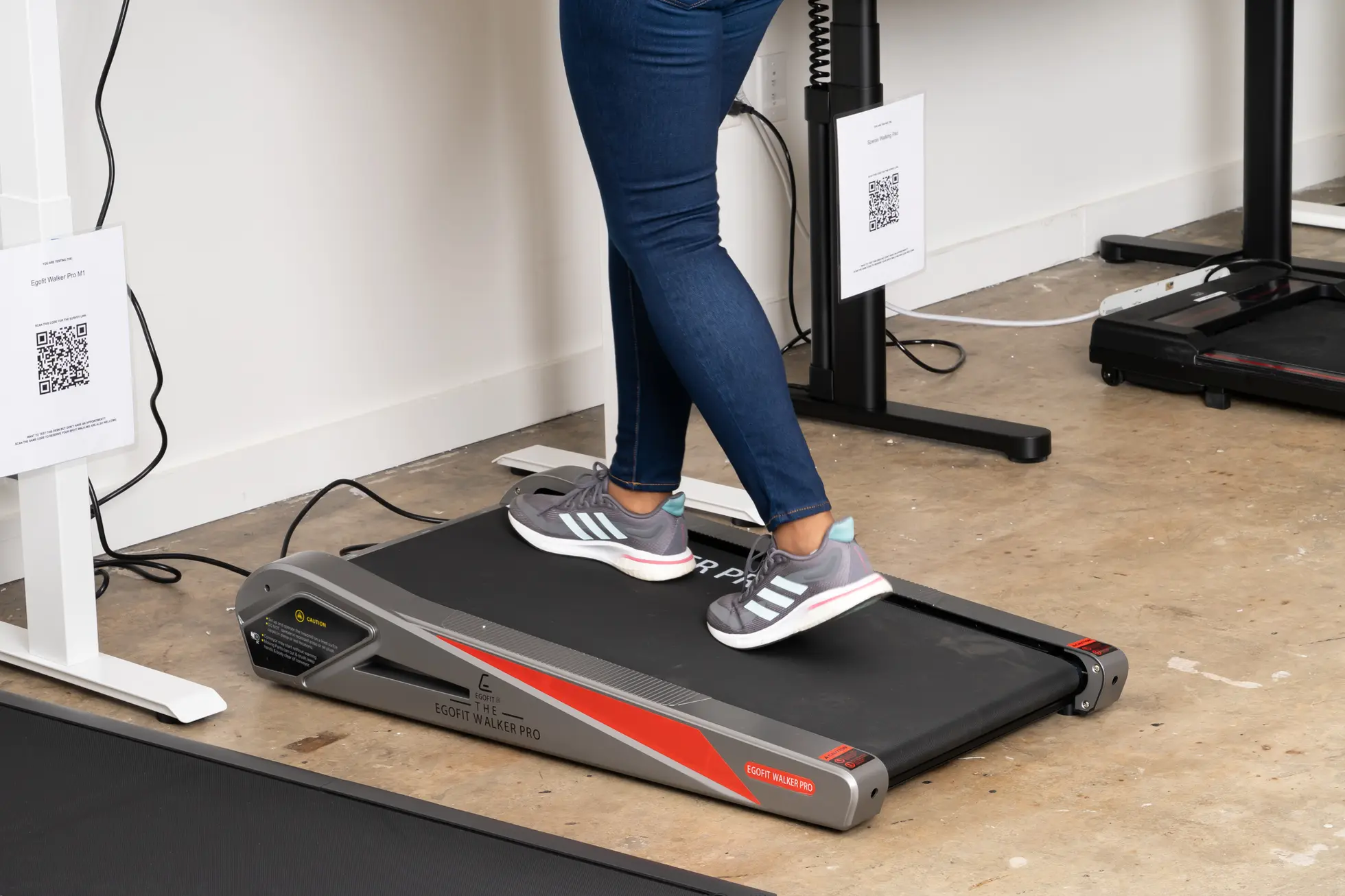
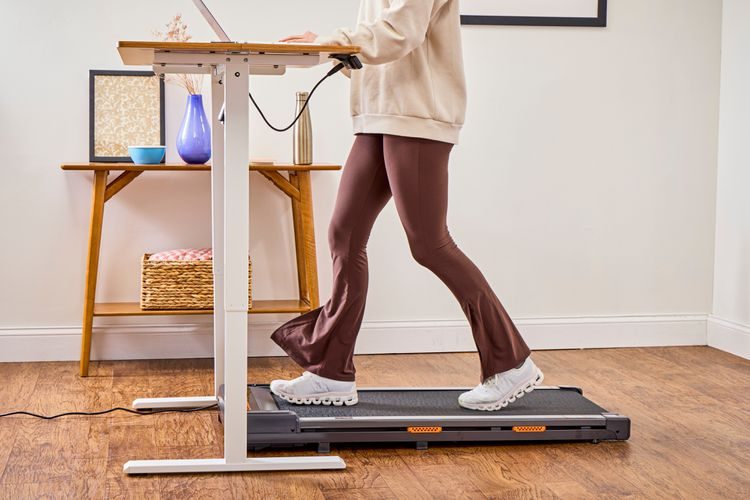
When selecting the right model, you must evaluate the footprint of your office space and the specific design of your desk. Not all handlebars are created equal; some are fixed, while others are foldable or detachable. If your desk is height-adjustable, ensure that the handlebar does not collide with the desk frame when the treadmill is positioned underneath.
Another critical factor is the motor’s duty cycle. Continuous-duty motors are superior for office use because they are designed to run for hours at low speeds without overheating. Cheap models often use peak-duty motors that may burn out if pushed for long, steady-state walking sessions. Look for a motor that operates below 50 decibels to ensure your concentration remains unbroken and your microphone doesn’t pick up the noise during conference calls.
Comparison of Top Under-Desk Treadmill Categories
| Feature Category | Standard Walking Pad | Handlebar-Equipped Treadmill |
|---|---|---|
| Stability | Low (requires core balance) | High (provides physical support) |
| Portability | High (very lightweight) | Moderate (heavier due to frame) |
| Control Access | Remote control | Console/Handlebar buttons |
| Safety | Basic | Advanced (Emergency stop clip) |
How to Safely Integrate a Treadmill into Your Workspace
Setting up your walking workstation requires more than just sliding the treadmill under your desk. You must adjust your environment to ensure that you are not straining your neck or shoulders while moving.
- Position your monitor at eye level so you are looking straight ahead, not down at the screen, to prevent neck strain while walking.
- Ensure your keyboard and mouse are at a height where your elbows are at a 90-degree angle, even while your feet are elevated on the treadmill belt.
- Start with short sessions of 15 to 20 minutes to allow your muscles and joints to adapt to the change in movement patterns.
- Always use the emergency stop clip provided with the handlebar unit; if you stumble, the treadmill will stop instantly.
- Wear supportive, low-profile walking shoes rather than dress shoes or heels to maintain proper biomechanics and reduce impact on your knees.
Common Mistakes to Avoid
A frequent error users make is attempting to walk at a speed that is too fast for productive work. The goal of an under-desk treadmill is “NEAT” (Non-Exercise Activity Thermogenesis), not high-intensity cardio. Aim for a speed between 1.0 and 2.0 mph. Walking faster than 2.5 mph typically makes typing or reading difficult and can lead to excessive sweating, which is counterproductive in a professional setting.
Another common mistake is neglecting maintenance. Treadmills generate friction, and walking pads are prone to belt slippage if not lubricated regularly. Check your manual for the recommended lubrication schedule—usually every three to six months depending on usage—to prevent the motor from straining and to keep the belt moving smoothly.
Managing Risks and Comfort
While the handlebar provides stability, it can also encourage leaning. Avoid putting your full body weight on the handlebar, as this can alter your natural gait and lead to hip or lower back pain over time. Use it only for balance, keeping your posture upright and your core engaged. If you feel fatigue in your calves or lower back, take a break. Your body needs time to build the endurance required for “active sitting” or “active standing.”
Frequently Asked Questions
Q: Can I use a treadmill with a handlebar under a standard-height desk?
A: Most handlebars will not fit under a standard 29-inch desk. You should look for models with a folding or removable handlebar, or ensure you have a standing desk that can be raised high enough to accommodate the console height.
Q: Does the handlebar interfere with my chair?
A: Yes, if you plan to switch between sitting and walking, you will need a treadmill where the handlebar can be folded down or moved aside to allow your office chair to slide into the desk area.
Q: Is it safe to walk while wearing a headset?
A: Yes, provided you have a handlebar for stability. The handlebar helps you maintain a steady, predictable pace, which makes it much easier to stay focused on your audio input without losing your balance during a call.
Investing in an under-desk treadmill with a handlebar is a proactive step toward better physical health. By prioritizing stability and ergonomic alignment, you can turn your daily grind into a movement-rich experience that keeps you energized throughout the day.
📷 Photo by nytimes.com