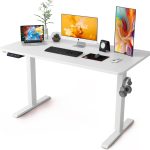






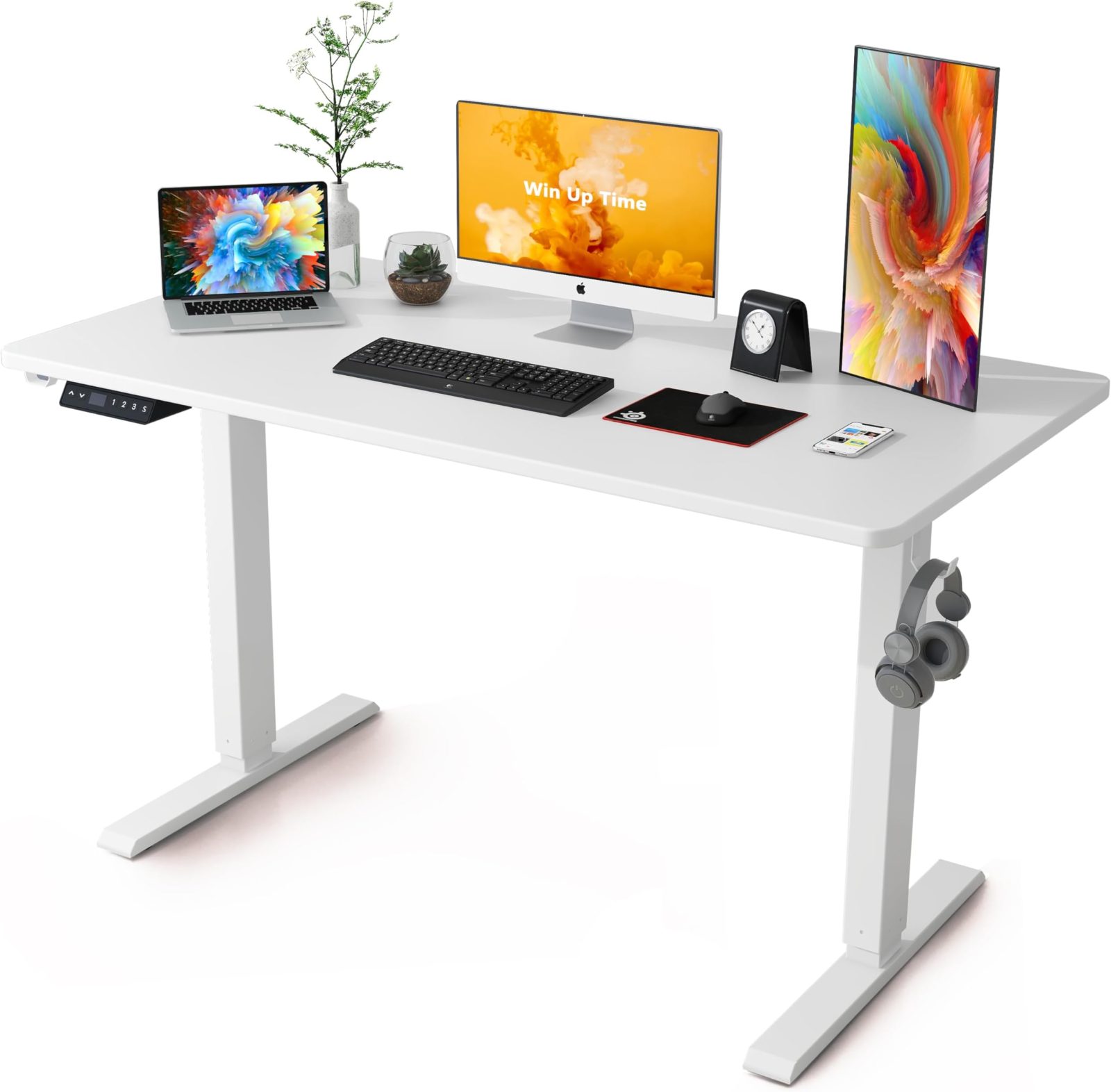
Aploda.com – A 48-inch standing desk is ideal for minimalist setups with a single monitor, while a 60-inch desk provides the necessary surface area for dual-monitor configurations, peripheral accessories, and a more ergonomic workflow.
Choosing between a 48-inch and a 60-inch electric standing desk is often the most critical decision in setting up a home office. While the height-adjustment mechanism remains identical in both sizes, the horizontal workspace dictates how you interact with your equipment throughout the day. Your choice should be governed not just by the dimensions of your room, but by the specific nature of your tasks and the physical footprint of your hardware.
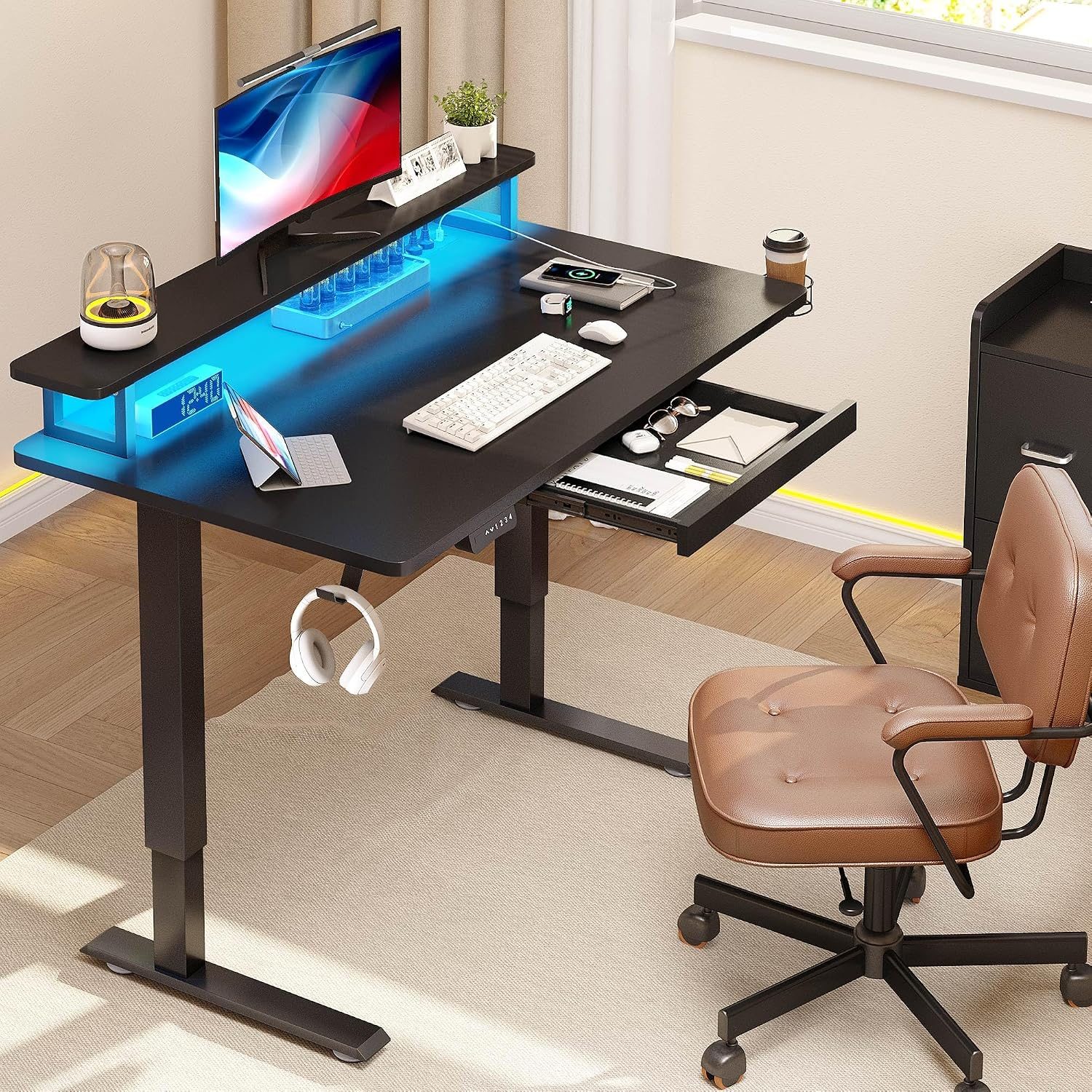
📷 Photo by nepal.ubuy.com
The Case for the 48-Inch Standing Desk
The 48-inch desk is the gold standard for compact living spaces and minimalist workstation designs. If you are a laptop user who occasionally connects to a single external monitor, this size offers plenty of room without dominating a room. It is highly efficient for students, writers, and professionals who prefer a clean, uncluttered desk surface.
One primary advantage of the 48-inch model is its structural stability and footprint. Because the frame is shorter, it often feels slightly more rigid when raised to maximum height, as there is less lateral distance for vibrations to travel. Additionally, it fits easily into bedroom corners or narrow alcoves, making it the superior choice for those who do not have a dedicated home office room.
Why the 60-Inch Desk Wins for Power Users
A 60-inch desk is transformative for those who engage in creative work, complex administrative tasks, or gaming. This extra foot of space allows for a dual-monitor setup without the screens feeling cramped or forcing you to sit at an awkward angle. It also provides a dedicated “landing zone” for non-digital items, such as notebooks, tablets, a cup of coffee, or a microphone arm.
Beyond hardware, the 60-inch desk promotes better posture over long periods. With more surface area, you can position your peripherals—like a mouse and keyboard—in a way that keeps your elbows at a natural 90-degree angle. On a smaller desk, you might find yourself reaching or tucking your arms in, which can lead to shoulder tension and wrist strain over time.
Comparative Specifications
| Feature | 48-Inch Desk | 60-Inch Desk |
|---|---|---|
| Recommended Monitor Setup | 1 Large Monitor or Laptop | Dual Monitors or Ultrawide |
| Ideal Room Size | Small Office or Bedroom | Dedicated Office or Large Desk Area |
| Weight Capacity | Standard (150-200 lbs) | High (200-300 lbs) |
| Primary Benefit | Space Efficiency | Maximum Productivity |
Critical Factors to Consider Before Buying
Before pulling the trigger on a purchase, you must account for more than just the desk surface itself. Consider the space required for your chair’s armrests. If you have a bulky ergonomic chair, a 48-inch desk might feel restrictive because the armrests could hit the desk legs or frame when you tuck the chair in. Always measure the clearance between the desk legs to ensure your chair fits comfortably underneath.
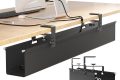
Another factor is cable management. A 60-inch desk provides more space to mount cable trays, power strips, and CPU holders beneath the surface. With a 48-inch desk, you are often limited by the frame structure, which can make cable management look cluttered if not planned perfectly. If you are someone who hates visible wires, the larger desk offers significantly more real estate to hide your infrastructure.
How to Choose the Right Size for Your Workflow
Follow these steps to determine which size fits your specific needs:
- Measure your available floor space, ensuring you leave at least 6 inches of clearance on either side for movement.
- List all physical items that must stay on the desk daily, including speakers, lamps, and document trays.
- Simulate the setup on the floor using masking tape to mark the 48-inch and 60-inch boundaries.
- Check if your monitor stand or monitor arm base requires a specific depth or width to attach securely to the desk edge.
- Consider future-proofing; if you plan to add a second monitor within a year, opt for the 60-inch desk immediately to avoid replacing furniture later.
Common Pitfalls to Avoid
A common mistake is underestimating the weight of your equipment. If you choose a 60-inch desk, ensure the motor is rated for the extra load, as larger tabletops are heavier even before you add your monitors. Another oversight is ignoring the desk depth. Often, a 60-inch desk is also deeper than a 48-inch desk, which is crucial for maintaining a healthy viewing distance from your screen to prevent eye strain.
Lastly, do not forget about your peripherals. If you use a full-sized mechanical keyboard and a large mouse pad for gaming or design, a 48-inch desk will leave you with almost zero room for anything else. If you value a “clean desk” aesthetic, the 60-inch option is almost always the safer bet for long-term satisfaction.
Frequently Asked Questions
Q: Will a 48-inch desk be enough for two monitors?
A: Generally, no. While two small monitors might physically fit, you will have no space for other essentials, and the setup will feel claustrophobic, likely hindering your productivity.
Q: Is it harder to assemble a 60-inch standing desk?
A: Assembly difficulty is usually the same, but the 60-inch desk is heavier and more cumbersome to flip over once assembled, so having a second person to help is highly recommended.
Q: Does the size of the desk affect the stability of the motors?
A: The motor quality matters more than the size. However, a wider desk requires a more robust frame to prevent “wobble,” so always check the manufacturer’s stability ratings for the specific length you are purchasing.
Ultimately, the decision rests on your personal workflow. If your work is strictly digital and you value floor space, the 48-inch desk is an elegant, functional choice. If you require a multi-layered workspace or simply prefer the luxury of extra room, the 60-inch desk is an investment in your comfort and long-term ergonomic health.
📷 Photo by amazon.com