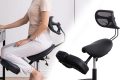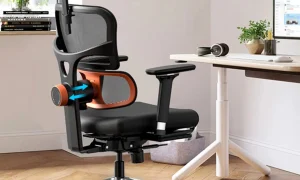




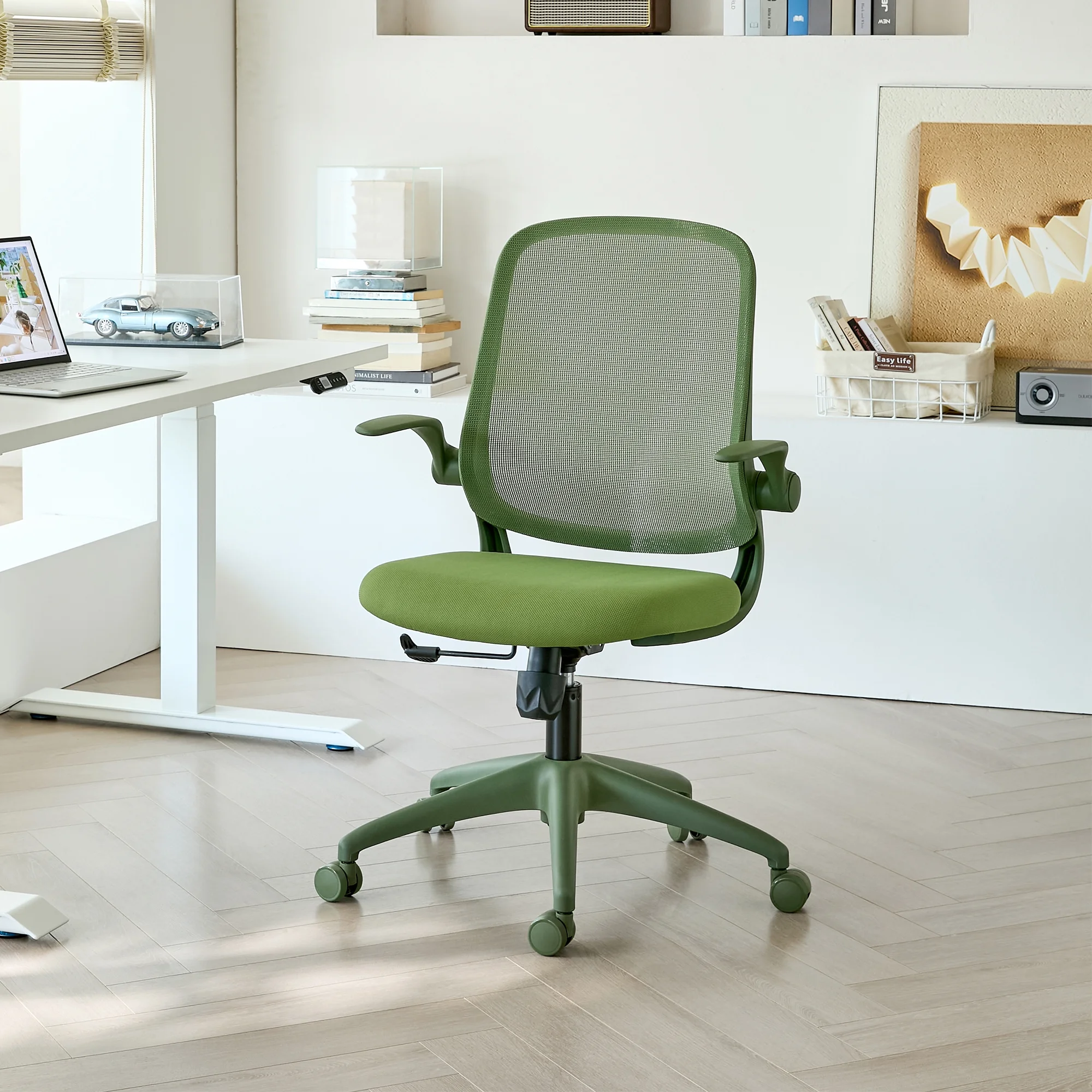
Aploda.com – Adjustable lumbar height targets the vertical positioning of the support to align with the natural curve of your spine, while adjustable lumbar depth controls the intensity of the pressure pushing against your lower back.
Choosing the right ergonomic chair often feels like navigating a complex maze of technical specifications. Among the most critical features for long-term spinal health are adjustable lumbar height and depth. While they sound similar, they serve distinct functions that cater to different anatomical needs and sitting postures. Understanding these differences is the key to preventing chronic back pain in an office environment.
The Function of Lumbar Height Adjustment
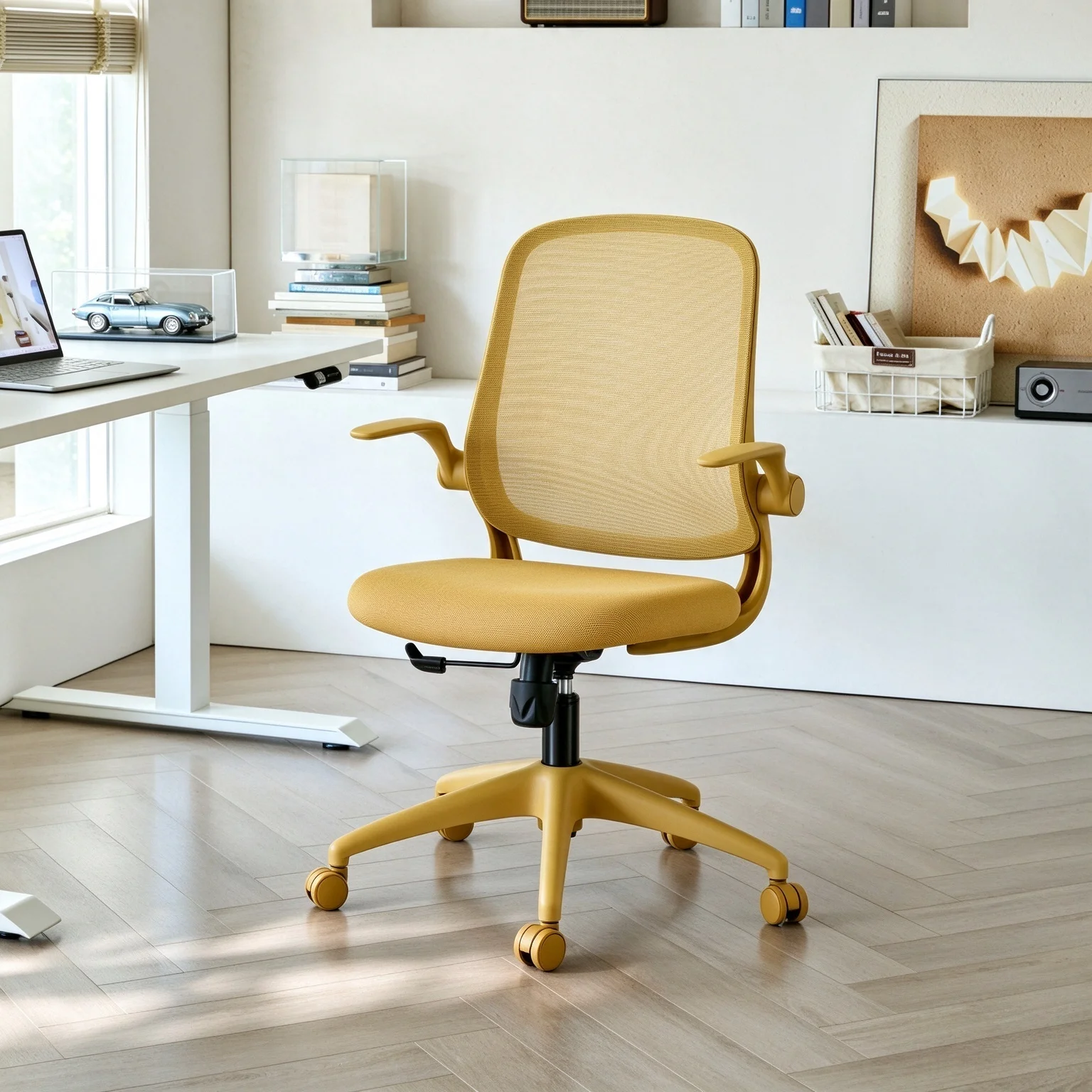
Lumbar height adjustment allows the user to slide the lumbar support piece up or down along the backrest of the chair. The goal here is simple: precision. Every person has a different torso length and a unique spinal curvature. If the lumbar support is too high, it hits the mid-back, which can cause discomfort and force the shoulders into a hunched position.
📷 Photo by walmart.com
Conversely, if the support is too low, it digs into the sacrum or the pelvis, failing to support the actual lumbar vertebrae. Proper height adjustment ensures that the convex curve of the chair cushion matches the inward curve (lordosis) of your lumbar spine. When positioned correctly, it encourages an upright posture by filling the gap between your lower back and the backrest.
The Function of Lumbar Depth Adjustment
Lumbar depth adjustment, sometimes referred to as tension or firmness control, changes how far the support protrudes from the backrest. This feature is essential for users who have different preferences regarding the intensity of the support. Some individuals prefer a very aggressive, firm push against their spine to maintain a rigid posture, while others find this intrusive and prefer a more subtle, passive support.
Depth adjustment is particularly useful for people of varying body weights and soft tissue profiles. A thinner person might require more depth to feel any contact at all, whereas a larger person might find that too much depth creates an uncomfortable pressure point. By fine-tuning the depth, you essentially customize the “aggressiveness” of the chair’s lumbar system to fit your personal comfort threshold.
Comparison of Ergonomic Lumbar Features
| Feature | Primary Purpose | Best For | Adjustment Mechanism |
|---|---|---|---|
| Lumbar Height | Spinal Alignment | Matching the curve of the lumbar spine | Vertical sliding or ratcheting |
| Lumbar Depth | Pressure Intensity | Adjusting the firmness of the support | Knobs, pumps, or tension dials |
Why You Need Both for Optimal Ergonomics
Relying on a chair that only features one type of adjustment is often a compromise. If you have a chair with height adjustment but no depth control, you might find the perfect spot on your spine, but the pressure might be too weak to provide actual relief. If you have depth control but no height adjustment, you might be able to feel the support, but it could be pushing against the wrong part of your back, leading to muscle fatigue over an eight-hour workday.
The combination of these two features allows for a truly personalized experience. It transforms a standard office chair into a tool that adapts to your body rather than forcing your body to adapt to the chair. This is vital for preventing the “slouching” reflex that occurs when the lower back lacks consistent, well-positioned support.
How to Properly Calibrate Your Chair
Most people set their chair once and forget it, but the best approach is to periodically check your settings, especially if you have been experiencing discomfort. Follow these steps to achieve the ideal lumbar configuration.
- Sit upright with your buttocks pushed all the way to the back of the seat pan.
- Locate the height adjustment mechanism and move the lumbar support until the deepest part of its curve rests firmly in the small of your back.
- Once the height is set, adjust the depth control to a level where you feel a gentle, supportive pressure rather than a sharp poke.
- Lean back slightly to test if the support maintains contact with your spine even when you shift your weight.
- If you feel any localized pain or muscle tension after 30 minutes, revisit the depth control to reduce the tension slightly.
Common Mistakes When Setting Lumbar Support
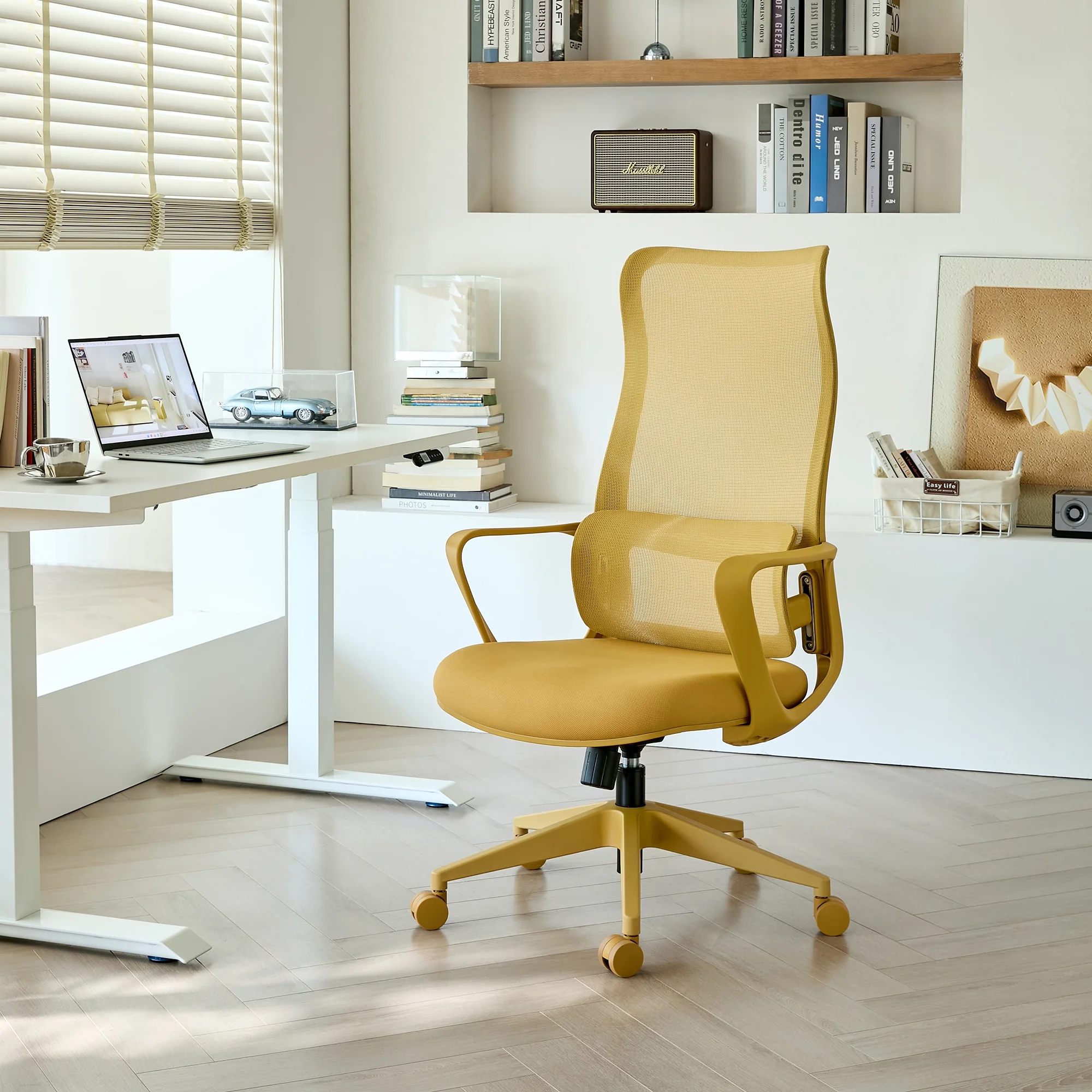
One of the most frequent errors is setting the lumbar support too high. People often mistake the mid-back for the lumbar region. Your lumbar vertebrae are located in the lower portion of your back, just above the hips. Setting the support too high forces the thoracic spine into an unnatural curve, which can lead to shoulder and neck strain.
📷 Photo by walmart.com
Another common mistake is ignoring the depth control entirely. Many users assume that the default setting is correct for everyone. If the chair feels “too hard” or “too soft,” you likely haven’t utilized the depth adjustment dial. Always remember that the goal of ergonomic lumbar support is to maintain the natural inward curve of your spine, not to push your torso forward into a rigid, upright position.
The Impact of Body Type and Clothing
Your attire can occasionally influence how your lumbar support feels. Thick clothing, like heavy sweaters or blazers, can add bulk that changes the effective depth of your lumbar support. If you change your wardrobe significantly between seasons, you may find that your chair feels different. Don’t be afraid to adjust the depth dial slightly to accommodate these changes in padding.
Furthermore, individuals with larger frames should prioritize chairs with a wider range of depth adjustment, while those with shorter torsos should prioritize a chair with a lower starting point for the height adjustment. Testing a chair before purchase is the only way to ensure these ranges align with your specific anatomy.
Q: Can I compensate for a lack of lumbar support with a pillow?
A: While a pillow can provide temporary relief, it lacks the structural integrity and adjustability of a built-in lumbar system, often leading to inconsistent support as the pillow shifts.
Q: Does adjustable lumbar prevent back pain entirely?
A: No single chair can prevent all back pain; it is most effective when combined with regular movement, stretching, and maintaining a healthy posture throughout the day.
Q: How often should I adjust my lumbar settings?
A: You should only adjust them when you feel discomfort or if you have changed your sitting style, as constant fiddling can prevent your body from finding a stable baseline.
📷 Photo by walmart.com
Investing in a chair that offers both height and depth adjustment is a proactive step toward long-term spinal health. By understanding the mechanical differences between these two features, you can make an informed decision and ensure your workspace supports your physical well-being rather than hindering it.
📷 Photo by walmart.com