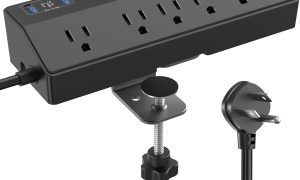






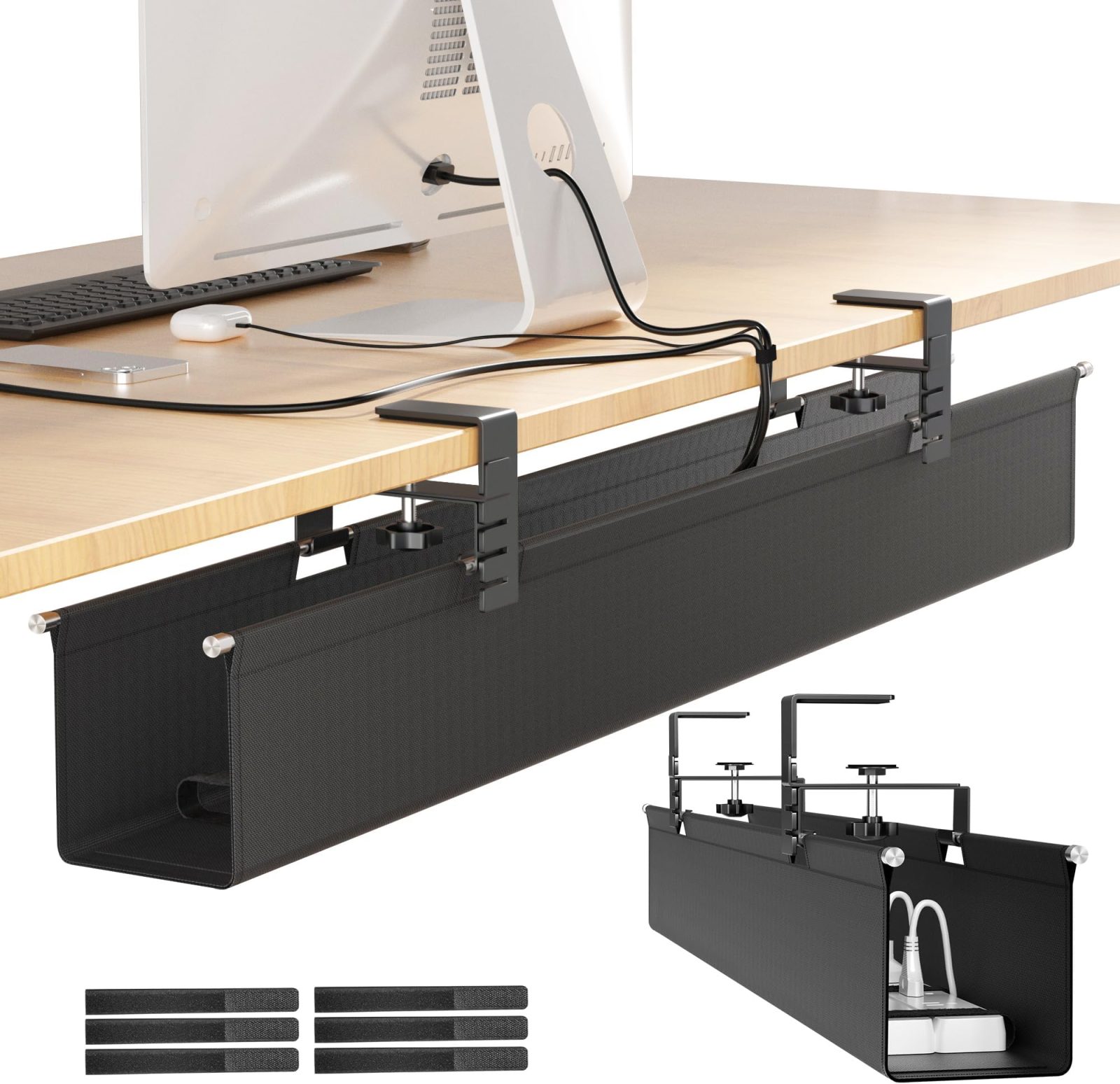
Aploda.com – Under-desk wire trays provide a robust, fixed solution for housing power strips and bulky adapters, while magnetic snake spine cable management offers a flexible, aesthetic vertical path for routing wires from the floor to a sit-stand desk.
Managing cables beneath your workspace is not merely about aesthetics; it is a fundamental step in ensuring equipment longevity and workspace safety. When wires dangle or tangle, they become prone to accidental tugging, dust accumulation, and potential tripping hazards. Choosing between an under-desk wire tray and a magnetic snake spine depends largely on the type of furniture you use and the specific layout of your electrical infrastructure.
Understanding Under-Desk Wire Trays
An under-desk wire tray acts as a horizontal shelf mounted directly to the underside of your desk. These trays are typically made of powder-coated steel or heavy-duty plastic. They are designed to hold power strips, excess power bricks, and long lengths of cable that would otherwise clutter your legroom. Because they are fixed, they provide a permanent “home” for your electrical components, making it easy to plug in multiple devices without worrying about cable slack.
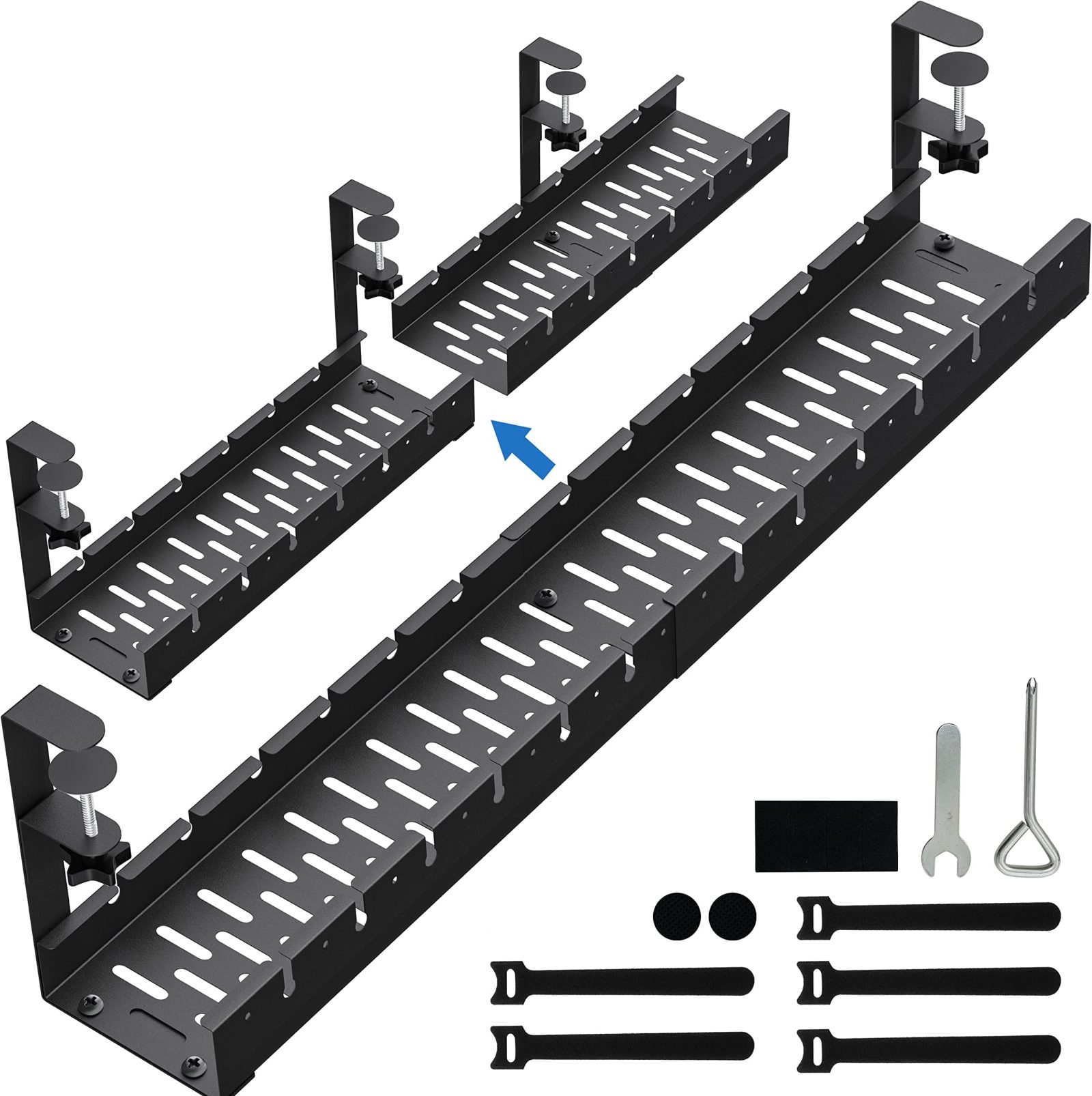
📷 Photo by amazon.com
The primary advantage here is capacity. If you have a complex setup with multiple monitors, a docking station, and various peripherals, a tray can accommodate the weight and bulk of several power bricks. However, they are static. If you have a height-adjustable desk, you must ensure that your cables are long enough to span the distance from the wall outlet to the tray at the desk’s maximum height, which often requires careful planning and extra-long cords.
The Utility of Magnetic Snake Spines
A magnetic snake spine, or cable vertebrae, is a segmented, flexible conduit that runs vertically from the floor to the underside of the desk. These systems are specifically engineered for standing desks. As the desk moves up and down, the spine collapses or expands like a telescope, ensuring that the wires remain protected and organized throughout the entire range of motion.
The magnetic attachment feature is a game-changer for metal-frame desks. It allows the spine to snap onto the desk leg, providing a sleek, continuous look that hides wires completely from view. Unlike fixed trays, the spine handles the movement of the desk, preventing cables from being pulled taut or dangling dangerously when you switch between sitting and standing positions.
Comparison of Cable Management Solutions
| Feature | Under-Desk Wire Tray | Magnetic Snake Spine |
|---|---|---|
| Best Use Case | Horizontal storage for power bricks | Vertical routing for standing desks |
| Flexibility | Static (Fixed position) | Dynamic (Expands/Contracts) |
| Installation | Screw-mounted | Magnetic or bracket-mounted |
| Cable Capacity | High (Large volume) | Medium (Limited by diameter) |
| Aesthetics | Hidden under desk | Visible vertical “spine” look |
How to Implement an Effective Cable Management System
Achieving a clutter-free desk requires a systematic approach. Follow these steps to integrate both solutions for an optimal setup:
- Clear your workspace entirely and unplug all electronic devices to start with a blank canvas.
- Install the under-desk wire tray first, ensuring it is positioned toward the back of the desk to avoid interference with your knees.
- Place your power strip inside the tray and plug in all your peripheral power adapters, using velcro ties to bundle excess wire lengths within the tray.
- Attach the snake spine to the underside of the desk near the cable exit point, allowing the spine to hang down toward the floor outlet.
- Feed the main power cord from the power strip through the segments of the snake spine, ensuring there is enough slack so the spine does not pull when the desk is at its highest setting.
- Secure any remaining loose wires on the floor using a floor cable cover to prevent tripping.
Common Mistakes and Practical Tips
One of the most frequent errors users make is overcrowding the wire tray. While these trays are sturdy, stuffing too many heavy bricks into them can cause the mounting screws to loosen over time, especially if the desk material is particle board. Always use washers when mounting to distribute the pressure.
Another common mistake is ignoring the bend radius of your cables. When using a snake spine, ensure you are not forcing thick, stiff cables into a tight curve. If the spine is too narrow, the pressure on the cable connectors can lead to internal wire breakage over time. If you have thick cables, opt for a spine with a wider internal diameter.
Finally, consider the weight of the cables themselves. If the snake spine is not properly anchored at the base, the weight of the cables inside can cause the spine to sway or detach during desk movement. Many modern snake spines come with a weighted base plate; ensure this is placed firmly on the floor to maintain tension.
FAQ
Q: Can I use a snake spine on a wooden desk frame?
A: Yes, but since magnets will not stick to wood, you will need to use a model that includes a screw-in mounting bracket or an adhesive-backed clip to secure the top of the spine to the desk.
Q: Is it necessary to use both a tray and a spine?
A: It is highly recommended for standing desks. The tray manages the horizontal clutter under the desk, while the spine manages the transition from the desk to the wall, providing a complete, professional, and safe cable management ecosystem.
Q: Will a wire tray prevent my desk from closing flush against the wall?
A: Some deep trays may interfere with wall proximity. Always measure the depth of your tray and compare it to the clearance between your desk and the wall before installation to ensure you maintain your preferred desk placement.
📷 Photo by amazon.ca