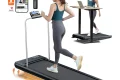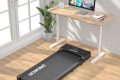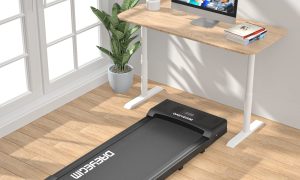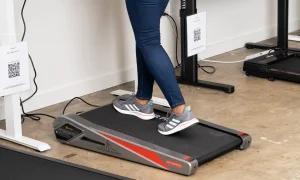



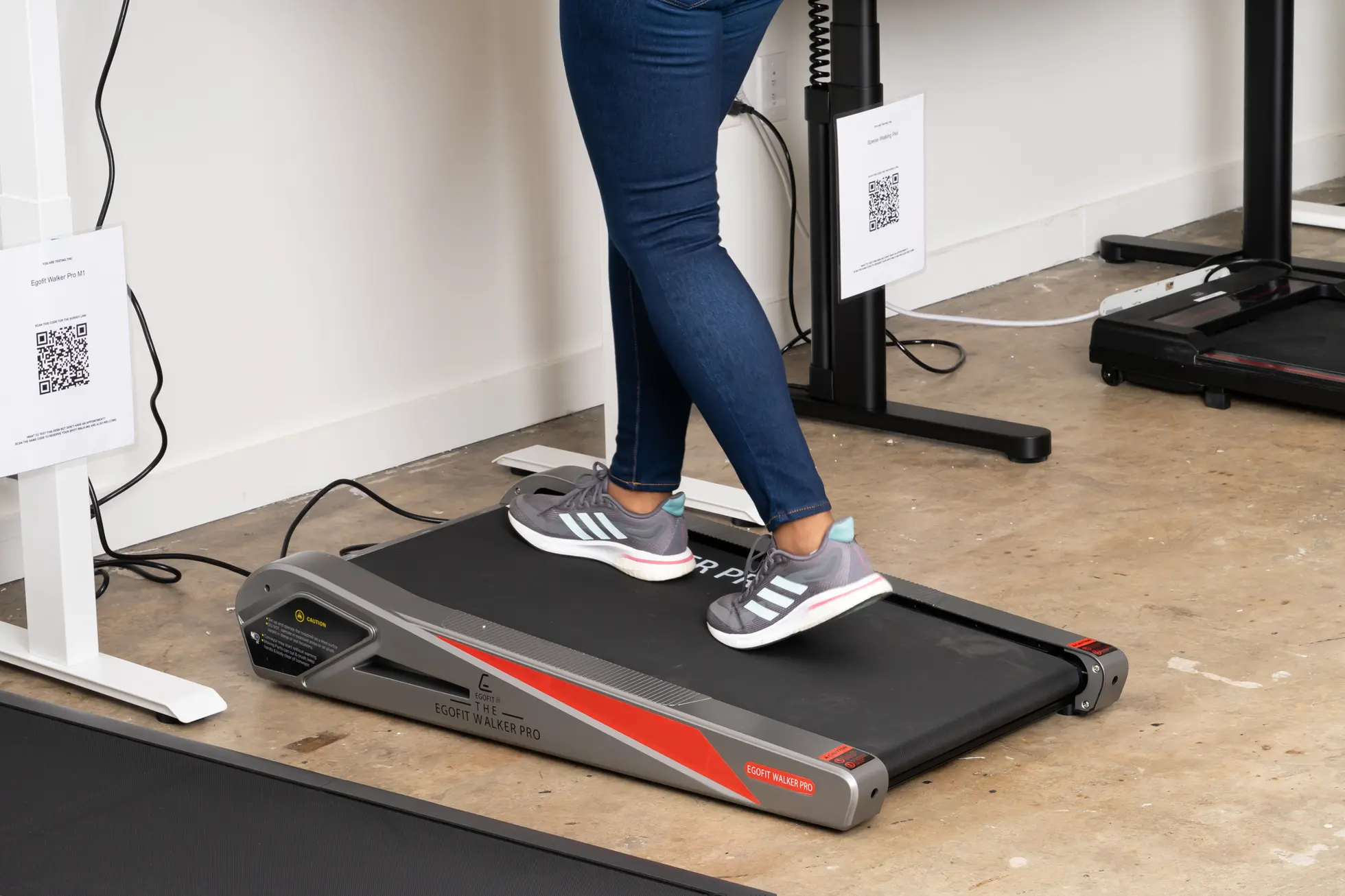
Aploda.com – Under desk treadmill step counters often show inaccuracies because they rely on arm movement or specific gait patterns, which are significantly reduced when walking while working at a desk.
The rise of the “walking pad” or under desk treadmill has revolutionized sedentary office life, allowing professionals to rack up thousands of steps while tackling emails. However, many users notice a frustrating discrepancy: their dedicated fitness tracker or smartwatch records significantly fewer steps than the treadmill’s built-in console. This gap exists primarily because fitness trackers are designed to detect the rhythmic swinging of the arm, which is usually stationary when typing or using a mouse.
Why Step Discrepancies Occur
Most wearable fitness trackers use an internal accelerometer to detect the motion of your wrist. When you walk naturally, your arms swing in coordination with your stride, creating a distinct “jerk” or movement pattern that the sensor interprets as a step. When you are at a desk, your hands are typically resting on a keyboard or hovering over a mouse. This static position prevents the tracker from sensing the necessary movement, leading to under-counting.
Conversely, under desk treadmills often count steps based on the rotation of the treadmill belt or internal sensors that detect the impact of your feet on the deck. Because these devices are calibrated to detect every full belt rotation or foot strike, they are generally more accurate for step counting than a wrist-worn device while you are working. Relying solely on your watch to track progress during office hours will almost certainly result in an underestimation of your true activity levels.
Common Mistakes and Calibration Issues
One common mistake is assuming that the “Total Steps” shown on your treadmill console and your smartwatch should match perfectly. They measure two different things: the treadmill measures physical mechanical movement, while the watch measures biological movement. If you want to improve the accuracy of your wearable, you must account for the lack of arm swing.
Another issue is gait modification. Walking while working often results in a “shuffling” gait rather than a full-stride walk. This shorter, less impactful step can sometimes be missed by both the treadmill sensor and the watch. To minimize this, focus on maintaining a consistent pace and ensuring your posture remains upright, which naturally encourages a more standard gait even when you are focused on a monitor.
Comparison of Tracking Methods
Read also: Balance Board Standing Desk for ADHD: Does Physical Movement Boost Focus?
| Tracking Method | Primary Sensor | Accuracy (at Desk) | Best For |
|---|---|---|---|
| Wrist-worn Tracker | Accelerometer | Low | Outdoor walking/Running |
| Under Desk Treadmill | Belt/Impact Sensor | High | Measuring total volume |
| Smartphone (Pocket) | Gyroscope | Medium | General daily activity |
Optimizing Your Tracking Workflow
If you are serious about logging your daily activity accurately, you need a strategy that bridges the gap between your desk-based movement and your wearable device. Follow these steps to ensure your fitness data remains reliable throughout the workday.
- Assess your baseline: Walk for 10 minutes on your treadmill while wearing your watch, then compare the two totals to determine your “error margin.”
- Reposition your tracker: Try moving your smartwatch to your ankle during desk work hours, as this captures the leg movement directly, bypassing the need for arm swing.
- Use a secondary app: If your treadmill has a dedicated app, use it as your primary source of data for walking sessions and manually sync or add that data to your fitness platform.
- Prioritize the treadmill data: Accept that your treadmill’s internal counter is the “source of truth” for your walking-while-working time, and use your watch primarily for heart rate monitoring or total daily calorie estimates.
The Role of Posture and Ergonomics
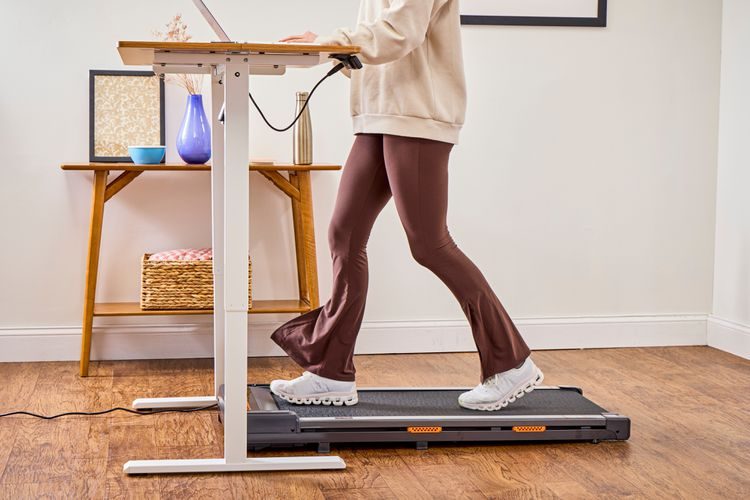
Beyond tracking, ergonomics play a massive role in how well you walk at a desk. If you are leaning forward or hunching over your keyboard, your stride becomes uneven and shallow. This not only makes it harder for your devices to track your steps but also puts unnecessary strain on your lower back and neck. Keep your screen at eye level so that your torso remains perpendicular to the treadmill deck. This vertical alignment ensures that your feet strike the belt with enough force to be registered accurately by the treadmill’s sensors.
Risk Factors of Ignoring Accuracy
📷 Photo by verywellfit.com
When you consistently under-report your steps, you might feel discouraged, thinking your efforts are not yielding results. This can lead to overtraining or, conversely, a lack of motivation. It is important to remember that the health benefits of moving while working—such as improved blood flow, glucose regulation, and metabolic health—occur regardless of whether your watch successfully logs every single step. Do not let the lack of “digital credit” deter you from the physical benefits of the activity.
Frequently Asked Questions
Q: Should I move my smartwatch to my ankle while working?
A: Yes, placing the tracker on your ankle significantly increases step-counting accuracy during desk work, as it detects the movement of your leg directly rather than relying on arm swing.
Q: Why does my treadmill show more steps than my phone?
A: Your treadmill tracks every footfall on the belt, whereas your phone or watch requires a specific pattern of movement (usually including arm swing) to register a step as “valid.”
Q: Is it okay if my step count isn’t 100% accurate?
A: Absolutely, because fitness trackers are meant to provide trends rather than precise scientific data. Focus on the consistency of your walking time rather than the exact number of steps recorded.
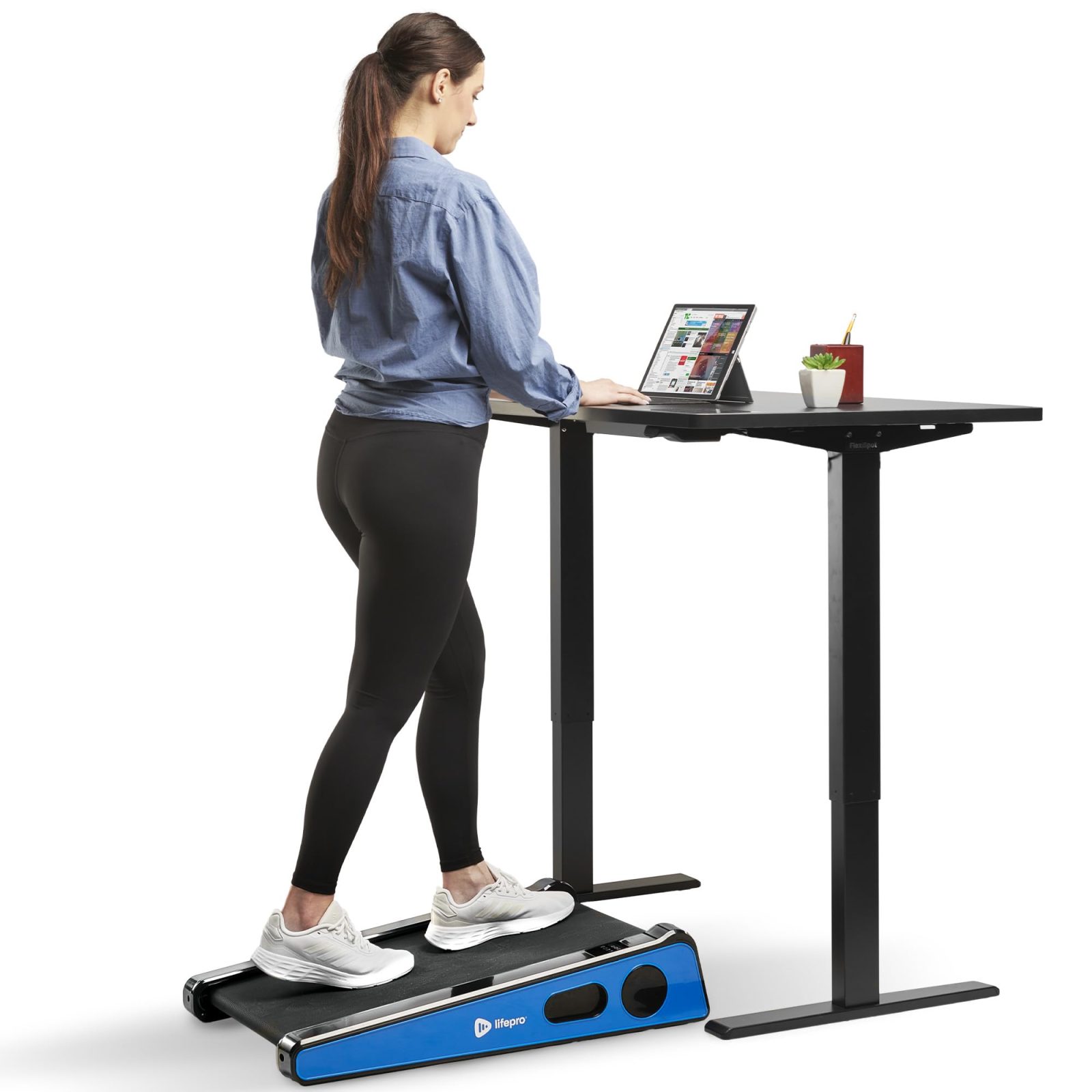
📷 Photo by amazon.ca
Ultimately, the goal of using an under desk treadmill is to break the cycle of prolonged sitting. While it is helpful to have accurate data to track your progress, the real value lies in the movement itself. By understanding the limitations of your hardware, you can stop obsessing over the discrepancy and start enjoying the health benefits of a more active workday.
📷 Photo by nytimes.com