
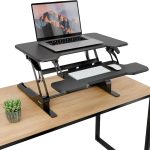



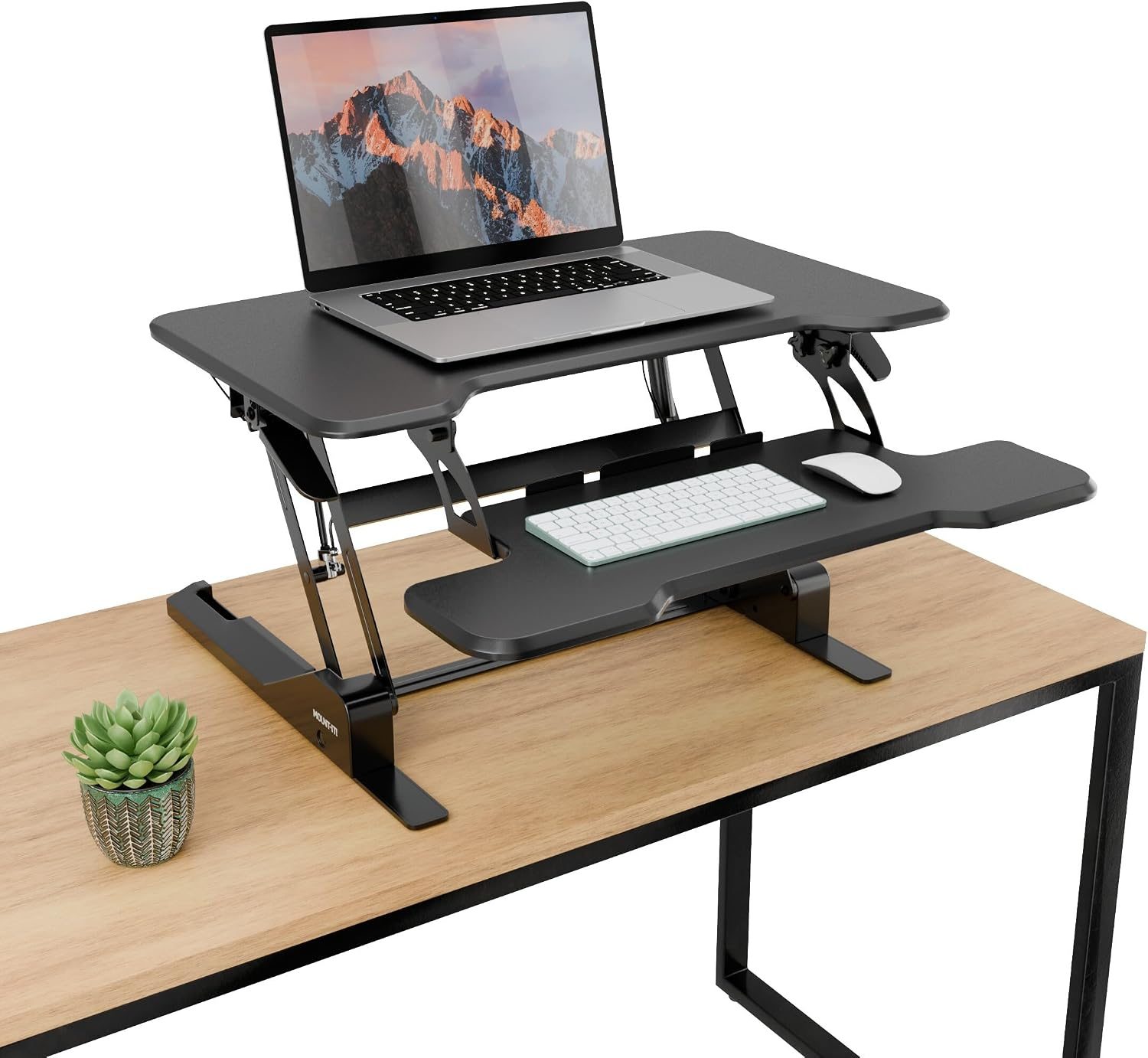
Aploda.com – A standing desk converter keyboard drop refers to the vertical distance between your primary work surface and the keyboard tray, which must be precisely adjusted to maintain a neutral wrist position and prevent musculoskeletal strain. Achieving the correct ergonomic drop is essential to ensure your elbows remain at a 90 to 100-degree angle while your forearms stay parallel to the floor during extended periods of standing or sitting.
The Importance of Ergonomic Alignment
Many users transition to standing desks or converters expecting immediate relief from back pain, only to develop new issues in their wrists, shoulders, and necks. This often happens because they focus entirely on the height of the monitor while ignoring the keyboard tray. If your keyboard is too high, you are forced to hunch your shoulders or flex your wrists upward, leading to repetitive strain injuries like carpal tunnel syndrome or tension headaches.
The “drop” is the secret component of workstation ergonomics. By lowering the keyboard relative to the desk surface, you allow your shoulders to relax and your arms to hang naturally. This creates a biomechanically sound posture that reduces the load on your trapezius muscles and prevents the common “keyboard hunch.”
Determining Your Ideal Drop Measurement
There is no one-size-fits-all measurement for a keyboard drop because it depends entirely on your height and the length of your forearms. However, a general rule of thumb is to have the keyboard tray positioned at or slightly below your elbow height when your arms are resting at your sides.
If you are using a fixed-height standing desk converter, you may find that the default keyboard tray is either too high or non-existent. Adding an adjustable keyboard tray or choosing a converter with a deep drop mechanism can make a significant difference in your daily comfort levels.
Comparison of Keyboard Tray Configurations
| Tray Type | Ergonomic Benefit | Best Use Case |
|---|---|---|
| Fixed Height Tray | Minimal, usually requires chair adjustment | Casual users with limited desk space |
| Adjustable Tilt Tray | Allows for negative tilt to protect wrists | Users prone to carpal tunnel or wrist pain |
| Deep Drop Tray | Optimizes elbow-to-forearm angle | Users with long torsos or high desk surfaces |
| Negative Tilt Tray | Neutralizes wrist extension | Heavy typists and data entry professionals |
Step-by-Step Guide to Setting Your Keyboard Height
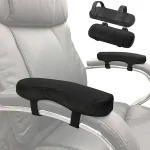
Read also: Ergonomic Office Chair Armrest Caps: Gel vs Memory Foam Pads
Follow these steps to calibrate your workstation setup and identify the exact drop distance that works for your body geometry:
- Stand upright with your feet flat on the floor and your weight evenly distributed.
- Relax your shoulders completely, letting them drop away from your ears, and bend your elbows at a 90-degree angle.
- Measure the distance from the floor to the bottom of your elbow. This is your target height for the home row of your keyboard.
- Adjust your standing desk converter so that the keyboard tray sits exactly at this measured height.
- Check your wrist position; if you find yourself bending your wrists upward to reach the keys, lower the tray further or adjust the negative tilt if your hardware allows it.
- Test the position by typing for ten minutes; if you feel tension in your neck or shoulders, increase the drop slightly until the tension dissipates.
Common Mistakes in Ergonomic Setup
A frequent error is placing the keyboard tray too far away from the body. This forces the user to reach forward, which destabilizes the shoulders and places unnecessary strain on the lower back. Ideally, your keyboard should be close enough that your elbows remain directly under your shoulders. If you are using a mouse, ensure it is on the same level as the keyboard to avoid uneven shoulder posture.
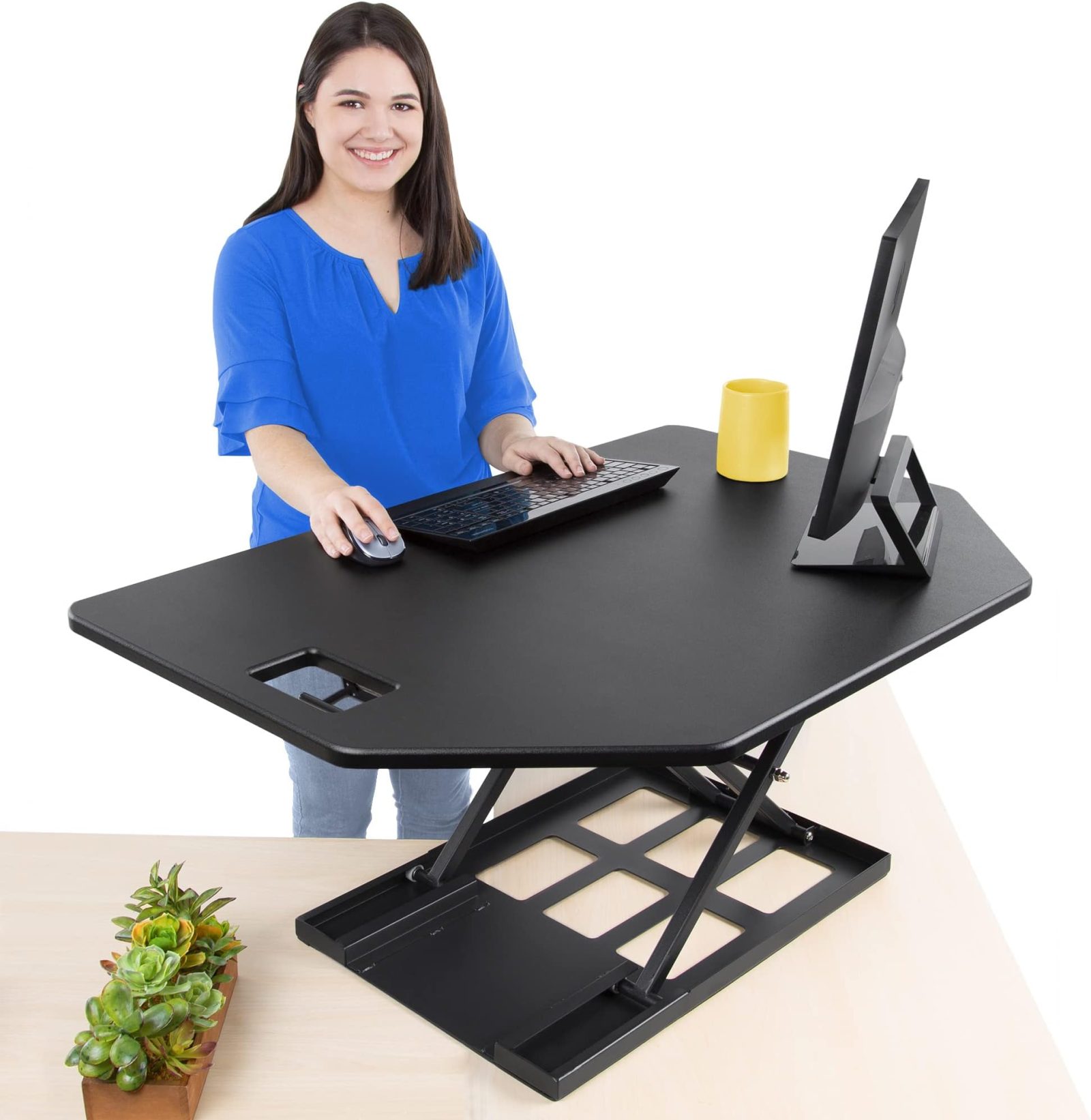
📷 Photo by amazon.com
Another mistake is ignoring the importance of “negative tilt.” Many people tilt their keyboard upward, thinking it makes keys easier to reach. In reality, an upward tilt forces your wrists into extension, which is the primary cause of nerve compression in the wrist. A slight negative tilt—where the back of the keyboard is lower than the front—is the gold standard for long-term comfort.
Risks of Ignoring Ergonomic Drop
Neglecting the keyboard drop can lead to chronic conditions that extend beyond simple muscle soreness. When your keyboard is too high, you compensate by elevating your shoulders, which restricts blood flow to the upper extremities and creates chronic tightness in the upper back. Over time, this leads to a reduction in productivity and the potential for long-term structural issues in the cervical spine.
Furthermore, poor ergonomic setup often leads to “tech neck,” where the head juts forward to compensate for the awkward arm position. By prioritizing the keyboard drop, you create a ripple effect of positive posture that extends from your wrists all the way to your neck.
Frequently Asked Questions
Q: Should I use a negative tilt for my keyboard?
A: Yes, a negative tilt—where the keyboard slopes away from you—is highly recommended because it keeps your wrists in a neutral, straight position, reducing the strain associated with typing.
Q: What if my standing desk converter doesn’t have an adjustable tray?
A: If your converter lacks a deep drop, consider mounting an aftermarket articulating keyboard tray to your desk surface or using a different converter model that prioritizes a lower keyboard profile to prevent shoulder shrugging.
Q: How do I know if my keyboard drop is too low?
A: If you find yourself leaning forward or hunching your back to reach the keys, your keyboard tray is likely too low or too far away from your body, causing you to overextend your torso to compensate.
Investing time in finding the right keyboard drop is not merely about comfort; it is a proactive measure against injury. By following the steps outlined above and being mindful of your posture, you can turn your standing desk into a tool that truly supports your health rather than one that causes hidden physical stress.
📷 Photo by amazon.com