

Aploda.com – An uneven electric standing desk leg error is typically caused by a synchronization mismatch between the internal hall sensors of the motors, which can be resolved by performing a manual hard reset or recalibration sequence specific to your control box model.
Electric standing desks have become a staple in modern ergonomic workspaces, offering the flexibility to switch between sitting and standing. However, they rely on complex synchronization between two or more lifting columns. When these columns fall out of sync, the control box triggers an error code—often displayed as E01, E07, or simply a flashing light—to prevent mechanical damage to the frame.
Understanding the Root Cause of Imbalance
The most common cause of an uneven leg error is a physical obstruction or an uneven load distribution that occurred while the desk was in motion. If the desk hits a cable, a chair, or a drawer while moving downward, the motor on that side stops, while the other continues for a fraction of a second. This difference in rotation causes the control box to lose track of the leg’s position, resulting in an error code the next time you attempt to adjust the height.
Another frequent culprit is an overloaded desk. If the weight on one side is significantly higher than the other, the motors may struggle to maintain the same speed. Over time, the internal sensors report a discrepancy, and the system locks itself to protect the hardware. Power surges and loose cable connections between the legs and the control unit can also mimic these synchronization errors.
Step-by-Step Guide to Resetting Your Standing Desk
While every manufacturer has slightly different protocols, the following steps work for the vast majority of electric standing desk brands, including those using Jiecang or Timotion control systems.
- Clear all items from under the desk, including chairs, trash cans, and cables, to ensure the legs have a clean path to the lowest point.
- Unplug the power cable from the wall outlet and wait for at least 30 seconds. This allows the capacitors in the control box to discharge fully.
- Plug the power cable back into the wall outlet.
- Press and hold the “Down” button on your handset. Keep holding it even if the desk moves down slightly and stops.
- Continue holding the “Down” button until the desk reaches its lowest possible point. Some models will automatically “bounce” or click once they reach the floor.
- Once at the bottom, press and hold the “Down” button again for 5 to 10 seconds. The desk should perform a small reset movement or display a “000” or “RST” code on the screen.
- Release the button and attempt to move the desk to your desired height. The error code should now be cleared.
Comparison of Common Desk Error Symptoms
| Error Symptom | Likely Cause | Recommended Fix |
|---|---|---|
| E01 / E02 | Overload or weight imbalance | Remove heavy items and reset |
| E07 / E08 | Uneven leg height / Sync loss | Perform hard reset / Recalibration |
| No Display | Power supply or loose cable | Check all connections and outlet |
| Hot / Overheat | Excessive continuous use | Let the motor cool for 20 minutes |
Common Mistakes to Avoid
One of the biggest mistakes users make is trying to manually pull or push the desk legs to level them while the power is still connected. This can permanently damage the internal worm gears inside the lifting columns. Always allow the electronic system to handle the synchronization process. Additionally, never attempt to bypass a motor error by unplugging one leg while the desk is powered on; this will almost certainly trigger a permanent fault in the control box.
Another common error is ignoring the “Duty Cycle.” Most desk motors are designed to be used for two minutes of active movement followed by 18 minutes of rest. If you are constantly moving the desk up and down to show off the mechanism or to find the perfect height, the motors will overheat and throw an error. If your desk feels warm to the touch near the motors, give it ample time to cool down before attempting a reset.
Preventative Maintenance Tips
To keep your desk functioning smoothly, perform a “calibration reset” once every three months, even if you do not see an error code. This ensures the hall sensors remain aligned. Furthermore, inspect the cable management under the desk regularly. Cables that are pulled too tight when the desk is at its maximum height can cause the motors to strain, leading to premature synchronization errors.
If you have recently moved your desk, ensure the floor is level. Even a slight slope can cause the desk to struggle, leading to persistent “uneven” errors. Using leveling glides at the base of the feet can help compensate for slightly uneven flooring, reducing the stress on the motors.
Frequently Asked Questions
Q: What should I do if the reset procedure does not clear the error code?
A: Check the cable connections connecting the legs to the control box. Ensure the “click” sound is heard when inserting the plugs. If the error persists, the control box or a specific motor may be faulty and require a warranty replacement.
Q: Can I replace just one leg if the motor is broken?
A: It is generally not recommended to replace just one leg, as the new motor may have a different wear profile or sensor calibration than the old one. Most manufacturers recommend replacing the lifting columns in pairs to ensure they remain in sync.
Q: Is it safe to use the desk if it is slightly tilted?
A: No. Using a tilted desk puts uneven stress on the frame and the internal gears. It will likely result in the motor failing completely or the desk becoming permanently jammed at an angle.
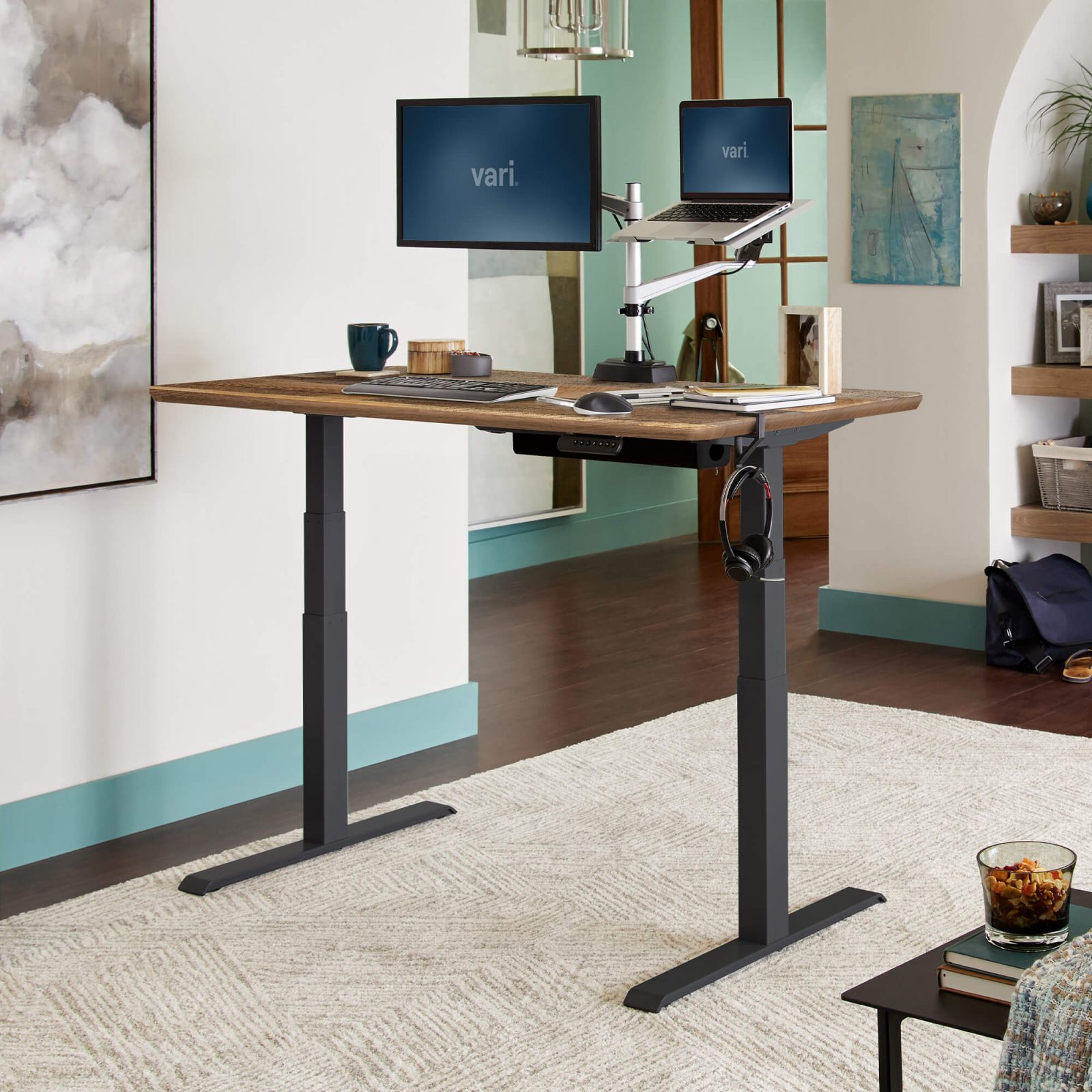
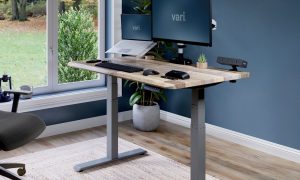
📷 Photo by vari.com
If the steps above do not resolve your issue, consult your manufacturer’s manual specifically. Many brands provide a “Deep Reset” sequence that involves holding the S or M buttons in specific patterns. Always document the specific error code displayed, as this information is vital if you need to contact customer support for a replacement part.
📷 Photo by vari.com