

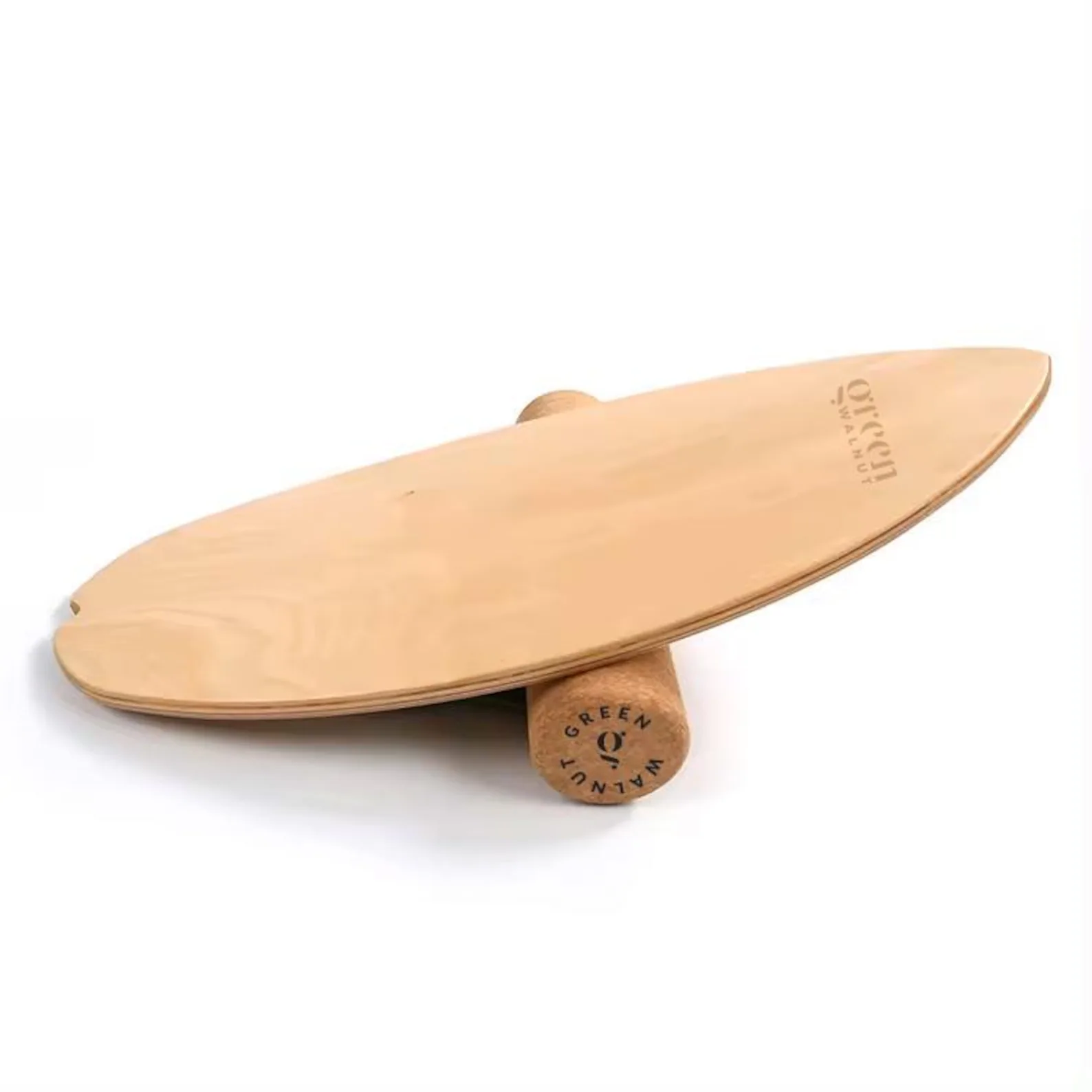
Aploda.com – Choosing between a wobble balance board and a rocker board depends on your goal: wobble boards provide 360-degree multi-directional instability for advanced core engagement, while rocker boards offer a controlled, side-to-side motion ideal for beginners and sustained standing desk comfort.
Understanding the Core Differences
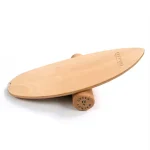
The primary distinction between these two tools lies in the range of motion. A rocker board typically pivots on a single axis, allowing movement in only two directions—usually side-to-side or front-to-back. This predictable path makes it much easier to maintain balance while typing or reading, as you don’t need to constantly adjust your equilibrium in every direction.
In contrast, a wobble board features a central pivot point, often a sphere or a dome-shaped base. This allows for a full 360-degree range of motion, meaning the board can tilt in any direction simultaneously. This significantly increases the challenge to your stabilizer muscles, which is excellent for athletic training but can be distracting during high-focus work tasks.
Why Standing Desk Users Need Active Surfaces
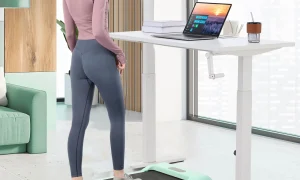
Standing all day at a desk can lead to static loading, where your muscles become fatigued from holding a single position for too long. This often results in “locking” your knees, slouching, or shifting weight unevenly, which can lead to back pain and poor posture. Incorporating a balance tool encourages micro-movements, which improves blood circulation, engages the core, and helps maintain spinal alignment.
Comparison Table: Feature Breakdown
| Feature | Rocker Board | Wobble Board |
|---|---|---|
| Motion Range | Linear (1-Axis) | Multi-directional (360-degree) |
| Difficulty Level | Beginner/Intermediate | Advanced |
| Focus Task | Productivity & Comfort | Rehab & Intense Core Work |
| Stability | High | Low |
| Best For | Long work sessions | Short, active breaks |
How to Choose the Right Board for Your Workflow
If your primary goal is to stand for longer periods without feeling stiff, a rocker board is almost always the superior choice. Because the motion is restricted to a predictable plane, your brain does not need to exert significant cognitive effort to stay upright. You can easily fall into a rhythm where you rock gently while on a conference call or typing an email.
Wobble boards, however, are better suited for those who want to treat their standing time as a form of “exercise snacking.” If you work in short, intense bursts followed by breaks, a wobble board can help you build ankle strength and proprioception. However, if you find yourself constantly looking down at your feet to keep from falling off, it is likely too distracting for a professional environment.
Practical Steps to Incorporate Balance Training
Integrating a balance tool into your desk setup requires a gradual approach to avoid foot fatigue or strain. Follow these steps to maximize the benefits without compromising your productivity:
- Start with 15-minute intervals. Do not attempt to stand on the board for your entire 8-hour shift immediately, as this will lead to calf and foot soreness.
- Ensure your desk height is adjusted correctly. When standing on a board, you are effectively taller, so raise your desk monitor slightly to maintain eye level.
- Place a thin anti-fatigue mat underneath the board if you are on a hard floor to provide a bit of cushion and prevent the board from sliding.
- Focus on your posture. Keep your core engaged and avoid leaning heavily on your desk, as this defeats the purpose of the active surface.
- Rotate between standing on the floor and standing on the board throughout the day to vary the muscular demand.
Common Mistakes and Safety Precautions
One of the most common mistakes users make is overestimating their initial balance capabilities. If you are new to balance training, start with a board that has a wider base or a lower pivot height. Using a board that is too difficult will force you to “grip” the floor with your toes, which can lead to foot cramping and plantar fasciitis symptoms over time.
Another risk is equipment interference. Ensure that your chair, power cords, and office supplies are well clear of the board’s radius of motion. Falling off a balance board can be jarring, especially if you are surrounded by heavy office furniture or expensive hardware. Always keep a clear path around your desk when using these tools.
The Role of Proprioception
Both boards improve proprioception—your body’s ability to sense its position in space. By constantly adjusting to the tilting surface, your brain receives feedback from your ankles, knees, and hips. Over time, this leads to better balance in everyday activities, such as walking on uneven terrain or preventing slips and falls outside of the office. While the rocker board provides a gentle introduction to this, the wobble board offers a more comprehensive neurological challenge.
Frequently Asked Questions
Q: Can I use a balance board if I have knee or ankle issues?
A: Generally, yes, as they are often used in physical therapy, but you must consult your physician first. Start with a rocker board to minimize stress and perform movements under control.
Q: Will using a balance board make me less productive?
A: It depends on the board. A rocker board usually becomes second nature after a few days, allowing you to work normally. A wobble board requires more focus and may temporarily reduce your typing speed or concentration during complex tasks.
Q: How long should I stand on these boards daily?
A: There is no fixed rule, but most experts suggest alternating between sitting, standing flat, and standing on a board. Aim for 30 to 60 minutes of total board time per day, broken into smaller segments.
Final Considerations for Your Setup
When selecting your board, consider the material. Wooden boards are durable and look professional in an office setting, while plastic or foam-based boards may offer more grip and cushioning. Always check the weight limit of the board to ensure it supports your body weight safely. Ultimately, the best board is the one you actually use consistently. If a wobble board sits in the corner because it feels too difficult, you aren’t getting any benefit. Choose the tool that fits your current fitness level and your specific office environment to ensure long-term success.
📷 Photo by etsy.com