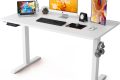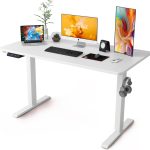


Aploda.com – Dual motor electric standing desks offer superior lifting speed and stability compared to single-motor models, typically ranging from 30mm/s to 40mm/s to ensure smooth height transitions during a workday. Choosing the right speed depends on your frequency of adjustment and the weight capacity required for your workstation equipment.
Understanding Lifting Speed in Standing Desks
Lifting speed is often an overlooked specification when shopping for an ergonomic desk. While most users focus on the aesthetic or the weight limit, the speed at which a desk moves dictates how often you will actually use the sit-stand feature. If a desk moves too slowly, the friction of waiting for it to adjust often discourages users from switching positions, effectively defeating the purpose of an active workspace.
Dual motor systems are the industry standard for high-performance desks. Unlike single-motor setups that rely on a mechanical hex rod to transfer power to the second leg, dual motors provide independent power to each leg. This synchronization not only increases the lifting speed but also prevents the “tilting” or “stuttering” effect often found in cheaper, entry-level desks. When motors operate in tandem, they handle heavier loads with less strain, extending the lifespan of the lifting columns.
Factors Influencing Desk Speed
Several technical factors influence how fast your desk reaches your desired height. The most significant is the motor’s torque capacity. A higher torque motor can push through resistance more efficiently, maintaining a consistent speed even when the desk is fully loaded with monitors, heavy PCs, and accessories. Another factor is the internal gear ratio of the lifting column. Manufacturers must balance speed with stability; if a desk moves too fast without adequate dampening, it can become shaky at higher elevations.
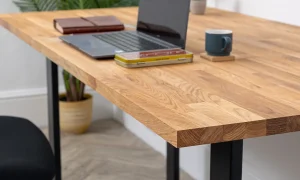
The weight of your tabletop also plays a role. A dense, solid wood top adds significant mass that the motors must lift. If you choose a heavy desktop, you should look for a dual motor system that maintains a high speed-to-weight ratio to ensure the mechanism does not labor under the load.
Comparison of Lifting Performance
The following table outlines how different motor configurations typically perform in real-world scenarios regarding speed and load management.
| Motor Type | Average Speed (mm/s) | Load Capacity | Stability | |
|---|---|---|---|---|
| Single Motor | 20mm/s – 25mm/s | Low to Moderate | Moderate (Prone to tilt) | |
| Dual Motor (Standard) | 30mm/s – 35mm/s | Moderate to High | High (Synchronized) | |
| Dual Motor (Premium) | 38mm/s – 45mm/s | Very High | Excellent (Reinforced) |
Practical Steps to Optimize Your Desk Speed
To get the most out of your dual motor electric standing desk, you must ensure the setup is optimized for performance and safety. Follow these steps to calibrate and maintain your desk’s lifting efficiency:
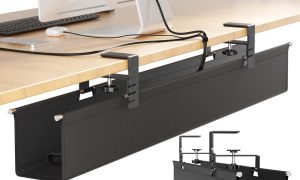
- Clear the area surrounding your desk. Ensure no cables are stretched tight or caught in the frame, as resistance from snagged wires can force the motor to slow down or trigger a safety stop.
- Perform a factory reset if you notice the desk moving slower than usual. Most modern dual motor controllers have a sequence—usually holding the “down” button for 10-15 seconds until the desk reaches its lowest point and slightly rises—to calibrate the leg synchronization.
- Distribute your equipment weight evenly. Placing a heavy PC tower on one side can cause the motor on that side to work harder, leading to an uneven lifting speed or premature wear on the gears.
- Check for level ground. Even a slight tilt in the floor can cause the motors to work harder to maintain stability, which may result in a perceived drop in lifting speed.
Common Mistakes and Risks
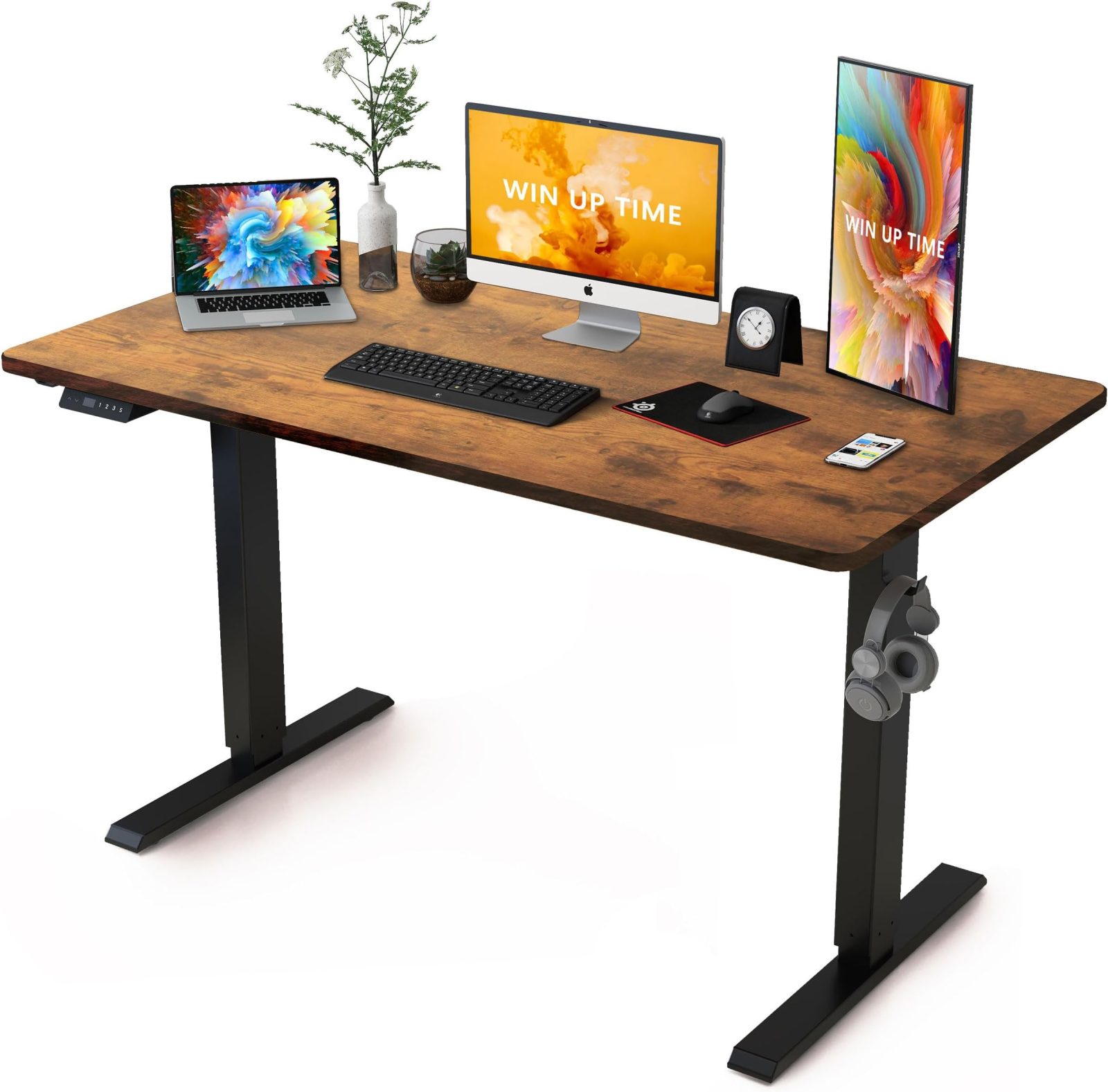
📷 Photo by amazon.com
One of the most common mistakes users make is exceeding the weight capacity of the desk. While a dual motor system is robust, overloading it forces the motors to operate at a higher temperature. Over time, this constant strain can cause the internal thermal protection sensors to shut the desk down frequently. If you notice your desk stopping mid-lift, it is often a sign that the motors are overheating due to excessive weight.
Another issue is ignoring the “duty cycle.” Most electric desk motors are not designed for continuous movement. Running your desk up and down repeatedly for several minutes can lead to overheating. Always allow the motors to rest for a few minutes if you have been adjusting the height frequently throughout the hour.
The Importance of Stability During Movement
Speed is meaningless if the desk is unstable. When testing a dual motor desk, observe the movement at its highest setting. A high-quality dual motor system should remain steady, with minimal lateral wobble. If the desk shakes significantly while moving, it suggests the lifting columns have loose tolerances. This instability can be distracting and, in extreme cases, could lead to a spilled drink or a tipped monitor.
Investing in a desk with a higher lifting speed provides a psychological benefit. When the transition from sitting to standing takes only 5 to 8 seconds, you are significantly more likely to follow your ergonomic schedule. When the process takes 15 to 20 seconds, the friction of the delay becomes a deterrent, leading users to remain in one position for longer than is healthy.
Frequently Asked Questions
Q: Does a faster lifting speed make the desk noisier?
A: Not necessarily. High-end dual motor systems use advanced motor dampening and high-quality gearboxes that allow for rapid movement while maintaining a quiet, hum-like noise level, often below 50 decibels.
Q: Can I upgrade a single motor desk to a dual motor system later?
A: Generally, no. The frame architecture for a single motor desk is specifically designed for a central drive rod, while dual motor frames have dedicated mounts for an independent motor on each leg. It is more cost-effective to purchase the correct system from the start.
Q: Why does my desk slow down when it reaches the top?
A: Many desks are programmed with a “soft start and stop” feature. This reduces speed at the very beginning and end of the motion to prevent jarring, which protects your equipment and prevents items on the desk from sliding around.
Read also: Incline Walking on Under Desk Treadmill: Does It Strain Lower Back?
📷 Photo by amazon.com