


Aploda.com – An under desk treadmill remote control can be replaced by pairing a universal Bluetooth-compatible remote or using the manufacturer’s official mobile application, while sync issues are typically resolved by resetting the treadmill’s Bluetooth module and clearing cache data in the companion app.
Understanding Remote Control Failure
Most under desk treadmills rely on proprietary infrared or Bluetooth signals to communicate with the console. When a remote stops working, it is rarely a sign that the treadmill itself is broken. Often, the issue stems from dead batteries, signal interference from other household electronics, or a desynchronized internal receiver.
Before purchasing a replacement, ensure that the remote has a clear line of sight to the treadmill’s receiver, especially if it uses infrared technology. If the remote is physically damaged or lost, your first priority should be identifying the exact frequency or model number of your treadmill. Many generic treadmills sold under different brand names share identical internal hardware, meaning a remote from a similar model will often function perfectly.
Steps to Sync Your Treadmill with a Mobile App
If your physical remote is missing, the official manufacturer app is your best alternative. Most modern walking pads require a specific handshake protocol to establish a connection. Follow these steps to ensure a stable sync:
- Unplug the treadmill from the power source for at least 60 seconds to perform a hard power cycle on the internal Bluetooth chip.
- Download the official application associated with your treadmill brand from the App Store or Google Play Store.
- Enable Bluetooth on your smartphone and ensure location permissions are granted, as many apps require this to detect BLE (Bluetooth Low Energy) devices.
- Plug the treadmill back in and immediately open the app while the console is in standby mode.
- Navigate to the “Device” or “Bluetooth” section within the app and select the treadmill from the list of available devices to initiate the pairing request.
Troubleshooting Sync Failures
Common sync failures occur when the app is outdated or when the treadmill is already connected to another device in the vicinity, such as a tablet or a spouse’s phone. Always ensure that the treadmill is not actively paired with another device in the background. If the app fails to find the treadmill, try toggling your phone’s Bluetooth off and on, or reinstalling the app to clear any corrupted cache files.
Hardware Compatibility Table
| Issue Type | Common Cause | Primary Solution |
|---|---|---|
| Remote Unresponsive | Dead Batteries/Signal Block | Replace batteries; check line of sight |
| App Connection Error | Cache/Permission Conflict | Reinstall app; grant location access |
| Sync Timeout | Multiple Device Interference | Disconnect other paired devices |
| Hardware Failure | Internal Receiver Damage | Contact support for PCB replacement |
When to Buy a Replacement Remote
📷 Photo by amazon.com
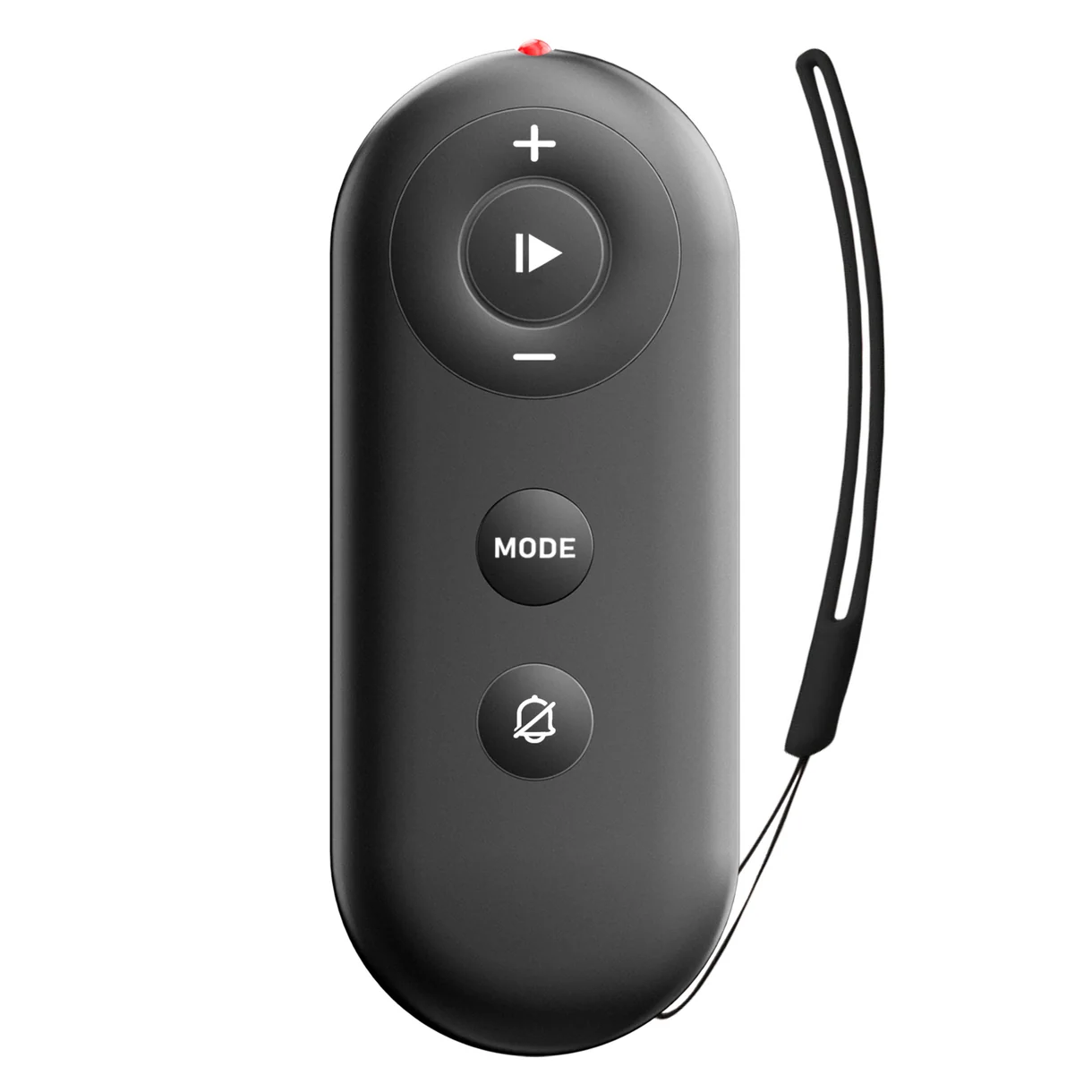
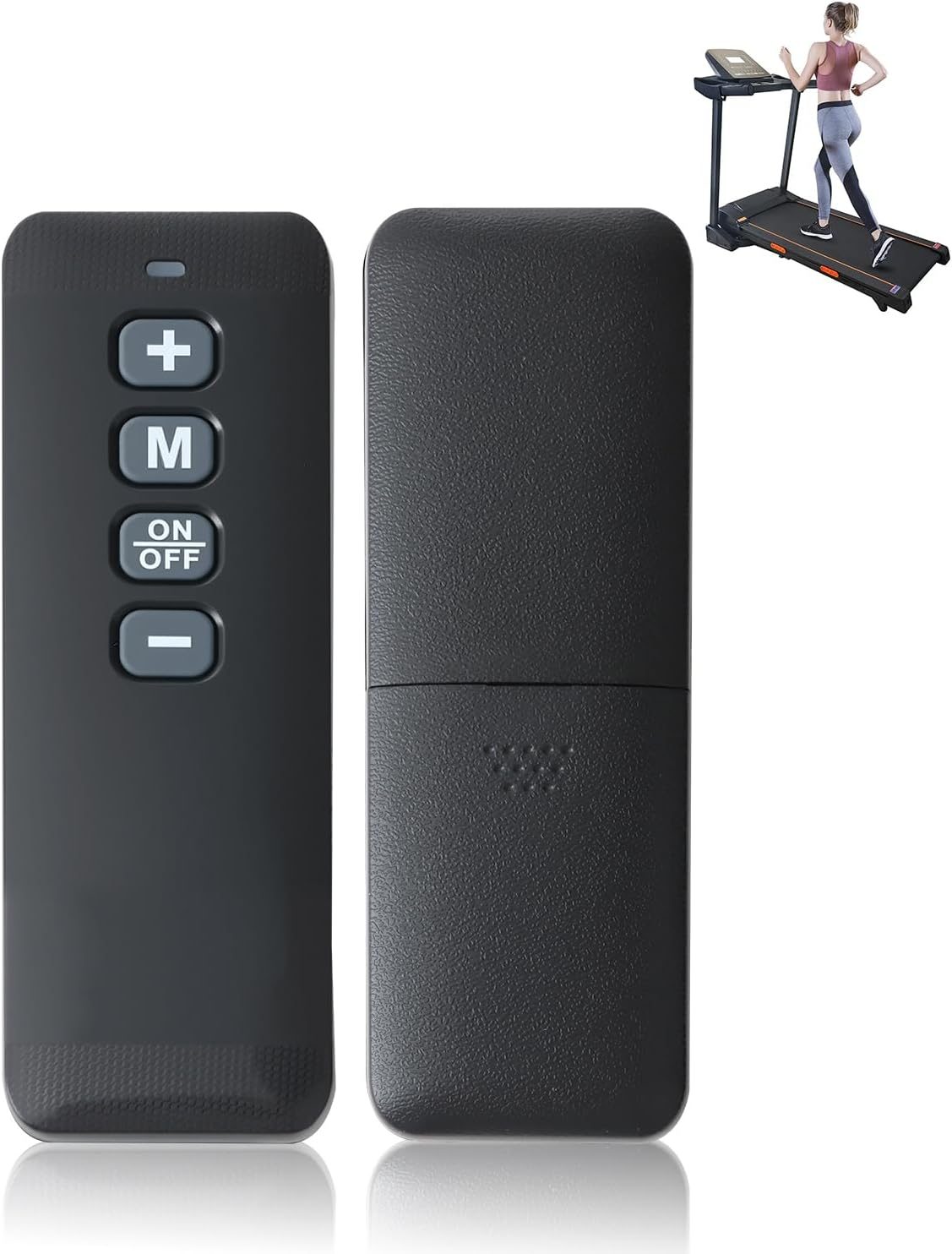
Purchasing a replacement remote should be your last resort after you have exhausted all software troubleshooting. If you decide to buy a replacement, look for “universal” remotes that specifically list your treadmill’s model number. Be cautious of extremely cheap third-party remotes that lack the specific button layout required for your treadmill’s unique features, such as “Speed Increase” or “Safety Lock” overrides.
The Role of Firmware Updates
Some walking pads receive firmware updates through their respective smartphone apps. If you notice the treadmill is acting erratically, check the settings menu in the app for a “Firmware Update” or “System Update” notification. Keeping the firmware current is essential for maintaining compatibility with newer smartphone operating systems. Ignoring these updates can eventually lead to the treadmill becoming invisible to your phone, effectively locking you out of features like speed control and workout tracking.
Read also: Rocking Footrest vs Fixed Slanted Footrest for Office Ergonomics
Avoiding Common Pitfalls
One major mistake users make is assuming the treadmill is broken when the remote stops working. Always perform a manual test if your treadmill has physical buttons on the base unit. If the treadmill runs fine using the physical buttons but not the remote, you know for certain the issue is isolated to the remote or the signal receiver. Furthermore, avoid keeping your treadmill in damp environments, as humidity can corrode the delicate internal Bluetooth antenna, leading to intermittent connectivity issues that no software fix can resolve.
Frequently Asked Questions
📷 Photo by superuntreadmill.com
Q: Can I use any Bluetooth remote to control my under desk treadmill?
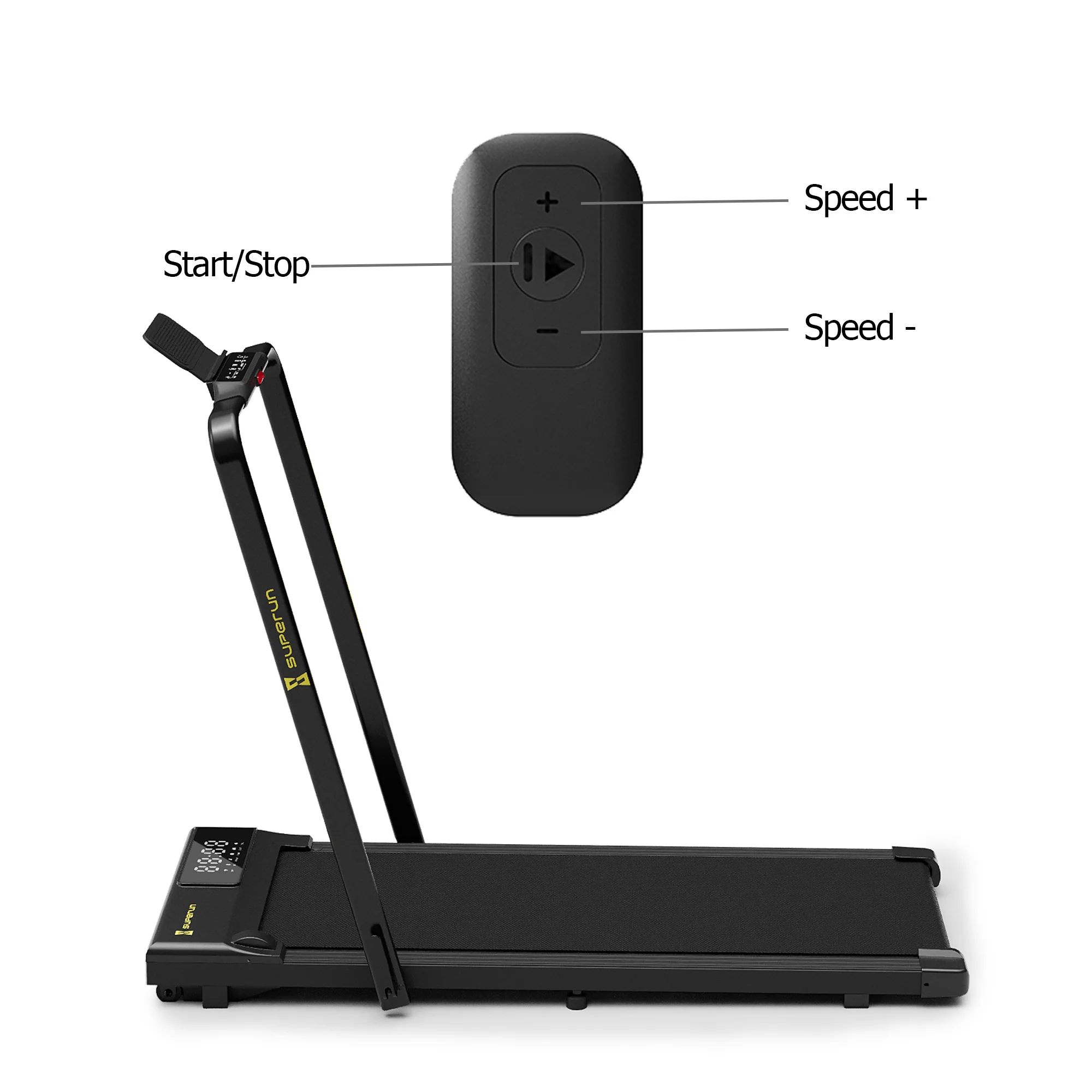
A: No. Most treadmills use a proprietary handshake protocol. Unless the remote is specifically marketed as compatible with your brand or model, it will likely not pair with the treadmill’s receiver.
Q: Why does my treadmill disconnect from the app mid-workout?
A: This is usually caused by power-saving settings on your phone that kill the app’s background process. Ensure that your smartphone is set to “High Performance” mode and that the app has permission to run in the background without restrictions.
Q: What should I do if the remote is lost and the app doesn’t work?
A: Check for physical buttons on the treadmill base. If those are absent, you must contact the manufacturer’s customer service to order an original replacement remote, as third-party alternatives are often unreliable for specific proprietary models.
Final Maintenance Tips
To prolong the life of your treadmill’s connectivity, keep the area around the motor housing clean and free of dust. Dust accumulation can lead to overheating, which often causes the internal Bluetooth board to malfunction. Regularly wiping down the console and ensuring the treadmill is placed on a flat, stable surface will also reduce vibrations that could potentially loosen internal wire connections. By maintaining the physical unit, you protect the sensitive electronics that govern your remote and app synchronization.
📷 Photo by urevo.com