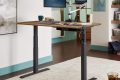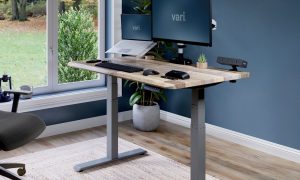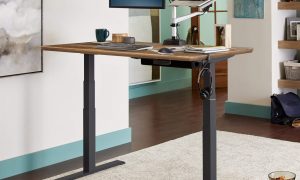



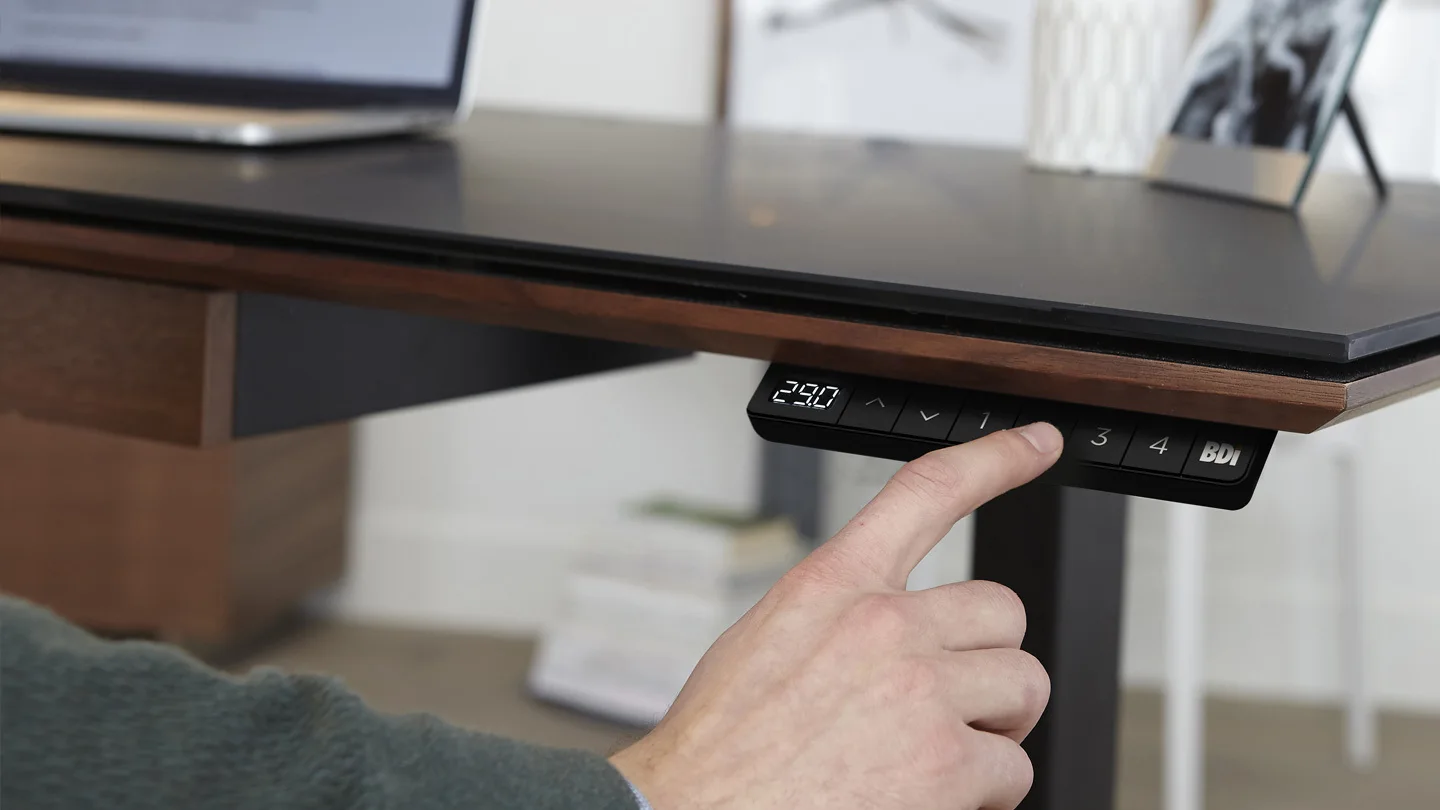
Aploda.com – A programmable memory keypad on an electric standing desk allows users to save precise height settings, enabling seamless transitions between sitting and standing positions with a single touch. This feature is essential for maintaining ergonomic consistency and preventing the physical strain associated with manual height adjustments throughout the workday.
The Ergonomics of Memory Presets
The primary value of a programmable memory keypad lies in its ability to eliminate the guesswork of finding your ideal desk height. Without presets, users often struggle to replicate the exact ergonomic position required for optimal wrist alignment and eye level. When you have to manually adjust your desk, you are more likely to settle for an “almost right” height, which can lead to long-term issues like neck strain, lower back pain, and carpal tunnel syndrome.
By using memory settings, you transform your workspace from a static environment into a dynamic, responsive setup. Whether you are switching from a focused typing task to a casual reading posture, the desk moves to your pre-defined millimeter accuracy in seconds. This speed ensures that you are not discouraged from changing positions, effectively promoting more frequent movement throughout the day.
Essential Features to Look For
When selecting an electric standing desk, not all keypads are created equal. High-quality models integrate advanced features that enhance usability and safety. Look for keypads that offer at least three to four programmable memory slots, allowing you to save heights for sitting, standing, and potentially a secondary posture like under-desk cycling or leaning.
Another critical feature is the digital height display. Having a visual readout of the desk height in centimeters or inches allows you to understand exactly which position works best for your body. Furthermore, look for child locks or safety locks, which prevent accidental activation of the motor—a vital feature for home offices with children or pets.
Comparison of Keypad Capabilities
| Feature | Basic Keypad | Programmable Memory Keypad |
|---|---|---|
| Height Adjustment | Manual Hold | One-Touch Preset |
| Height Display | None | LED Digital Readout |
| Safety Features | None | Child Lock/Collision Detection |
| Customization | None | Multiple User Profiles |
Step-by-Step Guide: Programming Your Keypad
Most modern standing desks follow a similar protocol for setting memory heights. If you are struggling to configure yours, follow these universal steps:
- Adjust the desk to your desired height using the manual up and down buttons.
- Press the ‘S’ or ‘Set’ button on the keypad; the LED display will usually begin to flash.
- Select the number button (1, 2, 3, or 4) where you wish to save this specific height.
- Wait for the indicator light to stop flashing or for the display to return to the current height reading, confirming the save.
- Repeat these steps for your standing and alternative sitting positions to complete your setup.
The Importance of Collision Detection
A sophisticated programmable keypad often goes hand-in-hand with an anti-collision sensor. This feature detects resistance when the desk is moving up or down, automatically stopping the motor if it encounters an obstacle like a chair, a filing cabinet, or a windowsill. Without this, an electric desk can exert significant force, potentially damaging your equipment or, worse, causing injury.
When testing your desk for the first time, ensure the collision sensitivity is calibrated correctly. If it is too sensitive, the desk might stop due to minor vibrations; if it is too loose, it might not protect your surroundings. Most premium keypads allow you to adjust this sensitivity through a hidden menu, which is usually documented in the advanced section of your user manual.
Common Mistakes to Avoid
One common mistake users make is failing to account for their chair armrests when programming their sitting height. If your desk moves down too low, the underside of the tabletop may collide with your armrests, putting stress on the desk motor or the chair itself. Always measure the clearance between your chair arms and the desk surface before finalizing your saved presets.
Another error is neglecting to periodically reset the desk’s calibration. Over time, the internal sensors may drift, causing the displayed height to be inaccurate. Performing a full-cycle reset—where you hold the down button until the desk hits its lowest point and then holds for five seconds—can recalibrate the system and ensure the memory functions remain precise.
Frequently Asked Questions
Q: Can I save heights for more than one person?
A: Yes, if your desk has four memory slots, two people can share the desk by assigning two slots each to their respective sitting and standing heights.
Q: Will the memory settings be lost if the power goes out?
A: Most modern electric standing desks use non-volatile memory, meaning your saved positions will remain stored even if the desk is unplugged or experiences a power outage.
Q: Why is my desk not stopping at the saved height?
A: This is usually due to a lack of calibration or a minor software glitch. Try performing a hard reset according to the manufacturer’s instructions to re-sync the keypad with the motor.
Maximizing Your Investment
The programmable keypad is more than just a convenience; it is a tool for behavioral change. By removing the friction associated with adjusting your desk, you are far more likely to adhere to a healthy alternating schedule. Commit to changing your position every 30 to 60 minutes, using your programmed presets to ensure you are always in the most ergonomic position possible. This simple habit, supported by the right technology, will significantly improve your productivity and physical comfort throughout the long term.
📷 Photo by bdiusa.com