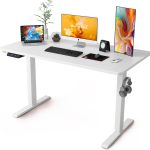




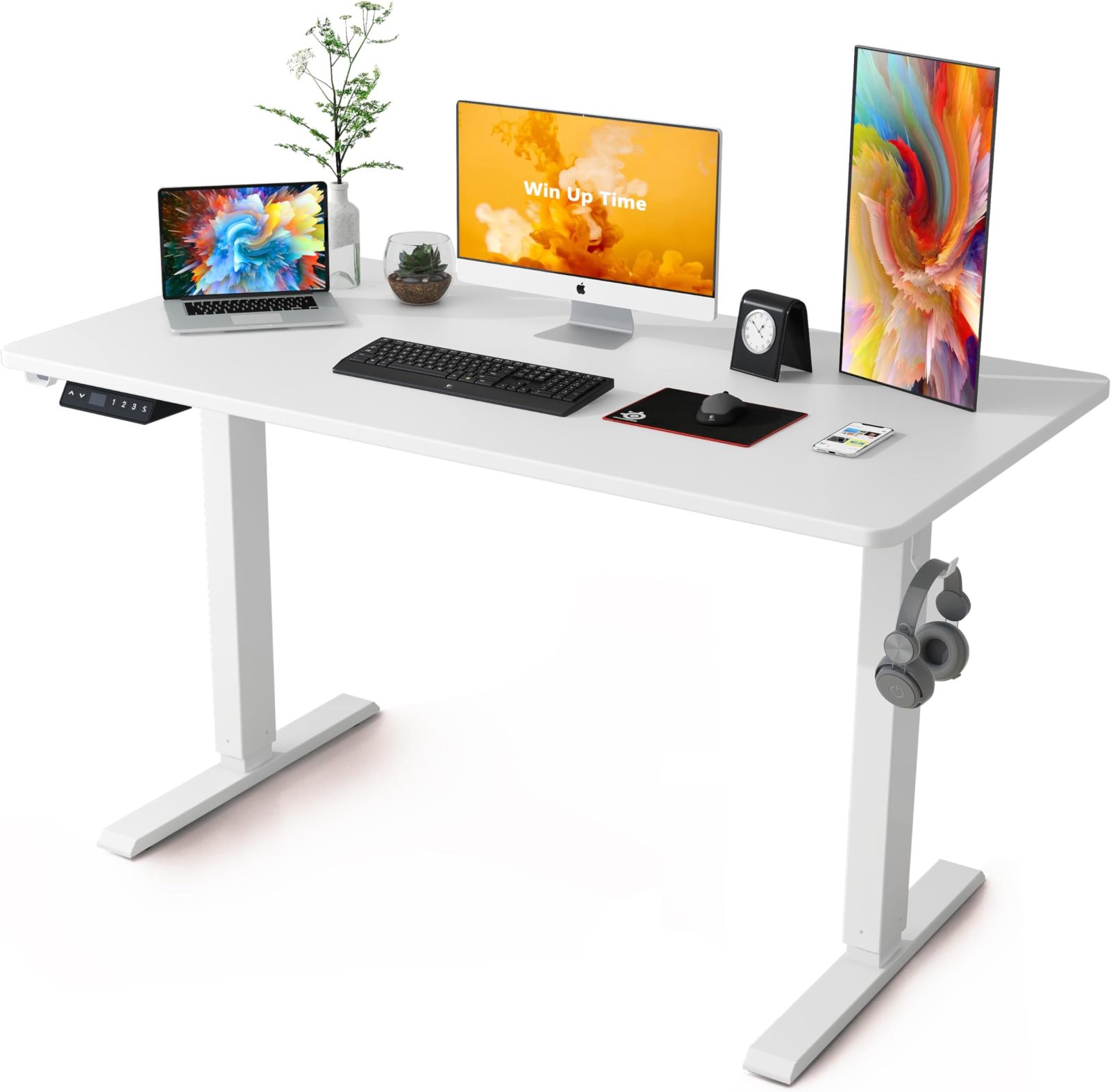
Aploda.com – Commercial-grade electric standing desk frames are engineered for heavy-duty, daily office use with high-cycle motors and superior structural steel, whereas residential frames are designed for lighter, intermittent home use with lower weight capacities and less robust gear assemblies.
Choosing the right standing desk frame is a long-term investment in your physical health and workspace productivity. While both commercial and residential frames may look similar from a distance, the internal engineering, motor technology, and build quality differ significantly. Understanding these differences ensures you do not waste money on a desk that will wobble, fail, or struggle under the weight of your equipment.
Structural Integrity and Build Quality
Commercial-grade frames prioritize stability at maximum height. These frames typically utilize thicker gauge steel, reinforced crossbars, and wider foot bases to prevent the “wobble” effect often found in cheaper models. When you reach a standing height of 45 inches or more, the lateral stability of the frame becomes critical.
Residential frames are often constructed with thinner steel to reduce manufacturing and shipping costs. While they are perfectly adequate for a laptop and a cup of coffee, they may struggle if you add heavy monitor arms, dual displays, or a solid wood desktop. Over time, the joints in a residential frame may loosen, leading to decreased structural longevity.
Motor Performance and Duty Cycles
The motor is the heart of an electric desk. Commercial frames often employ dual-motor systems—one in each leg—which provide faster, smoother, and more balanced lifting power. These motors are rated for high duty cycles, meaning they can be adjusted dozens of times throughout a workday without overheating or wearing out prematurely.
Residential frames frequently use a single motor connected to the other leg via a hex rod. While this is a cost-effective solution, it is prone to mechanical wear over time. The duty cycle on residential motors is usually much lower; frequent adjustments can lead to thermal protection triggers where the desk simply stops working until it cools down.
Key Comparison Table
| Feature | Residential Grade | Commercial Grade |
|---|---|---|
| Motor System | Single Motor (Hex Rod) | Dual Motor (Independent) |
| Weight Capacity | 120–180 lbs | 250–350+ lbs |
| Steel Thickness | Standard Gauge | Heavy-Duty Reinforced |
| Warranty Period | 1–3 Years | 5–10+ Years |
| Daily Usage | Intermittent (2–4 times) | Continuous (All-day use) |
Longevity and Warranty Expectations
One of the most telling indicators of a desk’s quality is the manufacturer’s warranty. Commercial-grade products are backed by extensive warranties because the manufacturers build them to withstand the rigors of an office environment. If you see a warranty covering the motor and frame for ten years, it is a strong indicator of commercial-grade durability.
Conversely, residential desks often come with limited warranties that exclude “wear and tear” or mechanical failure after the first year or two. If you are setting up a home office where you plan to work eight hours a day, the cost-per-year of a commercial desk is often lower than replacing a cheap residential desk every two years.
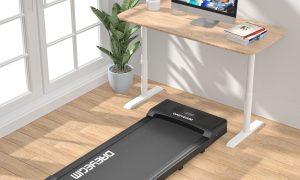
Read also: Can Walking on an Under Desk Treadmill Cause Plantar Fasciitis?
Installation and Assembly Process
Assembling a high-end commercial frame is usually a more involved process. Because these frames are built with heavier materials and more complex motor systems, they require precise alignment during assembly. Follow these steps to ensure your commercial frame is set up for maximum stability:
- Clear a large, carpeted space to prevent scratching the finish while assembling the frame upside down.
- Attach the motor housing and legs to the central frame crossbar, ensuring all bolts are hand-tightened before using a power drill or hex key to secure them.
- Align the foot bases carefully; ensure they are perfectly parallel to the desktop surface to prevent uneven weight distribution.
- Connect the control box and motor cables, ensuring that no wires are pulled taut, which could cause malfunctions during height adjustments.
- Perform a “reset” or “calibration” procedure as specified in the manual, which forces the desk to its lowest and highest points to synchronize the motors.
Common Mistakes to Avoid
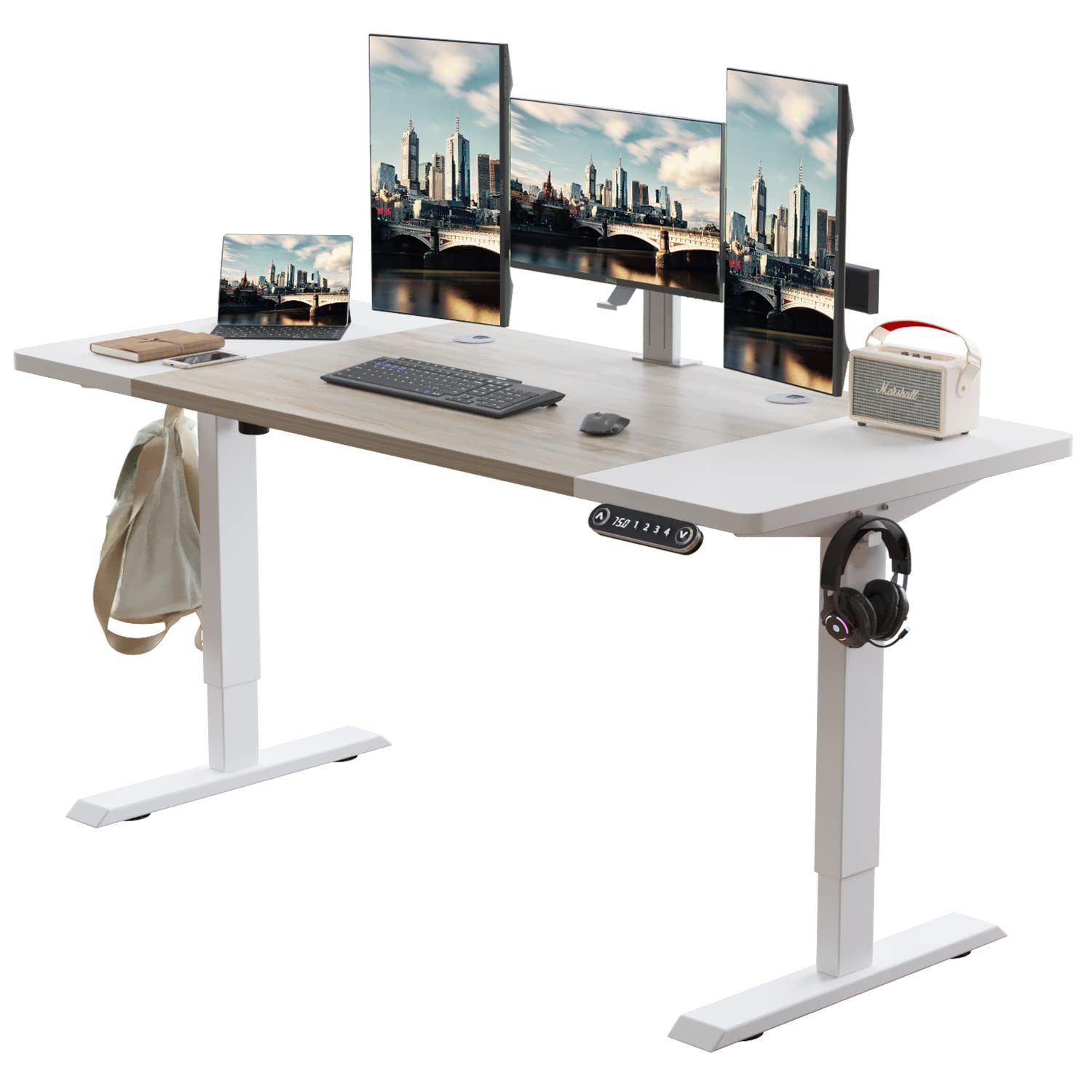
Many users make the mistake of focusing solely on the desktop material rather than the frame’s capabilities. A beautiful solid wood top is useless if the frame underneath is too weak to support it. Always check the total weight of your desktop material plus your equipment before purchasing a frame.
📷 Photo by desertcart.in
Another common error is ignoring the “anti-collision” sensitivity. Commercial frames almost always feature advanced gyroscopic sensors that detect obstacles under the desk and stop movement immediately. Residential models may lack this feature or have poorly calibrated sensors, which can lead to damage to your equipment or injury to pets and children.

📷 Photo by nellisauction.com
Risks of Underspecifying Your Desk
If you choose a residential frame for heavy-duty work, you risk motor burnout, which leaves your desk stuck at an uncomfortable height. Furthermore, a desk that wobbles while you type can cause significant eye strain and decreased focus. The vibration from a shaky desk is magnified through your monitor, making it harder to read text and stay productive throughout the day.
Frequently Asked Questions
Q: Can I use a heavy solid wood desktop on a residential frame?
A: It is generally not recommended. Solid wood adds significant weight, which can exceed the lifting capacity of residential motors and cause the frame to become unstable at higher elevations.
Q: Why does my commercial desk have a reset procedure?
A: Commercial desks use sophisticated controllers to keep the legs perfectly level. A reset procedure recalibrates the motor synchronization, ensuring both sides lift at the exact same speed to prevent the desk from tilting.
Q: Is it worth paying double for a commercial-grade frame?
A: If you work from home full-time, the answer is yes. The combination of better stability, quieter motors, and a longer warranty provides a superior ergonomic experience that prevents the frustration of mechanical failure.
Ultimately, your choice should be dictated by your usage patterns. If you are a casual user who adjusts the desk only once or twice a day, a high-quality residential frame is sufficient. However, for power users, designers, or anyone who values a rock-solid work surface, investing in a commercial-grade frame is the most practical decision for long-term health and workspace reliability.
📷 Photo by amazon.com