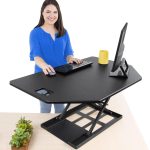
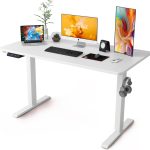


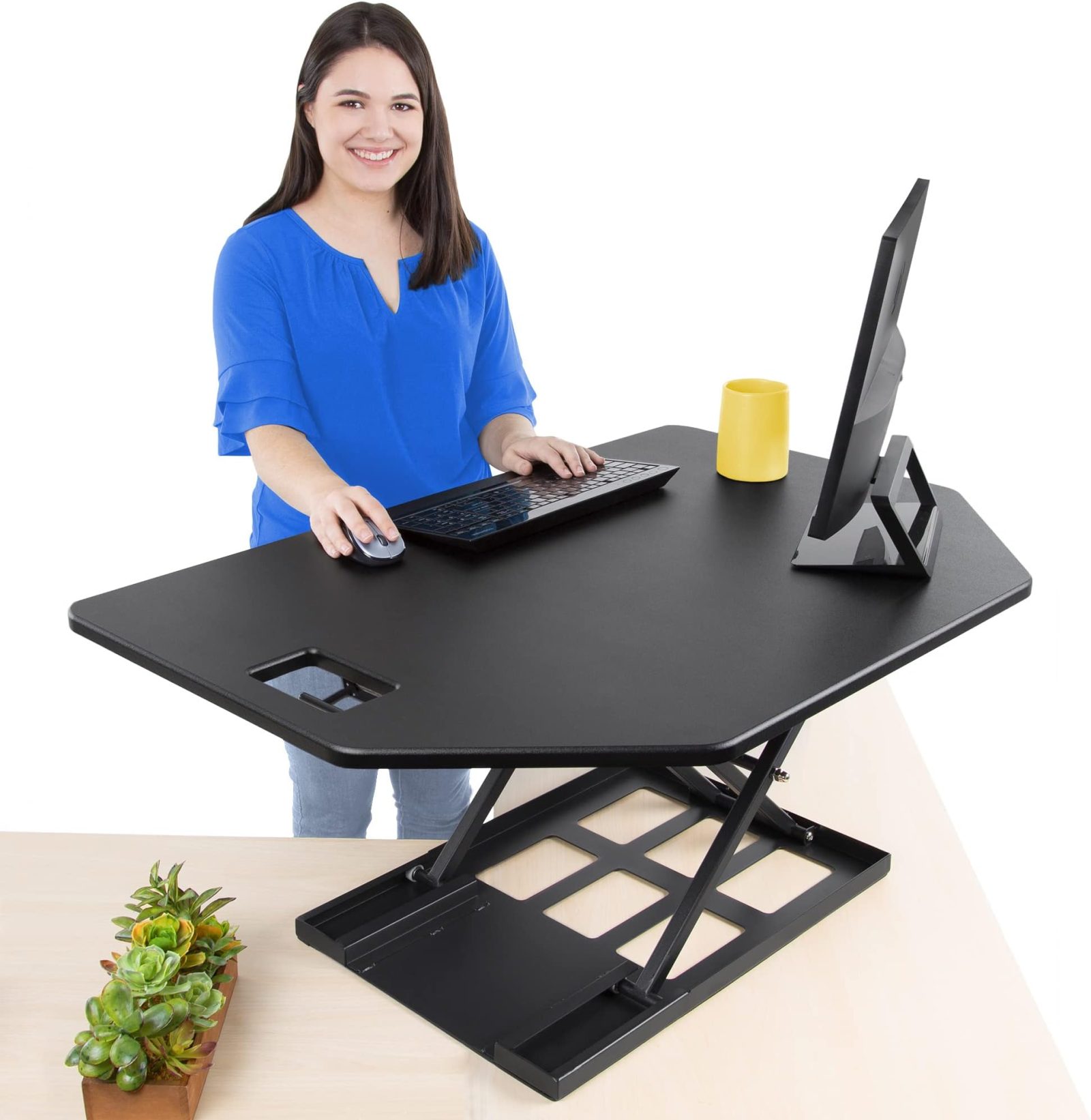
Aploda.com – A compact standing desk converter is an ergonomic solution designed specifically for single-laptop users to transition between sitting and standing positions without requiring a full-sized desk replacement. These space-saving units provide the necessary height adjustment to promote better posture and reduce sedentary fatigue in minimalist or constrained workspaces.
Why Single-Laptop Users Need a Dedicated Converter
Most standard standing desks are bulky, heavy, and designed for dual-monitor setups or extensive peripheral equipment. For a professional or student working primarily on a single laptop, these large desks often feel like overkill. A compact converter bridges the gap by offering a footprint that fits snugly on existing small surfaces, such as breakfast nooks, side tables, or narrow home office desks.
The primary benefit of a compact model is portability and ease of adjustment. Because they are lighter, you can move them between rooms or clear them off your desk entirely in seconds. This flexibility is vital for those who value a clean, distraction-free environment and do not want a permanent, mechanical structure dominating their living space.
Key Considerations for Choosing the Right Model
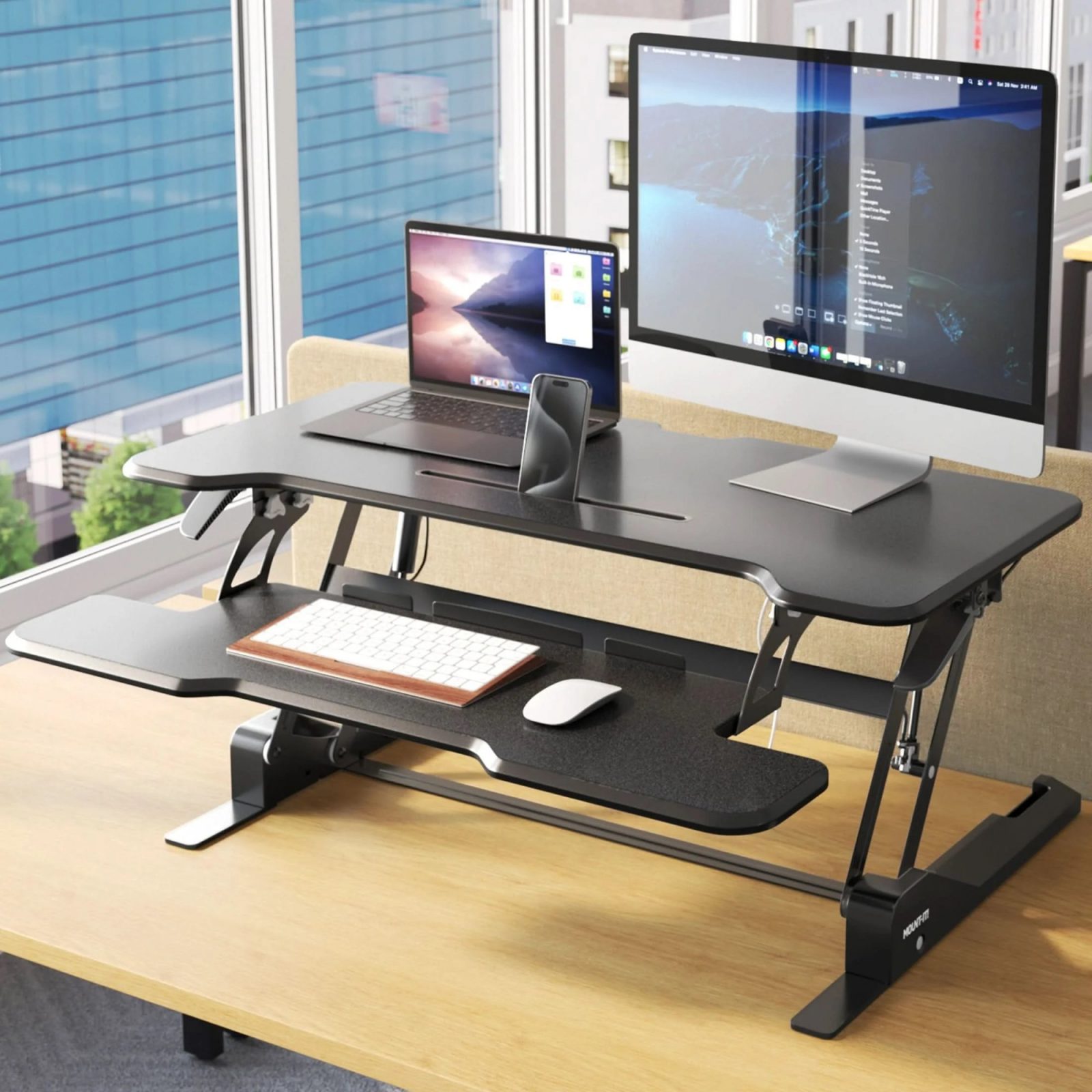
When shopping for a compact converter, you must prioritize stability over aesthetics. A common mistake users make is purchasing a model that wobbles during typing, which can lead to eye strain and frustration. Look for a heavy base or a locking mechanism that secures the unit firmly to your existing furniture.
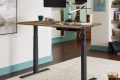
📷 Photo by ergodirect.com
Another crucial factor is the “height range.” Since laptop screens are often lower than external monitors, you need a converter that elevates the keyboard and the screen simultaneously to eye level. If the converter only lifts your keyboard but leaves your laptop screen too low, you will still end up hunching over, negating the ergonomic benefits of standing.
Performance Comparison of Compact Converter Types
| Type | Best For | Portability | Stability |
|---|---|---|---|
| X-Frame Scissor | Minimalist desks | High | Moderate |
| Gas Spring Arm | Frequent adjustments | Low | High |
| Folding Laptop Riser | Travel/Small apartments | Very High | Low |
Step-by-Step Guide to Setting Up Your Ergonomic Station
Achieving the perfect standing posture requires more than just buying the equipment; you must calibrate it to your body. Follow these steps to ensure you are using your compact converter effectively:
- Place the converter on a stable desk and ensure the base is flush with the surface to prevent sliding.
- Adjust the height so that when your elbows are bent at a 90-degree angle, your fingers rest naturally on the laptop keyboard.
- Raise the laptop screen using the converter’s tilt mechanism or an external stand so the top third of the screen is at eye level.
- Check your neck position; your head should be aligned with your shoulders, not tilting forward to look down at the screen.
- Incorporate an anti-fatigue mat beneath your feet if you plan to stand for more than 30 minutes at a time to prevent lower back and leg strain.
Common Mistakes and How to Avoid Them
A frequent error among new standing desk users is the “all-or-nothing” approach. They attempt to stand for four hours straight on their first day, leading to foot pain and calf cramps. Instead, adopt an interval-based approach. Start with 20 minutes of standing for every 40 minutes of sitting. This gradual transition allows your muscles to adapt to the new weight distribution.
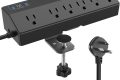
Another overlooked aspect is cable management. A compact converter moves up and down, which can snag power cords or charging cables. Use velcro ties to bundle your cables with enough slack to allow for the full range of vertical motion. If your cables are pulled tight, you risk damaging your laptop’s charging port or knocking the device off the converter during adjustment.
Health Risks of Improper Usage
While standing is marketed as a cure for sedentary habits, improper standing can cause its own set of issues. Standing with locked knees, for example, restricts blood flow and can lead to dizziness or fainting. Always keep a slight bend in your knees and shift your weight from foot to foot periodically to keep your circulation active.
Additionally, if you find yourself leaning on the converter with your elbows, you are putting excessive pressure on your ulnar nerve. Your converter should support your laptop, but your muscles should support your weight. If you feel the need to lean, your workstation is likely set to the wrong height, or you are experiencing muscle fatigue that signals it is time to sit down.
Frequently Asked Questions
Q: Can I use a compact converter on a glass desk?
A: Yes, provided the converter has rubberized feet to prevent slipping and the desk is rated to handle the weight of both the converter and your laptop.
Q: Do I need an external keyboard if I use a standing converter?
A: It is highly recommended. Using an external keyboard and mouse allows you to keep the laptop screen at the proper eye-level height while keeping your hands at a comfortable, ergonomic position on the desk surface.
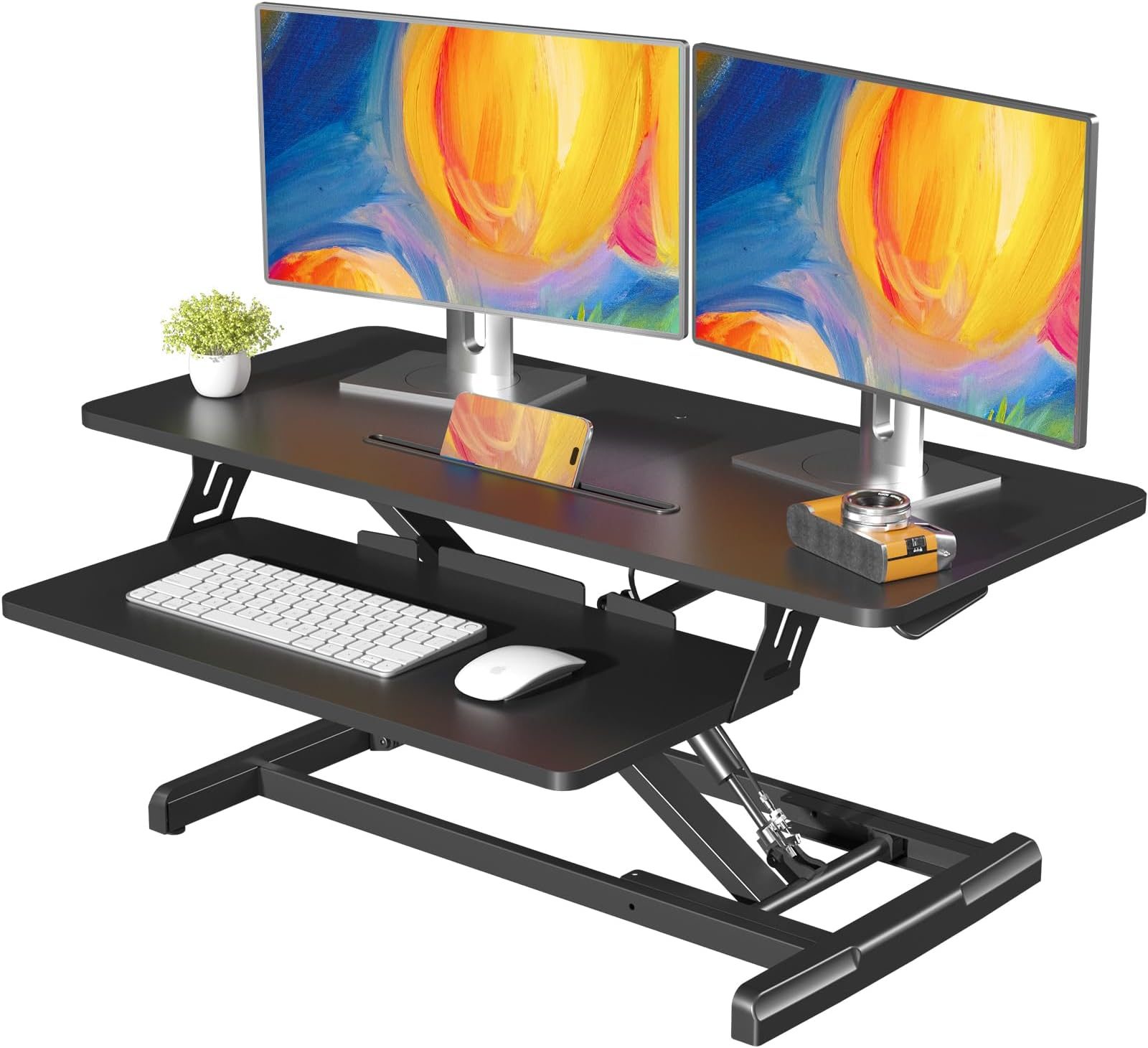
📷 Photo by amazon.com
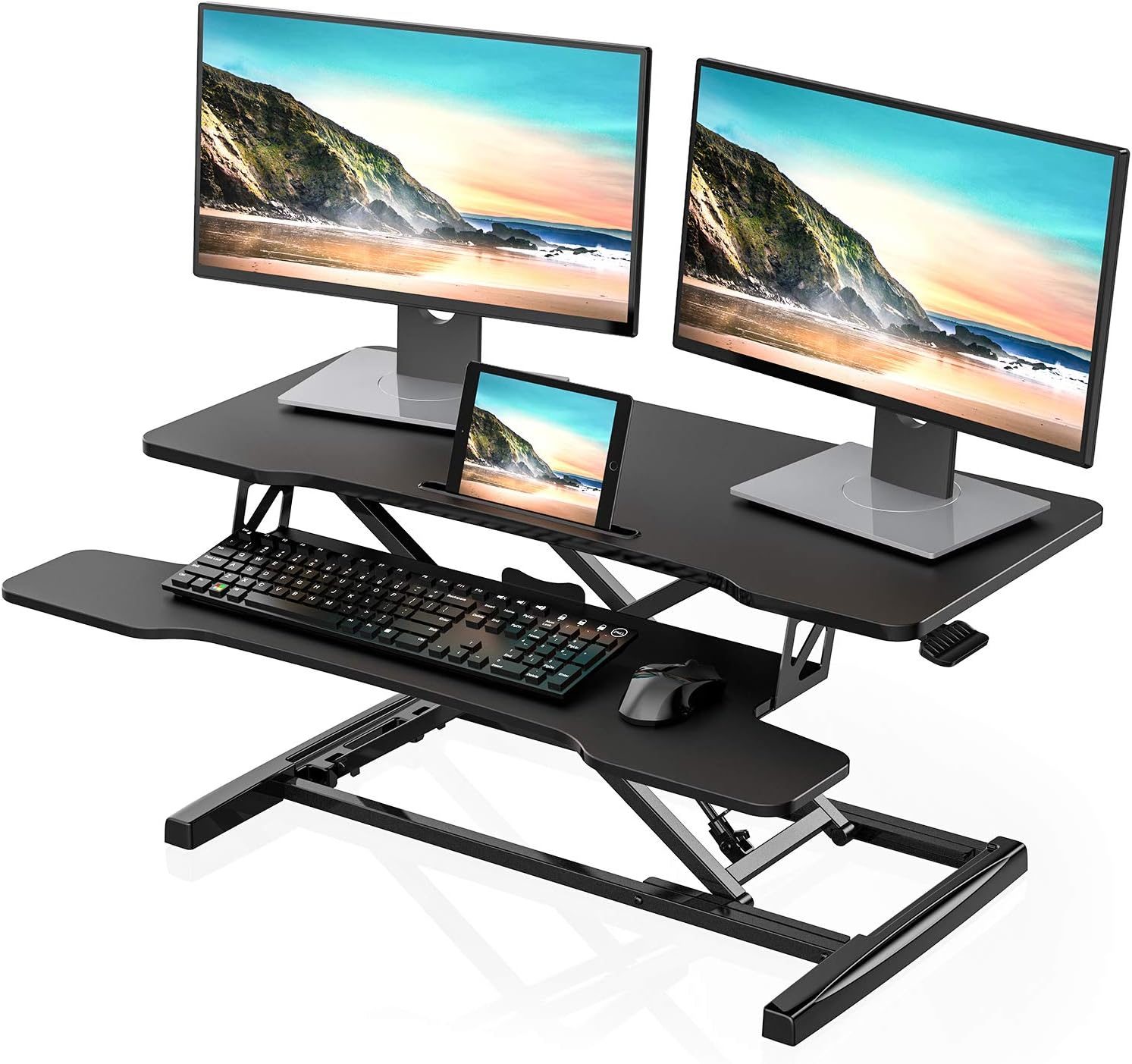
📷 Photo by amazon.com
Q: How do I clean the mechanism of a compact converter?
A: Use a microfiber cloth to wipe away dust from the joints and a light silicone-based lubricant if the movement becomes stiff, but avoid getting moisture inside the gas-spring components.
By selecting a high-quality compact converter and following proper ergonomic protocols, you can significantly improve your focus and physical comfort. Remember that the goal is not to stand all day, but to create a dynamic workspace that encourages movement and prevents the stagnation that comes with traditional seated work.
Read also: Ergonomic Office Chair Tilt Tension: How Tight Should the Spring Be?
📷 Photo by amazon.com