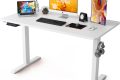
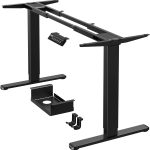


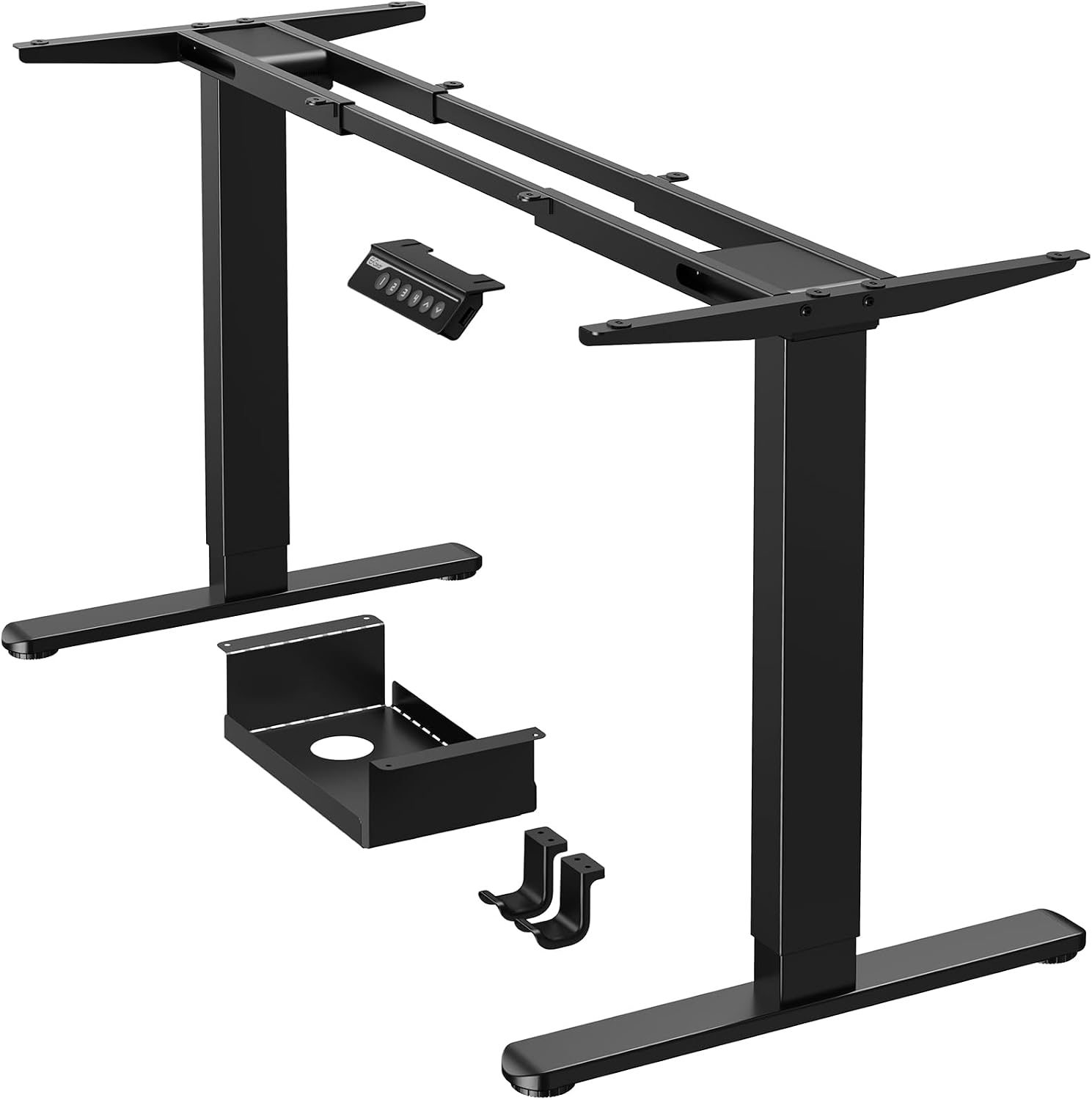
Aploda.com – An electric standing desk with a crossbar provides superior structural stability and prevents frame wobbling, whereas a no-crossbar design offers maximum knee clearance and a minimalist aesthetic for users who prefer unrestricted leg movement.
Choosing between a crossbar and a no-crossbar electric standing desk is often a trade-off between rock-solid stability and ergonomic flexibility. The crossbar, a horizontal support beam connecting the two lifting columns, acts as a structural stabilizer. Without it, the desk relies on the thickness of the columns and the quality of the internal motor housing to prevent lateral movement. Understanding how these designs impact your daily workflow is essential for long-term comfort.
The Structural Role of the Crossbar
The primary purpose of a crossbar is to eliminate horizontal wobble, which is especially noticeable when the desk is at its maximum height. As the desk rises, the leverage increases, making the frame susceptible to swaying if you lean on it or type vigorously. A crossbar locks the legs together, creating a rigid rectangular frame that distributes weight and mechanical stress evenly. For users who work with heavy monitors, multiple desktop accessories, or heavy equipment, a crossbar is usually the safer, more stable choice.
The Appeal of No-Crossbar Designs
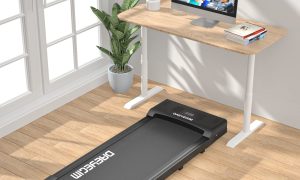
No-crossbar desks are engineered for aesthetics and legroom. They are highly sought after by users who prefer to sit in unconventional positions, such as crossing their legs or using under-desk equipment like treadmill pads or elliptical trainers. Without the horizontal bar, the space beneath the desktop is completely open, allowing for a more seamless integration with storage pedestals or filing cabinets. However, to achieve this stability without a crossbar, manufacturers often use premium, thicker steel columns and a wider foot base to counteract the lack of cross-bracing.
Comparing Technical Specifications
When evaluating these two options, it is helpful to look at how they impact your physical space. The following table highlights the key differences between the two designs.
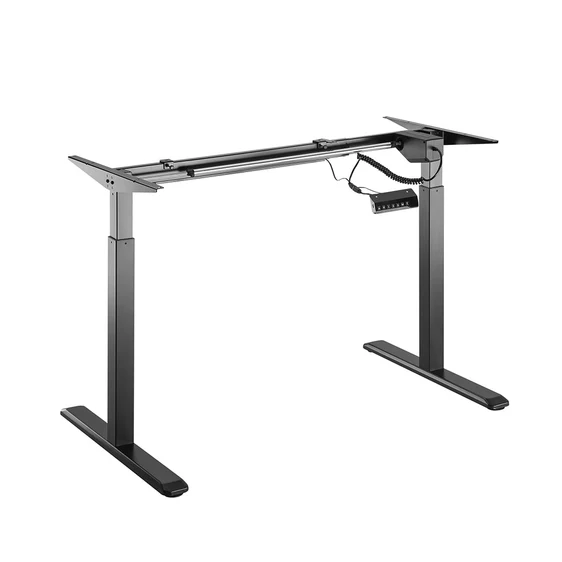
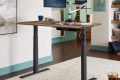
📷 Photo by desky.ca
| Feature | Crossbar Frame | No-Crossbar (C-Frame) |
|---|---|---|
| Stability | Excellent (High rigidity) | Good (Depends on column quality) |
| Knee Clearance | Restricted (Bar interference) | Unrestricted (Full access) |
| Aesthetics | Industrial/Utility | Minimalist/Sleek |
| Best For | Heavy setups & tall users | Active sitting & small spaces |
How to Choose the Right Frame for Your Workflow
Selecting the right desk requires an honest assessment of your habits. If you are a tall user, the crossbar can be a significant nuisance because it limits how far you can slide your chair underneath the desk. You may find your shins or knees hitting the bar, which forces you to sit further back, potentially leading to poor posture. Conversely, if you are a light user with a simple laptop setup, a no-crossbar desk will likely feel more spacious and modern.
Follow these steps to determine which frame best suits your workspace:
- Measure your current desk height while seated to identify if you tend to sit with your legs tucked under or extended.
- Assess your equipment weight; if you have dual monitor arms, a heavy PC tower on the desk, and multiple peripherals, prioritize the stability of a crossbar.
- Check the column thickness of the no-crossbar desk; if the columns look thin or flimsy, it will likely wobble at standing height.
- Verify the foot design of the no-crossbar desk; wider feet often compensate for the lack of a crossbar by providing a broader base.
- Test for potential interference; if you plan to use an under-desk treadmill or storage drawer, ensure the no-crossbar design offers enough vertical clearance for your specific accessories.
Common Pitfalls and Risks
One common mistake is prioritizing style over function. Many users purchase a sleek no-crossbar desk only to find that it wobbles every time they type, which can be incredibly distracting and lead to screen vibration. This is particularly common in cheaper, budget-friendly models that lack the heavy-duty engineering required to maintain stability without support beams.
Another risk involves the mounting of accessories. A crossbar provides an excellent mounting point for cable management trays, power strips, and privacy panels. Without it, you are limited to mounting these items directly to the underside of the desktop, which can sometimes interfere with your legs or restrict the movement of your chair arms.
Ergonomic Considerations
Ergonomics is not just about the desk height; it is about the environment around your legs. If a crossbar forces you to keep your chair at a distance that prevents you from reaching your keyboard comfortably, you are setting yourself up for shoulder and wrist strain. If you choose a crossbar desk, ensure the bar is positioned toward the rear of the frame rather than the center to maximize legroom. If you choose a no-crossbar desk, make sure the build quality is high enough to ensure you aren’t sacrificing stability for the sake of legroom.
Frequently Asked Questions
Q: Will a no-crossbar desk definitely wobble compared to a crossbar model?
A: Not necessarily. While crossbars inherently add stability, high-end no-crossbar desks use thicker, heavy-duty steel columns and wider foot bases to achieve comparable stability, though they are usually more expensive.
Q: Can I remove the crossbar from a desk that comes with one?
A: No. The crossbar is a structural component. Removing it will significantly compromise the integrity of the desk, lead to excessive wobbling, and likely void your warranty.
Q: Is a crossbar better for tall people?
A: Generally, no. Tall users often find that crossbars obstruct their legs, especially when sitting. If you are tall, a well-engineered no-crossbar desk is often the better choice for ergonomic comfort, provided it is sturdy enough to handle the extra height extension.
Ultimately, the decision rests on your physical needs and your equipment load. If you require absolute stability and don’t mind a minor obstruction, the crossbar is the gold standard. If you value freedom of movement and a clean look, invest in a premium, no-crossbar desk that uses high-grade materials to compensate for the lack of structural bracing.
📷 Photo by amazon.com