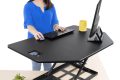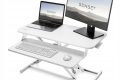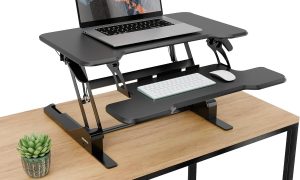



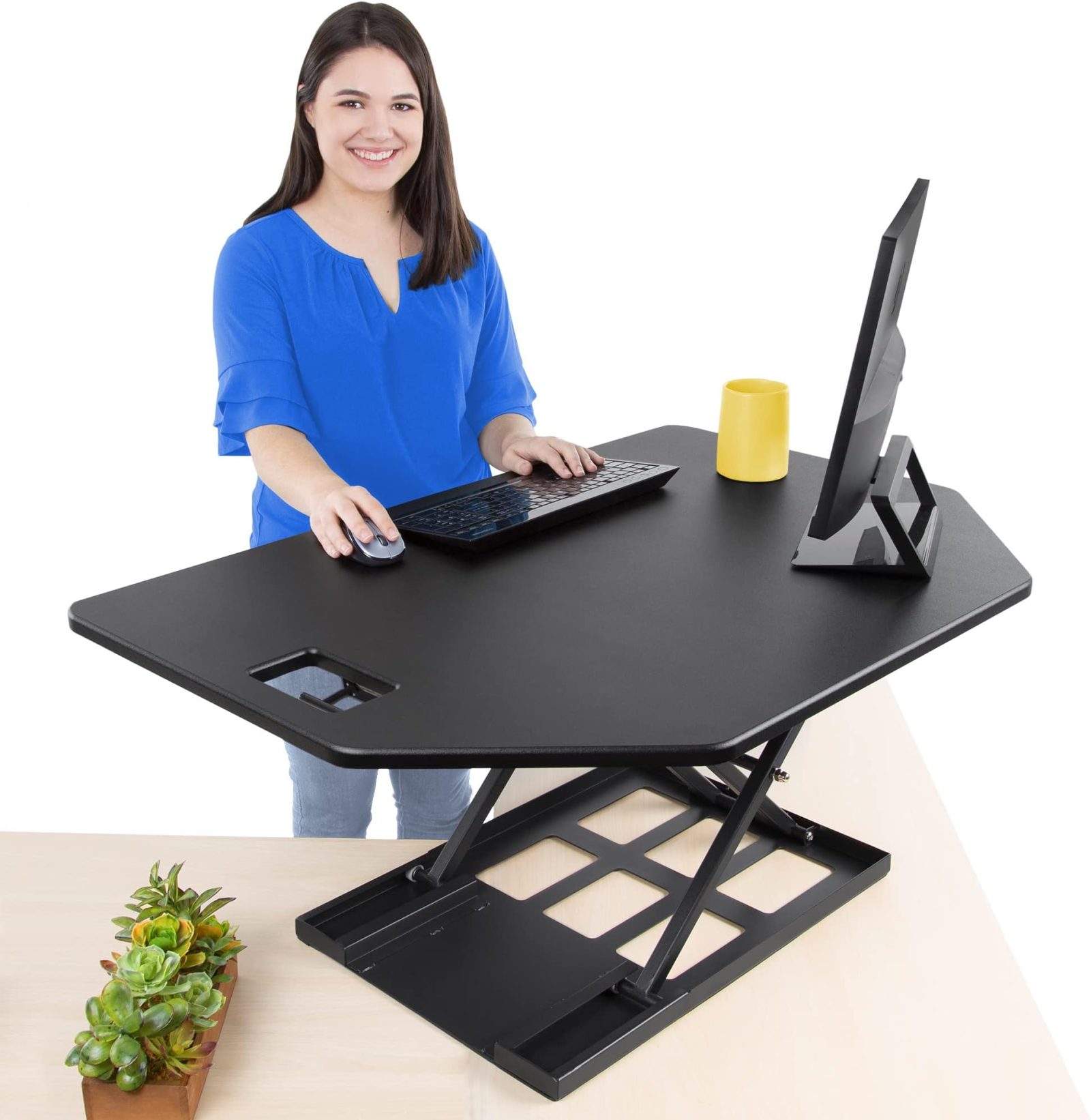
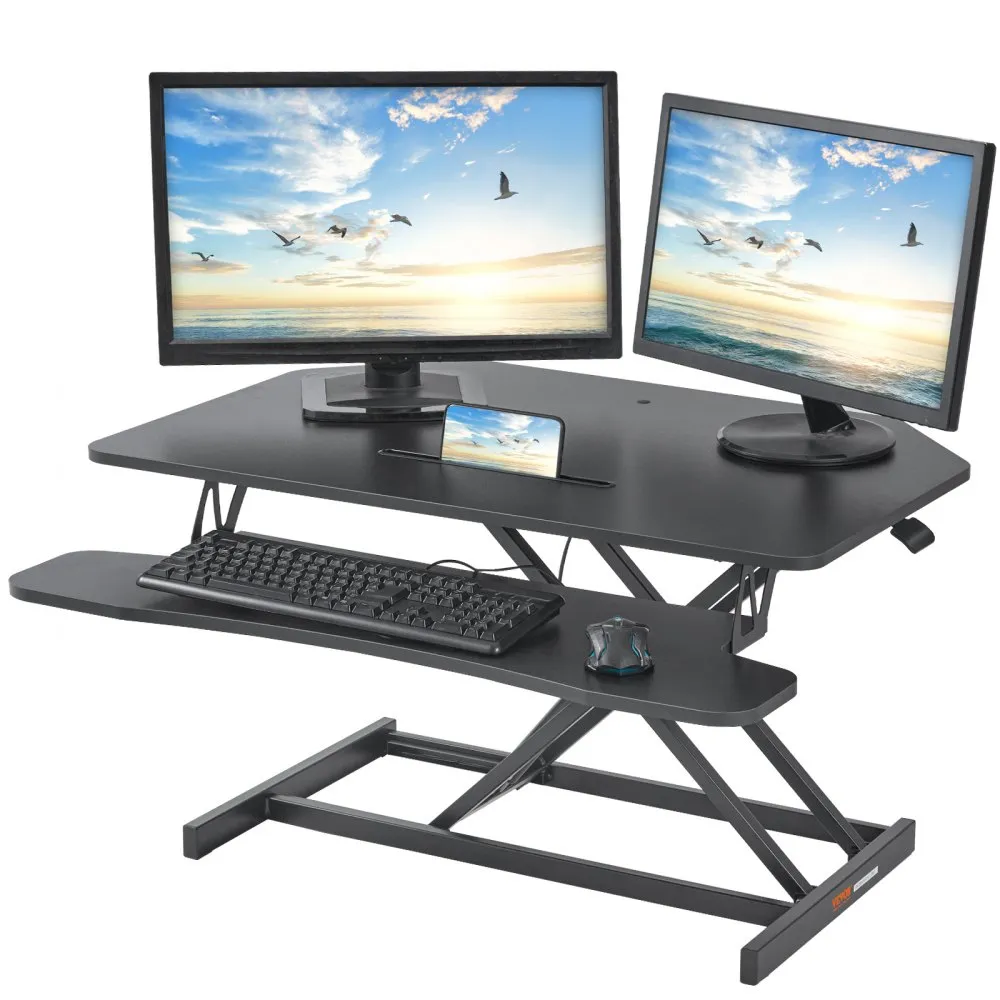
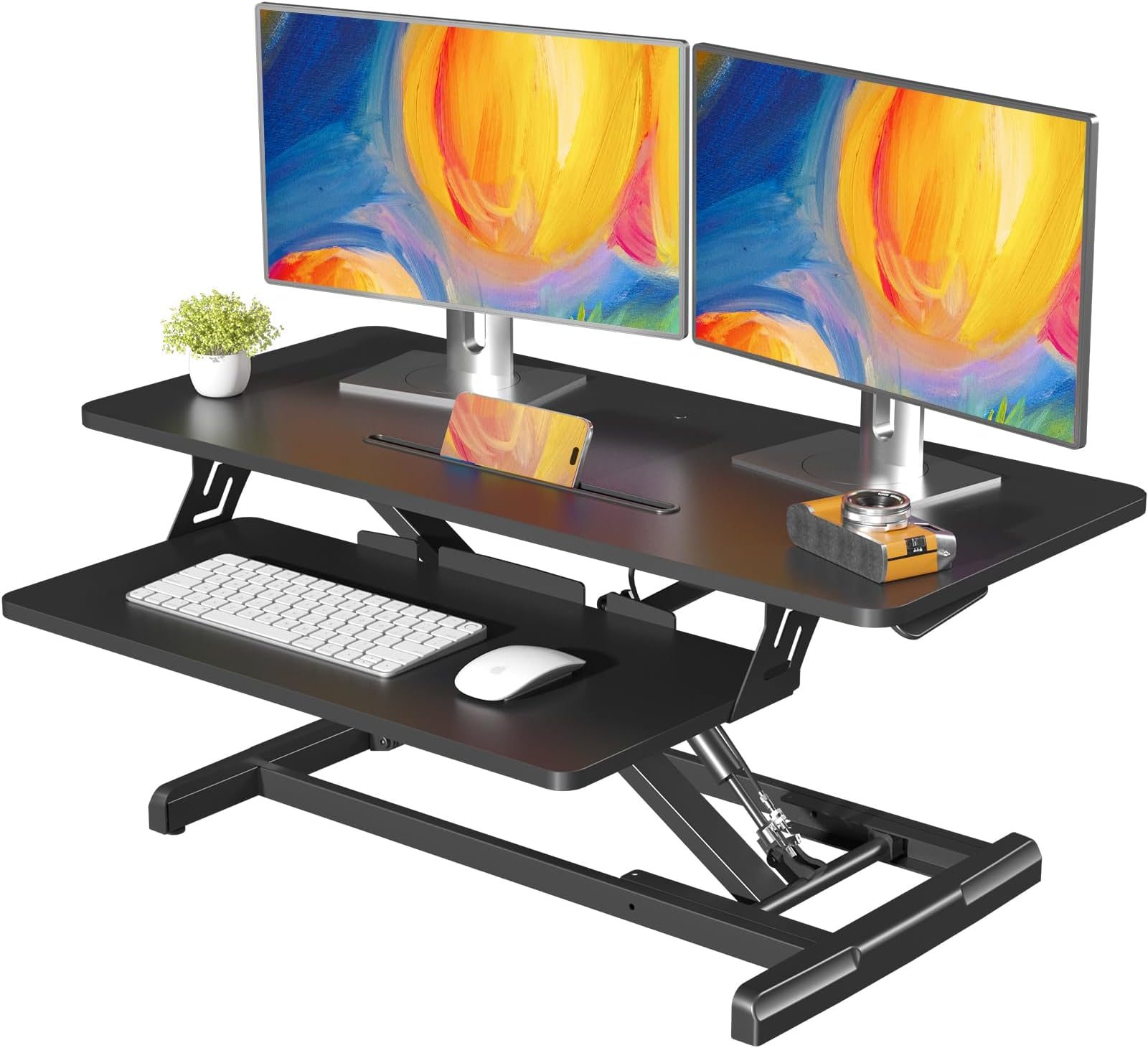
Aploda.com – An extra-wide standing desk converter provides the necessary surface area and weight capacity to accommodate two 27-inch monitors side-by-side without sacrificing stability or ergonomic comfort.
Transitioning to a sit-stand workflow is a proven method to reduce back pain and increase daily activity levels, but dual-monitor setups present a unique challenge. Standard converters often feel cramped, leading to monitor overhang and a cluttered workspace. For professionals using two 27-inch displays, an extra-wide converter is not just a luxury; it is a structural requirement to maintain a healthy ergonomic posture.
Why Width Matters for Dual 27-Inch Monitors
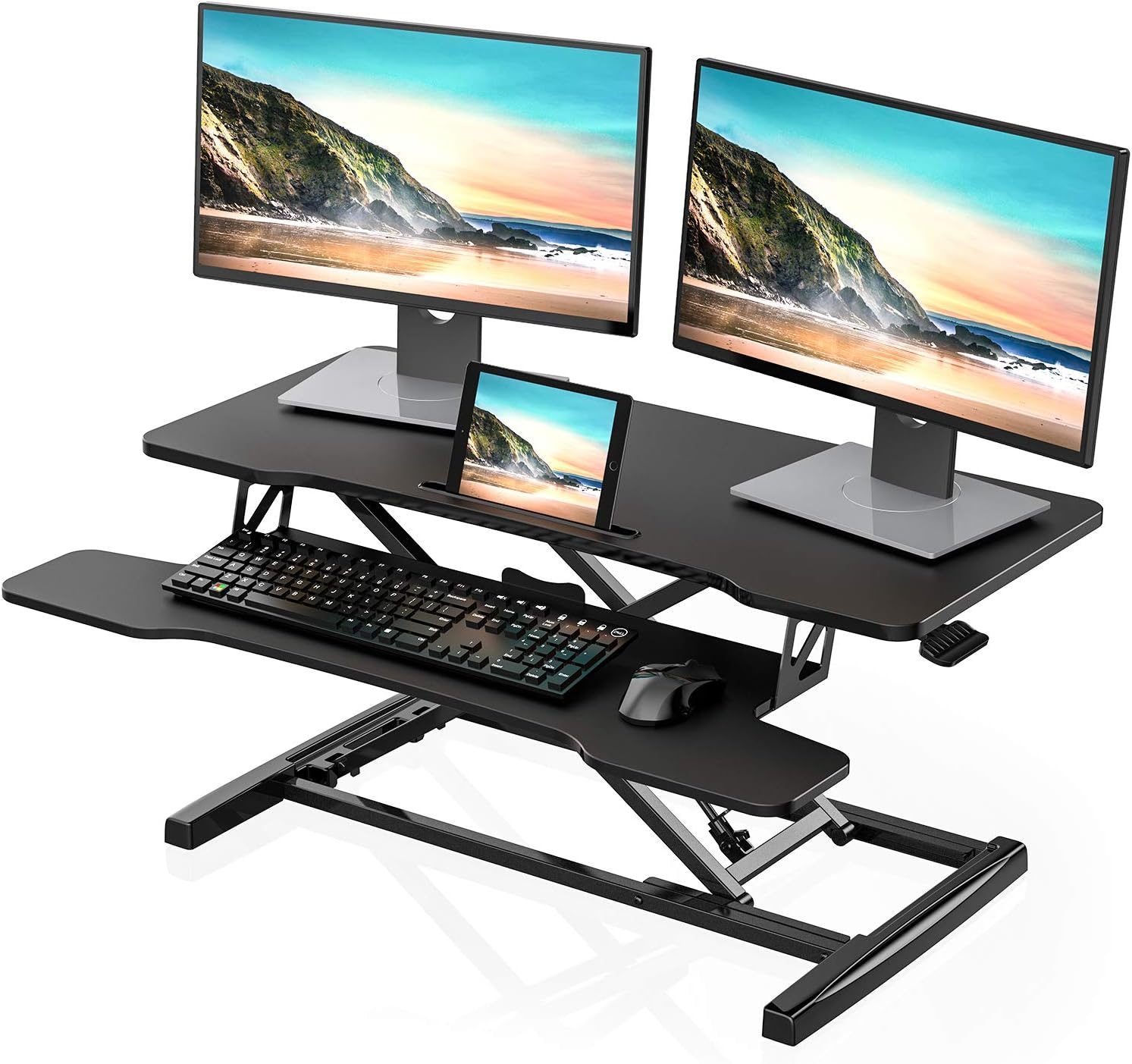
When you place two 27-inch screens on a standard converter, you quickly run into the issue of footprint. Most entry-level converters are designed for a single laptop or one monitor. With two large screens, you need a surface width of at least 40 to 48 inches to ensure the monitors do not hang off the edges. Overhanging monitors create an uneven weight distribution, which can lead to the converter tipping or the gas-spring mechanism failing over time.
Furthermore, extra-wide converters provide the necessary depth to keep your screens at the recommended viewing distance—typically an arm’s length away. If your desk is too shallow, you will find yourself leaning forward to read text, which negates the posture benefits of standing. A wide, deep converter allows you to push the monitors back while keeping your keyboard and mouse tray at the optimal height.
Key Specifications to Consider
Before investing in a standing desk converter, you must verify that the unit can support the collective weight of your hardware. Two 27-inch monitors, especially if they are mounted on a dual-arm stand, can easily exceed 20 pounds. You also need to account for the weight of your keyboard, mouse, and other desk accessories.
| Feature | Requirement for Dual 27-Inch Setup |
|---|---|
| Minimum Surface Width | 40 to 48 inches |
| Weight Capacity | At least 30 to 40 lbs |
| Keyboard Tray Depth | Minimum 10 inches for comfort |
| Vertical Adjustment Range | 15 to 20 inches |
Common Pitfalls When Setting Up Your Workspace
One of the most frequent mistakes users make is failing to account for the monitor arm base. If you plan to use a dual-monitor arm instead of the stock monitor stands, the converter must have a reinforced center section. Many lightweight converters have a thin surface that will bow under the concentrated pressure of a monitor arm clamp. Always ensure the center of the converter is made of high-density materials like steel or thick laminate.
Another issue is “wobble.” As you increase the height of the converter, the lever arm forces increase, making the unit more prone to shaking while you type. Look for converters with a “Z-lift” or “X-lift” design, which are generally more stable than vertical-only risers. If you are a heavy typer, a unit with a wider base footprint will provide significantly more stability.
📷 Photo by amazon.com
Step-by-Step Guide to Optimizing Your Ergonomic Setup
Once you have selected your extra-wide converter, follow these steps to ensure your workstation is optimized for health and productivity:
- Clear your existing desk surface completely to ensure the converter has a level, clean foundation.
- Place the converter in the center of your desk and verify that it does not overhang the edge of your primary surface in the “down” position.
- Attach your dual-monitor arm to the center of the converter, ensuring the clamp is tightened securely to the reinforced section.
- Mount your two 27-inch monitors and adjust the angle of the screens so they form a slight “V” shape, which reduces neck strain by keeping the focal point consistent.
- Test the height adjustment mechanism while the monitors are attached; if the unit is too hard to lift, adjust the tension settings according to the manufacturer’s instructions.
- Position your keyboard and mouse on the lower tray, ensuring your elbows are at a 90-degree angle when you are in the standing position.
Maintaining Your Converter for Longevity
To keep your equipment functioning smoothly, perform a maintenance check every three months. Tighten any bolts that may have loosened due to daily vibration. If your converter uses a gas-spring system, listen for any hissing or resistance changes, as these are early signs of seal failure. Keeping the moving parts free of dust and debris will ensure that your transition between sitting and standing remains fluid for years to come.
Frequently Asked Questions
Q: Can I use a standard monitor stand on an extra-wide converter?
A: Yes, but ensure the base of the monitor stands fits comfortably within the surface area without crowding your keyboard tray. If the stands are too large, a dual-arm mount is a better choice.
Q: Will an extra-wide converter damage my existing desk?
📷 Photo by vevor.ca
A: Most converters come with rubberized feet to prevent scratching. However, if your desk surface is made of soft wood or delicate laminate, consider placing a thin desk mat underneath the converter to distribute the weight and protect the finish.
Q: How do I know if the converter is at the right height?
📷 Photo by amazon.com
A: When standing, your eyes should be level with the top third of your monitors, and your forearms should be parallel to the floor while typing. If you find yourself hunching, you need to adjust the height of the unit or the tilt of your monitors.
Investing in a high-quality, extra-wide standing desk converter is a commitment to your long-term health. By providing enough room for dual 27-inch monitors, you eliminate the physical barriers that prevent you from standing more often. Take the time to measure your space, verify weight capacities, and set up your monitors correctly to reap the full benefits of an active office environment.
📷 Photo by amazon.com