


Aploda.com – Choosing between a vertical ergonomic mouse and a trackball mouse for a standing desk depends on whether you prioritize wrist alignment to prevent RSI or desk surface stability to minimize arm movement during long work sessions.
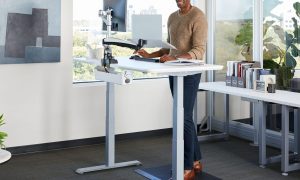
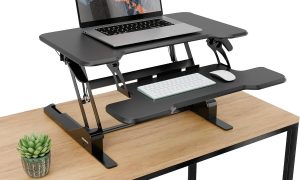
Standing desks have revolutionized the modern office by promoting movement and reducing the hazards of sedentary behavior. However, the transition to standing while working introduces new ergonomic challenges, particularly regarding how your hands interact with your input devices. When you stand, your center of gravity shifts, and your shoulder stability changes, making the choice between a vertical ergonomic mouse and a trackball mouse a critical decision for long-term musculoskeletal health.
The Case for the Vertical Ergonomic Mouse
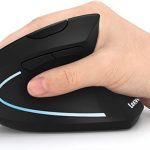
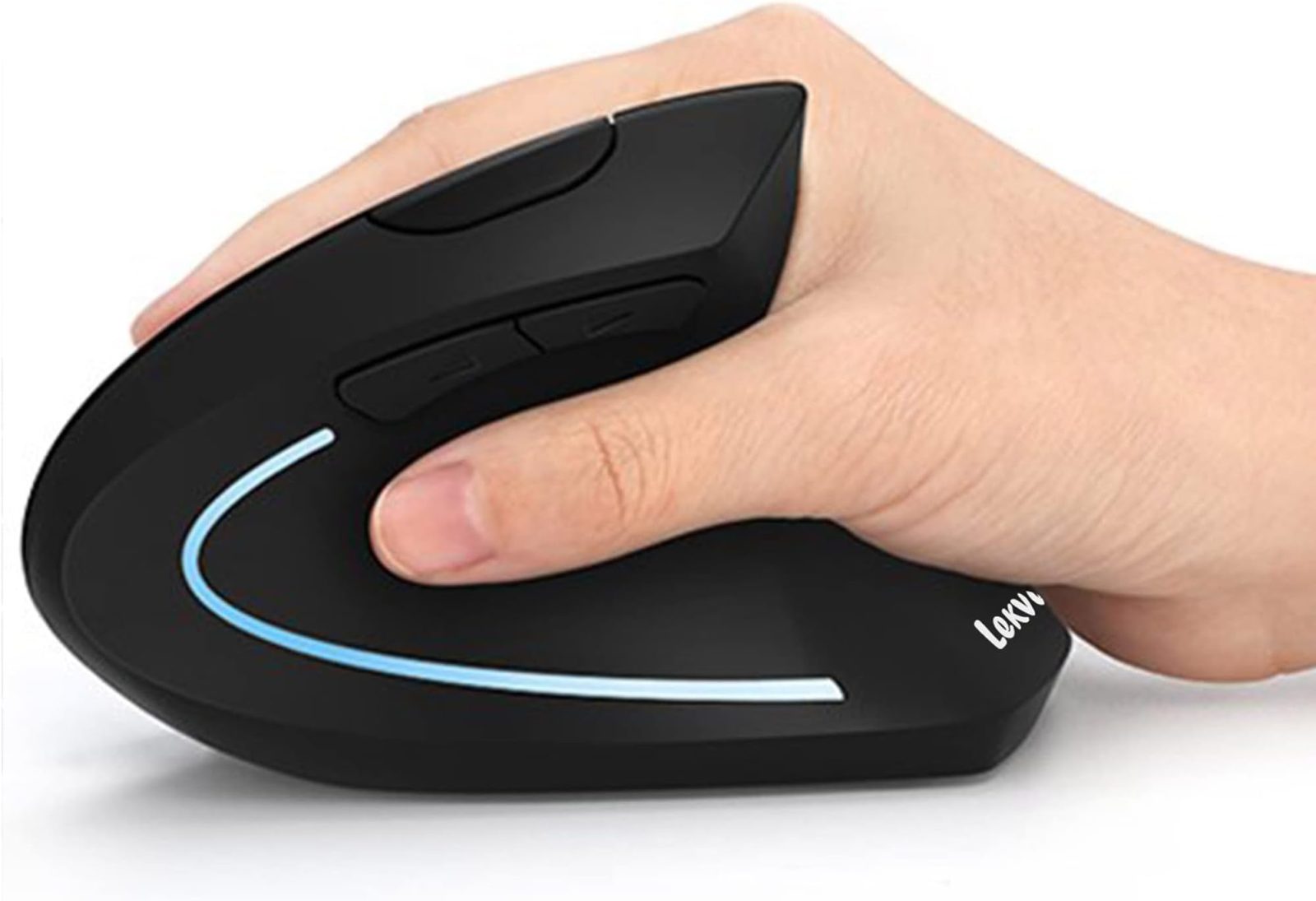
The primary appeal of a vertical ergonomic mouse is its “handshake” position. By rotating the hand 60 to 90 degrees from the traditional flat palm-down orientation, this mouse design significantly reduces pressure on the median nerve. This is vital for standing desk users who may already be dealing with increased tension in their forearms due to the lack of traditional chair-based support.
When you stand, you often engage your core and shoulder muscles to stabilize your posture. A vertical mouse encourages a natural alignment of the radius and ulna bones in the forearm, which prevents the crossing of these bones that occurs with standard mice. This reduction in forearm pronation can mitigate the development of carpal tunnel syndrome and tennis elbow, which are common complaints among heavy computer users.
The Case for the Trackball Mouse
Trackball mice operate on a completely different premise: the device remains stationary, and you move the cursor using a ball operated by your thumb or fingers. For standing desk users, this is a game-changer because it eliminates the need for large, sweeping arm movements across the desk surface. This is particularly advantageous if your standing desk has a limited surface area or if you frequently switch between typing and mousing.
Because the base of the trackball does not move, it requires zero friction against the desk pad. This stability is excellent for standing setups where the desk surface might vibrate or feel less solid than a heavy sitting desk. Furthermore, since your arm stays in a fixed position, it reduces the demand on your shoulder girdle, allowing you to keep your elbows tucked comfortably at your sides, which is a key recommendation for ergonomic standing posture.
Comparing Ergonomic Features
To help you decide which device aligns with your specific workstation needs, consider the following comparison table:
| Feature | Vertical Ergonomic Mouse | Trackball Mouse |
|---|---|---|
| Primary Movement | Whole arm/wrist movement | Thumb or finger isolation |
| Muscle Engagement | Forearm and shoulder | Small muscle groups (thumb/fingers) |
| Desk Space Needed | Large surface area required | Minimal footprint |
| Learning Curve | Low (intuitive) | Moderate (requires dexterity) |
| Best For | Precision and gaming | Limited space and joint fatigue |
How to Choose the Right Device for Your Setup
Making the switch requires more than just buying the hardware. Follow these steps to integrate your chosen device into your standing desk workflow:
- Assess your desk height: Ensure your elbows are at a 90 to 110-degree angle. If your mouse is too high, you will experience shoulder strain regardless of the device type.
- Evaluate your task intensity: If you are doing precise design work, a vertical mouse usually offers better tracking accuracy. If you are doing general office tasks or data entry, a trackball provides superior comfort over long hours.
- Check your wrist support: If choosing a vertical mouse, ensure your wrist is not resting heavily on the desk edge, as this can create a pressure point that negates the ergonomic benefits.
- Test the grip: If you have smaller hands, ensure the vertical mouse is not too bulky, as this can force your hand to overstretch, leading to cramping.
Common Mistakes to Avoid
One of the most frequent errors standing desk users make is “anchoring.” This happens when you lock your wrist against the desk edge to gain more control over the mouse. This creates a pivot point that can cause nerve compression. Regardless of the mouse you choose, aim to keep your wrist floating slightly or resting on a soft gel pad that moves with your hand.
Another mistake is failing to adjust the sensitivity (DPI) settings. Because standing desks often involve different arm positions, you may find that you need higher cursor sensitivity to perform tasks with smaller movements. Adjusting your mouse software settings can prevent the urge to over-reach, keeping your shoulders in a neutral, relaxed position.
Addressing Potential Risks
While both devices are ergonomic, they are not immune to misuse. Trackball users, in particular, should watch for “thumb fatigue” if they use a thumb-operated ball. If you feel pain in the base of your thumb, consider switching to a finger-operated trackball. Conversely, vertical mouse users should ensure they are not gripping the device too tightly, a phenomenon often caused by the unfamiliar shape of the mouse.
Q: Can I use both a vertical mouse and a trackball at the same time?
A: Yes, many power users switch between the two to vary muscle engagement throughout the day, which is an excellent strategy for preventing repetitive strain injuries.
Q: Is a trackball better for small desks?
A: Absolutely. Because the device is stationary, it is the superior choice for standing desks with limited space or those shared with other equipment like tablets and notebooks.
Q: Does the height of my standing desk affect which mouse I should buy?
A: Yes; if your desk is slightly too high, a trackball is often safer because it requires less shoulder movement, whereas a vertical mouse requires more arm movement that could exacerbate shoulder tension.
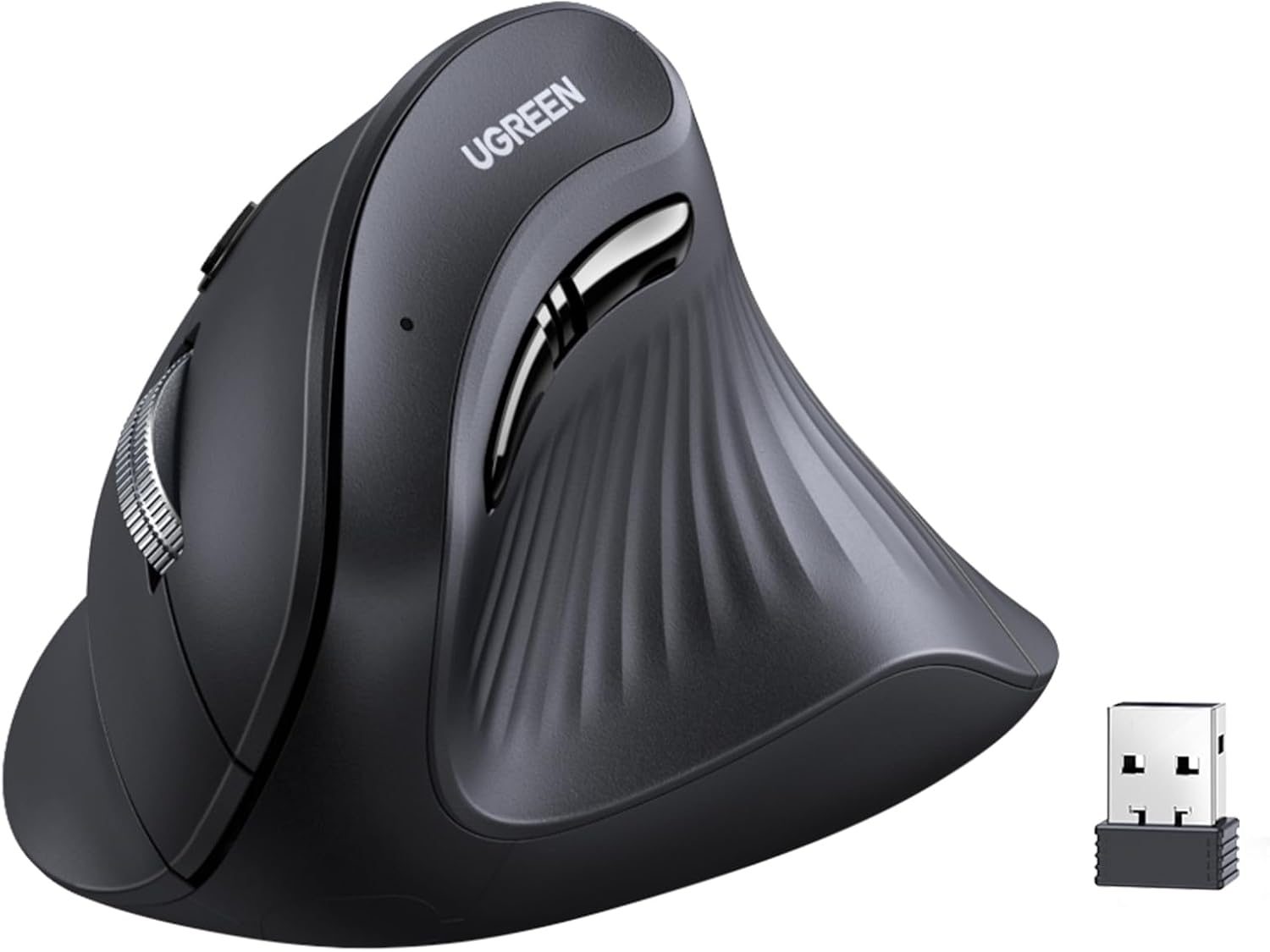
📷 Photo by amazon.ae
Ultimately, your choice should be dictated by your specific pain points. If you suffer from wrist pain, the vertical mouse is likely your best path forward. If your discomfort stems from shoulder fatigue or limited space, the trackball mouse will likely provide the relief you need.
📷 Photo by amazon.ca