

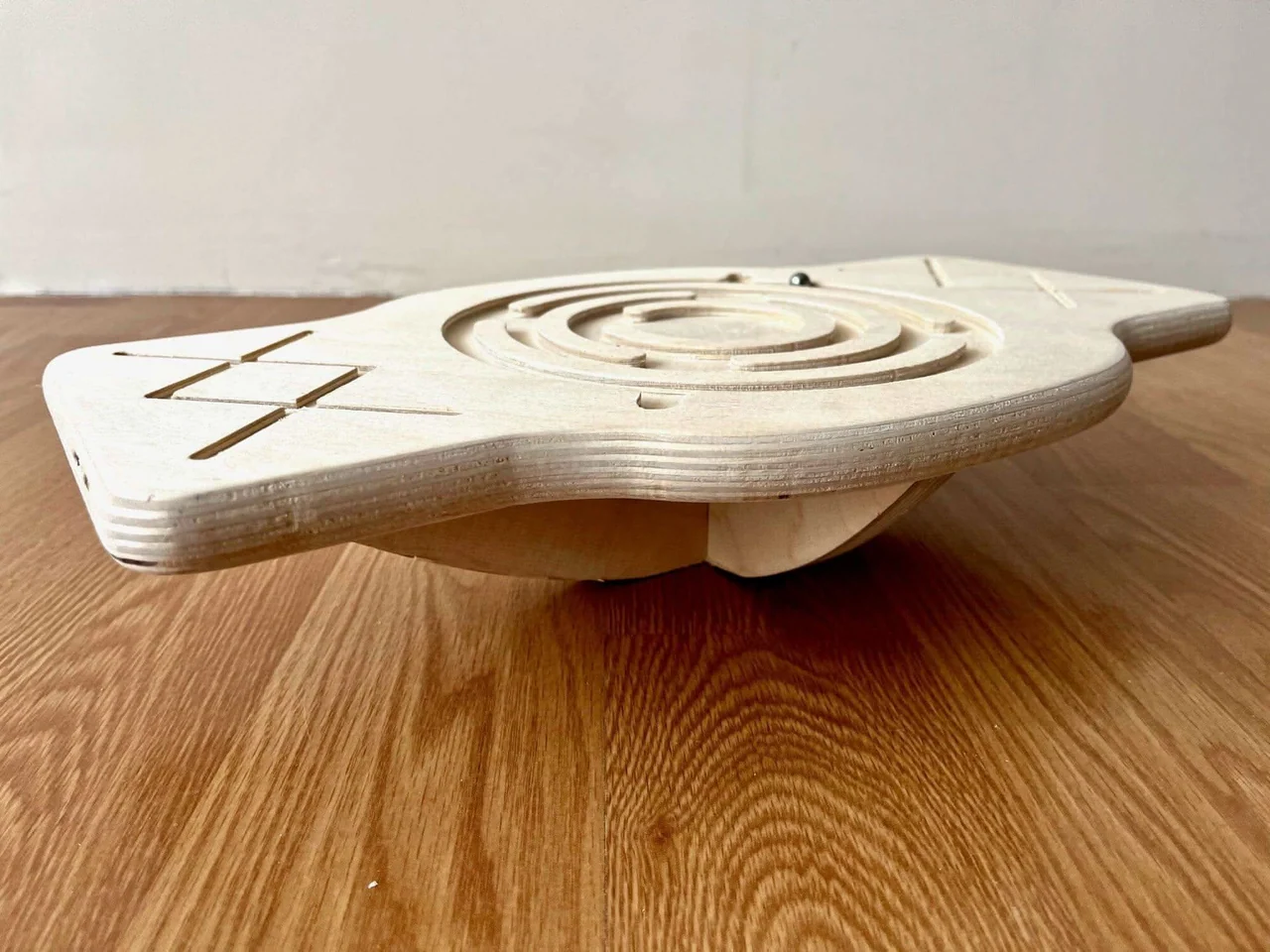
Aploda.com – Using a balance board at a standing desk should be limited to 15 to 30-minute intervals throughout the workday to prevent muscle fatigue and joint strain. Prolonged balancing can lead to overuse injuries, so it is most effective when integrated as a periodic movement break rather than a continuous standing posture.
The rise of the standing desk has transformed the modern workspace, but static standing can be just as detrimental to your body as sitting for eight hours straight. Balance boards offer a dynamic solution to this problem, forcing your core and stabilizer muscles to engage constantly. However, the misconception that “more is better” can lead to significant physical discomfort if not managed correctly.
Why Balance Boards Cause Fatigue
When you stand on a flat, stable surface, your body relies on large muscle groups to maintain posture. When you introduce a balance board, you shift the workload to your stabilizer muscles, including the ankles, calves, shins, and deep core. These muscles are designed for endurance, but they are not intended to stay in a state of constant, high-intensity contraction for hours on end.
Fatigue typically manifests as a dull ache in the arches of your feet, tightness in the calves, or a burning sensation in the lower back. If you ignore these signs, your form will inevitably collapse. Poor form on a balance board—such as locking your knees or hyperextending your lower back—can lead to chronic issues like plantar fasciitis or lumbar strain.
Recommended Usage Schedule
To maximize the benefits of a balance board while minimizing the risk of injury, you must treat it as a tool for “active recovery” rather than a permanent standing position. Your goal should be to introduce micro-movements into your day rather than exhausting your muscles to the point of failure.
| Usage Level | Duration per Session | Frequency per Day | Target Audience |
|---|---|---|---|
| Beginner | 5-10 Minutes | 2-3 Times | New users building ankle stability |
| Intermediate | 15-20 Minutes | 3-4 Times | Consistent users with good core strength |
| Advanced | 20-30 Minutes | 4-5 Times | Athletes or those with high endurance |
Practical Steps to Incorporate Balancing Safely
Integrating a balance board into your workflow requires a structured approach. Follow these steps to ensure you gain the postural benefits without the physical burnout:
- Start with a stable, non-slip mat beneath your board to ensure safety and provide a slight cushion for your feet.
- Begin your workday with standard standing or sitting, saving the balance board for when you feel your posture beginning to slouch.
- Set a timer for 15 minutes to prevent over-exertion, as it is easy to lose track of time while focusing on a computer screen.
- Focus on “micro-balancing” rather than extreme movements; your goal is to keep your core engaged, not to perform tricks.
- Transition back to a flat surface or a chair immediately if you feel your ankles shaking or your lower back arching excessively.
- End your balancing session by performing static calf stretches to release the tension built up in your lower legs.
Common Mistakes to Avoid
One of the most frequent errors users make is neglecting their footwear. While balancing barefoot can improve proprioception, it provides no arch support, which can be punishing on hard office floors over time. If you plan to balance for more than 10 minutes, wear supportive, flat-soled sneakers to distribute the pressure more evenly across your feet.
Another common mistake is locking the knees. When your knees are locked, you shift the stress away from your muscles and directly into your joints and ligaments. Always maintain a “soft” knee position, keeping them slightly bent to allow your muscles to absorb the micro-adjustments required to stay upright. If you find yourself locking your knees, it is a clear signal that your stabilizer muscles are fatigued and you should step off the board.
The Role of Core Engagement
The primary benefit of a balance board is the involuntary activation of the core. However, this only works if your posture remains upright. If you find yourself leaning heavily on your desk to maintain balance, you are defeating the purpose of the board. The board should be used to support your weight, not as a crutch for poor ergonomics. If you need to lean on your desk, the board is likely too difficult for your current level of fatigue, or you have been on it for too long.
Frequently Asked Questions
Q: Can I use a balance board all day?
A: No, it is not recommended to use a balance board for the entire duration of your workday. Your stabilizer muscles need rest, and constant use can lead to overuse injuries and decreased performance in your primary tasks due to physical exhaustion.
Q: What are the early signs that I should stop balancing?
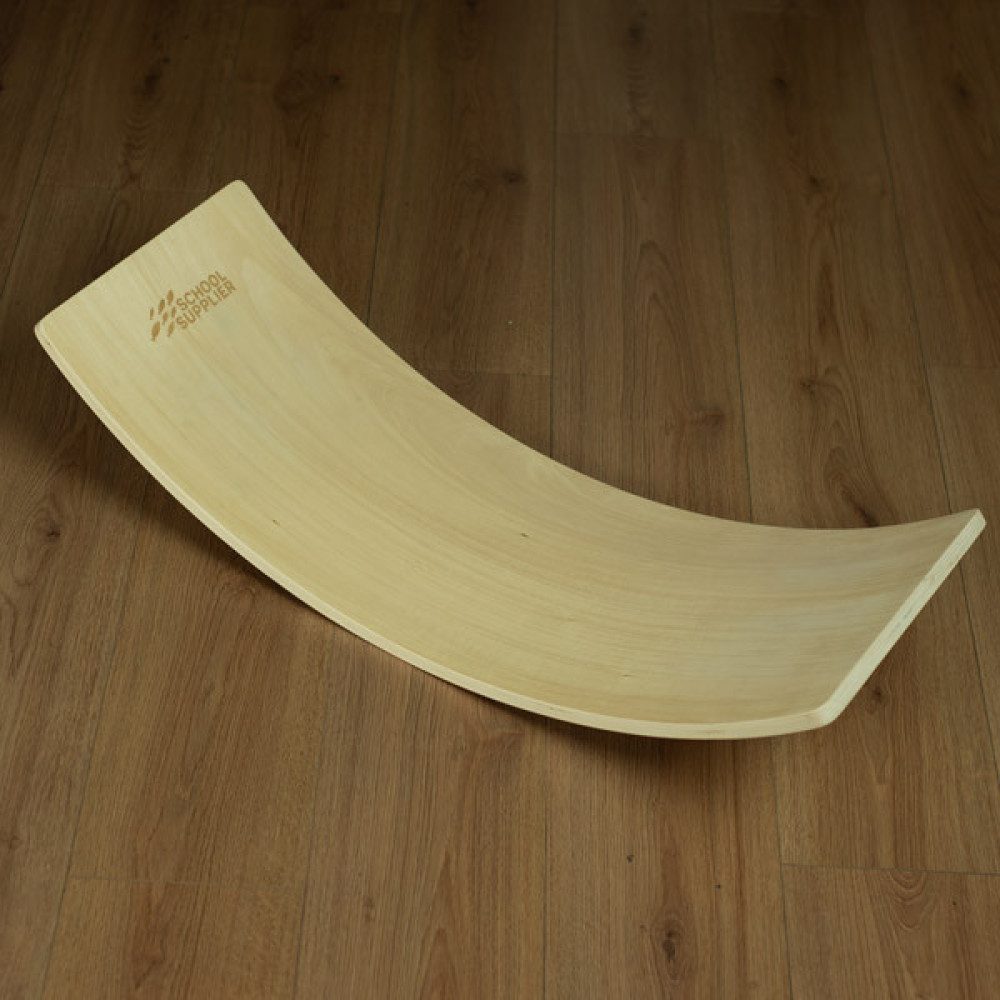
📷 Photo by shop.schoolsupplier.co.uk
A: The most common signs are trembling in the legs, a feeling of “heaviness” in the feet, an inability to keep your knees soft, or a dull ache in the lumbar region of your back. Once these symptoms appear, step off the board and return to a flat surface.
Q: Does balancing help with back pain?
A: When used correctly, it can improve core strength, which supports the spine and reduces back pain. However, if your back pain is caused by poor posture while balancing, it can actually exacerbate the condition, so listen to your body and focus on maintaining a neutral spine.
Ultimately, the balance board is a high-impact tool for low-impact movement. By breaking your day into manageable segments and listening to the signals your body sends, you can enjoy the focus-enhancing benefits of movement without the downside of chronic fatigue. Treat the board as an occasional partner in your workday, not a constant requirement for your standing desk setup.
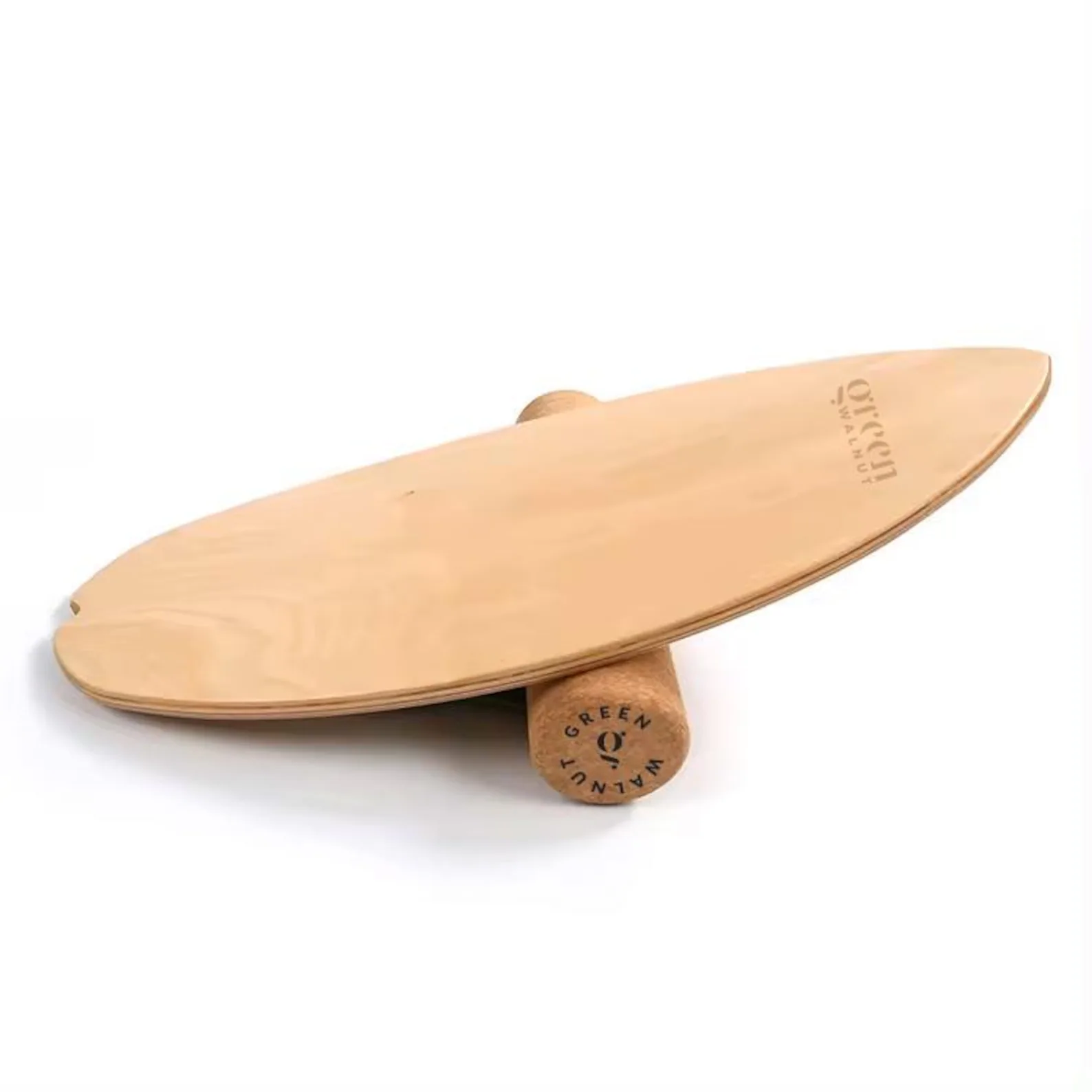
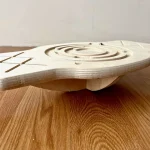
📷 Photo by etsy.com
📷 Photo by kidodido.com