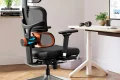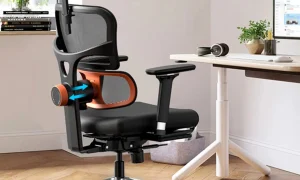



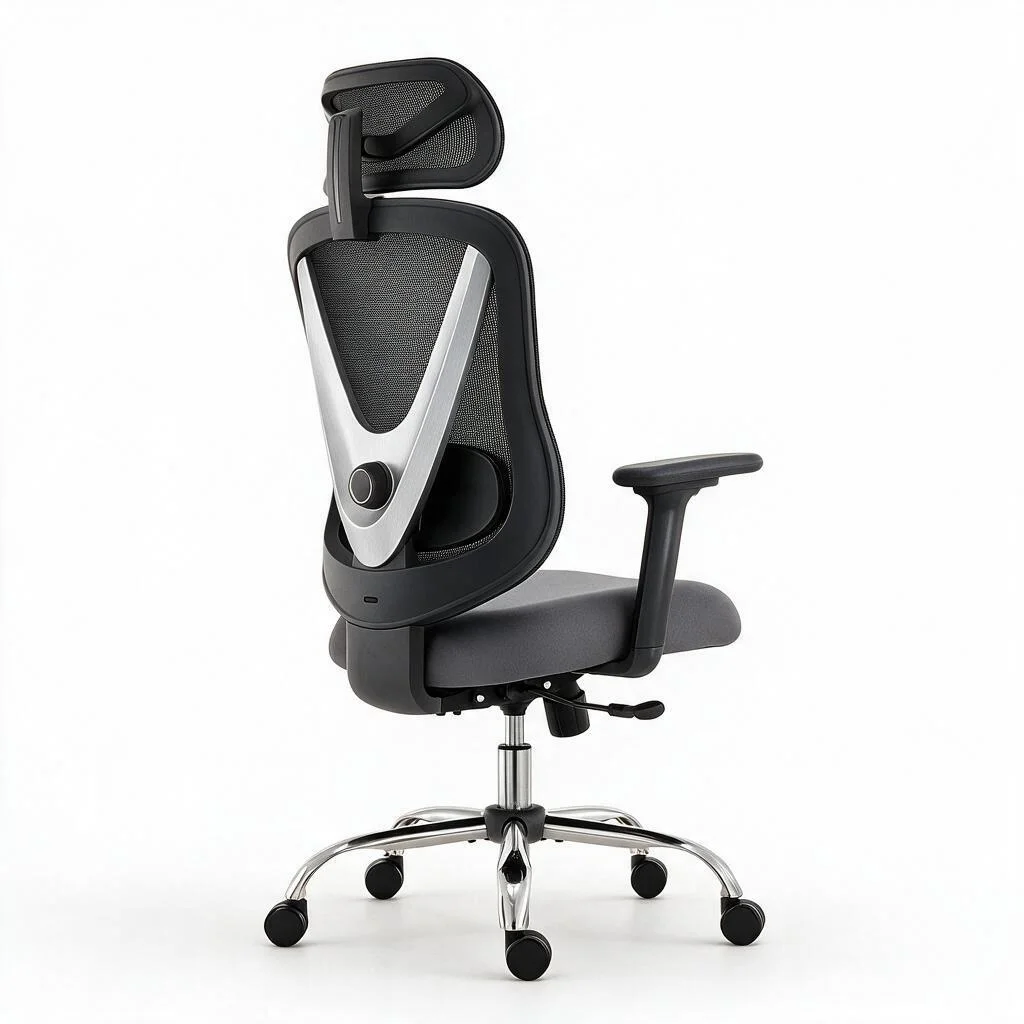
Aploda.com – An ergonomic office chair headrest should be adjusted to a 10 to 20-degree forward tilt to cradle the natural curve of the cervical spine, effectively neutralizing the strain caused by forward head posture. Proper positioning ensures the headrest supports the base of the skull rather than the neck, preventing the “tech neck” phenomenon during prolonged desk work.
Understanding the Mechanics of Forward Head Posture
Forward head posture, often called “text neck” or “scholar’s neck,” occurs when the head shifts anteriorly relative to the shoulders. For every inch the head moves forward, the weight of the head on the cervical spine increases significantly. This biomechanical stress forces the muscles in the upper back and neck to work overtime, leading to chronic tension, headaches, and long-term spinal misalignment.
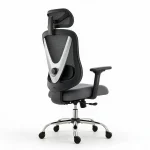
The headrest on an ergonomic chair is not merely a head-support accessory; it is a critical component for weight distribution. When adjusted correctly, it serves as a stop-gap that prevents the user from sliding into a slouched position. By providing a tactile reminder to keep the ears aligned over the shoulders, the headrest acts as a passive corrective tool for your daily posture.
The Ideal Angle and Positioning
The primary mistake most users make is positioning the headrest too high, pushing the head forward, or too low, which forces the neck into an unnatural extension. The goal is to support the occipital bone—the curved base of your skull. When you sit back, the headrest should gently contact this area without forcing your head into a tilted position.
If you suffer from existing forward head posture, a neutral to slightly forward angle is essential. If the headrest is too flat or angled backward, it creates a gap that encourages you to crane your neck forward to find support. By angling the headrest slightly forward, you fill that gap, allowing your muscles to relax into the support rather than fighting against gravity.
Comparison of Headrest Adjustments
| Adjustment Type | Ideal Setting | Purpose |
|---|---|---|
| Height | Base of skull | Supports the cervical curve |
| Angle/Tilt | 10–20 degrees forward | Prevents anterior head drift |
| Depth | Firm contact | Reduces muscle fatigue |
Practical Steps to Calibrate Your Headrest
Achieving the perfect ergonomic setup requires a systematic approach. Follow these steps to ensure your chair is working for your anatomy rather than against it:
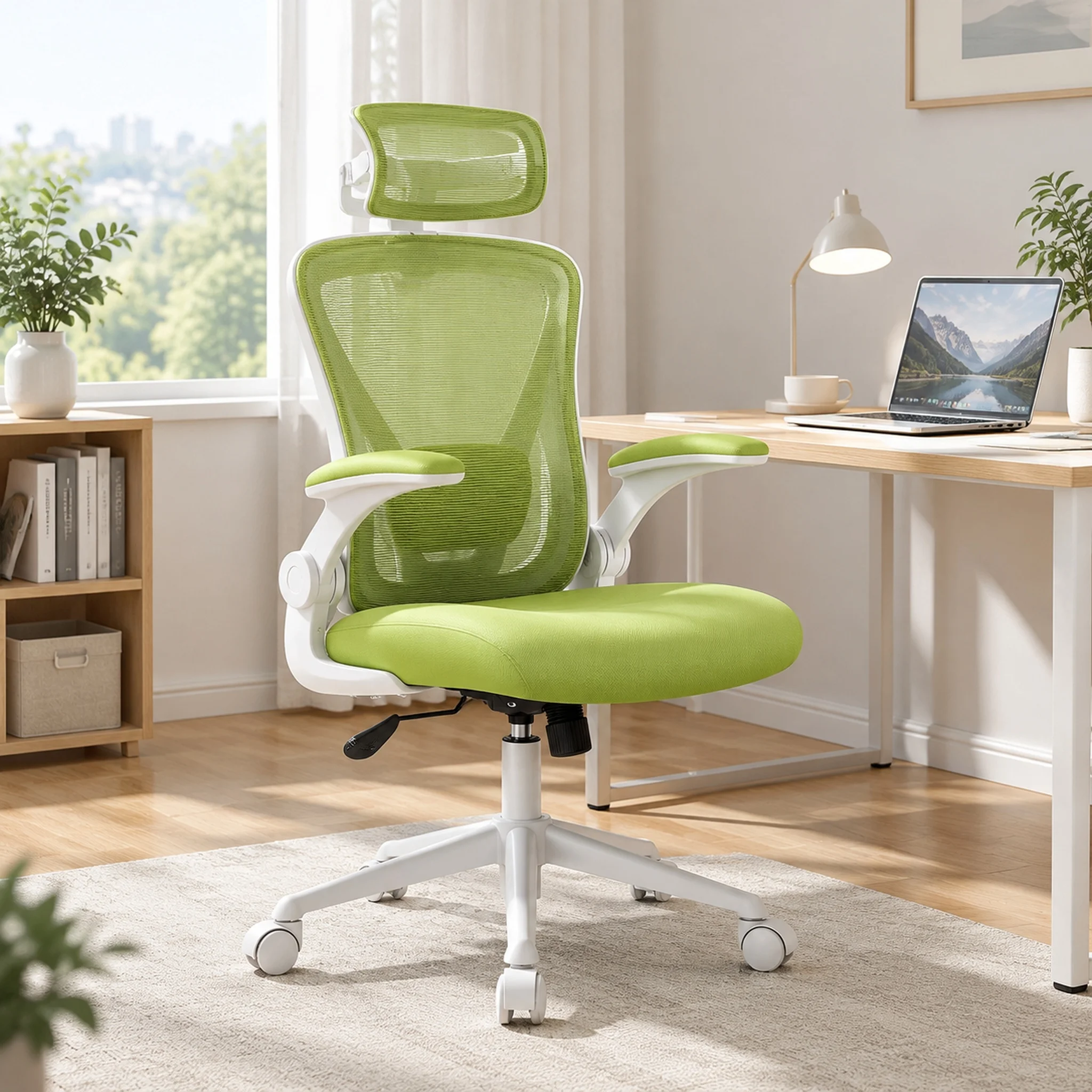
📷 Photo by walmart.com
- Sit fully back in your chair, ensuring your tailbone is touching the backrest and your lumbar support is properly positioned against your lower back.
- Adjust the height of the headrest so the center of the cushion aligns with the curve at the base of your skull, avoiding the soft tissue of the neck.
- Tilt the headrest angle forward until you feel a gentle but firm resistance against your head while maintaining a neutral gaze at your monitor.
- Test the position by relaxing your shoulders; if you feel the need to pull your chin toward your chest, the angle is too aggressive and should be backed off slightly.
- Perform a “micro-adjustment” every few hours during the workday, as spinal fatigue may cause you to shift your position slightly, requiring a minor recalibration.
Common Mistakes and Risks
Many users treat the headrest as a pillow for lounging. While it is comfortable, using it for reclining while typing is a major ergonomic error. Reclining while working at a computer forces your eyes to adjust to the screen angle, which often leads to further neck extension. The headrest should be utilized during short pauses or while reading, but it should not encourage a lazy posture during active tasks.
Another common issue is improper lumbar support synchronization. If your lumbar support is too low or non-existent, your pelvis will rotate backward, causing your thoracic spine to round. When your upper back rounds, your head automatically moves forward to compensate. You cannot fix forward head posture with a headrest alone; it must be part of an integrated approach that includes lumbar support and monitor height adjustment.
The Role of Active Ergonomics
No chair, regardless of how advanced its headrest is, can replace the need for movement. The human body is designed for motion, not static positioning. Even with a perfectly angled headrest, holding a single position for more than 45 minutes will lead to tissue stiffness. The headrest is a tool to improve the quality of your posture, but periodic breaks to stand and perform neck retractions are essential to counteract the effects of gravity.
When you feel the urge to push your head toward your screen to read small text, stop. Instead, increase your screen magnification or move the monitor closer. Adjusting your environment to suit your body is always more effective than forcing your body to adapt to a poorly configured environment.
Frequently Asked Questions
Q: Should the headrest touch my head at all times?
A: Not necessarily. It should provide support when you lean back or during moments of rest, but it should not force your head forward while you are actively typing or looking at the screen.
Q: Can a headrest cause neck pain?
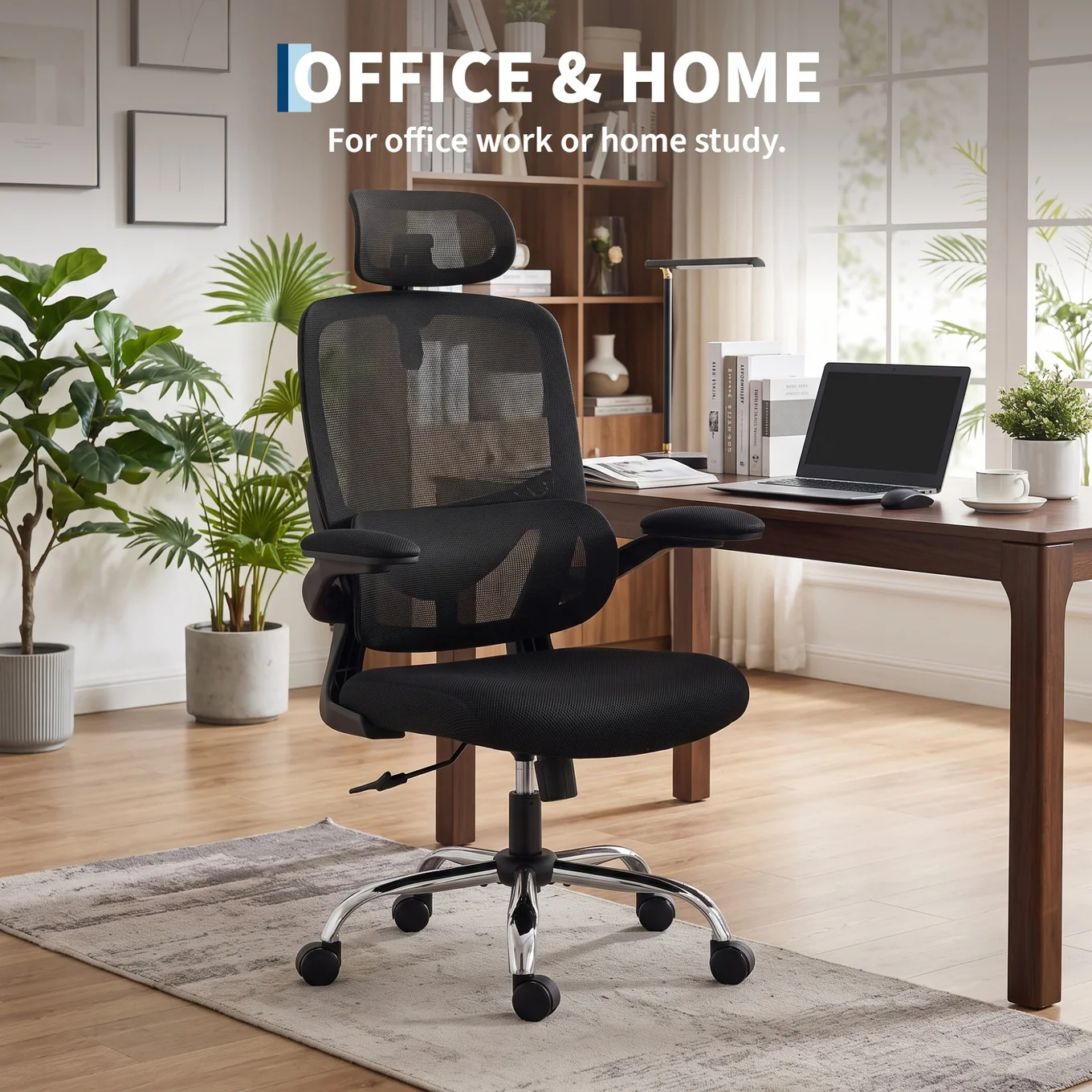
📷 Photo by garvee.com
A: Yes, if it is positioned too high or angled too aggressively, it can push the cervical spine out of alignment, leading to tension headaches and localized muscle pain.
Q: Is a headrest necessary for everyone?
A: While not mandatory, it is highly beneficial for individuals who spend long hours at a desk, as it provides vital support for the heavy weight of the head and helps prevent the onset of chronic slouching.
By treating your headrest as a precision instrument rather than a static piece of furniture, you can significantly mitigate the physical toll of office work. Focus on the base of the skull, maintain the 10-20 degree tilt, and ensure your entire spinal column is supported from the lumbar region upward. Consistency in these minor adjustments will yield major benefits for your long-term neck health and overall productivity.
📷 Photo by business.walmart.com