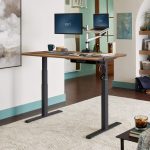



Aploda.com – An electric standing desk with a built-in power strip and USB-C charging streamlines your workspace by eliminating cable clutter and providing immediate, high-speed power access for all your peripheral devices. This integrated solution enhances productivity by ensuring your laptop, phone, and monitor remain powered without the need for unsightly extension cords running across your room.
The Evolution of the Modern Workstation
The traditional desk setup has undergone a radical transformation. As remote work and digital nomadism become the norm, the demand for “smart” furniture has skyrocketed. An electric standing desk is no longer just a motorized frame; it is now a central hub for technology. The inclusion of integrated power management is the logical next step in ergonomic furniture design.
When you choose a desk with built-in power, you are investing in cable management and safety. Loose power bricks and long cords are not just eyesores; they are tripping hazards and potential fire risks if improperly managed. By consolidating power into the desk frame, you maintain a cleaner aesthetic that promotes focus and reduces the mental fatigue associated with a messy environment.
Key Advantages of Integrated Power Features
The primary benefit of USB-C charging ports on your desk is the convenience of “plug-and-play” connectivity. Modern USB-C ports often support Power Delivery (PD), meaning they can charge high-drain devices like laptops or tablets at speeds comparable to their original wall chargers. This eliminates the need to crawl under your desk to find a wall outlet.
Another advantage is the reduction of “phantom” cable stress. When cords are pulled taut because they must reach a wall outlet five feet away, the strain often leads to fraying at the connector. An integrated power strip ensures your cables have a direct, short path to the power source, extending the lifespan of your expensive charging accessories.
Comparative Overview of Integrated vs. Standard Desks
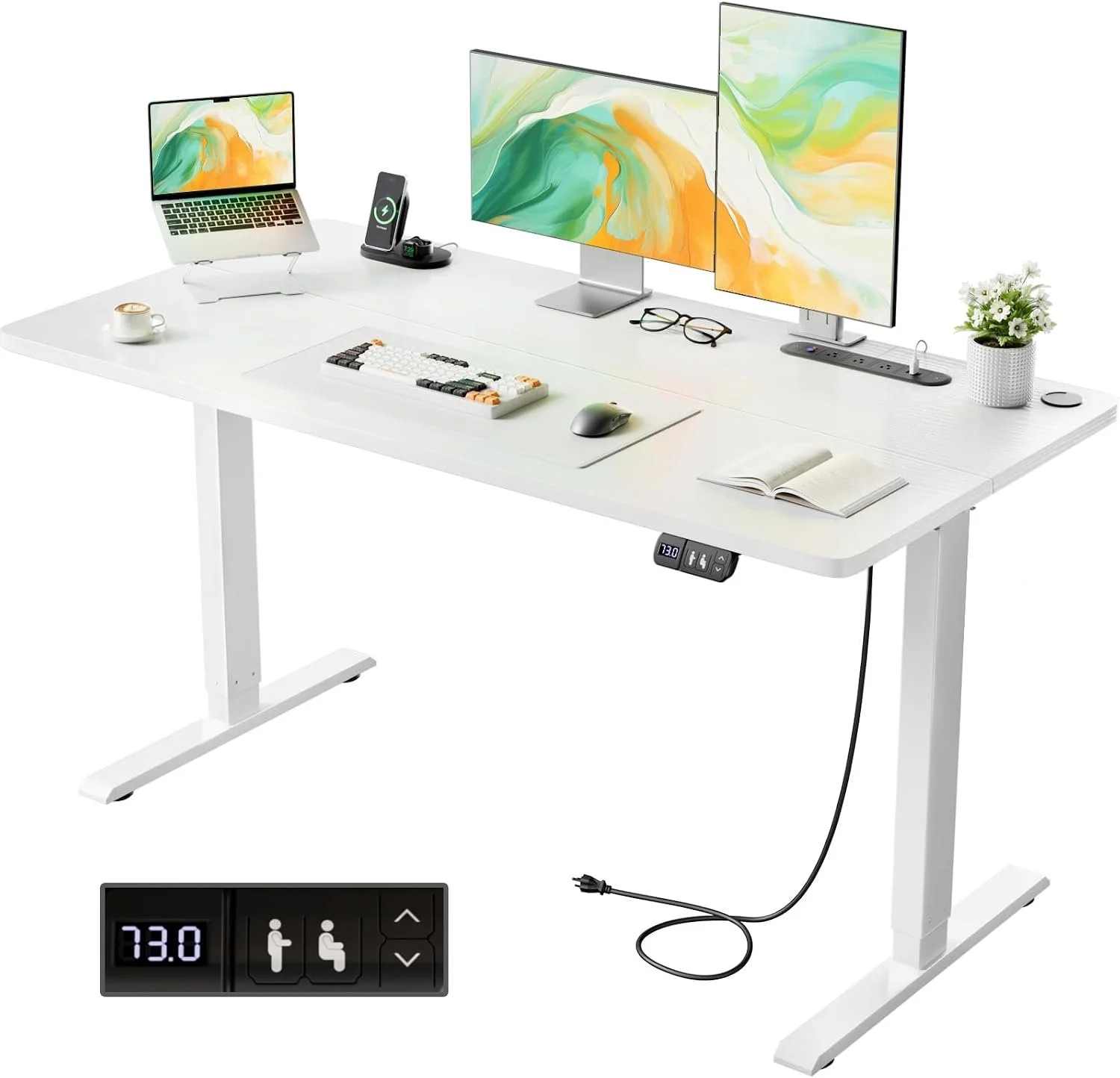
📷 Photo by walmart.com
| Feature | Standard Standing Desk | Integrated Power Desk |
|---|---|---|
| Cable Management | Requires external trays/clips | Built-in routing and outlets |
| Charging Speed | Dependent on wall adapter | High-speed USB-C PD included |
| Installation Complexity | Simple assembly | Slightly complex (wiring) |
| Aesthetic Impact | Often cluttered with wires | Minimalist and clean |
Practical Installation Guide
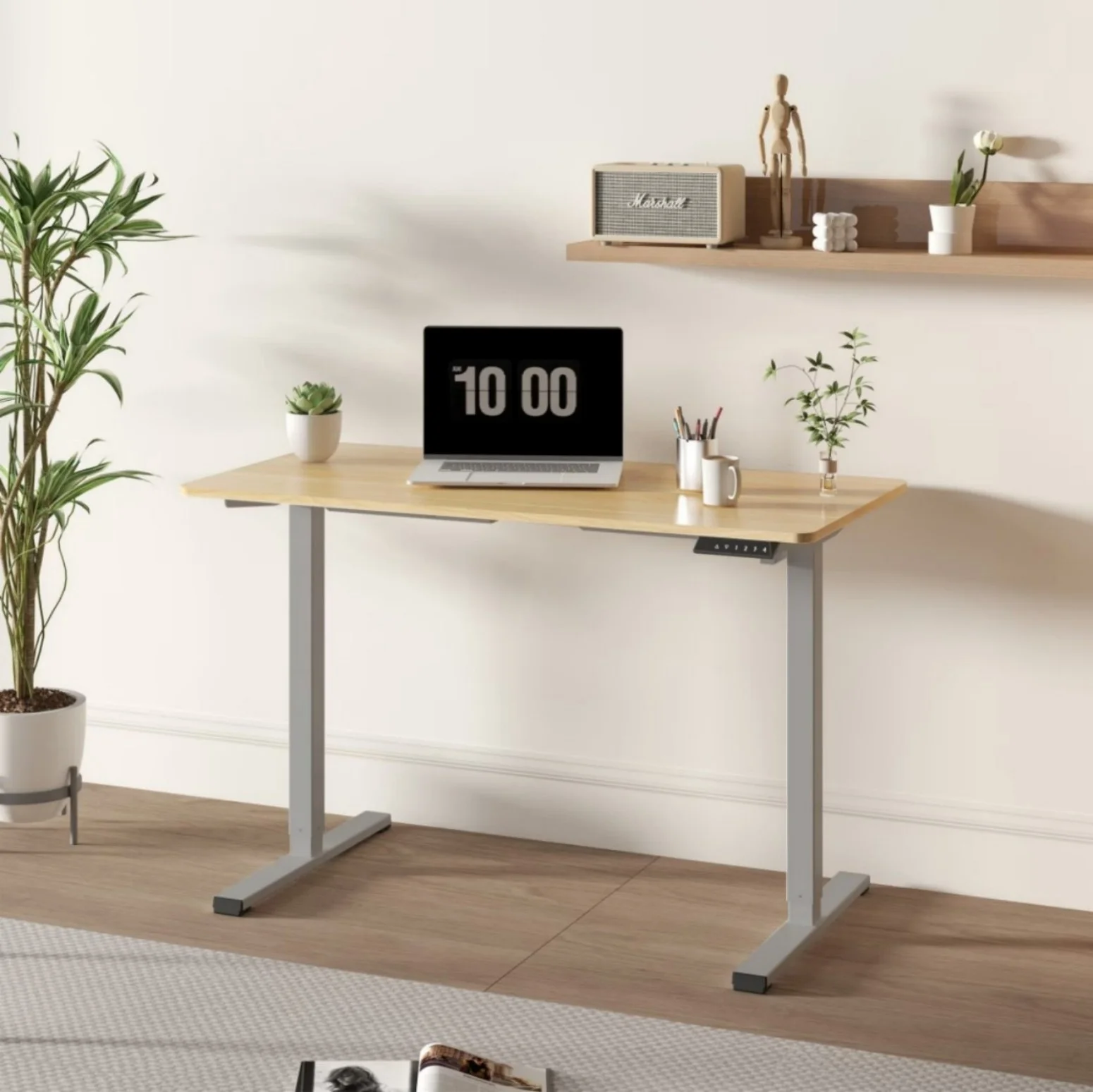
📷 Photo by walmart.com
📷 Photo by biano.hu
Setting up an electric standing desk with built-in power requires a bit more attention to detail than a standard model. Follow these steps to ensure a safe and organized setup:
- Position your desk frame in the desired location and ensure the power strip module is accessible before tightening all frame bolts.
- Connect the desk’s internal power cable to the main power strip, ensuring that no cables are trapped between the motorized legs and the tabletop.
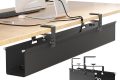
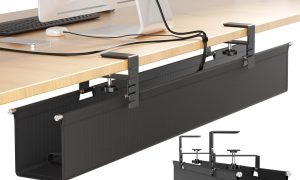
- Secure all peripheral cables (monitors, lamps) to the desk’s integrated cable management tray to prevent snagging when the desk moves up or down.
- Plug the main desk power cord into a high-quality surge protector rather than directly into a wall outlet to protect the desk’s sensitive electronic control box.
- Test the desk at its highest and lowest settings to ensure no cables pull tight or become pinched during the transition.
Common Mistakes to Avoid
One of the most frequent errors users make is overloading the desk’s integrated power strip. While these strips are convenient, they are not designed to power high-wattage appliances like space heaters or heavy-duty printers. Always check the wattage rating on the desk’s power module to avoid tripping the internal circuit breaker.
Another common mistake is neglecting cable slack. When you raise your desk to a standing position, cables that were perfectly fine while sitting may suddenly become taut. Always leave a “service loop”—a small extra length of cable—at every connection point. This allows the desk to rise to its maximum height without putting stress on your device ports or the integrated power strip itself.
Ergonomic Considerations
While power features improve functionality, they do not replace the need for proper ergonomics. Ensure your monitor is at eye level and your elbows are at a 90-degree angle while typing. The beauty of a power-integrated desk is that it removes the friction of changing positions, making it more likely that you will actually utilize the standing feature throughout the day.
Frequently Asked Questions
Q: Can I use the built-in USB-C port to charge a laptop?
A: Yes, provided the desk’s integrated power module supports USB-C Power Delivery (PD) with sufficient wattage, typically 45W or higher, to handle laptop charging requirements.
Q: Is it safe to have electricity running through a moving desk?
A: Modern desks are designed with internal cable management channels and high-quality shielding to ensure that the motorized movement does not compromise electrical safety or lead to short circuits.
Q: What happens if the integrated power strip fails?
A: Most reputable manufacturers offer modular power strips that can be replaced independently without needing to disassemble or replace the entire desk frame.
Final Thoughts on Workspace Optimization
Investing in an electric standing desk with built-in power and USB-C charging is an investment in your long-term health and efficiency. By removing the obstacles of cable management and power accessibility, you create a workspace that works for you, rather than one you have to fight against. Focus on selecting a model with high-quality components and sufficient port wattage to ensure your investment serves you well for years to come.
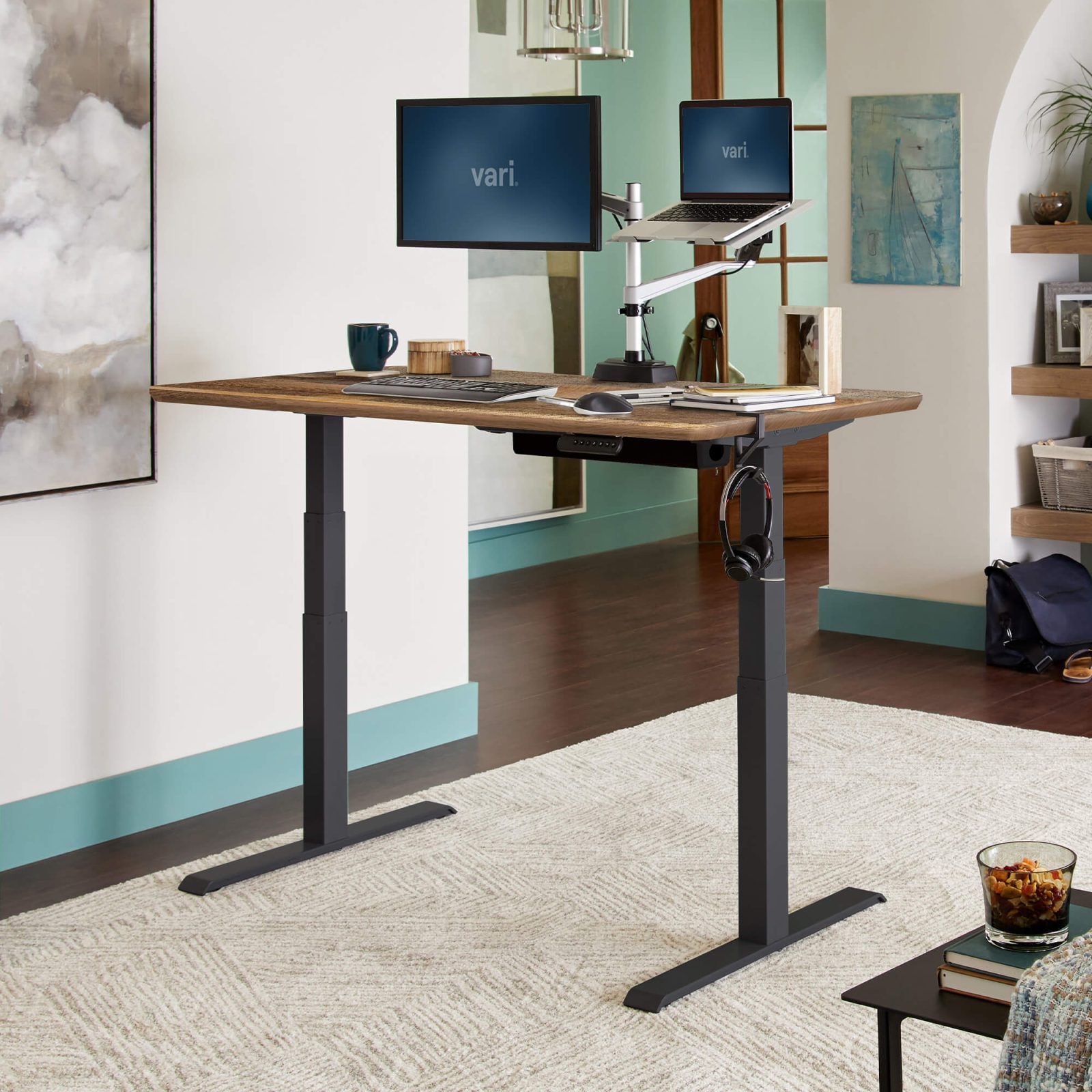
📷 Photo by vari.com