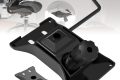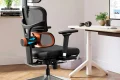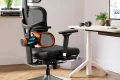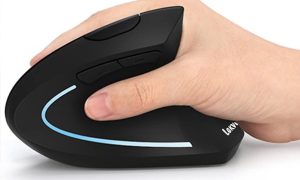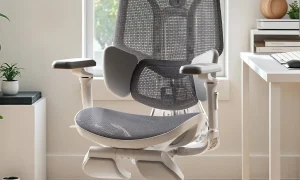
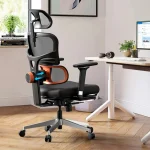


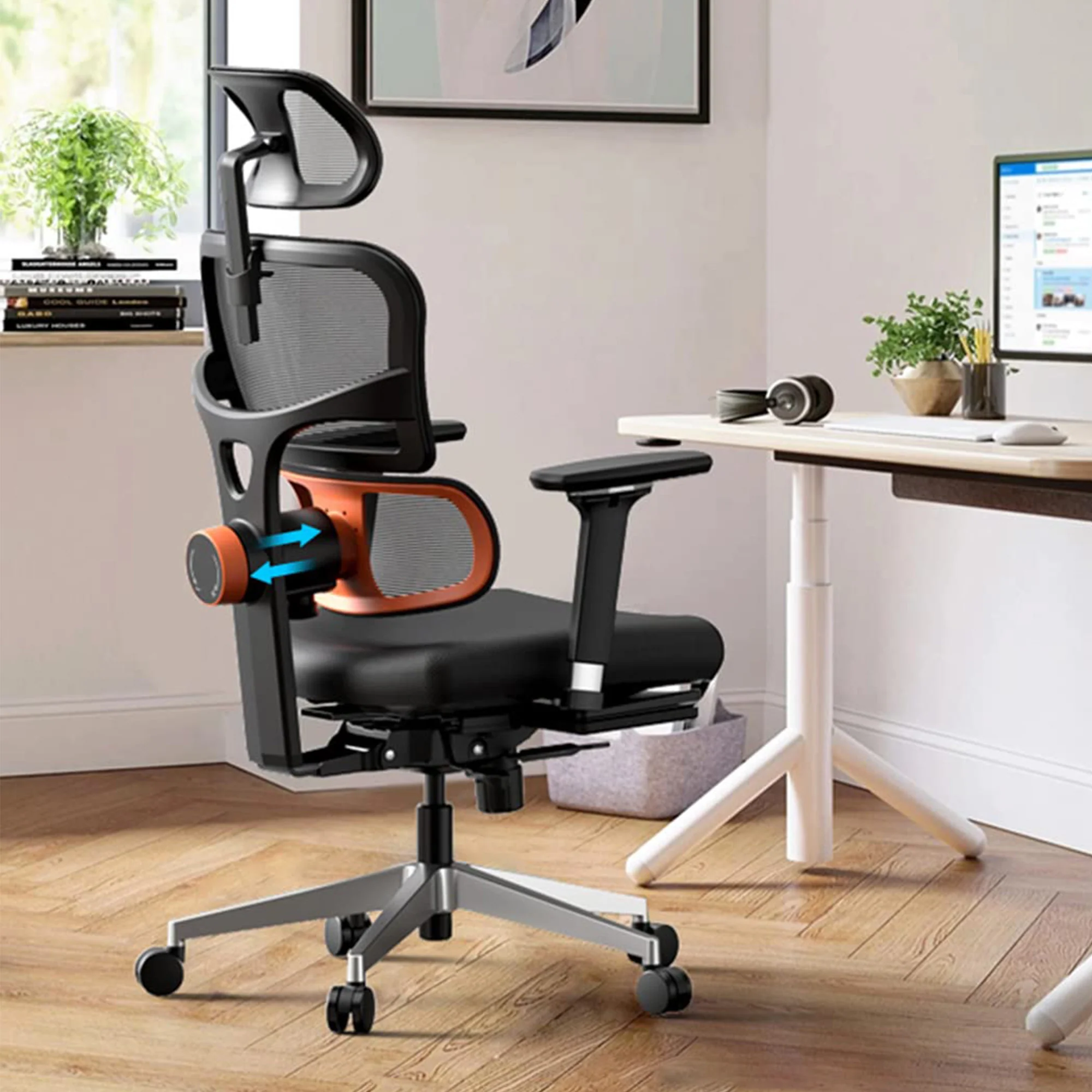
Aploda.com – An ergonomic office chair with adjustable lumbar support facilitates proper spinal alignment, which reduces pressure on the sciatic nerve and alleviates the radiating pain associated with sciatica.
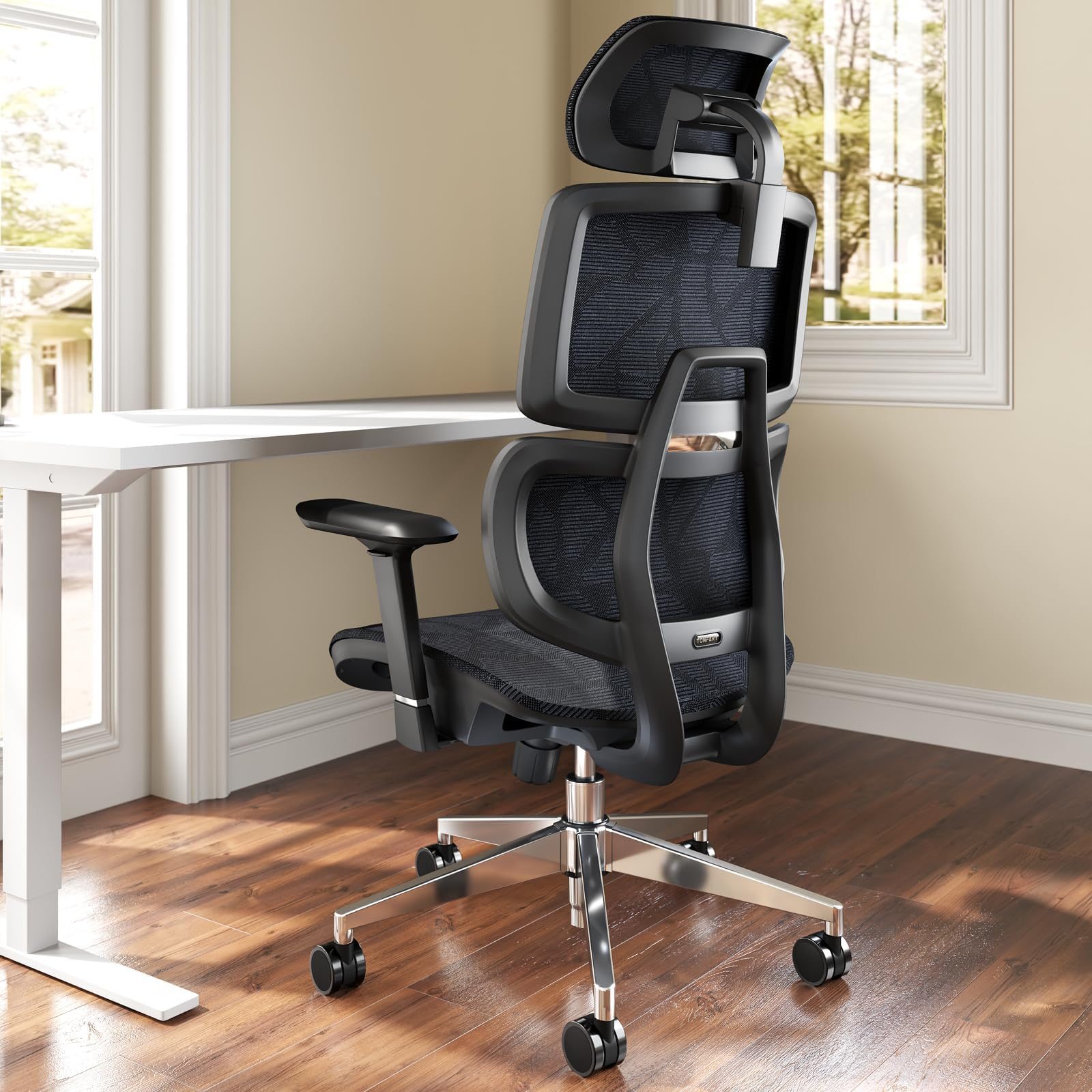
📷 Photo by amazon.de
Sciatica is not a condition in itself, but a symptom of an underlying issue, often caused by a herniated disc, spinal stenosis, or piriformis syndrome. When you sit for extended periods, especially in a poorly designed chair, your pelvis tends to tilt backward. This posture flattens the natural inward curve of your lower back, known as the lumbar lordosis. As the lumbar spine loses its curve, the discs between your vertebrae are compressed unevenly, which can bulge toward the sciatic nerve roots, triggering that sharp, shooting pain down your leg.
The Mechanics of Lumbar Alignment
The primary goal of an ergonomic chair is to maintain the “S” curve of your spine. When your lumbar spine is properly aligned, your weight is distributed evenly across the intervertebral discs rather than concentrating pressure on the posterior aspect of the disc. This neutral spine position prevents the mechanical stress that aggravates sciatic nerve inflammation.
Most standard chairs force a “C” shape posture, which is the nemesis of spinal health. An ergonomic chair provides a dedicated protrusion or an adjustable lumbar pad that pushes gently into the small of your back. This simple mechanical intervention keeps the pelvis in a neutral position, effectively “unlocking” the tightness in the lower back and reducing the likelihood of nerve impingement.
Critical Features to Look For
Not all chairs labeled as “ergonomic” are created equal. To find relief from sciatica, you must prioritize specific adjustability features that cater to your body’s unique dimensions. If the lumbar support is too low, it pushes into your sacrum; if it is too high, it pushes into your thoracic spine, neither of which helps the lumbar discs.
| Feature | Why It Matters for Sciatica | Adjustment Tip |
|---|---|---|
| Adjustable Lumbar Depth | Controls how far the support pushes into your spine. | Aim for firm, consistent contact without over-arching. |
| Seat Pan Depth (Slide) | Ensures your thighs are supported without pressure behind the knees. | Leave a 2-3 inch gap between the seat edge and your knees. |
| Recline Tension | Allows for dynamic sitting to reduce static loading. | Set resistance so you can lean back comfortably without strain. |
| Armrest Height | Prevents shoulder shrugging and neck tension. | Elbows should rest at a 90-degree angle. |
Steps to Optimize Your Chair for Sciatica Relief
Adjusting your chair is a process of trial and error. Follow these steps to ensure your setup is working for you, not against you:
- Position your hips as far back in the seat as possible to ensure your back is fully supported by the chair’s backrest.
- Locate the lumbar support mechanism and adjust its height so the curve of the chair aligns perfectly with the inward curve of your lower back.
- Adjust the depth of the lumbar support until you feel a comfortable, firm pressure that maintains your natural posture without forcing your back into an arch.
- Set the seat height so your feet are flat on the floor and your knees are at a 90-degree angle, which keeps your pelvis neutral.
- Engage the tilt mechanism slightly to allow for a reclined position, which shifts some of your upper body weight onto the backrest and away from your lumbar discs.
Common Mistakes That Exacerbate Sciatica
Many users buy a high-end chair but fail to use it correctly. The most common mistake is the “slouch and slide,” where the user sits on the edge of the seat or slides forward, effectively negating any lumbar support the chair offers. When you move away from the backrest, you lose the structural integrity of the chair, and your lumbar muscles are forced to compensate, leading to fatigue and increased nerve irritation.
Another error is ignoring the importance of movement. Even the most ergonomic chair cannot save you from the damage of prolonged static sitting. The discs in your spine are avascular—they do not have a direct blood supply. They rely on movement to pump nutrients in and waste products out. If you sit still for hours, the discs dehydrate and become more susceptible to injury.
The Role of Micro-Movements
To maximize the benefits of an ergonomic chair, incorporate the “30-minute rule.” Every thirty minutes, stand up, walk for two minutes, or perform gentle pelvic tilts. These movements hydrate the spinal discs and prevent the stiffness that often precedes a sciatica flare-up. Using a chair that allows for a slight recline is also beneficial, as it shifts the center of gravity and reduces the intradiscal pressure compared to sitting upright or leaning forward.
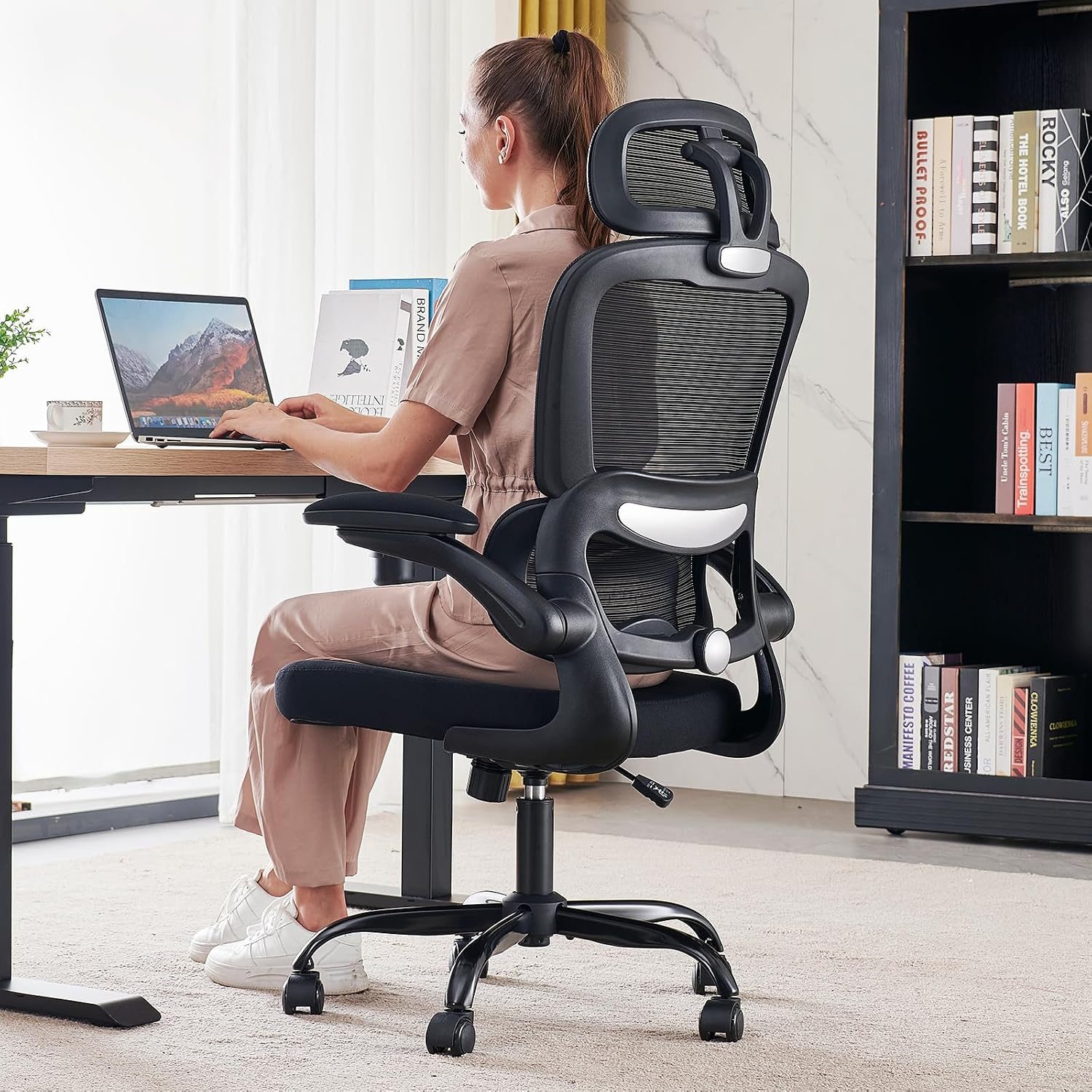
📷 Photo by amazon.sa
If you find that your chair still causes pain, consider the density of the seat cushion. A seat that is too soft causes your pelvis to sink, creating a rounded lower back. A firm, contoured cushion is generally superior for maintaining spinal alignment, as it provides a stable base for your pelvis to sit upon.
Q: Can an ergonomic chair cure sciatica permanently?
A: No, an ergonomic chair is a tool for management and prevention, not a medical cure. It helps reduce mechanical stress on the spine, but you should consult a physical therapist for exercises to address the underlying cause of your sciatica.
Q: Should I use a lumbar roll if my chair has built-in support?
A: Only if the built-in support is insufficient or does not match your specific spinal curvature. A lumbar roll can be a great supplement, but be careful not to create too much pressure, which can also be counterproductive.
Investing in an ergonomic chair is a proactive step toward protecting your long-term spinal health. By focusing on neutral alignment and regular movement, you create an environment where your spine can recover from daily stressors. Remember that comfort is subjective, but anatomical alignment is objective—prioritize the latter to find lasting relief from sciatica symptoms.
📷 Photo by eurekaergonomic.com