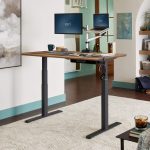
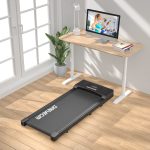



Aploda.com – Two-stage legs offer a more affordable, standard height range suitable for most users, whereas three-stage legs provide a wider adjustment range, greater stability at maximum height, and faster, quieter motor operation.
Choosing the right desk frame is the most critical decision when building an ergonomic workstation. The difference between two-stage and three-stage legs is primarily defined by the number of telescopic segments in the desk columns. A two-stage leg consists of two segments that slide into each other, while a three-stage leg utilizes three segments. This structural difference significantly impacts the desk’s height range, stability, and overall mechanical performance.
Understanding Two-Stage Legs
Two-stage legs are the industry standard for budget-friendly standing desks. They are designed for users of average height, typically offering a height range between 27 and 46 inches. Because they have fewer moving parts and fewer joints, they are generally simpler to manufacture and maintain. However, they lack the versatility required for extreme height adjustments or specialized ergonomic setups.
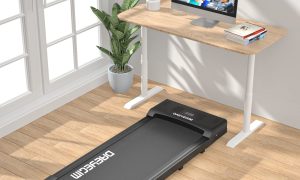
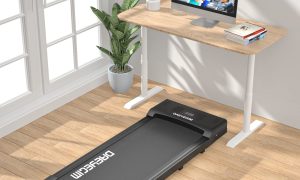
One major drawback of two-stage systems is their stability at peak height. As you extend the desk to its maximum limit, the lack of a third segment can result in a noticeable “wobble,” especially when typing vigorously or leaning on the desk. For users who are taller than six feet or those who prefer working on a treadmill desk, the two-stage frame often falls short of the necessary ergonomic clearance.
The Advantages of Three-Stage Legs
Three-stage legs are engineered for versatility and performance. By adding a third segment, manufacturers can achieve a much lower minimum height and a higher maximum height, typically ranging from 24 to 50 inches. This makes them ideal for a broader demographic, including shorter individuals who need a lower desk for proper typing posture and taller individuals who require more legroom.
Beyond the height range, three-stage legs provide superior structural integrity. The extra segment allows for a larger footprint and a more robust internal motor mechanism. This configuration results in a desk that feels rock-solid even when fully extended. Many three-stage models also feature dual motors, which provide a smoother, faster, and quieter transition between sitting and standing positions compared to the single-motor systems often found in two-stage models.
Comparison Matrix
| Feature | Two-Stage Legs | Three-Stage Legs |
|---|---|---|
| Height Range | Limited (Standard) | Extended (Wide) |
| Stability | Moderate (May wobble at high) | High (Very stable) |
| Adjustment Speed | Standard | Faster |
| Noise Level | Audible | Very Quiet |
| Cost | Budget-Friendly | Premium |
How to Choose the Right Frame for Your Workspace
Selecting the appropriate leg system requires a practical assessment of your physical dimensions and your specific work habits. Follow these steps to determine which system fits your needs:
- Measure your current sitting desk height: If your comfortable typing height is significantly lower or higher than 29 inches, you may need the wider range of a three-stage frame.
- Assess your height: If you are over 6 feet tall, the two-stage desk will likely not reach a high enough standing position to prevent you from hunching over.
- Evaluate your equipment load: If you use heavy monitors, multiple arms, or a heavy desktop material, the superior stability of a three-stage frame is necessary to prevent shaking.
- Identify your speed preference: If you switch positions frequently throughout the day, the faster motor speed of a three-stage system reduces the friction of changing posture.
Common Mistakes and Practical Tips
A frequent mistake consumers make is prioritizing the desktop aesthetic over the leg mechanism. While the surface of the desk is what you see, the legs are what define the longevity and comfort of your workstation. Investing in a high-quality three-stage frame is often more cost-effective in the long run because it prevents the need for an upgrade as your ergonomic needs evolve.
Another issue is ignoring the minimum height requirement. Many users focus solely on the maximum height, forgetting that if a desk cannot go low enough, their elbows will be positioned incorrectly, leading to wrist strain and carpal tunnel symptoms over time. Always ensure that the desk can reach a low enough setting to allow your elbows to form a 90-degree angle while seated.
Maintenance and Longevity
Regardless of the type of leg you choose, maintenance is key to a long desk life. Avoid overloading the desk beyond its rated weight capacity, as this puts unnecessary stress on the internal gears. Periodically check the bolts and screws, as the constant movement of the legs can cause minor vibrations that loosen fasteners over time. If you notice the desk becoming uneven, perform a manual reset of the control box, which is a standard procedure for most electronic standing desks.
Frequently Asked Questions
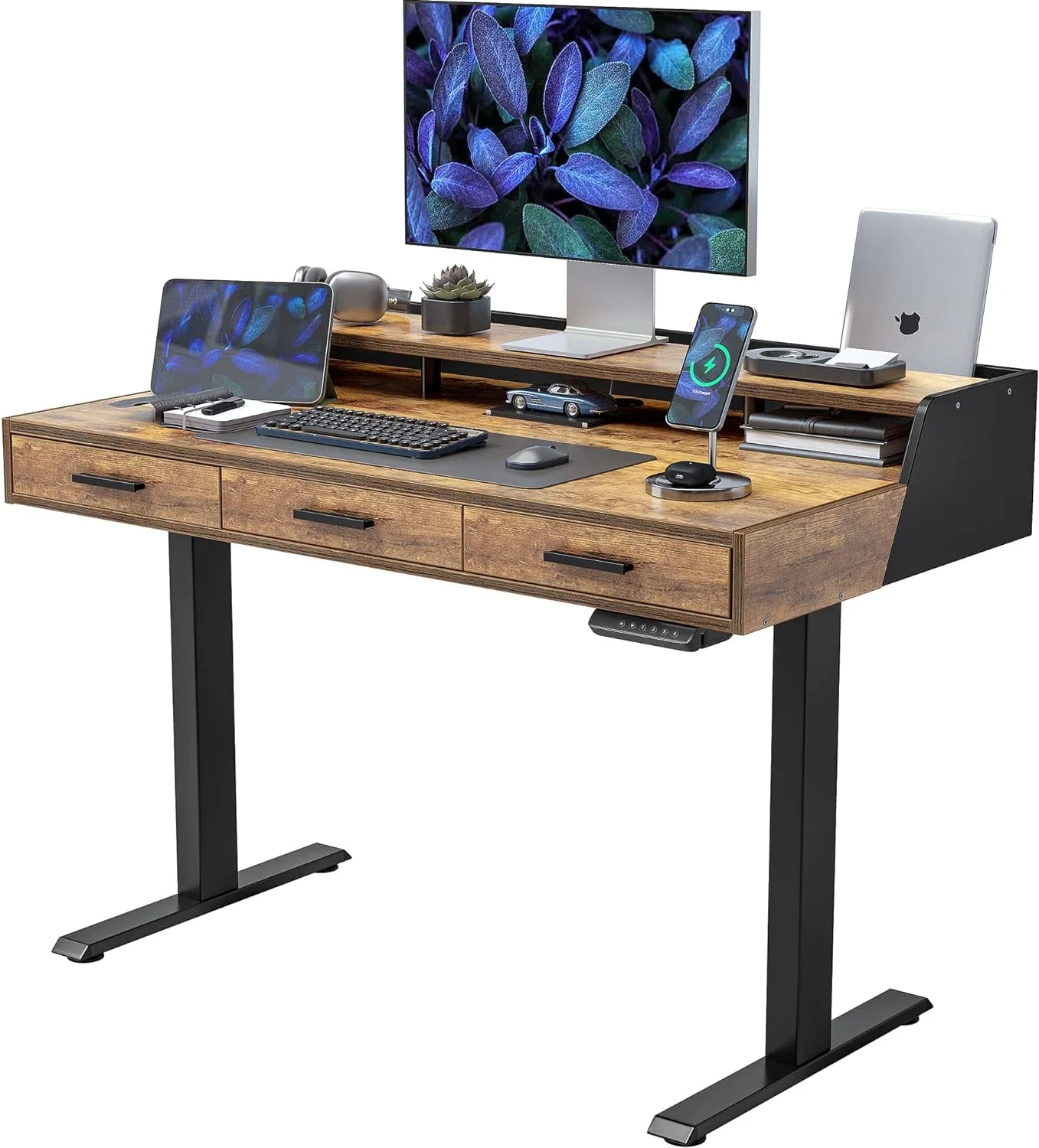
📷 Photo by walmart.com
Q: Will a two-stage desk wobble if I am a heavy typer?
A: Yes, two-stage desks generally exhibit more lateral movement at higher heights, which can be distracting if you are a heavy typer or use multiple monitor arms.
Q: Are three-stage legs always faster than two-stage legs?
A: Generally, yes. Three-stage systems usually utilize more advanced motor technology, resulting in faster and smoother transitions, though this can vary by brand and model.
Q: Is it worth the extra money for three-stage legs if I am of average height?
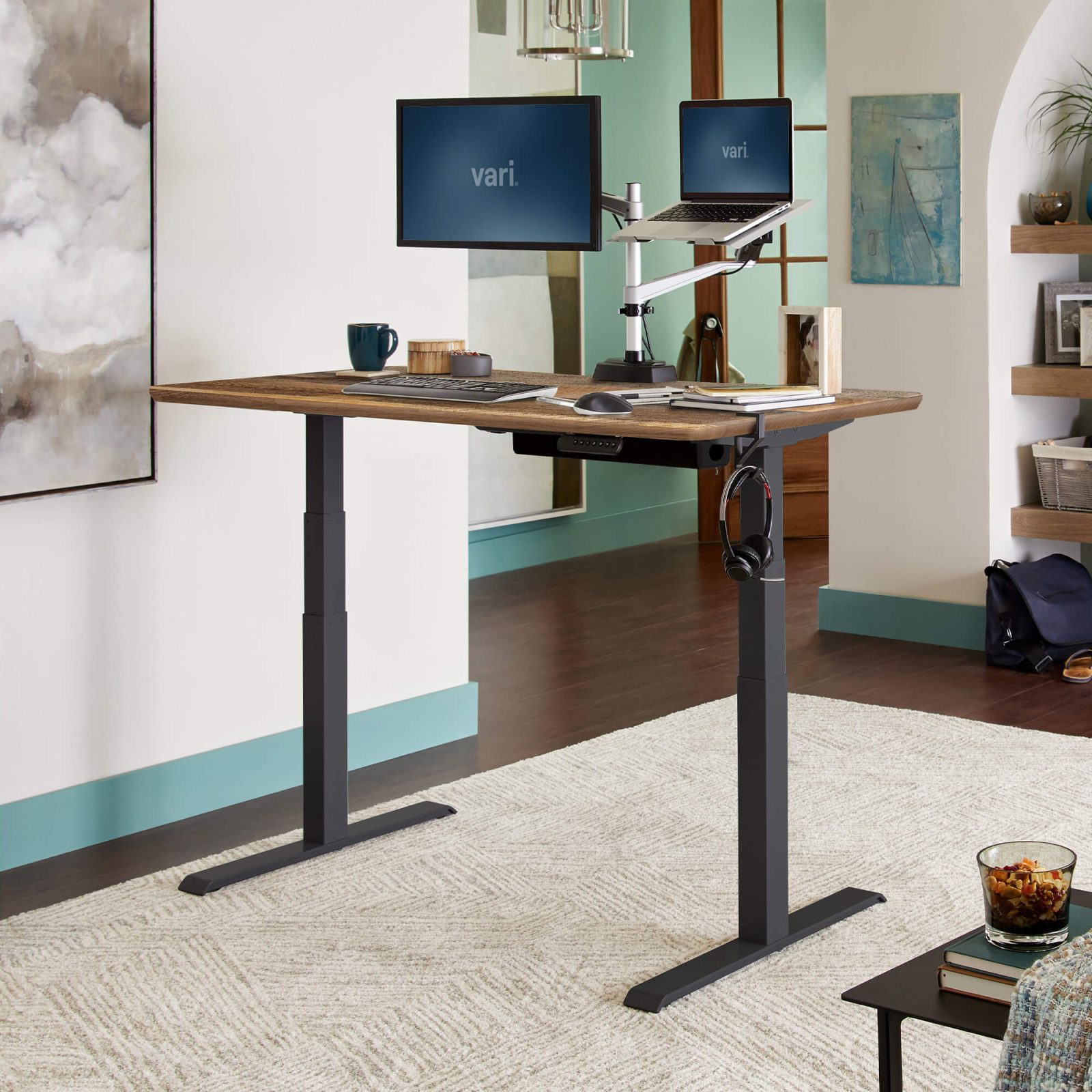
📷 Photo by vari.com
A: If you value stability and quiet operation above all else, the three-stage frame is a better investment, even if you do not necessarily need the extra height range.
Ultimately, the choice between two-stage and three-stage legs comes down to your personal height, your desire for stability, and your budget. While two-stage desks are perfectly adequate for many, the three-stage option offers a premium ergonomic experience that justifies the additional cost for those who spend the majority of their day at their workstation.
Read also: How to Prevent Shin Splints While Using an Under Desk Treadmill
📷 Photo by vari.com