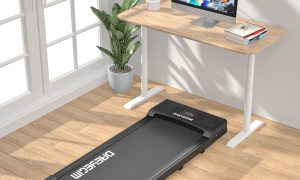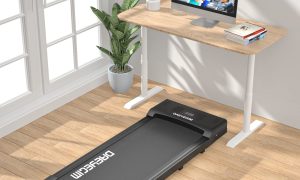


Aploda.com – An ideal anti-fatigue mat for a standing desk should be between 0.75 and 1 inch thick to provide the perfect balance of compression, support, and durability for prolonged standing.
Choosing the right thickness for an anti-fatigue mat is not merely about finding the softest cushion available. In fact, mats that are too soft can become unstable, causing your ankles to work harder to maintain balance, which leads to more fatigue rather than less. The goal is to select a thickness that allows for subtle micro-movements, which improve circulation and reduce the static load on your spine and lower extremities.
Understanding Material Density Versus Thickness
Thickness is only half of the equation; density is the other critical factor. A mat that is one inch thick but constructed from low-density foam will bottom out quickly, meaning you will essentially be standing on the hard floor within minutes. Conversely, a high-density mat, even if it is only 0.5 inches thick, can provide superior support by distributing your weight evenly across the surface.
For most office environments, the “sweet spot” is a high-quality polyurethane foam mat that measures approximately 0.75 inches. This depth offers enough “give” to cushion the heel and ball of the foot without creating a trip hazard or feeling like you are standing on a unstable surface.
Comparing Mat Thickness and Their Ideal Use Cases
| Thickness Range | Best For | Support Level |
|---|---|---|
| 0.3 – 0.5 Inches | Light use, home offices, limited space | Low to Moderate |
| 0.75 – 1.0 Inch | Full-time standing desk users | High (Optimal) |
| 1.25+ Inches | Industrial, heavy-duty, or clinical | Maximum (Can be unstable) |
Common Mistakes When Selecting Mat Size
One of the most frequent errors users make is purchasing a mat that is too small for their actual standing footprint. If your mat is too narrow, you will often find yourself standing with one foot on the mat and one foot on the floor, which creates an uneven posture that can lead to hip misalignment and back pain over time. Always measure the area where you typically stand and ensure the mat covers at least the width of your shoulders plus an additional six inches on each side.
Another mistake is ignoring the surface type. If you are placing your mat on a high-pile carpet, a thinner mat may shift or “creep” over time. In these instances, a slightly thicker, heavier mat with a textured bottom surface is essential to ensure it stays in place throughout the workday.
Steps to Determine Your Ideal Mat Setup
To ensure you choose the right product for your specific workstation, follow these steps to evaluate your needs before making a purchase.
- Assess your standing duration: If you stand for more than four hours a day, prioritize a high-density mat that is at least 0.75 inches thick to prevent compression fatigue.
- Measure your workspace: Use a tape measure to identify the exact width of your standing area. Ensure the mat is large enough so that you never have to step off the edge while shifting your weight.
- Check the bevel edges: Always look for mats with tapered or beveled edges. A mat that is 1 inch thick without a gradual taper creates a significant trip hazard in a busy office environment.
- Evaluate your footwear: If you typically stand barefoot or in thin socks, you can lean toward the thicker end of the spectrum. If you wear supportive office shoes, a slightly thinner, denser mat is usually sufficient.
Risks of Incorrect Mat Usage
Using a mat that is too soft or overly thick can actually be detrimental. When a mat is too plush, it forces the small stabilizing muscles in your feet and ankles to engage excessively to correct your balance. Over an eight-hour shift, this leads to muscle exhaustion rather than relief. Furthermore, mats that are too thick can interfere with the ergonomic height of your desk. If your mat adds an inch to your height, you must adjust your desk height accordingly to maintain the correct elbow angle, otherwise, you risk shoulder and neck strain.
Read also: Ergonomic Kneeling Chair vs Standard Ergonomic Office Chair
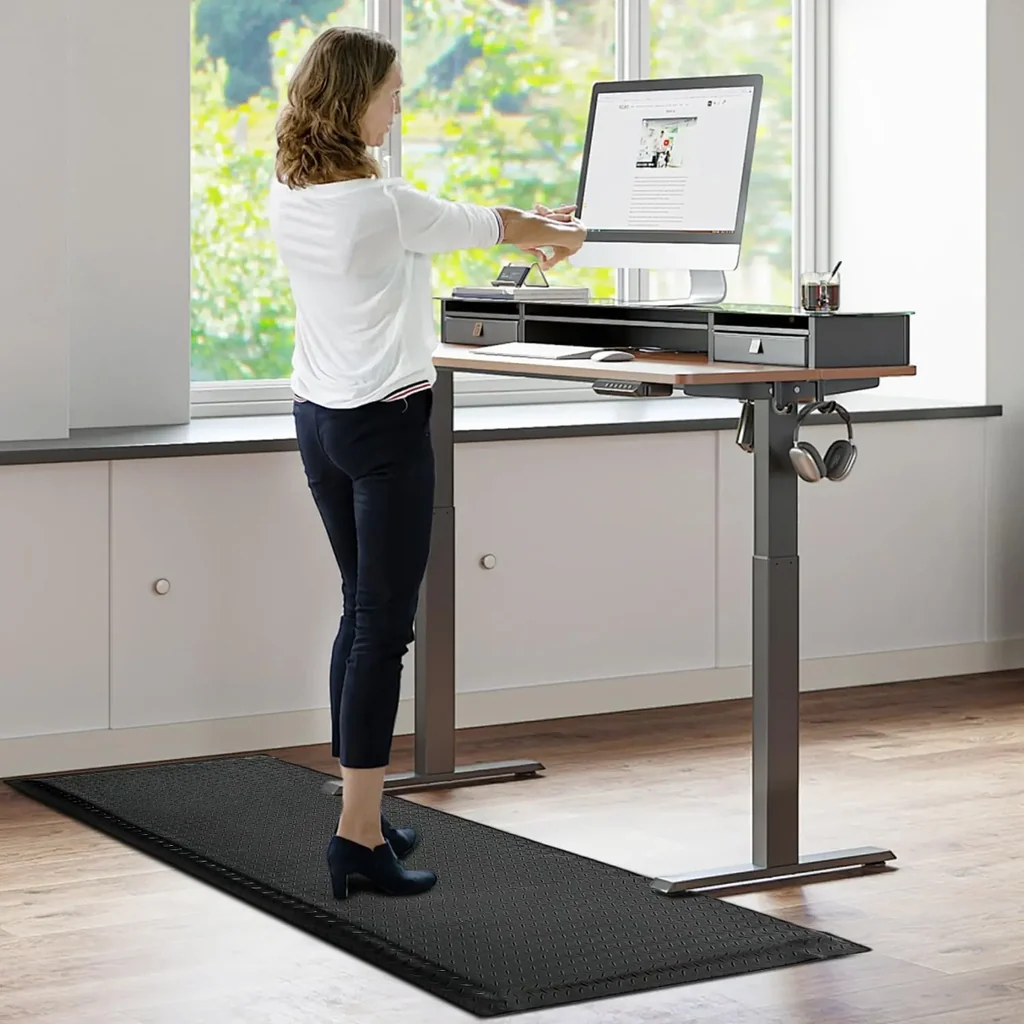
📷 Photo by kreafolk.com
The Role of Surface Texture
Beyond thickness, the surface texture plays a role in how the mat performs. A slightly textured surface helps encourage subconscious movement. When your feet feel different textures, it prompts you to shift your weight and move your toes, which is the primary mechanism by which anti-fatigue mats reduce blood pooling in the legs. Avoid completely smooth, glossy surfaces, as they can become slippery and offer no tactile feedback.
Q: Is a thicker mat always better for back pain?
A: No, a mat that is too thick can cause instability and poor posture. Support and density are more important than sheer thickness; a 0.75-inch high-density mat is usually better for back pain than a 1.5-inch soft foam mat.
Q: How long should an anti-fatigue mat last?
A: A high-quality polyurethane mat should retain its bounce and structural integrity for three to five years, depending on the frequency of use and the type of footwear worn while standing.
Q: Can I use an anti-fatigue mat on top of a rug?
A: It is not recommended. Placing a mat on a rug increases the risk of slipping and creates an uneven surface that negates the ergonomic benefits of the mat. It is always best to place the mat directly on a hard floor surface.
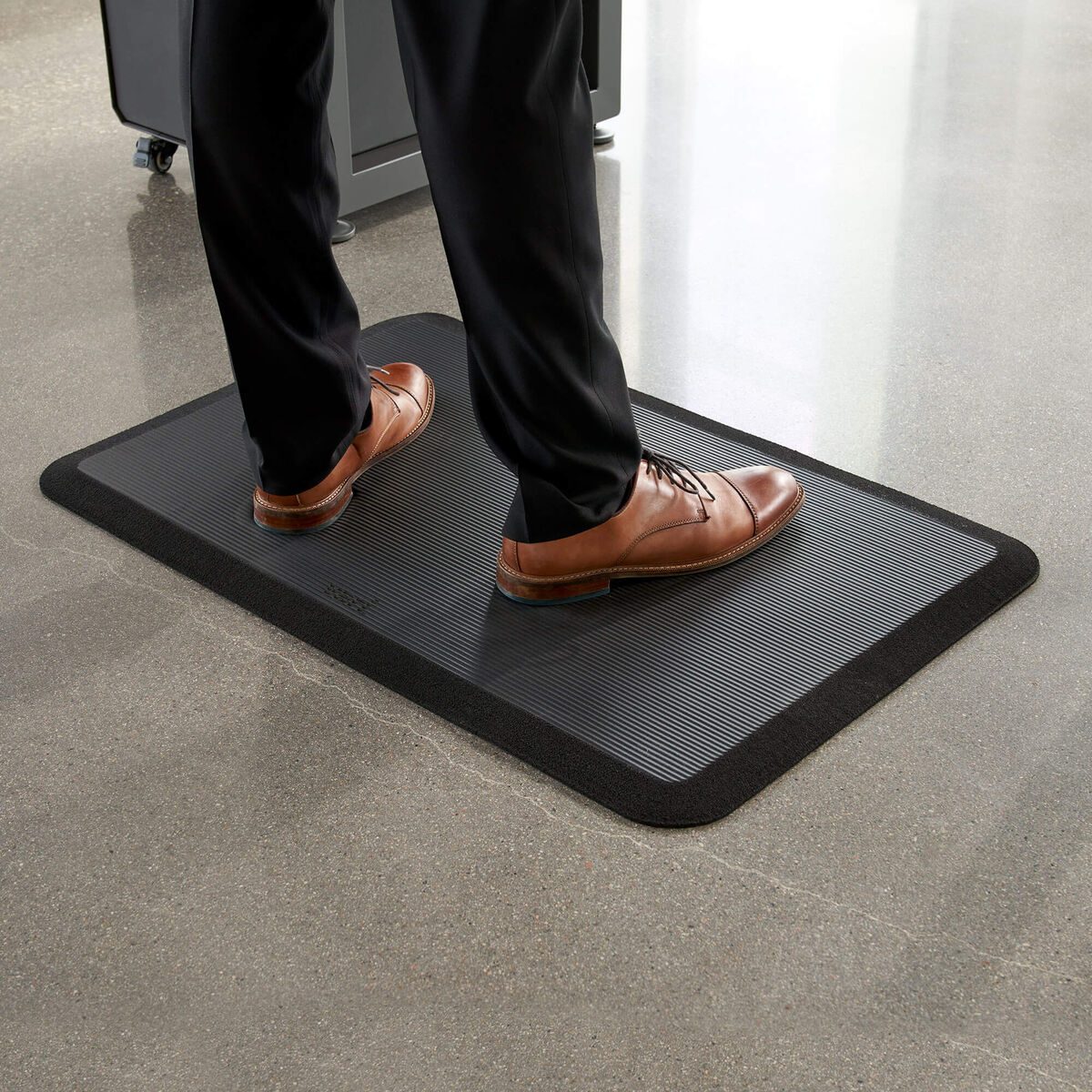
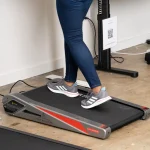
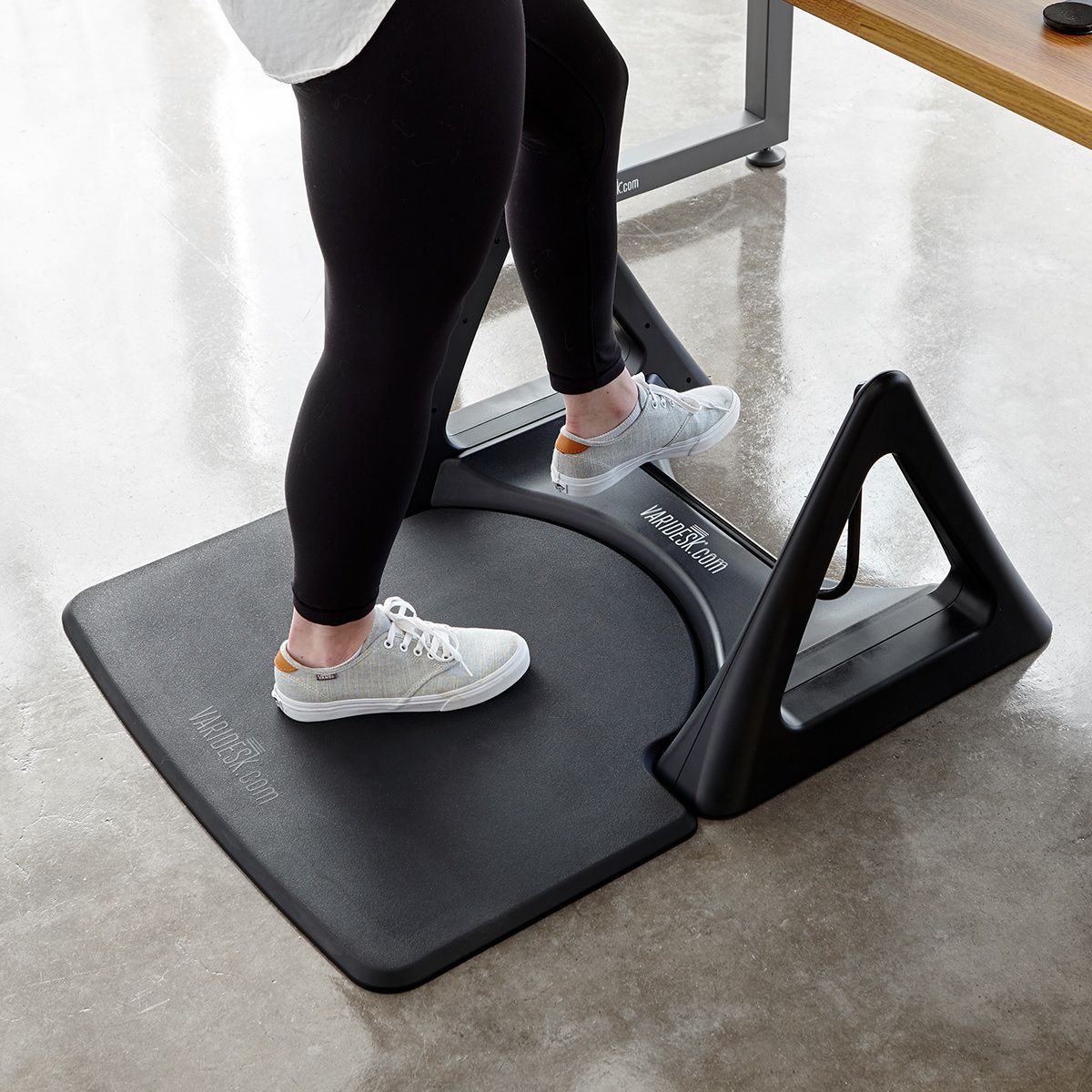
📷 Photo by vari.com
Ultimately, the best anti-fatigue mat is one that you forget is there. It should provide enough support to eliminate the “hard floor” feeling while remaining stable enough that you do not feel like you are standing on a mattress. Focus on high-density materials and a 0.75 to 1-inch profile for the most effective ergonomic experience.
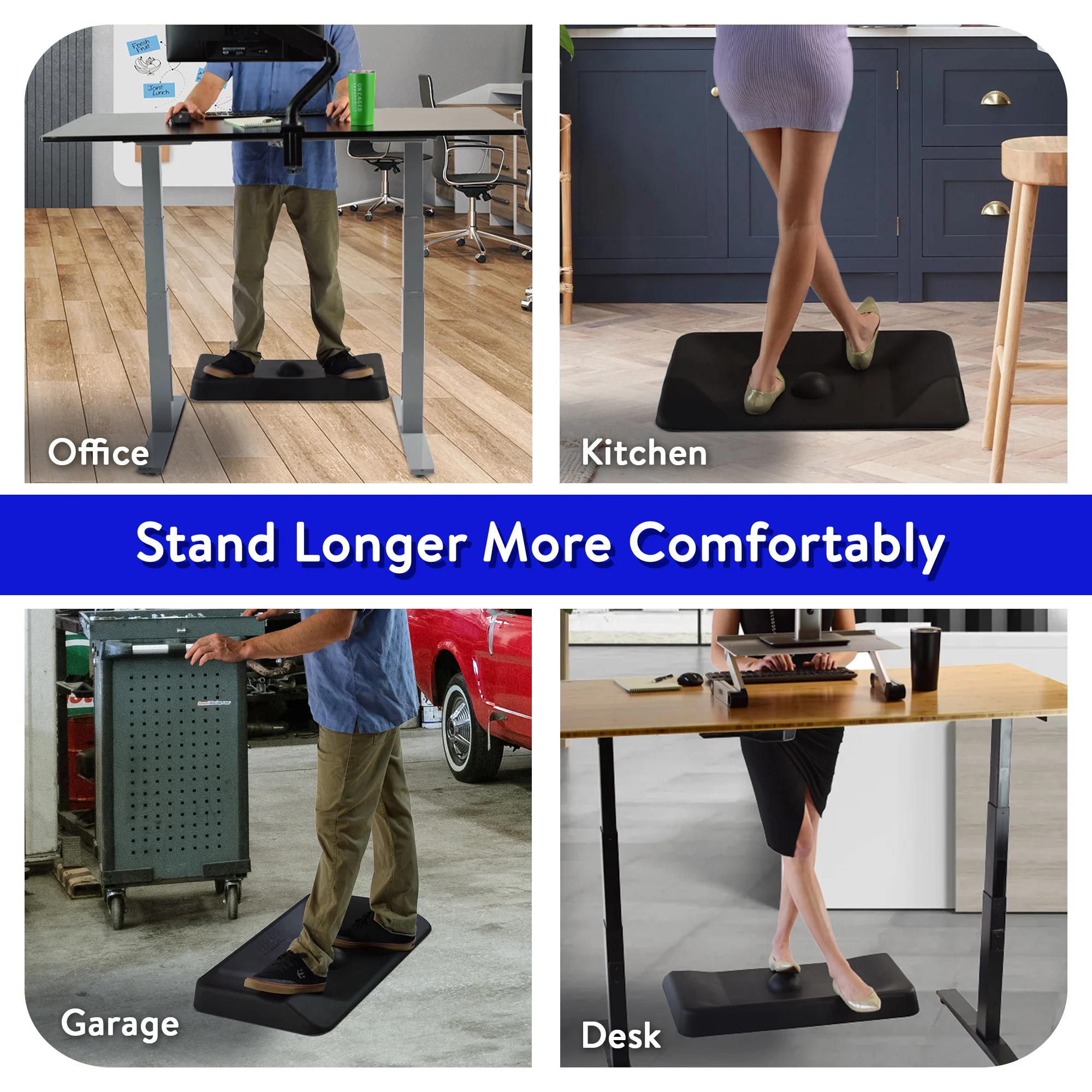
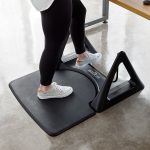
📷 Photo by uncagedergonomics.com
📷 Photo by pinterest.com