


Aploda.com – A high-quality 360-degree fluid motion balance board for standing desks improves core stability and reduces joint fatigue by allowing constant, subtle micro-movements that prevent static posture-related pain. These boards are essential tools for office workers looking to bridge the gap between sedentary work and active movement.
The Mechanics of 360-Degree Fluid Motion
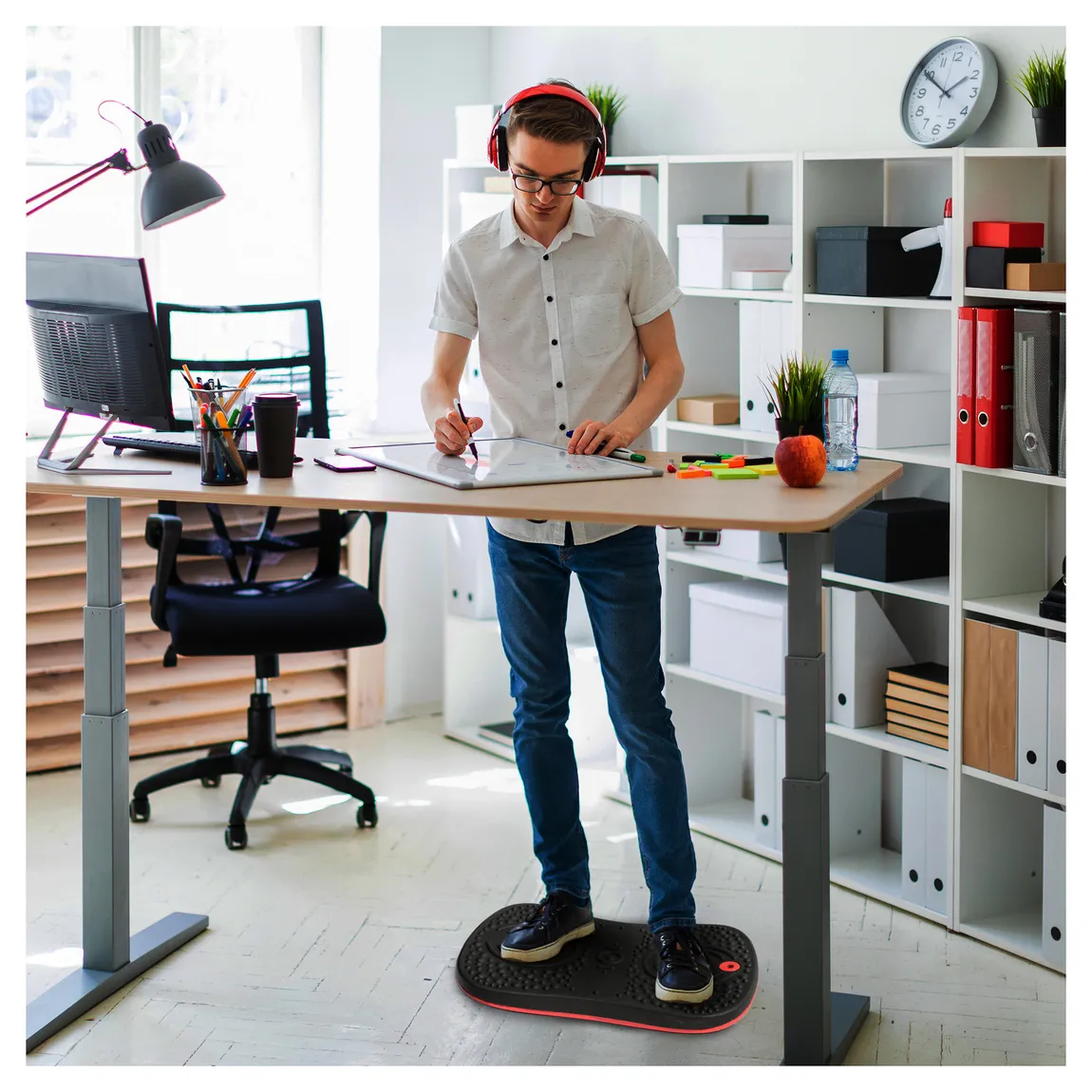
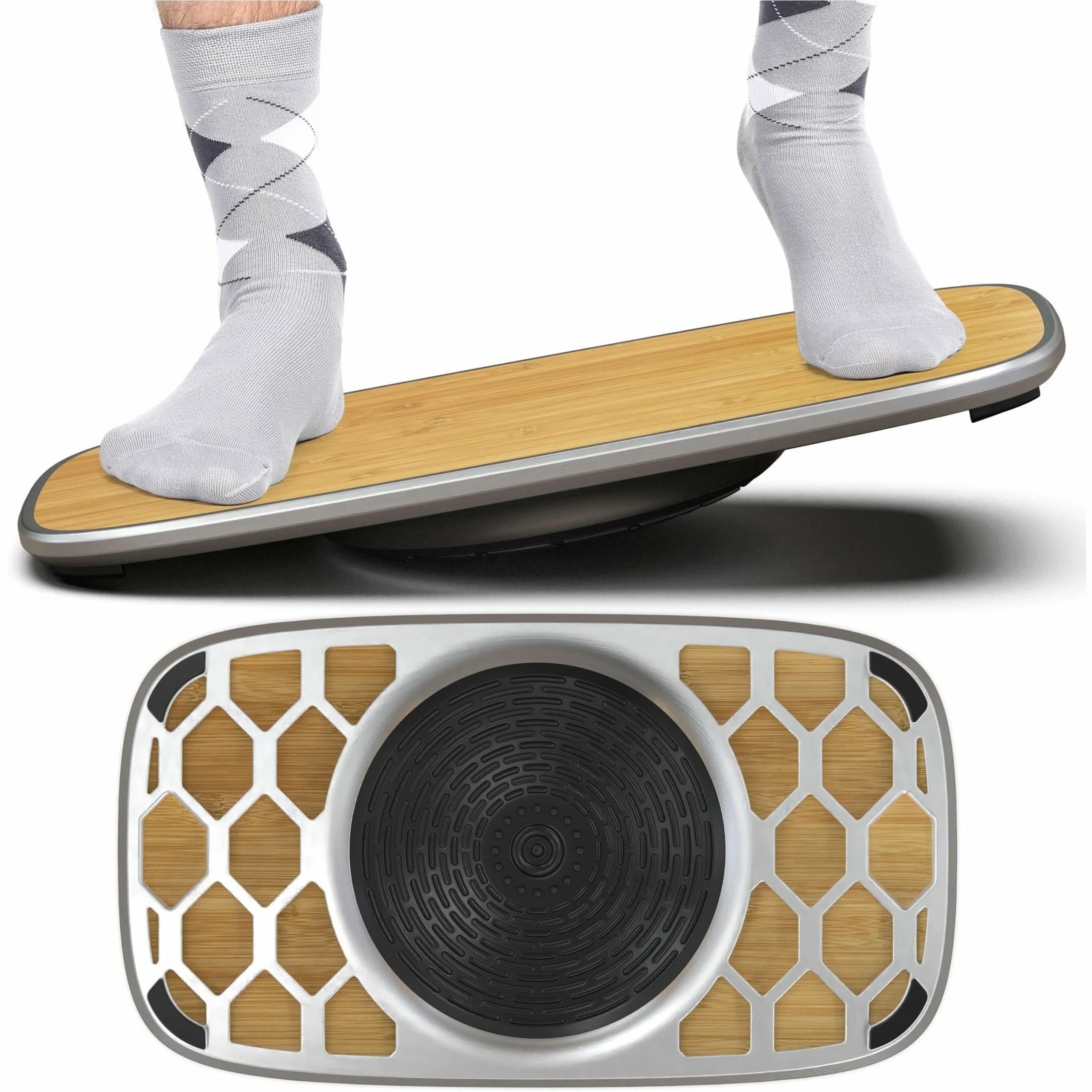
Traditional balance boards often limit movement to a single plane, such as side-to-side or front-to-back. A 360-degree fluid motion board, however, utilizes a spherical or omnidirectional pivot point underneath the deck. This design forces your body to engage its stabilizer muscles—the core, glutes, and lower legs—continuously to maintain equilibrium.
When you stand at a desk, your body naturally wants to lock its joints. This static load is the primary culprit behind lower back pain and circulatory issues. By introducing fluid motion, you disrupt this stagnation. You are not meant to stand perfectly still for eight hours; you are meant to sway, shift, and balance.
Key Benefits for Office Workers
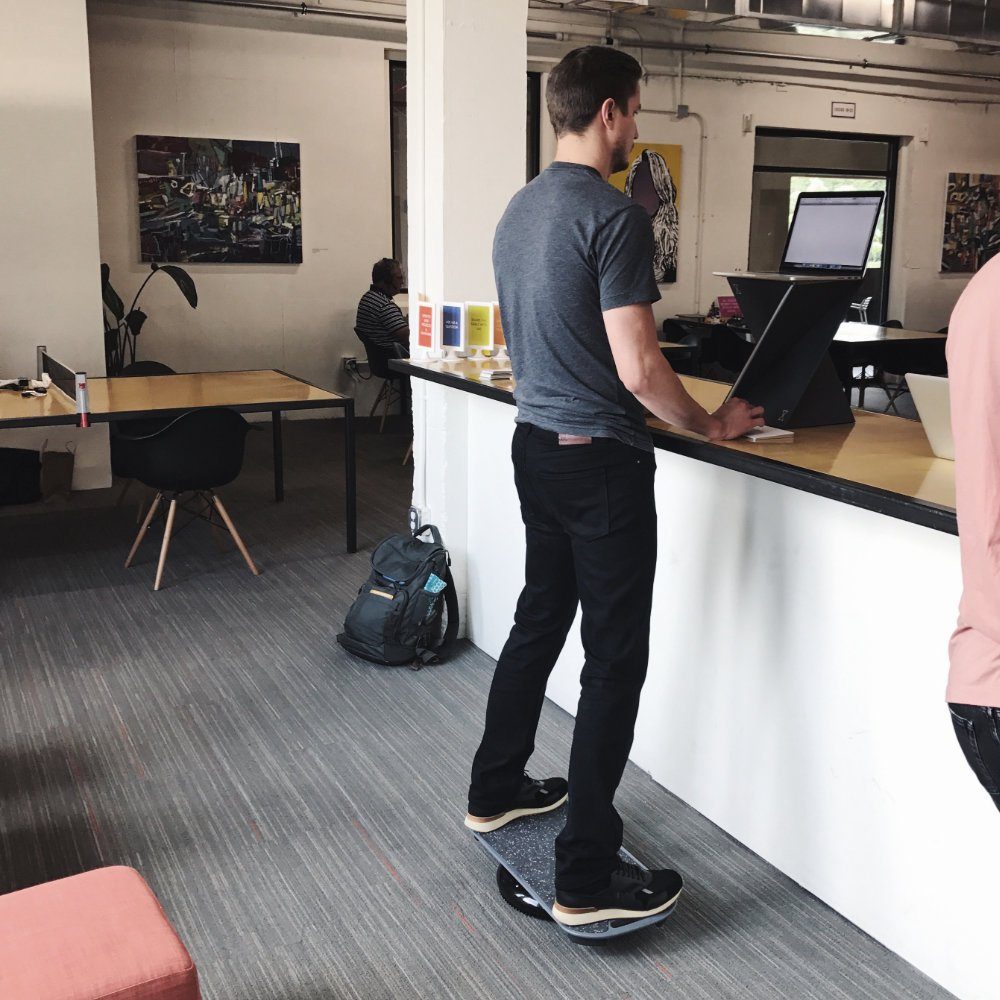
The most immediate benefit is the reduction of joint stiffness. By shifting your weight in a circular motion, you lubricate the joints in your ankles, knees, and hips. This keeps the synovial fluid moving, which is critical for joint health over the long term.
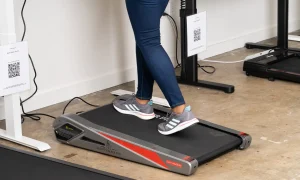
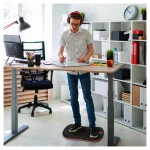
📷 Photo by revbalance.com
Beyond physical health, there is a cognitive advantage. The small, subconscious movements required to balance increase blood flow to the brain. This heightened circulation can lead to improved focus and alertness during long meetings or deep-work sessions. It effectively turns your workspace into an active environment that keeps your nervous system engaged rather than sedated.
Selecting the Right Board: Comparison Checklist
Not all balance boards are created equal. When choosing a board for a standing desk, you must consider the surface material, the tilt angle, and the weight capacity. Below is a comparison of common features you should look for to ensure safety and longevity.
| Feature | High-End Fluid Board | Basic Wobble Board | Anti-Fatigue Mat |
|---|---|---|---|
| Motion Range | 360-Degree Fluid | Linear/Single Plane | None (Static) |
| Muscle Engagement | High (Core/Stabilizers) | Medium | Low |
| Surface Material | Textured Rubber/Grip | Hard Plastic/Wood | Foam/Cushion |
| Desk Compatibility | Universal | Limited | Excellent |
How to Integrate a Balance Board Into Your Routine
Transitioning to a balance board requires a gradual approach. If you jump into using it for four hours straight on your first day, you may experience significant muscle soreness in your calves and lower back. Follow these steps to safely incorporate it into your workflow.
- Start with 15-minute intervals. Do not attempt to stand on the board for your entire shift immediately.
- Ensure your desk height is adjusted correctly. Your elbows should be at a 90-degree angle while your feet are on the board, which may require you to raise your desk slightly higher than when standing on flat ground.
- Place a standard anti-fatigue mat nearby. When you feel tired or need to focus on a task requiring extreme precision, step off the board and onto the mat.
- Practice subtle movements. You do not need to perform extreme tilts. The goal is micro-movements that you barely notice while working.
- Listen to your body. If you feel sharp pain or excessive fatigue, take a break. Balance training is an endurance activity for your stabilizer muscles.
Common Mistakes to Avoid
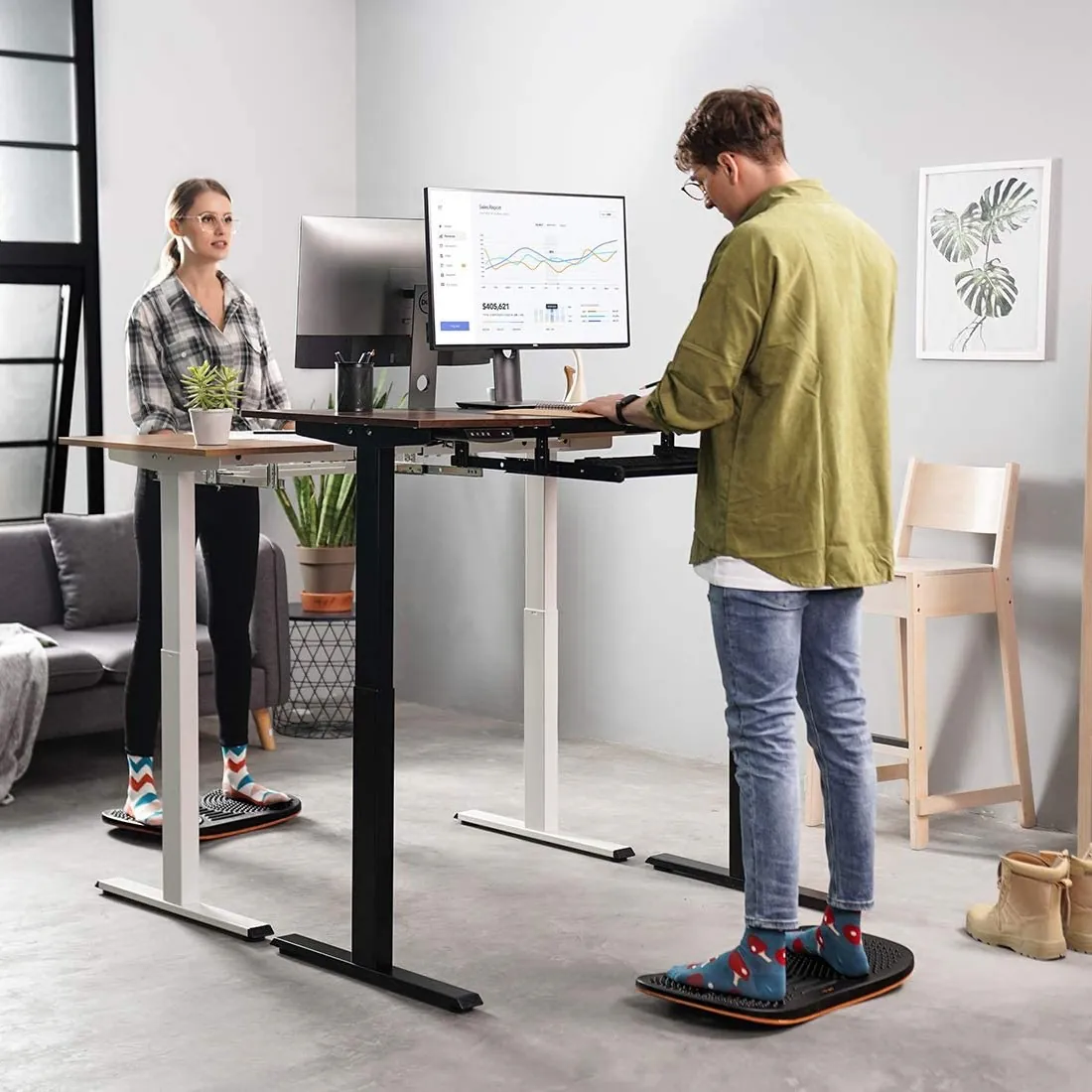
The most common mistake is wearing improper footwear. While you can use a balance board barefoot, wearing shoes with thick, squishy soles can compromise your stability and make the board feel “mushy.” Opt for flat-soled shoes or go barefoot to feel the board’s texture and maintain better control.
Another error is placing the board on a high-pile carpet. The deep fibers of the carpet will impede the 360-degree motion of the pivot point, essentially neutralizing the benefit of the board. Always place your board on a hard floor or a very low-pile, tight-weave office rug to ensure the mechanism can move freely.
Finally, avoid ignoring the tilt limit. Most high-quality boards have a safety stop or a defined range of motion. Pushing beyond these limits can cause the board to slip out from under you. Learn the boundaries of your specific model during your first few days of use.
Read also: Overcoming Leg Fatigue During Your First Week of Standing Desk Use
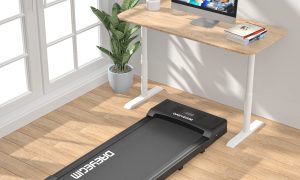
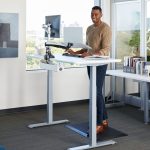
📷 Photo by unicun.com
Risks and Safety Considerations
While balance boards are excellent for posture, they are not for everyone. If you have a history of ankle injuries, vertigo, or balance-related medical conditions, consult a physical therapist before adding one to your workspace. Additionally, ensure your desk area is clear of clutter. If you lose your balance, you need to be able to step off the board safely without tripping over cables or office equipment.
Frequently Asked Questions
Q: Can I use a 360-degree balance board all day?
A: No, it is recommended to rotate between sitting, standing on a flat mat, and using the balance board to avoid overworking specific muscle groups.
Q: Will using a balance board distract me from my work?
A: Initially, you may find it distracting, but after a few days, the balancing movements become subconscious, similar to how you shift your weight in a chair.
Q: How much space do I need for a fluid motion board?
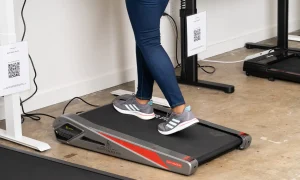
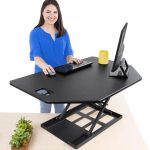
📷 Photo by walmart.com
A: You generally need a footprint of about 2 feet by 2 feet, ensuring you have enough room to step off the board in any direction if you lose your footing.
Incorporating a balance board into your desk setup is an investment in your long-term health. By moving away from rigid, static standing and embracing the fluidity of 360-degree motion, you are actively preventing the chronic issues associated with modern office work. Start small, stay consistent, and let your body find its natural equilibrium.
📷 Photo by madisonliquidators.com