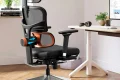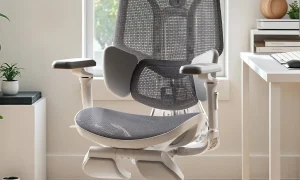
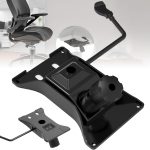


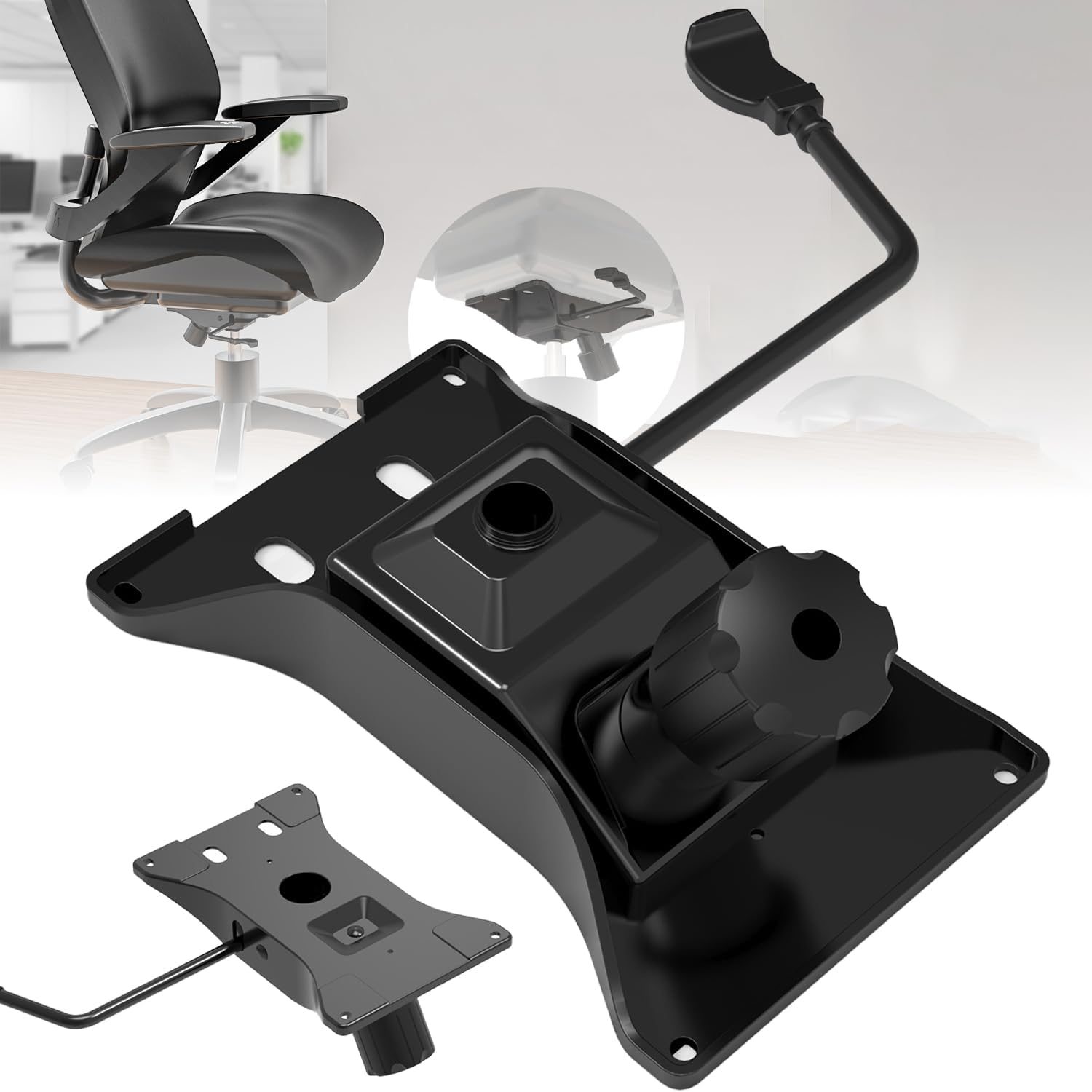
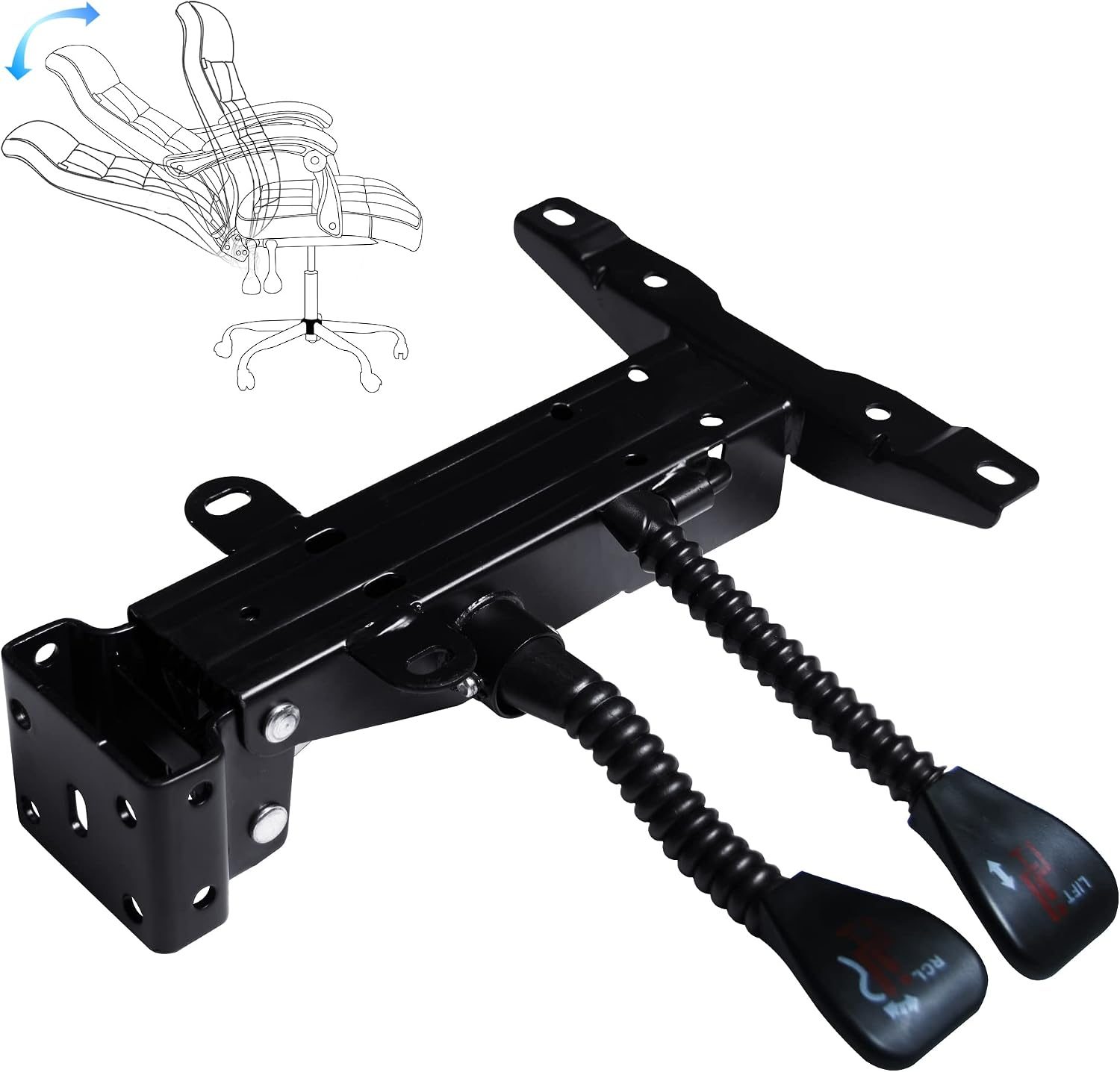
Aploda.com – An ergonomic office chair back angle lock, or multi-position tilt limit, is a mechanical feature that allows users to fix the backrest at specific reclining angles, preventing the chair from rocking freely and ensuring consistent spinal support throughout the workday.
The ability to lock your chair at a specific angle is more than just a luxury; it is a critical component of dynamic sitting. Many office workers mistakenly believe that a chair should remain locked in an upright, 90-degree position at all times. However, ergonomic research suggests that changing your posture throughout the day reduces the risk of musculoskeletal disorders. Multi-position tilt limits allow you to transition from a focused upright task to a relaxed, slightly reclined posture without losing the stability required to maintain good form.
Why Back Angle Locks Matter for Spinal Health
When you sit in a chair that only offers a “locked upright” or “fully loose” setting, your body often compensates for discomfort by slouching or leaning forward. A multi-position lock provides a middle ground. By setting the tilt to a 105 or 110-degree angle, you open up the hip angle, which reduces pressure on the lumbar discs. This simple adjustment can be the difference between finishing your day feeling energized versus finishing with a stiff, aching lower back.
Furthermore, the lock prevents the “spring-back” effect. Without a tilt limiter, your chair might push back against you, forcing you to exert constant muscular effort to stay in a reclined position. With the lock engaged, the chair holds your weight, allowing your core muscles to relax while your spine remains supported by the backrest.
Comparing Tilt Mechanisms
Not all chairs offer the same level of control over their recline. Understanding the difference between a simple tension knob and a multi-position tilt lock is essential for choosing the right equipment.
| Feature | Simple Tension Control | Multi-Position Tilt Lock |
|---|---|---|
| Function | Adjusts resistance | Fixes backrest angle |
| Flexibility | Low (all or nothing) | High (multiple stops) |
| Best For | Occasional rocking | Long-term task support |
| Complexity | Basic | Advanced |
How to Properly Utilize Your Chair’s Tilt Limit
Most high-quality ergonomic chairs require a specific sequence of actions to engage the tilt lock correctly. Following these steps will ensure you are getting the most out of your chair’s mechanical features.
- Sit fully back in the chair, ensuring your lower back is firmly against the lumbar support.
- Identify the tilt lock lever, usually located on the left or right side under the seat pan.
- Lean back to your desired angle; the chair should move smoothly if the tension is set correctly.
- Once you reach the preferred angle, move the lever to the “lock” position or engage the stop mechanism.
- Test the stability by gently leaning back; if the chair moves, re-adjust the lever to ensure the teeth of the locking mechanism have fully engaged.
Common Mistakes When Using Tilt Limits
A frequent error is locking the chair at an angle that is too steep for the task at hand. If you are typing or using a mouse, locking the chair in a deep recline can cause you to crane your neck forward to see the monitor, leading to “tech neck” and upper back strain. Always keep the chair more upright for active tasks and save the deeper recline for reading or taking phone calls.
Another mistake is failing to adjust the tension alongside the lock. If your tension is too loose, the chair will feel unstable even when you try to engage the lock. Always tighten the tension knob until the chair feels like an extension of your body, then engage the lock for your preferred angle.
Risks of Ignoring Ergonomic Adjustments
Neglecting to use the features on your chair can lead to static loading. This occurs when your muscles are forced to hold one position for hours on end, leading to fatigue and reduced blood flow. By utilizing the tilt lock to change positions frequently, you encourage micro-movements that keep your muscles engaged and your joints lubricated. Over time, failing to adjust your chair can contribute to chronic lower back pain, sciatica, and even shoulder impingement caused by a fixed, poor posture.
Maintenance and Troubleshooting
If your chair’s tilt lock begins to slip or makes a clicking noise, it is often a sign that the internal locking pins are worn or misaligned. Do not force the lever if it feels stuck. Instead, stand up to remove your weight from the chair, then try to engage or disengage the lock. If the issue persists, check for debris caught in the mechanism or consult the manufacturer’s manual for lubrication requirements. Keeping the mechanism clean and free of dust will significantly extend the life of your ergonomic chair.
Q: Can I leave the tilt lock engaged at all times?
A: While you can, it is not recommended. Ergonomics experts suggest “dynamic sitting,” which means moving frequently. Leaving the lock engaged all day defeats the purpose of having an ergonomic chair, as it keeps your body in a static position.
Q: What is the ideal angle for general office work?
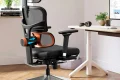
📷 Photo by amazon.com
A: For most computer-based tasks, an angle between 90 and 105 degrees is ideal. This provides enough support to keep your spine aligned while allowing for slight shifts in weight to prevent fatigue.
Q: Does a multi-position lock work if I have a heavy build?
A: Yes, but you must ensure your chair is rated for your weight capacity. High-quality chairs with multi-position locks are built with reinforced steel mechanisms to handle the pressure of heavier users without the locking teeth slipping.
Investing time into learning how your chair functions is an investment in your long-term health. By mastering the tilt limit, you turn your office chair from a simple piece of furniture into a personalized tool for productivity and comfort.
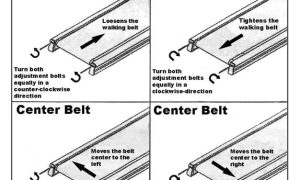
📷 Photo by grahamandco.org