


Aploda.com – Corner standing desk converters are specifically engineered to optimize unused corner space in L-shaped setups, while straight converters are designed for standard rectangular desks to provide a streamlined, uniform workspace. Choosing between them depends entirely on your existing desk geometry and whether you prioritize maximizing floor area or maintaining a traditional linear workflow.
Understanding the Spatial Dynamics
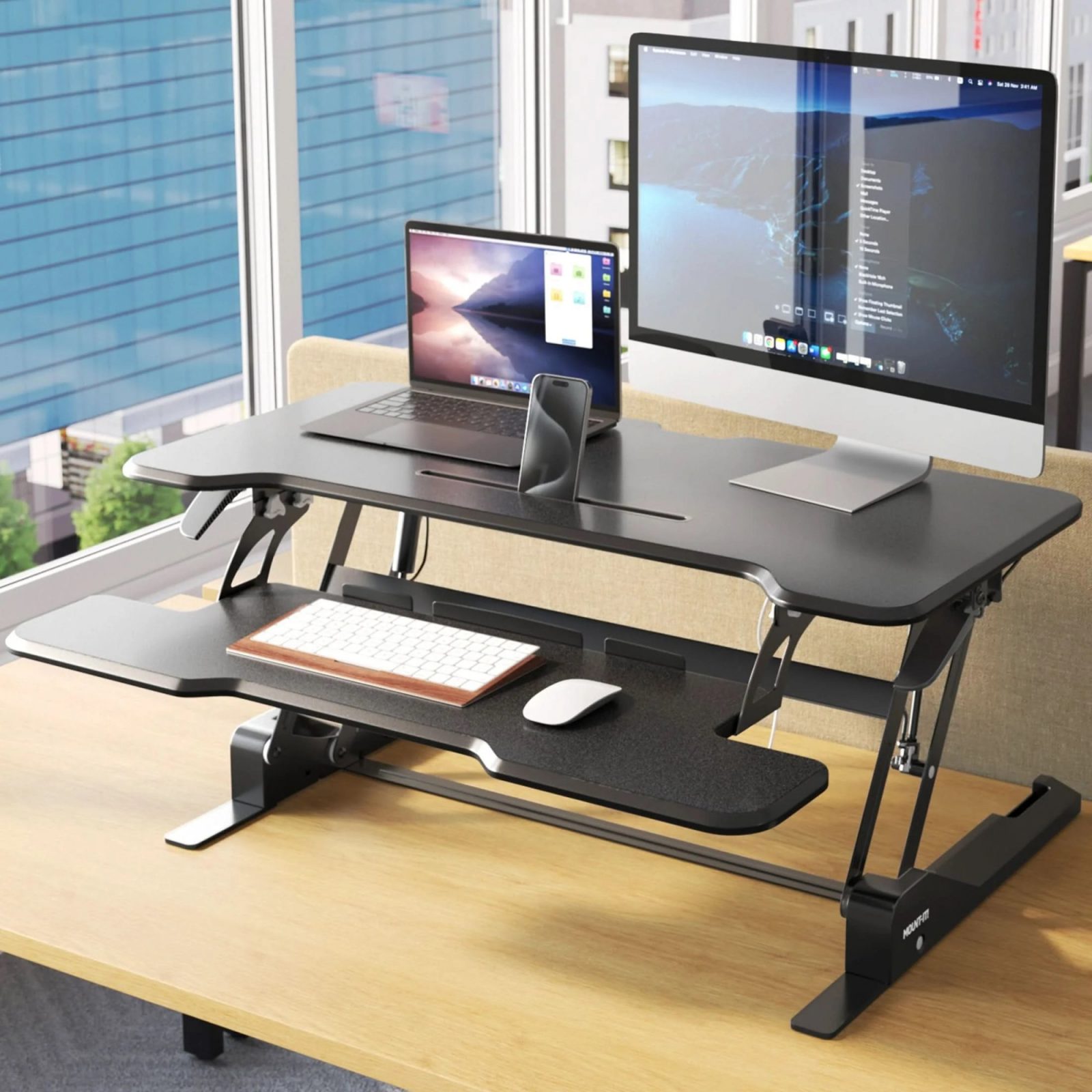
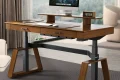
📷 Photo by ergodirect.com
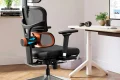
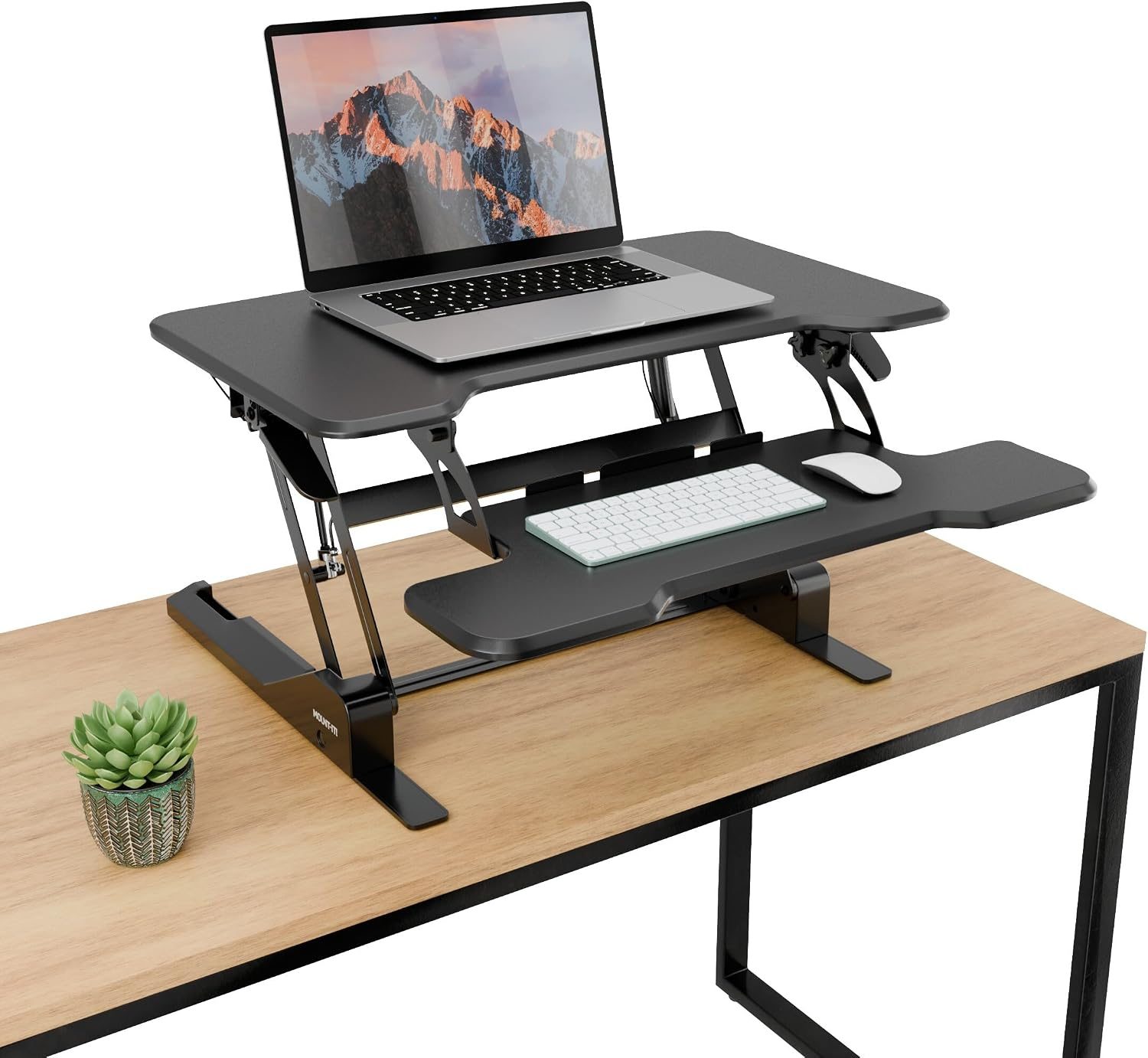
📷 Photo by amazon.com
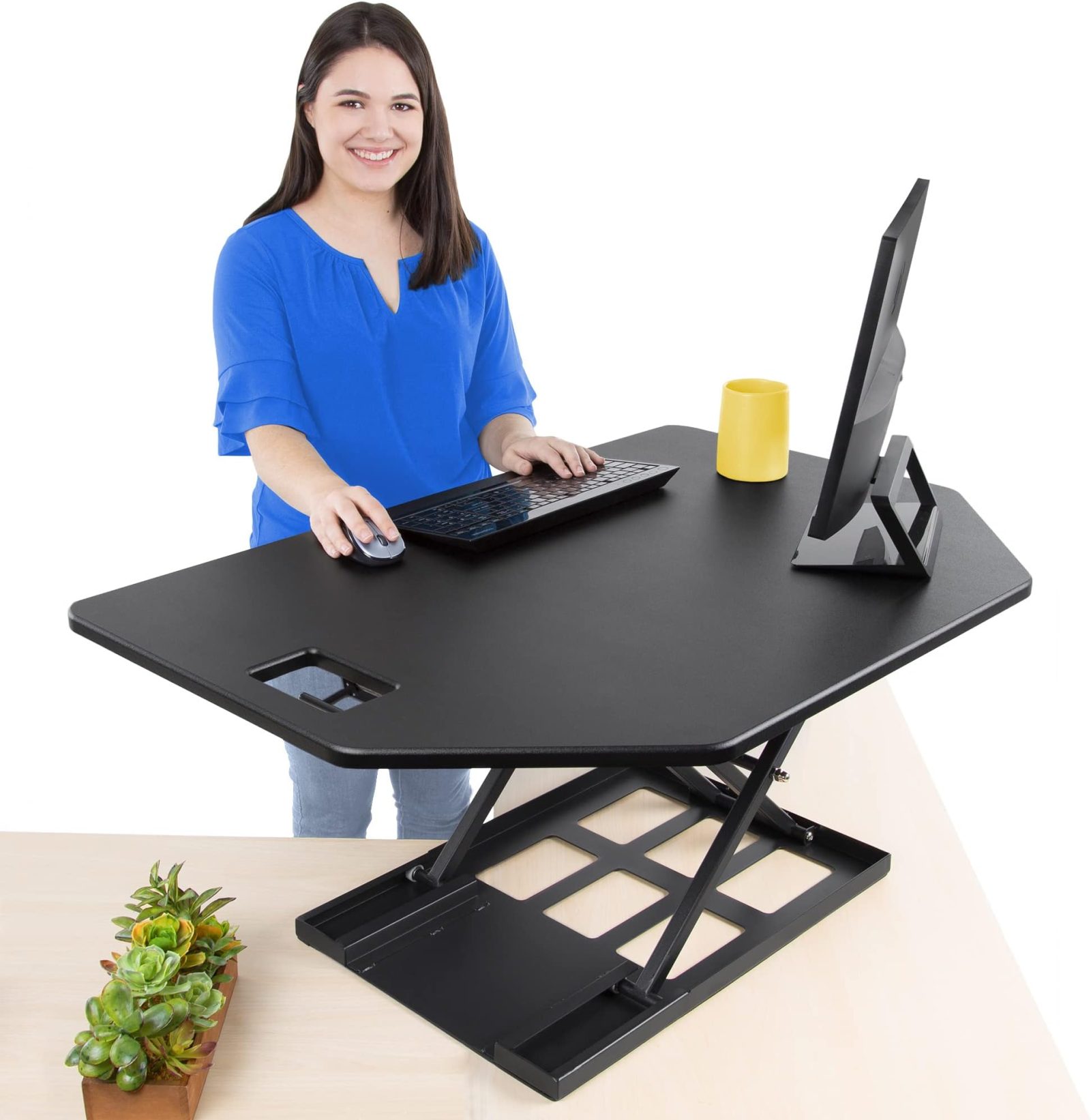
The primary difference between these two desk converter types lies in their footprint and structural geometry. A corner converter typically features a triangular or “V” shape, allowing it to fit snugly into the intersection of an L-shaped desk. This is a game-changer for those working in compact home offices where square footage is at a premium. By utilizing the “dead space” in a corner, you free up the remaining desk surface for peripherals, documents, and other equipment.
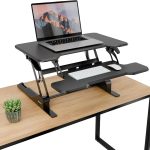
Conversely, a straight converter is designed for the standard rectangular desk. These units are usually wider and shallower, ensuring they do not overhang the front or back of a standard-depth desk. If you have a long, expansive workspace, a straight converter offers a wider keyboard tray, which is often preferred by users who utilize multiple monitors or require a large physical space for typing and peripheral movement.
Key Comparison Table
| Feature | Corner Converter | Straight Converter |
|---|---|---|
| Best Desk Type | L-Shaped or Cubicle Corner | Standard Rectangular |
| Space Efficiency | High (Optimizes dead space) | Moderate (Requires linear space) |
| Work Surface | Triangular/V-Shaped | Rectangular/Wide |
| Ideal Use Case | Small home offices/Cubicles | Spacious linear workstations |
Ergonomic Considerations for Both Styles
Ergonomics remains the primary driver for using any standing desk converter. Regardless of the shape, the most critical factor is the height of the keyboard tray relative to your elbows. When standing, your elbows should be at a 90-degree angle to prevent strain on your wrists and shoulders. Both corner and straight models often use a gas-spring mechanism to adjust height, but the corner model’s unique shape can sometimes restrict the placement of your mouse if the tray is too narrow.
Another factor is the monitor mount compatibility. Because corner converters push your keyboard tray further out into the room, you must ensure your monitor mount has enough reach. If you are using a dual-monitor arm, a straight converter usually provides a more stable and centered mounting point. Corner units, due to their tapered design, might struggle with heavy-duty monitor arms unless the unit is specifically reinforced for weight distribution.
Step-by-Step Guide to Choosing Your Converter
- Measure your current desk surface area, specifically looking at the depth of the desk and the length of the sides where you intend to place the converter.
- Check the weight capacity of your existing desk; ensure it can handle the combined weight of the converter, your monitors, and your other hardware.
- Evaluate your monitor setup; if you use more than one screen, a straight converter generally offers better weight distribution and horizontal space.
- Assess your cable management needs; corner converters often have unique cable routing paths due to their shape, which can either help organize wires or make them more difficult to manage.
- Test the transition mechanism; choose a model with a smooth gas-spring lift rather than a manual crank to ensure you can switch between sitting and standing without disrupting your workflow.
Common Mistakes to Avoid
One of the most frequent errors users make is neglecting the depth of their desk. If you buy a straight converter that is 24 inches deep but your desk is only 20 inches deep, the unit will hang off the edge, creating a significant safety hazard and structural instability. Always account for the footprint of the converter’s base, not just the top platform.
Another mistake is ignoring the “keyboard tray overhang.” Many converters have a keyboard tray that sits lower than the main platform. If your desk has a drawer or a crossbar underneath, you might find that the converter cannot be pushed back far enough, forcing you to lean forward uncomfortably. Always check the clearance requirements of the converter against the physical limitations of your existing furniture.
The Impact on Workflow and Productivity
Your choice should also reflect your daily tasks. If your work involves a lot of physical paperwork alongside digital tasks, a straight converter is often superior because it provides a larger, more accessible flat surface. The corner converter, while brilliant for space-saving, can sometimes feel restrictive if you need to spread out blueprints, large notebooks, or multiple reference books.
However, if you are a minimalist or a coder who primarily relies on one or two monitors and a keyboard, the corner converter can help you declutter your environment. By pushing your active work area into the corner, you effectively create a “focus zone” that minimizes visual distractions from the rest of the room.
Frequently Asked Questions
Q: Can I use a straight standing desk converter on an L-shaped desk?
A: Yes, you can, provided the straight section of your L-shaped desk is wide enough to accommodate the base of the converter. However, you will lose the ability to utilize the corner space effectively.
Q: Are corner converters less stable than straight ones?
A: Not necessarily. Stability depends on the build quality and the base design rather than the shape. Look for models with reinforced steel frames and a wide base footprint to ensure minimal wobbling at standing heights.
Q: How do I know if my monitors will fit on a corner converter?
A: Check the width of the top tier of the converter against the width of your monitor stands. Corner converters often have a narrower rear section, so ensure your monitor base is not wider than the narrowest point of the converter platform.
Final Thoughts on Long-Term Ergonomics
Ultimately, the best converter is the one that allows you to maintain the longest periods of comfortable activity. If you find yourself slouching because your mouse is too far away or your monitors are too low, neither the corner nor the straight converter will save you from back pain. Prioritize adjustability and ensure that your final setup allows for a neutral spine position. Whether you optimize for space in a corner or efficiency on a straight desk, the goal remains the same: a dynamic workspace that adapts to your body rather than forcing your body to adapt to the furniture.
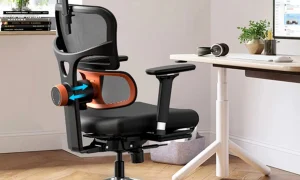
📷 Photo by amazon.com