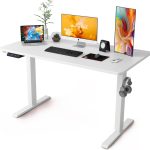


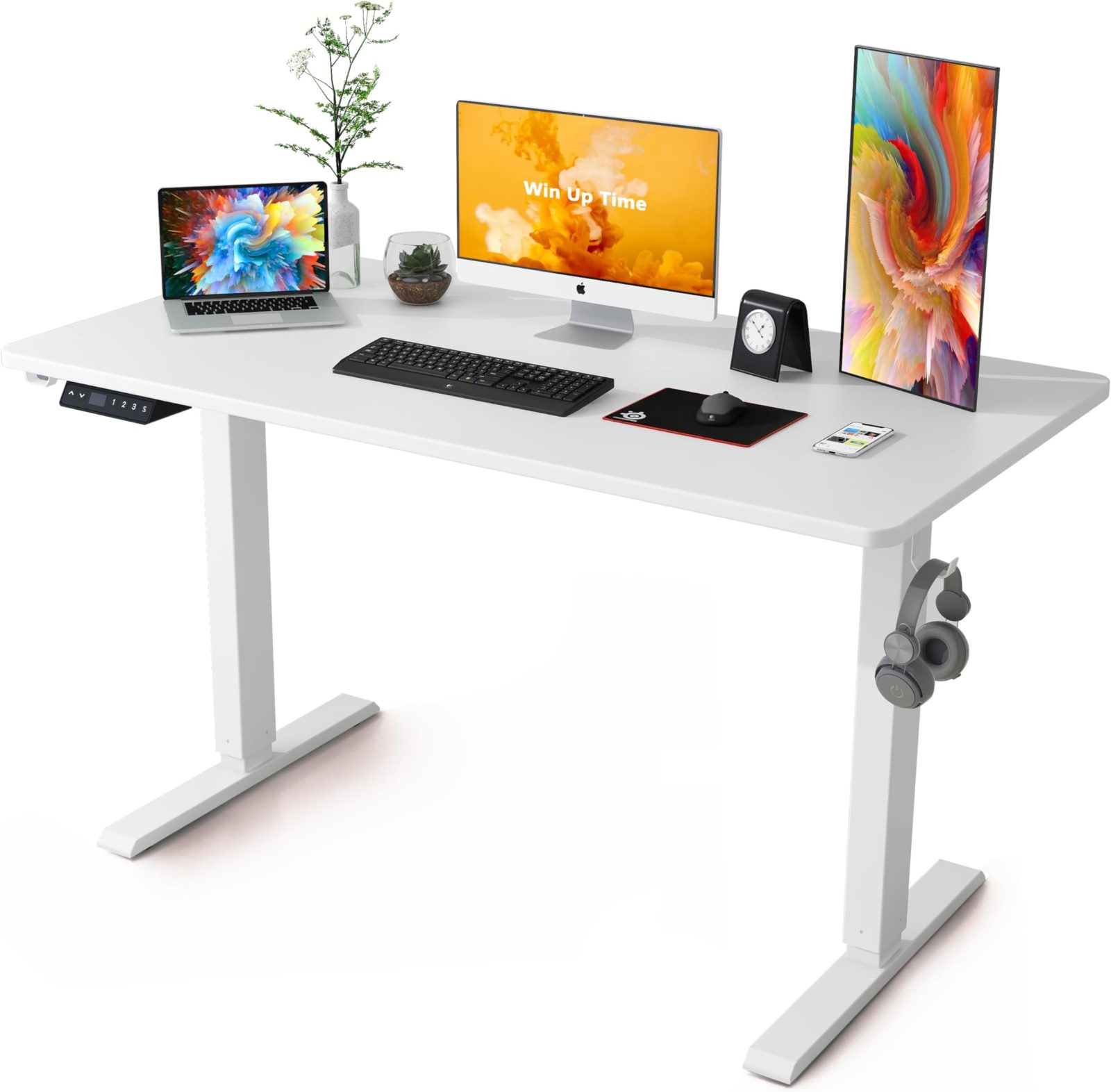
Aploda.com – An E01 or E08 error on an electric standing desk typically indicates a motor synchronization failure or a collision detection system trigger, which can be resolved by performing a manual hard reset to recalibrate the leg height sensors.
Understanding the E01 and E08 Error Codes
Most modern electric standing desks utilize a control box that monitors the current and position of the lifting columns. When you see an E01 or E08 code, the control unit has lost track of the desk’s physical position or detected an obstruction that it cannot clear. This is often caused by an uneven load, a temporary power surge, or the desk being bumped while in motion, which confuses the internal sensors.
These errors are essentially “safety locks.” The desk stops responding to input to prevent mechanical damage to the motors or the frame. While it might seem like a hardware failure, in 90% of cases, the internal logic simply needs to be reset to “re-home” the legs to their lowest possible point.
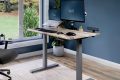
📷 Photo by nepal.ubuy.com
Common Causes of Standing Desk Errors
Before attempting a reset, it is important to understand why these errors occur. If you reset the desk but continue to overload it or keep it on an uneven surface, the error will inevitably return. Common culprits include heavy items placed unevenly on one side of the desk, cables that are pulled too tight during the ascent, or a desk that is not perfectly level with the floor.
Step-by-Step Reset Procedure
Follow these steps exactly to clear the error code and recalibrate your desk’s lifting columns. Do not skip the resting period, as this allows the thermal protection sensors in the motor to reset as well.
- Clear all items from the top of the desk to ensure there is no uneven weight distribution.
- Unplug the power cable from the wall outlet and wait for at least 30 seconds to allow the control box capacitors to discharge completely.
- Reconnect the power cable to the wall outlet.
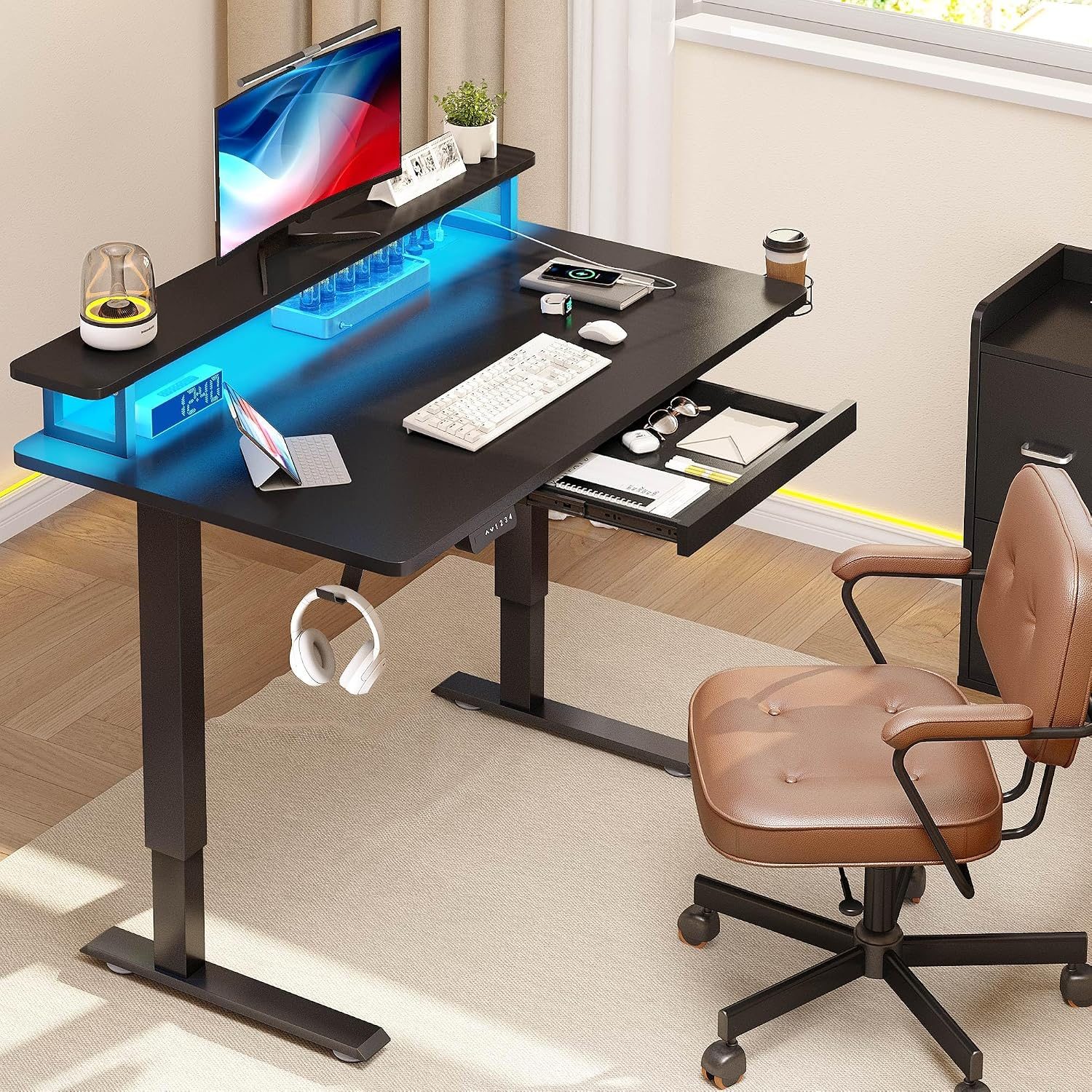
- Press and hold the down button on your handset until the desk reaches its lowest possible height.
- Once the desk hits the bottom, release the button, then press and hold the down button again for another 5 to 10 seconds until the display flashes or the desk performs a slight “dip” and return movement.
- Release the button; the error code should now be cleared, and the desk is ready for normal operation.
Comparison of Common Desk Error Symptoms
Understanding the difference between error codes helps in troubleshooting. While E01 and E08 are often grouped together as synchronization issues, other codes may point to hardware failure.

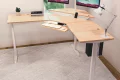
📷 Photo by walmart.com
| Error Code | Primary Meaning | Action Required |
|---|---|---|
| E01 | Motor Synchronization Error | Perform hard reset/recalibration |
| E08 | Obstruction/Collision Detected | Check for cables or objects under the desk |
| Hot/Thermal | Duty Cycle Limit Exceeded | Wait 20 minutes for motors to cool |
| E02/E03 | Communication Failure | Check cable connections at the control box |
When a Reset Does Not Work
If you have followed the reset procedure twice and the E01 or E08 error remains, the problem may be hardware-related. Inspect the motor cables that connect to the control box. Ensure they are pushed in firmly and that no pins are bent. Occasionally, a single motor may have failed, or the control box itself has suffered a firmware glitch that requires a factory reset via a specific button combination provided by the manufacturer.
You should also inspect the legs for any physical debris. Dust, small objects, or even a loose carpet fiber caught in the gliding mechanism can trigger the collision detection sensor, causing the desk to halt and display an error code immediately.
Tips for Prevention
Preventing these errors is far easier than troubleshooting them. First, ensure your desk is plugged into a surge protector rather than directly into a wall outlet. Voltage fluctuations are a leading cause of logic board errors in standing desks. Second, avoid “daisy-chaining” power strips; the high draw of dual-motor standing desks requires a stable, consistent power supply.
Third, keep your cable management clean. Cables that are too short will pull on the desk as it rises, creating tension that the motor interprets as an obstruction or an uneven load. Always leave enough slack in your cables to reach the maximum height of the desk plus an extra six inches for safety.
Frequently Asked Questions
Q: Can I force the desk to move if the error code is displayed?
A: No, most control boxes will lock the motors to prevent permanent damage to the gears when an error is active. You must clear the code via a reset before the desk will move again.
Q: What if the desk is stuck at a high position and won’t go down?
A: If the desk is stuck at a high point, do not force it down manually. Perform the power-cycle reset while it is in the elevated position; in many cases, the controller will still be able to initiate the downward calibration sequence once power is restored.
Q: How often should I calibrate my standing desk?
A: You generally do not need to calibrate unless you see an error code. However, if you move the desk to a new location or change the floor surface, performing a manual reset ensures the desk is aware of its new “zero” position.
📷 Photo by bumultimedia.com
By following these troubleshooting steps, you can avoid unnecessary repair costs and get back to your ergonomic workspace quickly. If the error persists after these steps, contact the manufacturer’s support team with your specific desk model number to determine if a replacement control box or motor is covered under your warranty.
Read also: Under Desk Elliptical vs Under Desk Treadmill: Which Burns More Calories?
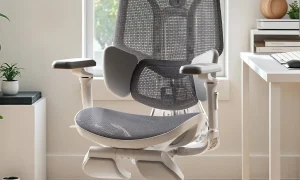
📷 Photo by amazon.com