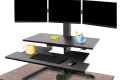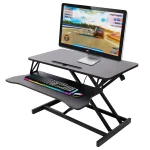




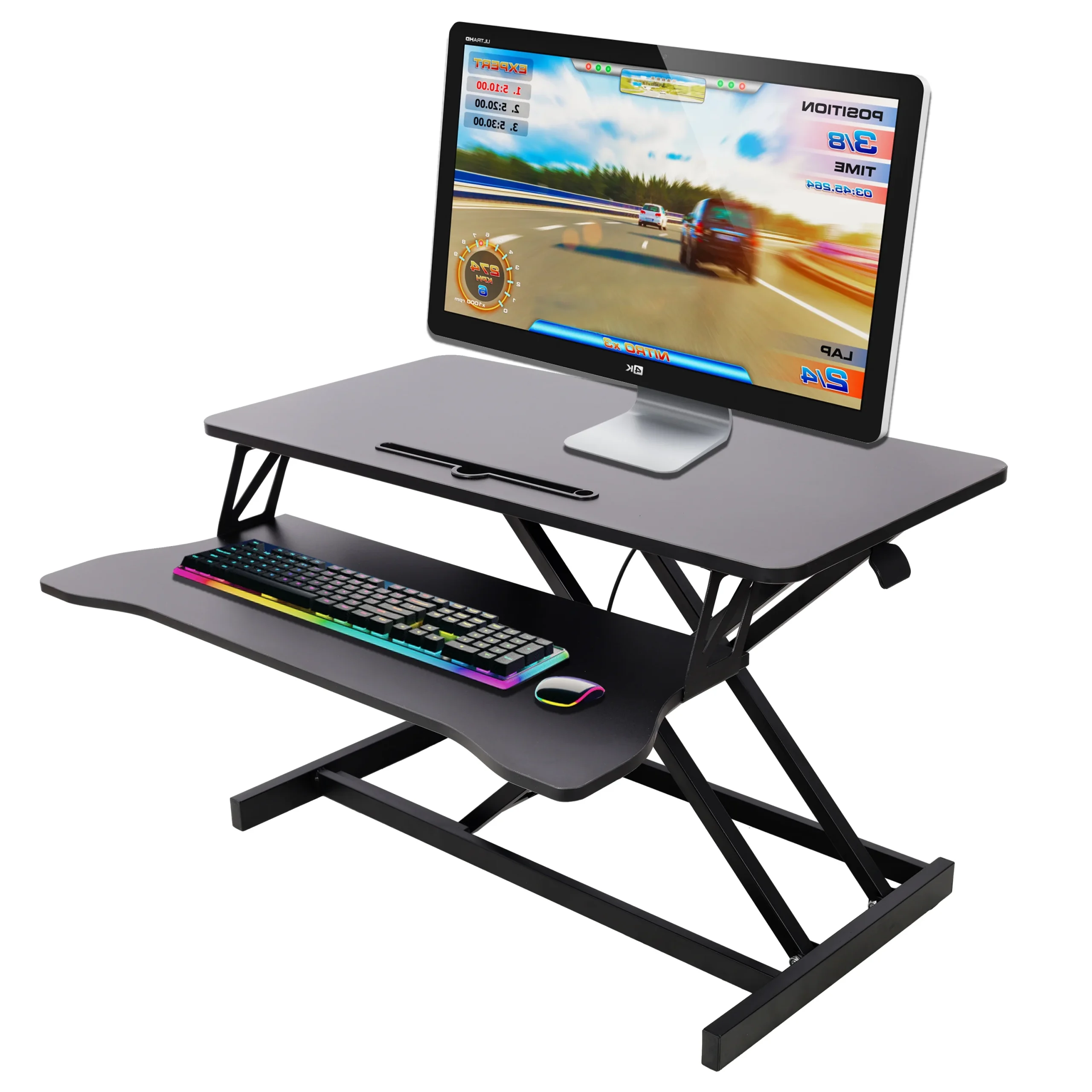
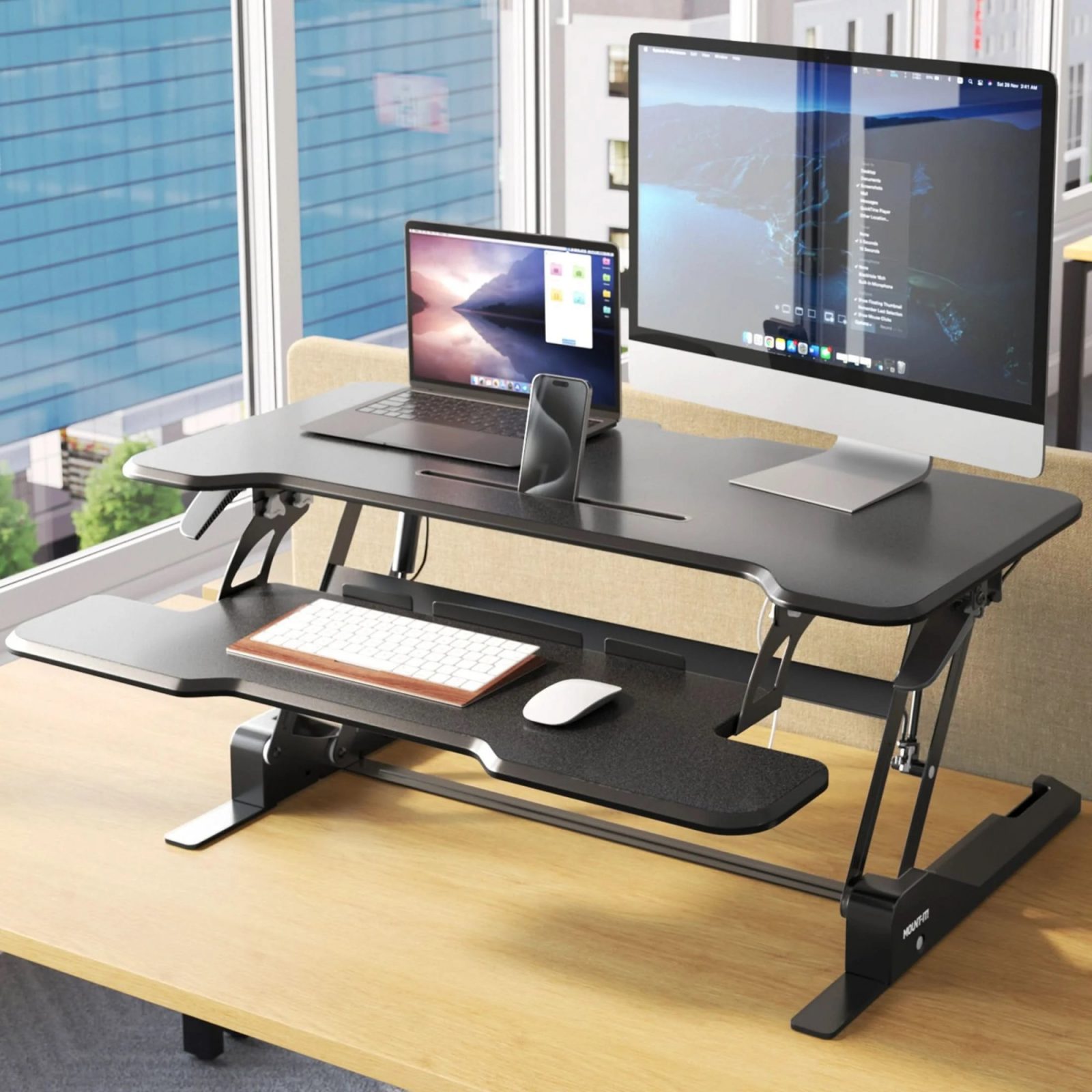
Aploda.com – A pneumatic standing desk converter without hand levers utilizes a gas spring mechanism triggered by a button or a tension-release handle to provide a seamless, stepless transition between sitting and standing heights. These units eliminate the mechanical friction and physical strain often associated with traditional lever-based systems, offering a more ergonomic and streamlined workspace solution.
The primary advantage of choosing a pneumatic converter over a manual lever-operated one is the fluidity of motion. Traditional converters often rely on a series of fixed notches, forcing the user to stop at specific heights that may not perfectly align with their ergonomic needs. In contrast, pneumatic systems allow for infinite height adjustment, ensuring that your monitor and keyboard are always at the exact level required to maintain proper posture and reduce neck strain.
Understanding the Pneumatic Mechanism
At the heart of these converters is a high-pressure gas cylinder, similar to the technology found in high-end office chairs. When you release the locking mechanism—usually via a single button or a subtle squeeze-bar integrated into the frame—the pressurized gas expands or compresses to assist the lift. This means the desk does most of the heavy lifting for you, making it an ideal choice for users who have heavier monitor setups or those who prefer a “zero-effort” adjustment experience.
Because these units lack large, protruding hand levers, they offer a cleaner, minimalist aesthetic. This is particularly beneficial for home office setups where space is at a premium and you want your equipment to blend in with your furniture rather than looking like industrial office gear.
Performance Comparison: Lever vs. Pneumatic
| Feature | Lever-Based Converter | Pneumatic Converter |
|---|---|---|
| Adjustment Motion | Notched/Stepped | Smooth/Stepless |
| Physical Effort | Moderate to High | Low (Assisted) |
| Aesthetic | Industrial/Bulky | Minimalist/Sleek |
| Reliability | High (Simple parts) | High (Gas spring longevity) |
Why Smooth Lift Matters for Ergonomics
When adjusting your desk, sudden jerks or uneven movements can lead to spills, equipment damage, or even muscle strain if you are fighting against the weight of your gear. A smooth pneumatic lift ensures that your coffee mug stays steady and your monitors remain stable during the transition. This stability is crucial for maintaining focus; when the act of changing your position is effortless, you are statistically more likely to switch between sitting and standing throughout the day, which is the key to reaping the health benefits of a standing desk.
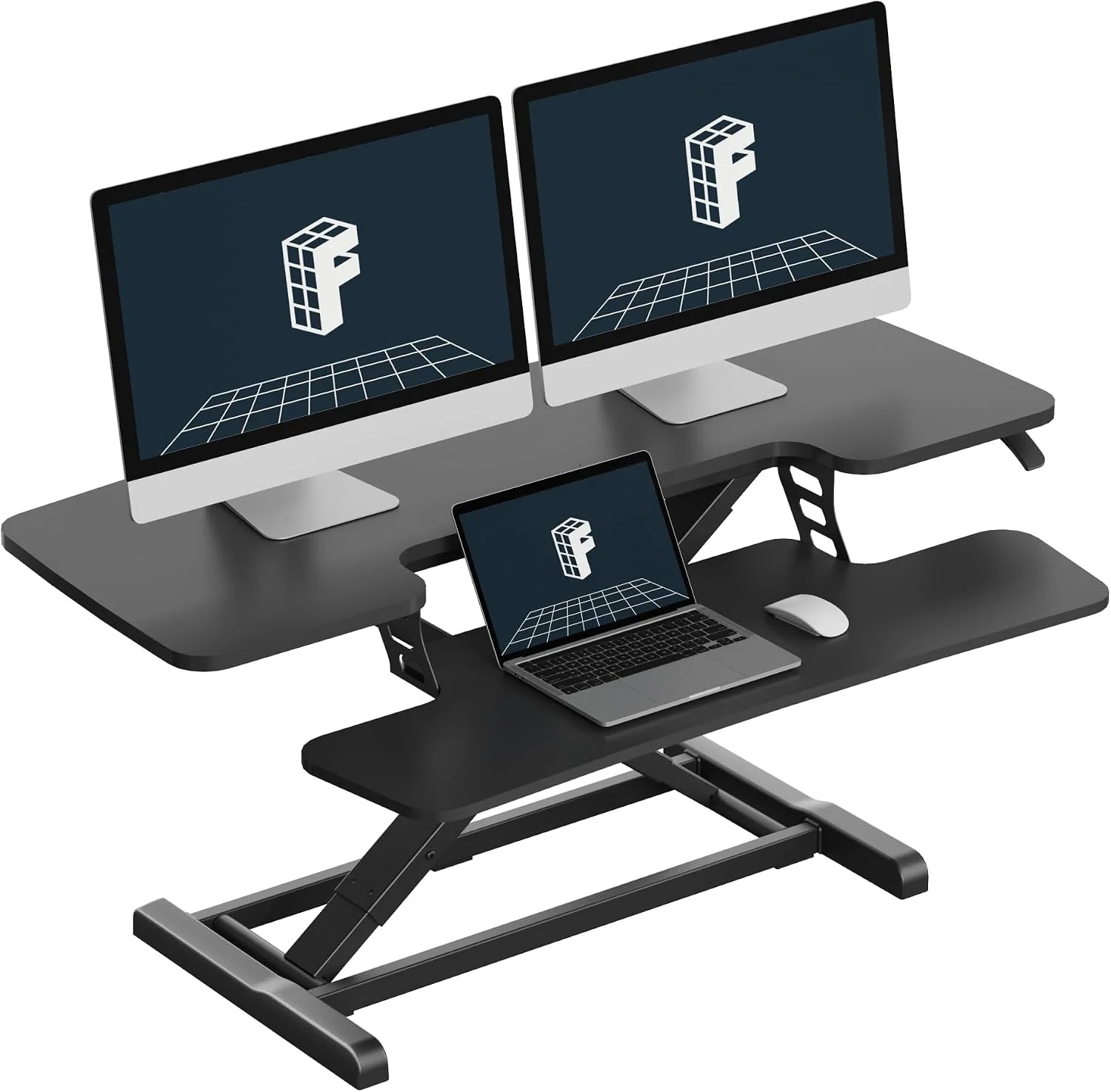
📷 Photo by walmart.com
Step-by-Step Guide to Adjusting Your Pneumatic Converter
To ensure the longevity of your pneumatic converter and to maintain a safe working environment, follow these steps when adjusting your desk height:
- Clear the perimeter: Ensure that your monitor cables are long enough to accommodate the maximum height of the desk and that no items are obstructing the path of the lifting mechanism.
- Engage the release: Locate the activation button or squeeze-bar. Press and hold it firmly while maintaining a light downward pressure with your hands on the desktop surface to initiate the movement.
- Find your “Sweet Spot”: Allow the desk to rise or lower until your elbows are at a 90-degree angle while your hands are on the keyboard. Release the trigger to lock the desk in place.
- Check for stability: Once the desk is locked, apply slight downward pressure to ensure the gas spring has fully engaged and the unit is stable before resuming your work.
Common Mistakes and How to Avoid Them
One of the most frequent mistakes users make is overloading the desk beyond its weight capacity. While pneumatic systems are powerful, every gas spring has a specific tension rating. If you add heavy dual-monitor arms and a heavy desktop PC, the desk may struggle to rise or drop too quickly. Always verify the manufacturer’s weight limit before mounting your gear.
Another issue involves the “cable trap.” As the converter moves, cables can become pinched in the scissor mechanism of the desk. Always use cable management ties or clips to keep your cords bundled close to the center column of the desk. This simple habit prevents expensive hardware damage and keeps your workstation looking professional.
Signs Your Pneumatic System Needs Attention
If you notice the desk “sinking” slowly over time, the gas cylinder may be losing pressure. This is rare in high-quality units but can occur after several years of heavy use. Conversely, if the desk feels too “bouncy” or is difficult to push down, the tension might be set too high for your current setup. Most pneumatic converters have a tension adjustment screw—usually located near the base—that allows you to calibrate the lift force to match the weight of your specific equipment.
The Long-Term Impact on Productivity
Integrating a pneumatic converter into your workflow is not just about standing; it is about active movement. By removing the friction of a manual lever, you reduce the “cost of effort” required to change your posture. When it is easier to move, you will move more often. This constant micro-adjustment helps prevent the static muscle loading that causes lower back pain and stiffness. Over a standard eight-hour workday, these frequent, smooth transitions contribute significantly to better circulation and sustained energy levels.
Frequently Asked Questions
Q: Do I need to perform maintenance on the gas spring?
A: Generally, no. Most modern pneumatic desk converters are maintenance-free. However, keeping the moving parts free of dust and debris will ensure the mechanism continues to operate smoothly for years.
Q: Can a pneumatic desk hold my dual monitor setup?
A: Yes, provided the total weight of your monitors and the mount does not exceed the weight capacity specified by the manufacturer. Always check the specs before purchasing.
Q: Is it difficult to assemble these units?
A: Most pneumatic converters arrive fully assembled or require only minimal attachment of the keyboard tray. You can typically have your new setup running in under 15 minutes.
Investing in a pneumatic standing desk converter without hand levers is a practical upgrade for any serious remote worker or office professional. By prioritizing fluid movement and ergonomic efficiency, you create a workspace that adapts to you, rather than forcing you to adapt to your furniture. Focus on proper weight distribution and cable management, and this simple tool will serve as a cornerstone of your productivity for years to come.
📷 Photo by ergodirect.com
📷 Photo by walmart.com