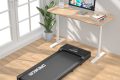



Aploda.com – An under desk treadmill typically triggers a thermal protection shutdown when its motor overheats due to excessive friction, lack of lubrication, or prolonged high-intensity use beyond its rated duty cycle. To resolve this, you must immediately power down the unit, allow it to cool in a well-ventilated area, and perform essential maintenance to prevent recurrence.
Understanding the Thermal Protection Mechanism
Most modern under desk treadmills are equipped with internal thermal sensors or circuit breakers designed to protect the motor and control board from permanent damage. When the internal temperature exceeds a safe threshold—usually caused by internal resistance or electrical strain—the system automatically cuts power. This is a safety feature, not a sign of a permanent equipment failure. Ignoring this warning or attempting to bypass it can lead to catastrophic motor burnout or fire hazards.
Immediate Steps to Cool Down Your Treadmill
If your treadmill stops unexpectedly, do not attempt to restart it immediately. Follow these steps to ensure the unit cools down safely and effectively:
- Turn off the power switch located on the treadmill base and unplug the power cord from the wall outlet to eliminate any residual electrical current.
- Move the treadmill to an area with better airflow, preferably away from carpets or enclosed spaces where heat can become trapped under the deck.
- Leave the unit untouched for at least 30 to 60 minutes to allow the motor housing and internal components to reach room temperature.
- Check the underside of the belt for any debris or obstructions that might have contributed to the heat buildup.
- Once the unit is cool, perform a manual check of the belt movement to ensure it is not overly tight or dragging against the deck.
Common Causes of Overheating
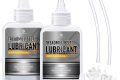
Understanding why your device is overheating is the key to longevity. The most common culprit is a lack of lubrication between the walking belt and the deck. As the belt moves, friction generates significant heat; if the lubricant has dried out, the motor must work significantly harder to move the belt, drawing more current and generating excessive thermal energy.
Another frequent cause is the weight capacity. While a treadmill might be rated for a specific weight, using it at the upper limit of its capacity for extended periods puts massive strain on the motor. Additionally, using the treadmill on thick, high-pile carpet often blocks the air vents located on the bottom of the motor housing, preventing the cooling fan from circulating air effectively.
Maintenance and Prevention Checklist
To keep your treadmill running smoothly and prevent future shutdowns, you should adhere to a strict maintenance schedule. Use the following table as a guide for your routine care:
| Action Item | Frequency | Purpose |
|---|---|---|
| Belt Lubrication | Every 3-6 months | Reduces friction and motor strain |
| Belt Tension Check | Monthly | Prevents slipping and excessive motor load |
| Debris Removal | Weekly | Clears dust from vents and motor area |
| Surface Inspection | Before every use | Ensures airflow and level positioning |
Tips for Optimal Usage
Avoid the common mistake of “constant speed” fatigue. If you are walking for long durations, try to vary your pace or take short breaks every 45 minutes to let the motor rest. If you notice a burning smell coming from the unit, stop immediately. This is often a sign of a belt that is too tight or a motor that is struggling against too much friction. Always ensure the treadmill is placed on a hard, flat surface or a low-pile mat specifically designed for exercise equipment to ensure the intake vents remain unobstructed.
Signs That Your Treadmill Needs Professional Inspection
If your treadmill continues to shut down even after you have lubricated the belt and allowed for adequate cooling, there may be an underlying electrical issue. Signs that you should stop using the machine and contact a technician include erratic speed fluctuations, grinding noises from the motor, or the smell of ozone or burning plastic. These symptoms often indicate that the motor brushes are worn out or the control board is failing, both of which require professional replacement.
Frequently Asked Questions
Q: Can I use a fan to cool down the treadmill motor faster?
A: Yes, placing a household fan near the motor housing can help dissipate heat more quickly, but you should still give the machine at least 30 minutes of rest to ensure internal components have fully cooled.
Q: How do I know if my treadmill belt is too tight?
A: You should be able to lift the belt about 2 to 3 inches off the deck in the middle. If it feels extremely taut or you cannot lift it at all, it is likely too tight and is causing unnecessary friction.
Q: Does the treadmill’s incline affect overheating?
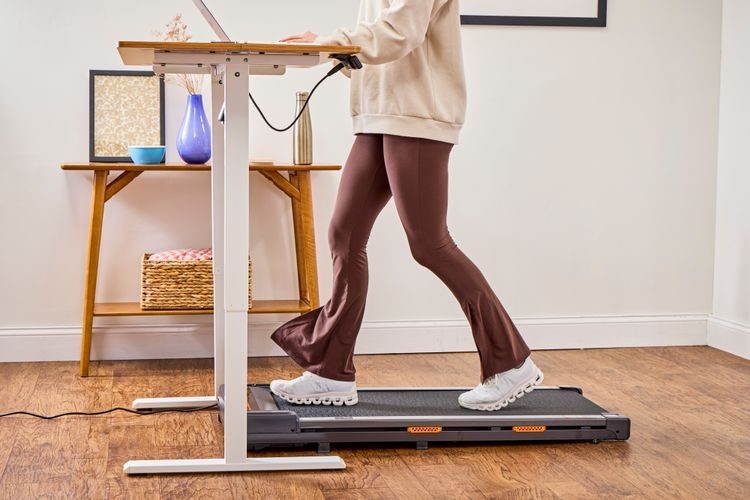
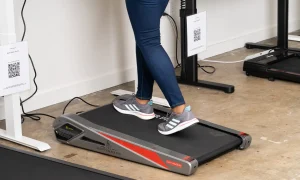
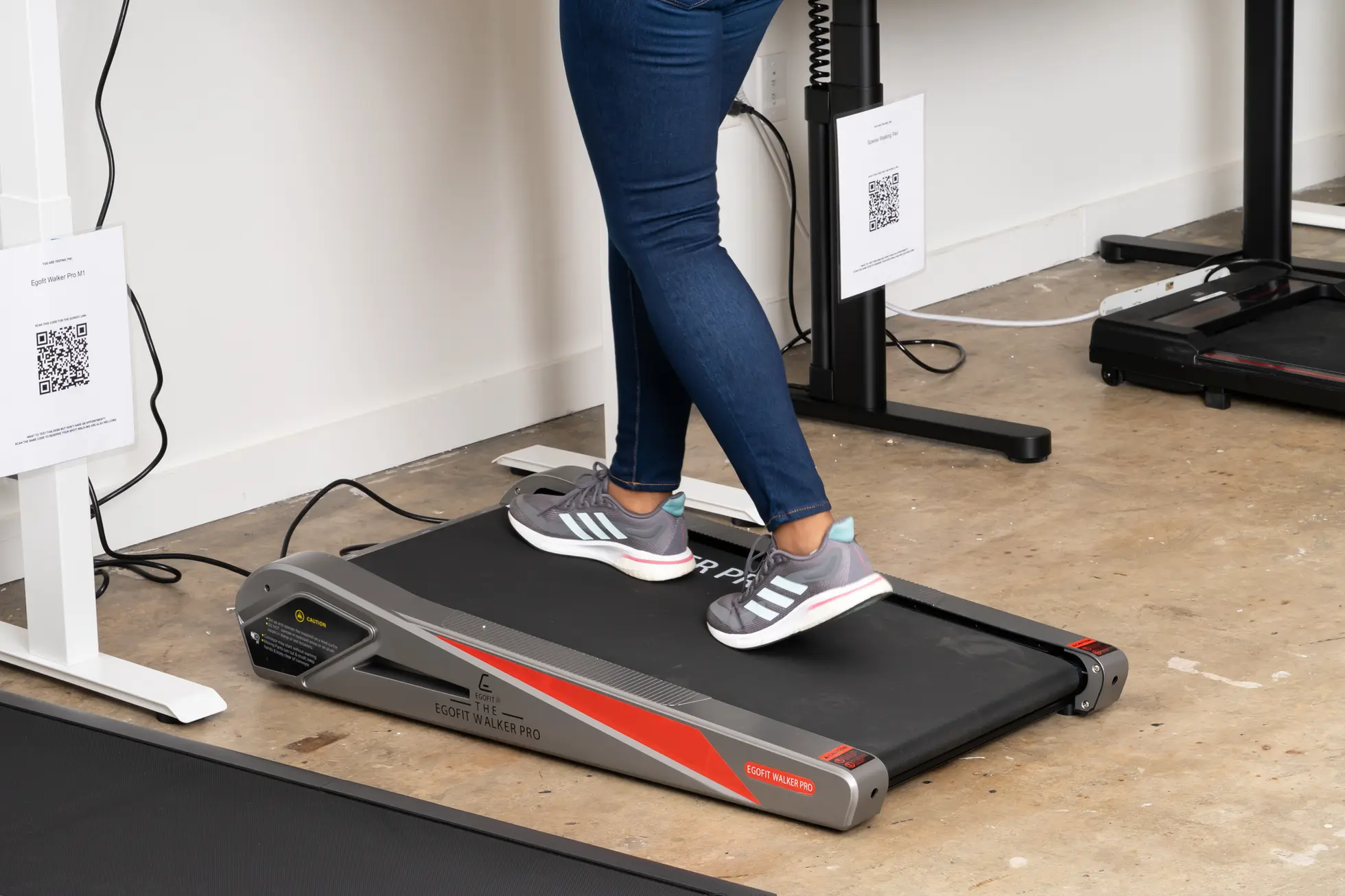
📷 Photo by verywellfit.com
A: Yes, using the incline feature increases the workload on the motor significantly. If your treadmill is prone to overheating, avoid using the incline setting for long durations or reduce your speed while on an incline.
By following these cooling and maintenance practices, you can significantly extend the lifespan of your under desk treadmill. Consistency is the most important factor; a well-lubricated machine is a cool machine, and a cool machine is one that will continue to support your movement goals without unexpected interruptions.
📷 Photo by nytimes.com