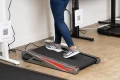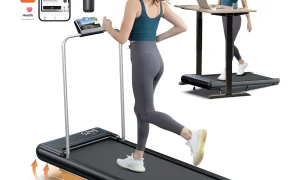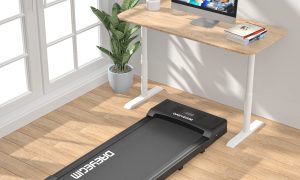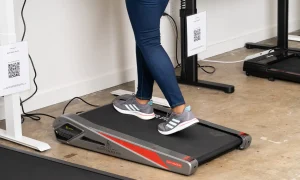
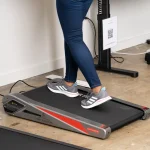


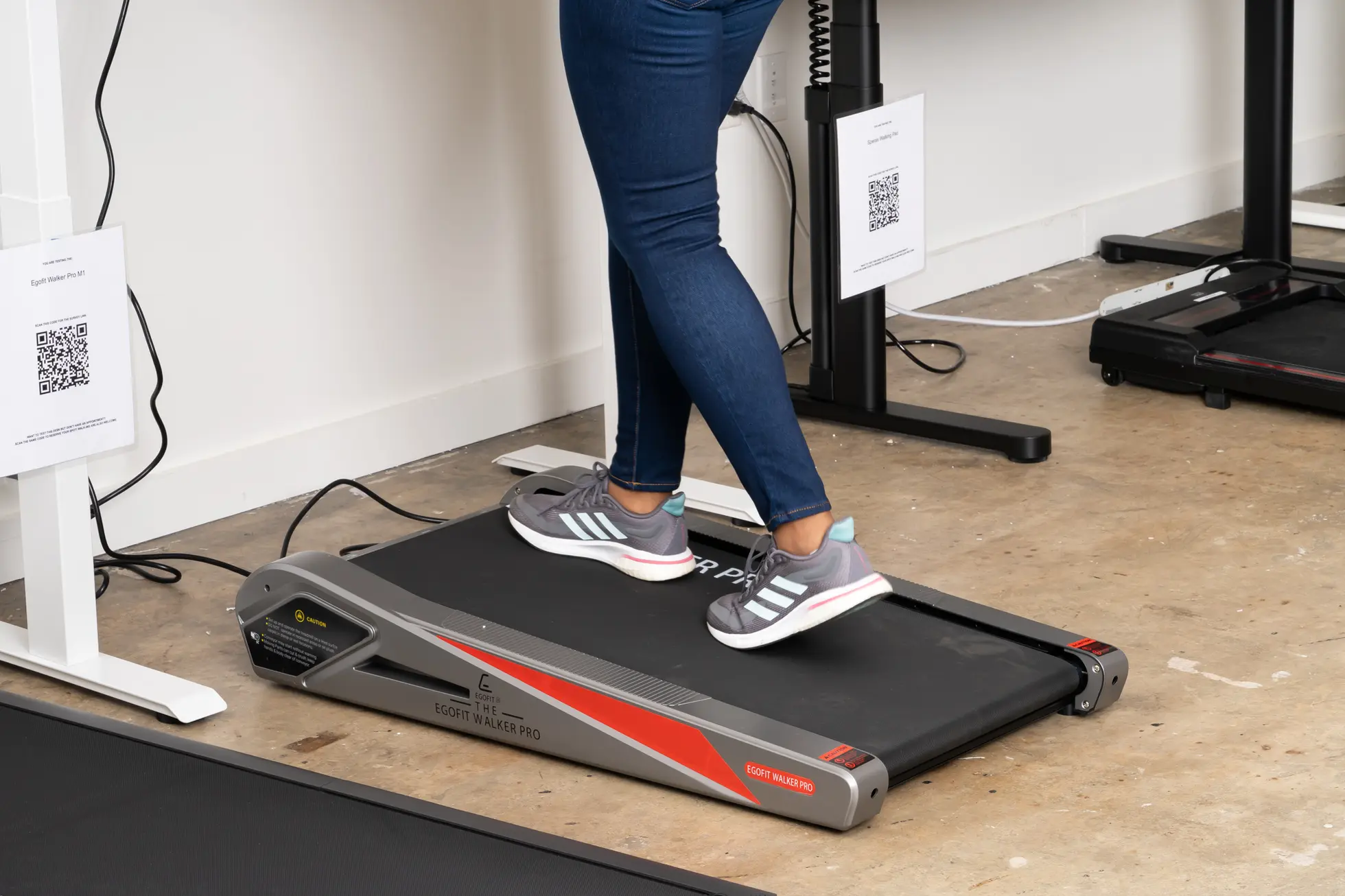
Aploda.com – Smart under-desk treadmills with Apple Health and Strava integration allow users to seamlessly sync walking data, heart rate, and calorie expenditure into their existing fitness ecosystems to maintain long-term health tracking without manual entry. These devices bridge the gap between sedentary office work and active recovery by automating data logging for comprehensive wellness monitoring.
The Evolution of Workplace Wellness
The modern workspace has undergone a significant transformation. As professionals spend more time at their desks, the physical toll of prolonged sitting has become impossible to ignore. Smart under-desk treadmills have emerged as the premier solution for integrating movement into the workday. Unlike basic walking pads, modern smart variants feature Bluetooth connectivity that bridges the data gap between your walking sessions and your favorite health tracking platforms.
Integration is the defining feature of the next generation of office fitness equipment. By syncing directly with Apple Health and Strava, these treadmills transform “invisible” workday steps into actionable health data. This level of connectivity provides users with a holistic view of their daily activity, ensuring that every kilometer walked during a conference call contributes to their overall fitness goals and social fitness challenges.
Key Benefits of Ecosystem Integration
When your hardware communicates with your software, the barrier to consistency drops significantly. Manually logging steps or guessing your calorie burn is a tedious process that leads to burnout. Automated sync ensures that your activity rings on your Apple Watch close faster and your Strava segments reflect your consistent effort. This creates a feedback loop of motivation where seeing progress encourages further activity.
Beyond simple metrics, integration allows for data correlation. You can analyze how your afternoon walking sessions correlate with your resting heart rate or sleep quality as tracked by your wearable device. This data-driven approach helps you understand how micro-movements throughout the day impact your long-term health markers, providing insights that static activity trackers simply cannot offer.
Hardware Comparison: What to Look For
Not all treadmills advertised as “smart” offer the same level of integration. Some rely on proprietary apps that require an extra step to export data, while others feature native support for third-party platforms. The following table highlights the essential features to evaluate before investing in an under-desk unit.
| Feature | Basic Model | Integrated Smart Model |
|---|---|---|
| Bluetooth Connectivity | Remote control only | Full app & ecosystem sync |
| Apple Health Sync | Manual Export Required | Native/Direct Integration |
| Strava Compatibility | None | Automated Workout Upload |
| Data Accuracy | Estimated/Generic | High-precision sensor sync |
| Workout Tracking | Time/Distance only | Heart rate & caloric burn |
How to Set Up Your Integrated Walking Station
Setting up your smart treadmill to work with your digital ecosystem is a one-time process that yields permanent benefits. Follow these steps to ensure your data flows seamlessly from your feet to your dashboard.
- Download the manufacturer’s official app for your treadmill model and create a user profile to establish a baseline for your biometric data.
- Navigate to the “Settings” or “Connected Apps” section within the treadmill’s app to authorize permissions for Apple Health or Strava.
- For Apple Health, ensure you enable “Read” and “Write” permissions for Walking/Running Distance and Active Energy to allow the treadmill to populate your Activity Rings.
- Connect your wearable device (if applicable) to the treadmill app to allow for heart rate data overlay during your walking sessions.
- Perform a 5-minute test walk to verify that the metrics appear in your Apple Health dashboard and that a new workout entry is generated in your Strava feed.
Common Mistakes and Practical Tips
One common mistake users make is failing to calibrate the treadmill’s speed settings with the app. If the treadmill’s internal software is not synced correctly, your distance metrics in Strava might be wildly inaccurate. Always check for firmware updates within the manufacturer’s app, as these updates often include patches for API connections with Apple and Strava.
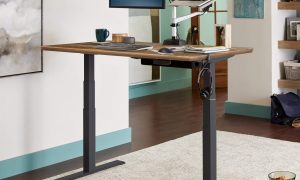
Another tip is to prioritize ergonomics. While tracking is important, your walking form is paramount. Ensure your desk height is adjusted so that your elbows remain at a 90-degree angle while typing. Walking while hunched over a laptop will negate the health benefits of the movement by introducing neck and shoulder strain. Pair your treadmill with a high-quality standing desk for the best experience.
Risks and Considerations
While these devices are transformative, they are not without risks. Overuse is the most common pitfall for new users. Sudden spikes in daily step counts can lead to foot fatigue or shin splints. Start with 30-minute sessions at a slow pace and gradually increase your duration over several weeks. Always wear supportive footwear; walking in dress shoes or thin flats while at your desk can lead to long-term podiatric issues.
Frequently Asked Questions
Q: Do I need an Apple Watch to use these treadmills with Apple Health?
A: No, the treadmill app can write data directly to the Apple Health database on your iPhone, though using an Apple Watch alongside the treadmill provides more accurate heart rate data during your walk.
Q: Will my Strava friends see my office walks as official workouts?
A: Yes, once integrated, your walking sessions will appear in your Strava feed as “Virtual Walks” or “Indoor Walks,” allowing you to maintain your activity streaks and engage with your fitness community even while working.
Q: Can I use these treadmills without an internet connection?
A: Most smart treadmills store data locally and will sync the information to your devices the next time your phone connects to the treadmill via Bluetooth, meaning constant internet is not required during the walk itself.
Final Thoughts on Productivity and Health
Integrating a smart treadmill into your office setup is an investment in your longevity. By eliminating the friction of data tracking, you are more likely to maintain a consistent routine. When your walking data lives alongside your gym workouts and daily activity in Apple Health and Strava, you gain a transparent view of your physical health. This clarity is the ultimate tool for anyone looking to stay active, productive, and healthy in a desk-bound world.
📷 Photo by nytimes.com