


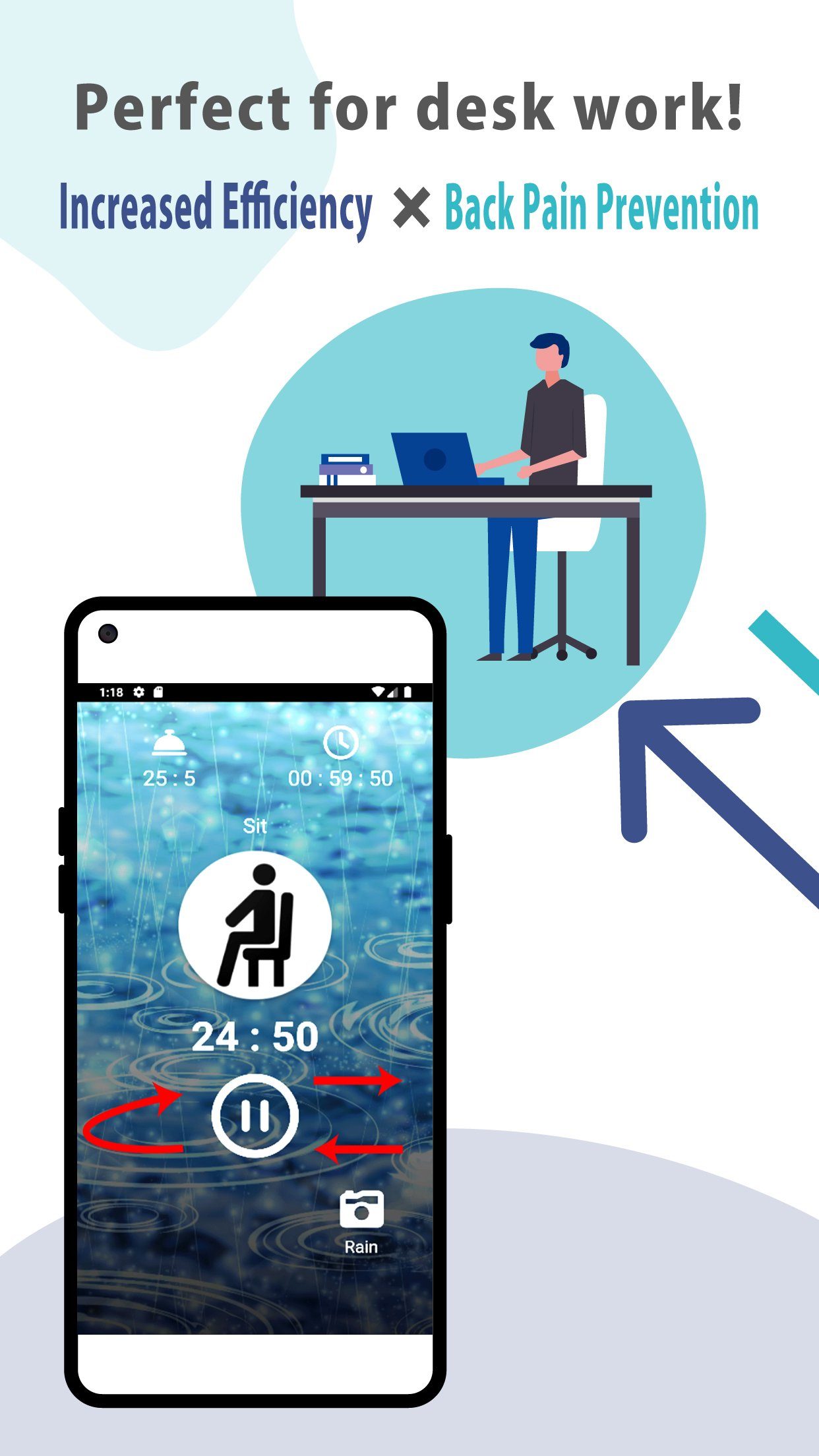
Aploda.com – A sit-stand desk timer is a dedicated tool or software designed to prompt users to switch between sitting and standing positions at regular intervals, effectively preventing sedentary fatigue and promoting better musculoskeletal health. These solutions range from simple browser-based notification tools to sophisticated hardware sensors that integrate directly into motorized standing desks.
The Necessity of Movement in a Sedentary Workspace
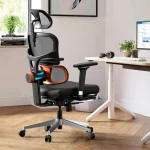
📷 Photo by amazon.com
The human body is designed for motion, not for sustained periods of static posture, whether sitting or standing. Prolonged sitting is linked to increased risks of metabolic issues, back pain, and reduced blood circulation. Conversely, standing for too long can lead to joint strain and foot fatigue. A sit-stand desk timer acts as a cognitive nudge, breaking the habit of “forgetting” to move while deep in work. By automating the transition, you remove the mental load of tracking time, allowing you to focus on productivity while ensuring your body remains active.
Top Software Solutions for Position Reminders
Software-based timers are often the most accessible starting point for ergonomic improvement. Most of these tools operate in the background of your operating system, providing subtle visual or audio cues when it is time to change your desk height.
1. Stand Up! (iOS) – A highly customizable app that allows you to set specific intervals. It is excellent for those who need a gentle nudge without intrusive pop-ups.
2. DeskTime – While primarily a productivity tracker, its “Smart Break” feature monitors your activity and reminds you to take a break or change your posture based on your computer usage patterns.
3. Stretchly – An open-source, cross-platform app that is highly praised for its minimalist interface. It allows for “micro-breaks” and longer breaks, making it perfect for office workers who need to stretch their legs frequently.
Hardware Alternatives: Built-in vs. External Sensors
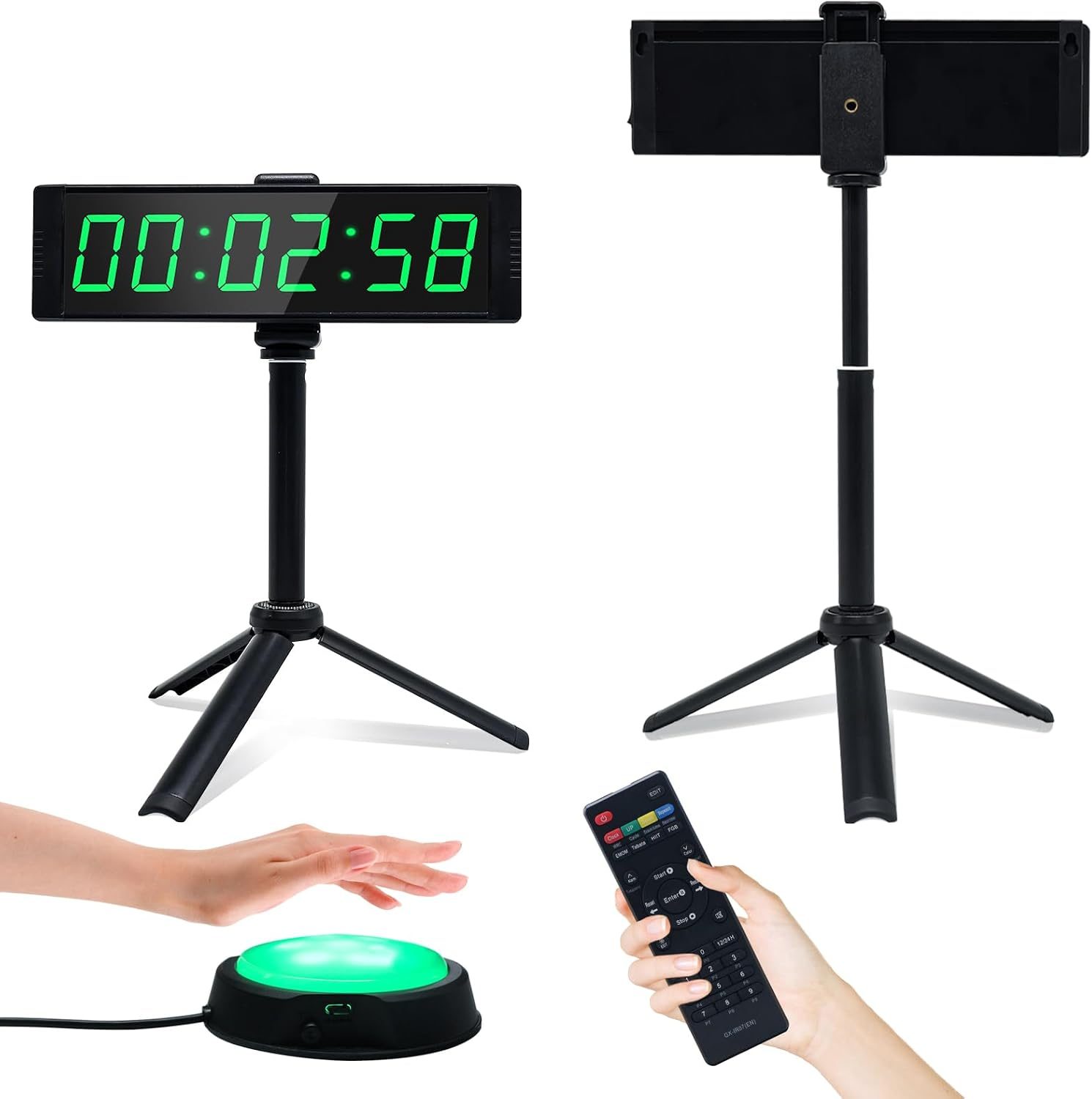
For those who prefer a physical connection to their workspace, hardware solutions are superior. Many modern electric standing desk handsets now come with integrated “stand reminders.” These controllers use internal timers that beep or vibrate when your pre-set time limit has elapsed. If your desk lacks this feature, you can purchase external motion sensors or simple mechanical kitchen timers that serve as a dedicated physical anchor for your movement routine.
Comparison of Sit-Stand Reminder Methods
| Method | Pros | Cons | Best For |
|---|---|---|---|
| Desktop Software | Free or low cost, highly customizable | Can be ignored or closed | Remote workers, office employees |
| Desk Handset Timer | Integrated, high visibility | Requires specific desk hardware | Users with modern electric desks |
| Wearable Devices | Always with you, vibration alerts | Requires charging, extra accessory | Users on the move, mobile desks |
| Mechanical Timer | No distractions, simple | Manual reset required | Minimalists, focus-oriented users |
Implementing an Effective Standing Schedule
Adopting a sit-stand routine is not about standing for eight hours straight. It is about rhythm. If you attempt to stand for too long immediately, you will likely experience foot or lower back pain, leading you to abandon the practice entirely. Follow this progressive guide to build a sustainable habit.
- Start with a 1:1 Ratio: Begin by standing for 30 minutes and sitting for 30 minutes. This provides a balanced transition for your muscles.
- Configure Your Timer: Set your software or hardware to alert you at the 30-minute mark. Do not ignore the first few alerts; make it a priority to change your posture immediately.
- Incorporate Micro-Movements: When the timer goes off, do not just switch positions. Take 30 seconds to stretch your calves, roll your shoulders, or walk to get a glass of water.
- Listen to Your Body: If you feel discomfort after 20 minutes of standing, sit down. The timer is a guide, not a rigid law. Adjust your intervals based on your comfort level.
- Gradual Progression: Once you feel comfortable with the 30-minute intervals, you can experiment with 45-minute standing blocks, but rarely exceed one hour of continuous standing without a break.
Common Mistakes and How to Avoid Them
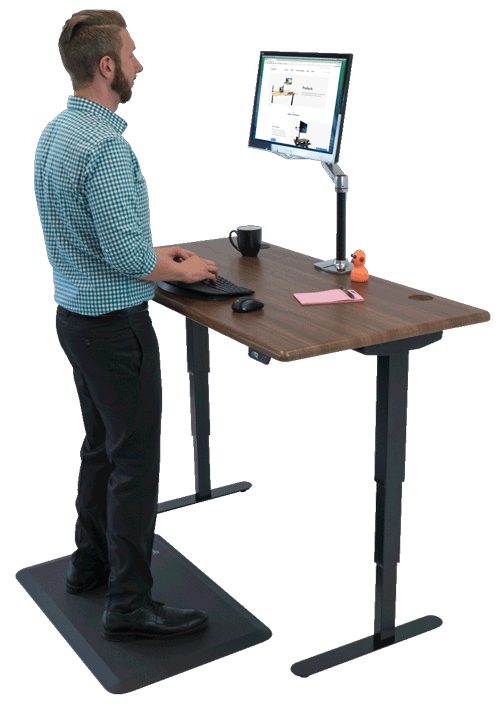
One of the most frequent errors users make is wearing improper footwear. Standing on a hard floor in thin-soled shoes will quickly lead to fatigue. Always use an anti-fatigue mat, which provides a cushioned surface that encourages subtle muscle engagement in the legs. Another mistake is setting the desk height incorrectly. Your elbows should be at a 90-degree angle when typing, regardless of whether you are sitting or standing. If your timer goes off but you are in the middle of an intense task, acknowledge the prompt, but ensure you move within the next five minutes to prevent the “I’ll do it later” trap.
Risks of Neglecting Movement
Ignoring the need for position shifts can lead to “Static Loading.” This is when your muscles remain in a fixed state, restricting blood flow and causing micro-trauma to the spine. Over months, this manifests as chronic neck tension, shoulder tightness, and lower back pain. Using a timer acts as an insurance policy against these long-term physiological costs.
Frequently Asked Questions
Q: Is it better to use a phone app or a desk-integrated timer?
A: A desk-integrated timer is generally more effective because it is physically tied to the furniture you are using, making it harder to ignore than a notification on your smartphone.
Q: How long should I stand at once?
A: Most ergonomic experts recommend standing for no more than 30 to 45 minutes at a time to avoid foot and joint fatigue, followed by a period of sitting or walking.
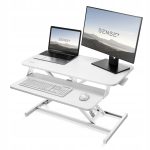
📷 Photo by standapp.biz
Q: Does standing actually help with weight loss?
A: Standing burns slightly more calories than sitting, but it should not be viewed as an exercise replacement. Its primary benefit is improved posture and reduced sedentary health risks.
Final Thoughts on Consistency
The success of a sit-stand desk timer depends entirely on your willingness to act on the prompt. Whether you choose a sophisticated app or a simple kitchen timer, the goal remains the same: to interrupt the stillness. By making movement a non-negotiable part of your workday, you invest in your long-term health and daily energy levels.
📷 Photo by apkpure.com