


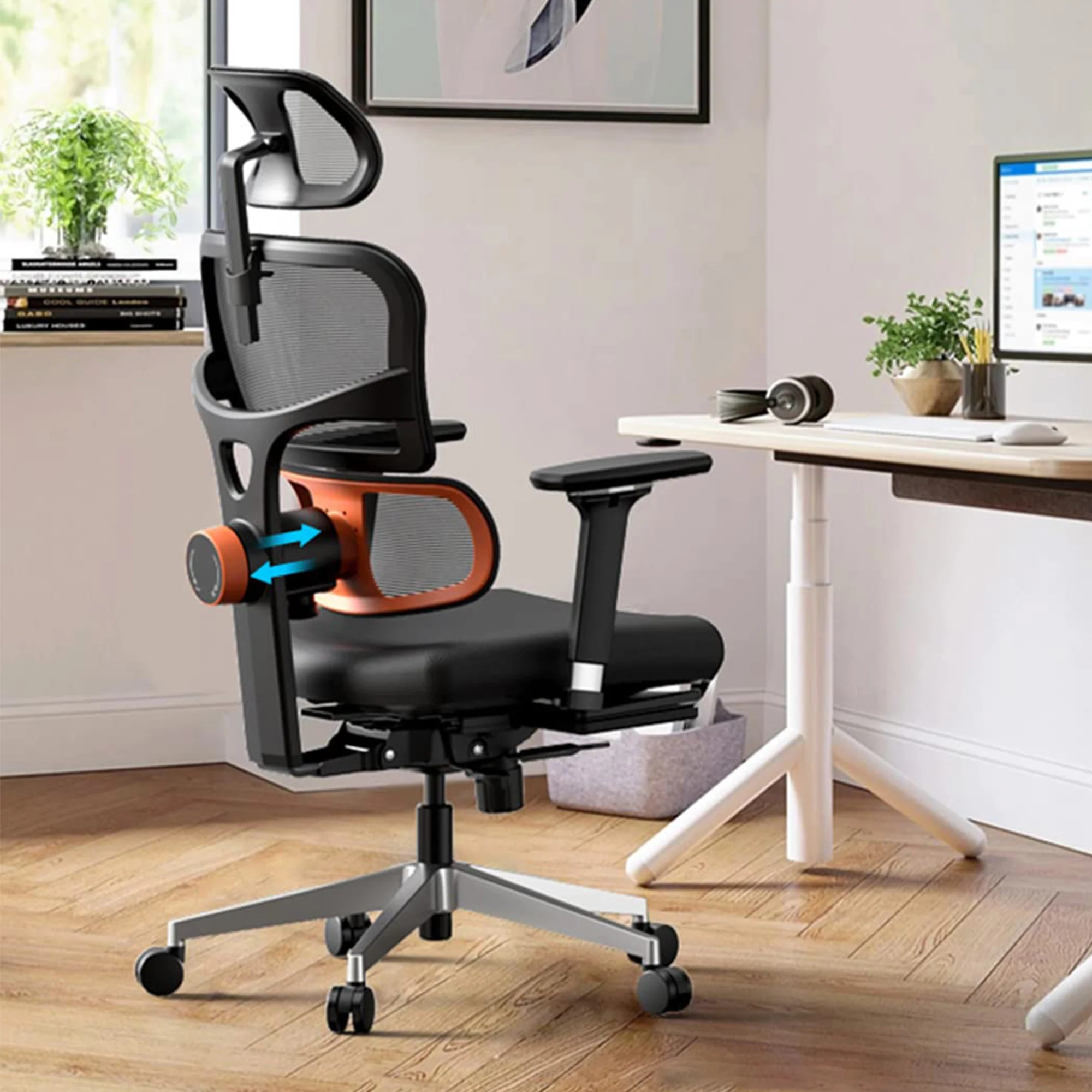
Aploda.com – An ergonomic office chair seat slider allows you to adjust the seat depth to maintain a two-to-three-finger gap between the edge of the seat and your calves, which prevents restricted blood flow and nerve compression that cause leg numbness. By customizing this clearance, you ensure proper back support while keeping your lower limbs free from pressure points.
The Mechanics of Seat Depth and Blood Flow
Many office workers suffer from “dead legs” or a tingling sensation after sitting for long periods. This is rarely caused by the chair being inherently bad, but rather by the chair being improperly configured for the user’s specific leg length. When the seat pan is too deep, the hard edge of the chair presses against the back of your knees (the popliteal fossa).
The popliteal fossa contains vital nerves and blood vessels that run down to your lower legs and feet. Constant pressure here acts like a tourniquet, impeding circulation and irritating the sciatic nerve. Conversely, if the seat is too shallow, you lose essential thigh support, forcing your lower back to compensate and leading to lumbar strain. The seat slider is the bridge that balances these two extremes.
Common Mistakes in Chair Adjustment
Most users adjust their height first and ignore the seat depth entirely. A common mistake is sitting too far forward to avoid the seat edge, which results in the user losing all contact with the lumbar support. This creates a “slouching” posture, which shifts the weight distribution to the tailbone and increases pressure on the spinal discs.
Another error is assuming that a “one-size-fits-all” chair is sufficient. People with shorter femurs often find standard chairs impossible to sit in without feeling like they are being pushed forward. Without a seat slider, these individuals are forced to perch on the edge of the chair, rendering the backrest useless. Recognizing that your chair needs to be a custom fit for your unique anthropometry is the first step toward pain-free working.
Checklist for Ideal Seat Configuration
To determine if your current setup is harming your circulation, use the following table as a diagnostic tool for your workspace ergonomics.
| Feature | Optimal State | Warning Signs |
|---|---|---|
| Seat Clearance | 2-3 fingers gap behind knee | Seat edge touching back of calf |
| Thigh Support | Even weight distribution | Pressure concentrated at knee edge |
| Backrest Contact | Full lumbar alignment | Leaning forward to avoid seat edge |
| Foot Position | Flat on floor or footrest | Dangling feet or toes-only contact |
How to Properly Adjust Your Seat Slider
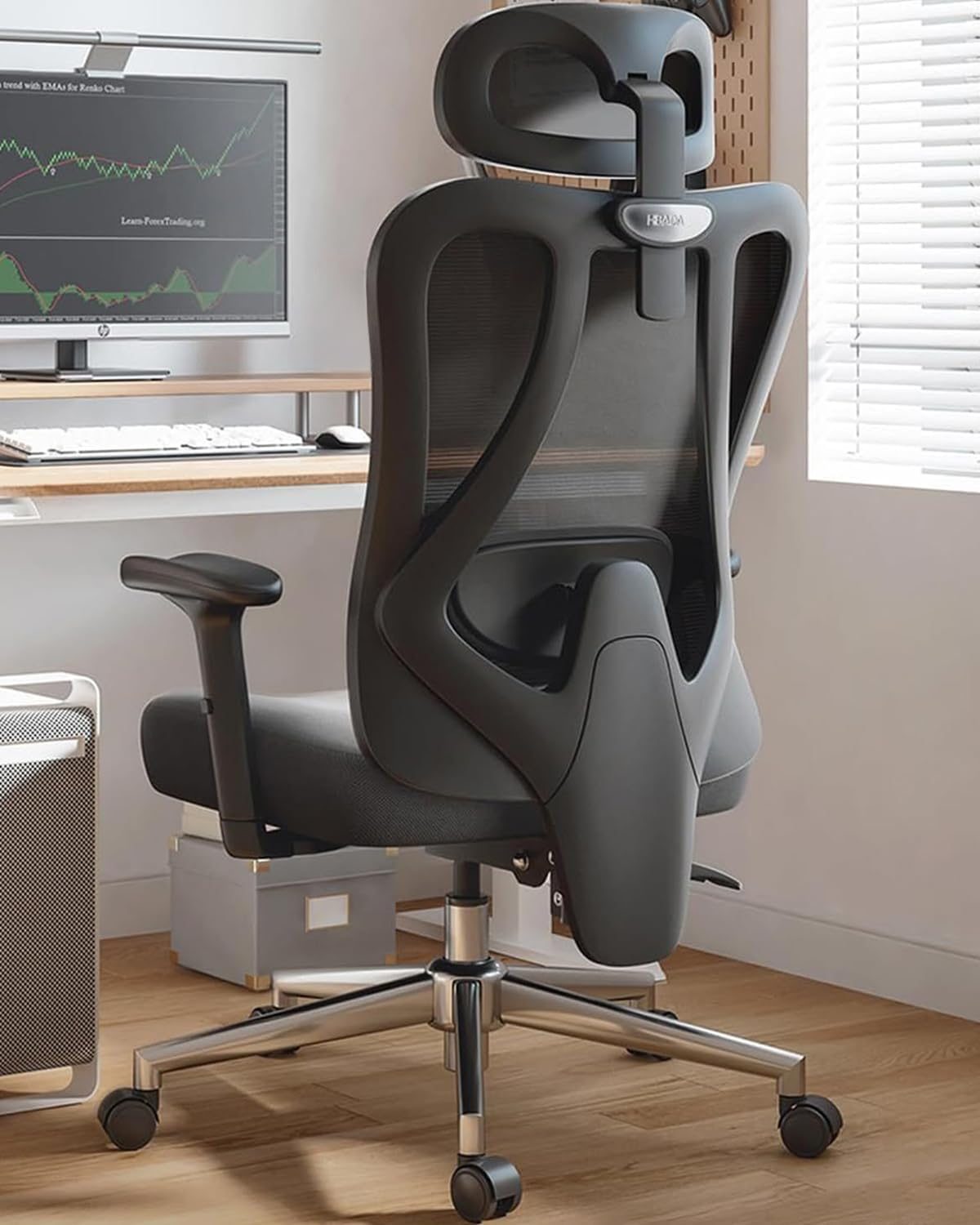
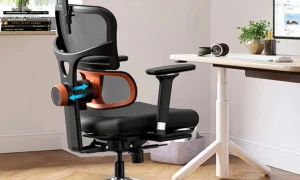
📷 Photo by amazon.com
Follow these steps to find the “sweet spot” for your seat depth, ensuring both comfort and spinal health throughout your workday.
- Sit as far back as possible in your chair so that your buttocks are touching the backrest firmly.
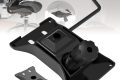
- Locate the seat slider lever, usually found under the right or left side of the seat pan.
- Engage the lever and slide the seat forward or backward until you can comfortably fit two or three fingers between the front edge of the seat and your calf.
- Release the lever to lock the seat into position, ensuring it feels stable and does not shift while you move.
- Check your lumbar support; if you feel a gap between your lower back and the chair, you may need to adjust the backrest height or tilt to regain full contact.
Long-Term Health Risks of Ignoring Seat Depth
Chronic nerve compression from improper seating is not just an annoyance; it can lead to more severe musculoskeletal disorders. When you consistently sit with restricted blood flow, you might develop localized swelling in the lower legs or, in worse cases, chronic nerve pain that radiates down to the feet. Over time, the body adapts to these poor postures, leading to muscle imbalances where the hip flexors become tight and the gluteal muscles become weak.
Furthermore, the habit of shifting your weight constantly to alleviate numbness often leads to a “static-dynamic” conflict. You are trying to sit still to focus, but your body is screaming for movement due to the physical obstruction of your circulation. This constant micro-movement prevents you from achieving “flow state” in your work, directly impacting your productivity and mental clarity.
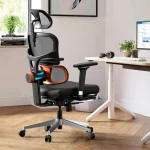
📷 Photo by amazon.de
Practical Tips for Daily Maintenance
Even with the perfect seat slider adjustment, sitting still for hours is inherently unhealthy. Every 45 to 60 minutes, stand up and perform a simple stretch. This allows the blood that has pooled in your lower extremities to circulate back to your heart. When you return to your seat, take a moment to ensure your feet are planted flat on the ground; if your feet are dangling, use a footrest to prevent your thighs from being compressed by the seat edge.
Remember that your clothing also plays a role. Thick pockets, heavy wallets, or stiff fabrics can create localized pressure points that mimic the sensation of a poorly adjusted chair. Empty your pockets before you sit down to ensure that the ergonomic benefits of your chair slider are not negated by external factors.
Frequently Asked Questions
Q: What if my chair does not have a seat slider?
A: If your chair lacks this feature, you can use a high-quality lumbar cushion to move your body slightly forward, effectively shortening the seat depth. Ensure the cushion does not push you so far that your feet no longer touch the floor comfortably.
Q: Is it better to have a seat that is too short or too long?
A: A seat that is too long is generally worse, as it causes direct compression on the nerves and blood vessels behind the knee. A seat that is slightly too short is less harmful, though it may cause you to lose contact with your backrest, which requires you to use a lumbar pillow to compensate.
Q: How do I know if my numbness is caused by my chair?
A: If your legs feel normal when you stand up or sit on a different surface but consistently go numb in your office chair, the culprit is almost certainly the seat edge pressure. If numbness persists even when you are not sitting, consult a medical professional, as it may indicate an underlying nerve issue.
📷 Photo by eurekaergonomic.com