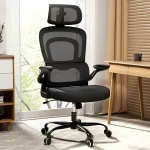




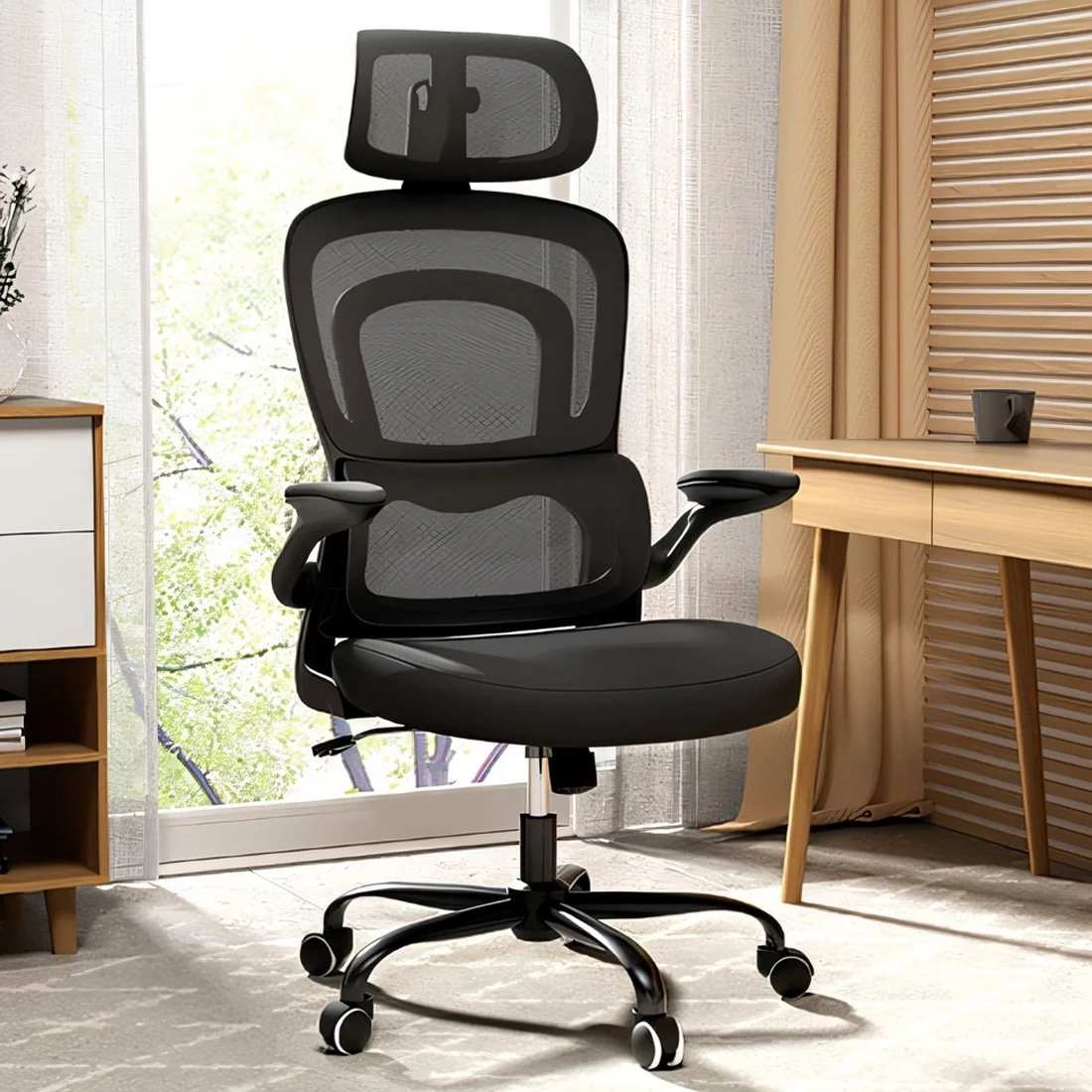
Aploda.com – The tension of a breathable mesh backrest should be firm enough to provide consistent lumbar support and maintain upright posture, yet flexible enough to allow for slight dynamic movement without feeling like you are pushing against a rigid wall.
Finding the “sweet spot” for your chair’s tension is often overlooked, yet it is the most critical factor in preventing lower back fatigue during long work sessions. Many users treat the tension knob as a simple on-off switch, but it acts as a resistance regulator that balances your body weight against the chair’s recline mechanism. When the tension is set correctly, the chair becomes an extension of your spine, offering effortless support that adapts to your micro-movements throughout the day.
The Physics of Mesh Tension
Mesh chairs differ significantly from foam-padded chairs because the material itself has a specific level of elasticity. When you adjust the tension, you are not just changing how far back the chair reclines; you are changing the amount of force required to keep your torso stabilized. If the tension is too loose, you will find yourself constantly slouching or “bottoming out” the recline, leading to a hunched posture. If it is too tight, you may feel an uncomfortable pressure pushing you forward, forcing you to exert muscular effort just to lean back slightly.
The goal is to achieve a state of neutral equilibrium. In this state, the chair supports your weight when you lean back to think or take a break, but it does not fight against you when you shift forward to type or focus on your monitor. Achieving this balance relies on the tension knob, which is typically located underneath the seat, usually on the right-hand side.
How to Adjust Your Chair Tension Properly
To calibrate your chair for optimal ergonomic health, follow this systematic approach. Do not rush the process; sit in the chair for a few minutes after each adjustment to feel how your lower back responds.
- Sit fully back in the chair so that your tailbone is touching the backrest, ensuring your feet are planted flat on the floor.
- Locate the tension knob or crank, which is usually found under the seat pan towards the front or side.
- If the chair feels like it is pushing you forward aggressively, rotate the knob counter-clockwise to loosen the tension until the resistance feels manageable.
- If you feel like you are falling backward or the chair reclines too easily, rotate the knob clockwise to increase resistance.
- Test the setting by reclining slightly; the chair should support your weight comfortably without requiring you to use your feet to brace yourself.
- Repeat these adjustments in small increments—half-turns are usually best—until the chair moves fluidly with your body weight.
Comparison of Tension Settings
Understanding the trade-offs of different tension levels can help you decide what works best for your specific work habits. Use the following guide to determine your ideal configuration.
| Tension Level | Best For | Potential Risk |
|---|---|---|
| Loose Tension | Relaxed reclining and frequent shifting | Poor posture and lack of lumbar support |
| Balanced Tension | Standard office work and long-term typing | Requires initial time to calibrate correctly |
| High Tension | Task-intensive work and upright focus | Muscle strain and restricted movement |
Common Mistakes When Adjusting Mesh Chairs
One of the most common errors users make is assuming the tension knob is broken because they do not feel an immediate change. Many chairs require 10 to 20 full rotations of the knob to significantly alter the spring resistance. If you only turn it two or three times, you may not notice a difference. Be patient and keep turning until you feel the physical resistance change under your weight.
Another mistake is ignoring the interplay between seat height and backrest tension. If your seat is too high, your feet won’t be grounded, which makes it nearly impossible to gauge the tension correctly because you will be using your legs to stabilize your body. Always adjust your seat height first so that your thighs are parallel to the floor, then adjust the tension.
Why Mesh Needs Specific Care
Mesh backrests are prized for their breathability, but they are also sensitive to tension over time. If the mesh is stretched too tightly, it can lose its elasticity, leading to a sagging feeling that compromises your lumbar support. Conversely, if the tension is set too low for an extended period, the frame might not provide the necessary counter-pressure to keep the mesh taut. Regularly checking the tension ensures that the material maintains its structural integrity, extending the lifespan of your office chair.
If you experience back pain despite having a high-end ergonomic chair, it is rarely the chair’s fault—it is almost always an issue of calibration. Take the time to reset your chair’s tension once a month, especially if you notice yourself slouching or feeling stiff by the end of the day. Your body changes throughout the year, and your chair settings should evolve to keep pace with those needs.
Frequently Asked Questions
Q: How often should I readjust my chair tension?
A: You should check your tension settings at least once a month or whenever you feel discomfort, as small changes in your posture or weight can necessitate a recalibration.
Q: Does higher tension provide better lumbar support?
A: Not necessarily. Proper lumbar support comes from the shape of the backrest and your seating position; high tension simply makes it harder to recline, which may encourage a more upright position but does not inherently improve spine alignment.
Q: What if the knob is completely stuck?
A: If the knob is physically stuck, do not force it, as you could strip the internal threading. Inspect the underside of the chair for any debris or obstructions, and consult the manufacturer’s manual for specific maintenance instructions.
📷 Photo by business.walmart.com